For Small and Medium Enterprises (SMEs) in Hong Kong, managing operational costs is a daily battle. With commercial electricity tariffs from CLP and HK Electric steadily fluctuating, business owners are constantly looking for ways to trim their utility bills. While air conditioning and lighting are obvious targets, one major "energy vampire" often goes unnoticed: the office copier and printer fleet.
Multifunction printers (MFPs) and copiers are essential to daily operations, but they are also notorious for drawing significant power—even when no one is printing. In this comprehensive guide, we will explore practical, actionable strategies to stop copier energy waste, choose the right technology, and ultimately save your Hong Kong SME thousands of dollars annually.
The Hidden Cost of Copier Energy Waste in Hong Kong
To understand the impact of copier energy waste, we must look at how these machines consume power. A standard A3 laser copier does not just use electricity when printing; it consumes power across three distinct phases:
- Active/Printing Mode: The machine is actively fusing toner to paper. High-speed laser copiers can draw anywhere from 1,000W to 1,500W during this phase.
- Standby/Ready Mode: The machine is awake, keeping its fusing rollers warm so it can print immediately when a user sends a job. This can consume 50W to 150W continuously.
- Sleep Mode: The machine powers down its heating elements and display, drawing only minimal power (usually 1W to 3W) to keep the network card active.
The "Always On" Trap: A Cost Example
Let's assume your office uses a heavy-duty A3 laser copier. If the auto-sleep function is disabled or set to a very long delay (e.g., 4 hours), the machine remains in "Ready Mode" for most of the day and night.
- Ready Mode Power: 100 Watts
- Wasted Hours: 14 hours a day (overnight) + 48 hours on weekends = 118 hours/week
- Energy Wasted: ~11.8 kWh per week / ~613 kWh per year
- Estimated Cost: At an average commercial tariff of HKD 1.5 per kWh, that's roughly HKD 920 per year wasted on a single machine doing absolutely nothing.
Multiply this by 3 or 4 machines, add the extra load on your air conditioning to cool the heat generated by these idling machines, and the hidden costs quickly escalate.
Top 7 Actionable Ways to Reduce Copier Electricity Consumption
1. Optimize Sleep and Auto-Off Timers
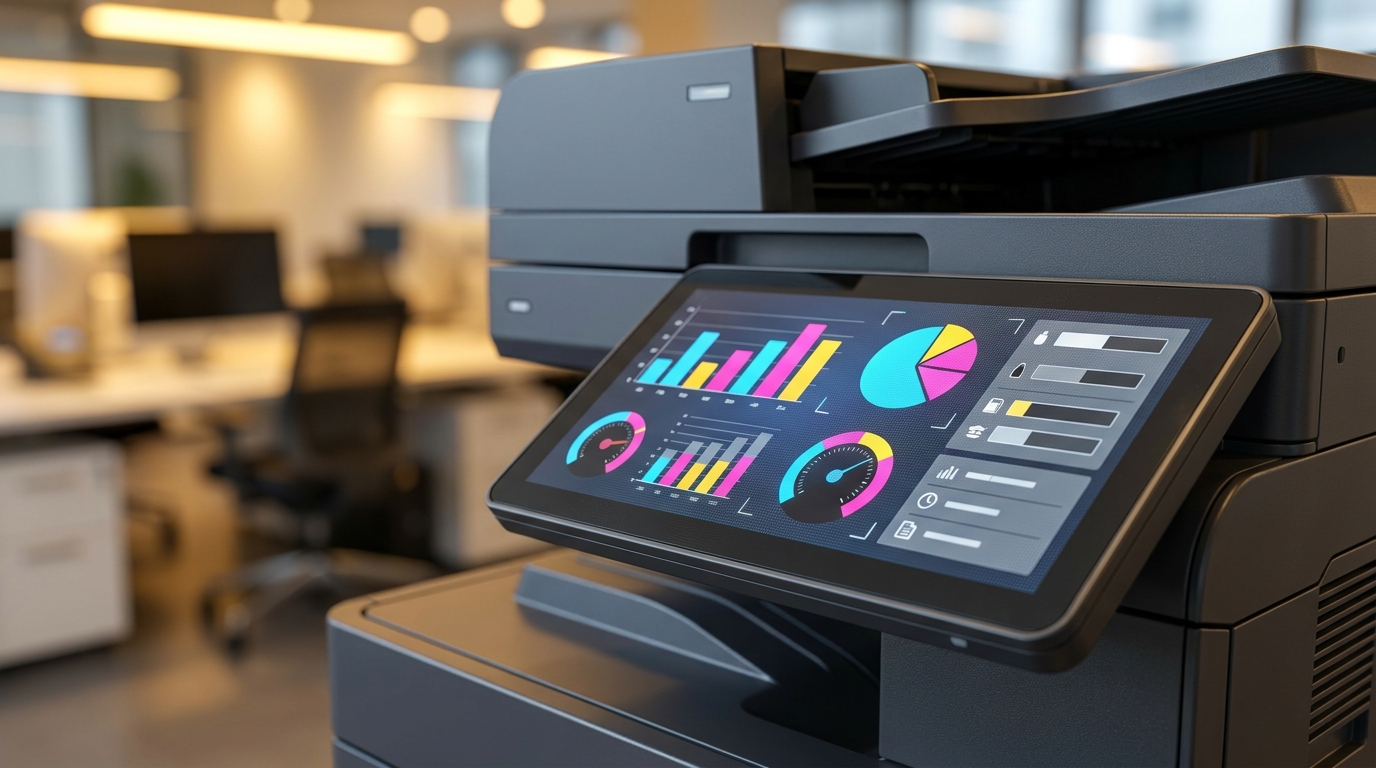
This is the single most effective way to cut energy use. Modern copiers from brands like Ricoh, Konica Minolta, and FujiFilm come with highly customizable energy-saving settings. However, IT administrators often set the sleep timer too high because users complain about the "warm-up wait time."
- Action: Set the "Sleep Mode" timer to activate after 10 to 15 minutes of inactivity.
- Action: Enable the "Deep Sleep" or "Auto-Off" schedule to completely shut down the machine after office hours (e.g., 8:00 PM to 7:00 AM) and during weekends.
2. Right-Size Your Equipment
Many Hong Kong SMEs buy oversized, high-speed A3 copiers (e.g., 60+ pages per minute) when their actual print volume only justifies a mid-range A4 device. Larger machines require larger heating elements and more power.
If your office primarily prints A4 invoices and contracts, consider deploying a fleet of efficient A4 multifunction printers from Brother, Pantum, or HP. They take up less of Hong Kong's precious office space and consume a fraction of the electricity compared to heavy-duty A3 models.
3. Shift to Cold-Press / Heat-Free Technology
Traditional laser printers use heat to fuse toner powder onto paper. This heating process accounts for up to 80% of a copier's total energy consumption. In recent years, Business Inkjet technology has revolutionized office printing.
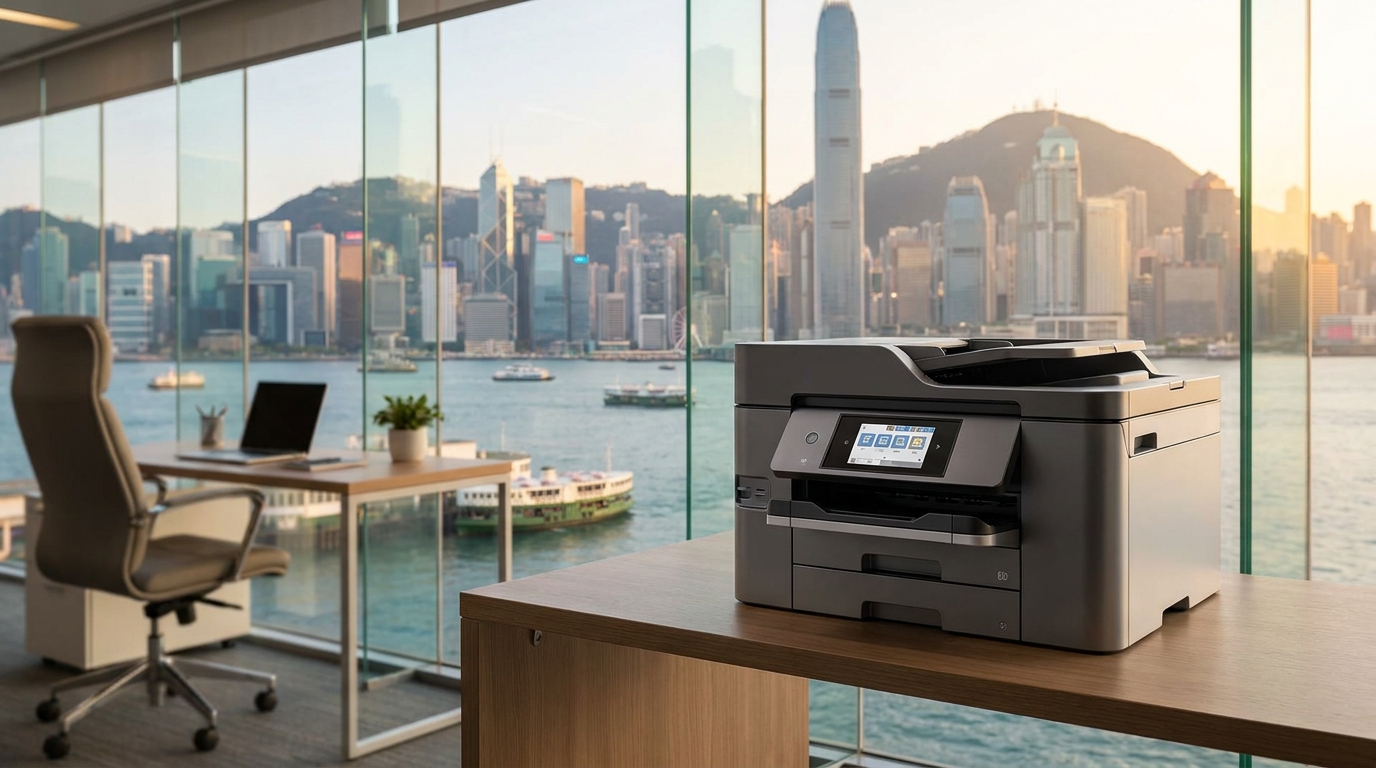
Brands like Epson champion "Heat-Free Technology" (PrecisionCore), which uses pressure instead of heat to eject ink. These machines can reduce energy consumption by up to 85% compared to comparable laser printers. They also generate zero heat, reducing the burden on your office air conditioning.
4. Consolidate Your Devices
Having a separate scanner, fax machine, desktop printer, and large floor-standing copier means you have four power supplies drawing electricity. Consolidating all these functions into a single, centralized Multifunction Printer (MFP) drastically reduces your baseline power consumption.
5. Unplug During Long Hong Kong Holidays
Hong Kong has numerous long public holidays (Chinese New Year, Easter, Christmas). Even in Deep Sleep mode, machines draw "phantom power." Instruct your office admin to physically switch off and unplug copiers at the wall socket before shutting the office for extended holidays. This also protects the machines from potential power surges.
6. Regular Maintenance for Optimal Performance
A poorly maintained copier works harder. Dust accumulation inside the machine forces cooling fans to run at maximum speed, and worn-out fusing units may require more power to reach the optimal temperature. At King Copier, we ensure our maintenance contracts include regular cleaning, ensuring your Canon, Xerox, or Toshiba machines run at peak energy efficiency.
7. Look for Energy Star and Blue Angel Certifications
When leasing or buying a new copier, always check for eco-labels. Devices with the latest Energy Star ratings or the stringent German Blue Angel certification are guaranteed to meet strict energy efficiency guidelines. Most modern models from Kyocera and Sharp proudly carry these certifications.
Comparing Print Technologies: Laser vs. Business Inkjet
To make an informed decision, it helps to see the numbers. Here is a general comparison of energy consumption between traditional Laser technology and modern Business Inkjet technology for a standard 30-40 ppm (pages per minute) office machine.
| Technology Type | Typical Brands | Active Power (Printing) | Ready / Sleep Power | Heat Emission |
|---|---|---|---|---|
| Traditional Laser | FujiFilm, Canon, Ricoh, Xerox | 800W - 1,500W | 50W / 1W-3W | High (Requires AC cooling) |
| Business Inkjet (Heat-Free) | Epson, Brother, HP PageWide | 20W - 40W | 10W / 0.5W-1W | Near Zero |
| Eco-Laser (Low Melt Toner) | Konica Minolta, Kyocera, Sharp | 500W - 900W | 30W / 1W | Moderate |
Hong Kong Office Specifics: Power, Humidity, and Space
Operating office equipment in Hong Kong presents unique environmental challenges that directly tie into energy consumption.
The 220V Standard and Power Surges
Hong Kong operates on a 220V power grid. Ensure that any imported or second-hand copiers are properly rated for this voltage. Using step-up/step-down transformers not only wastes energy (transformers generate heat and lose power) but also poses a fire hazard in cramped office spaces. Always source localized equipment designed for the HK market.
The Humidity Problem (Paper Jams = Energy Waste)
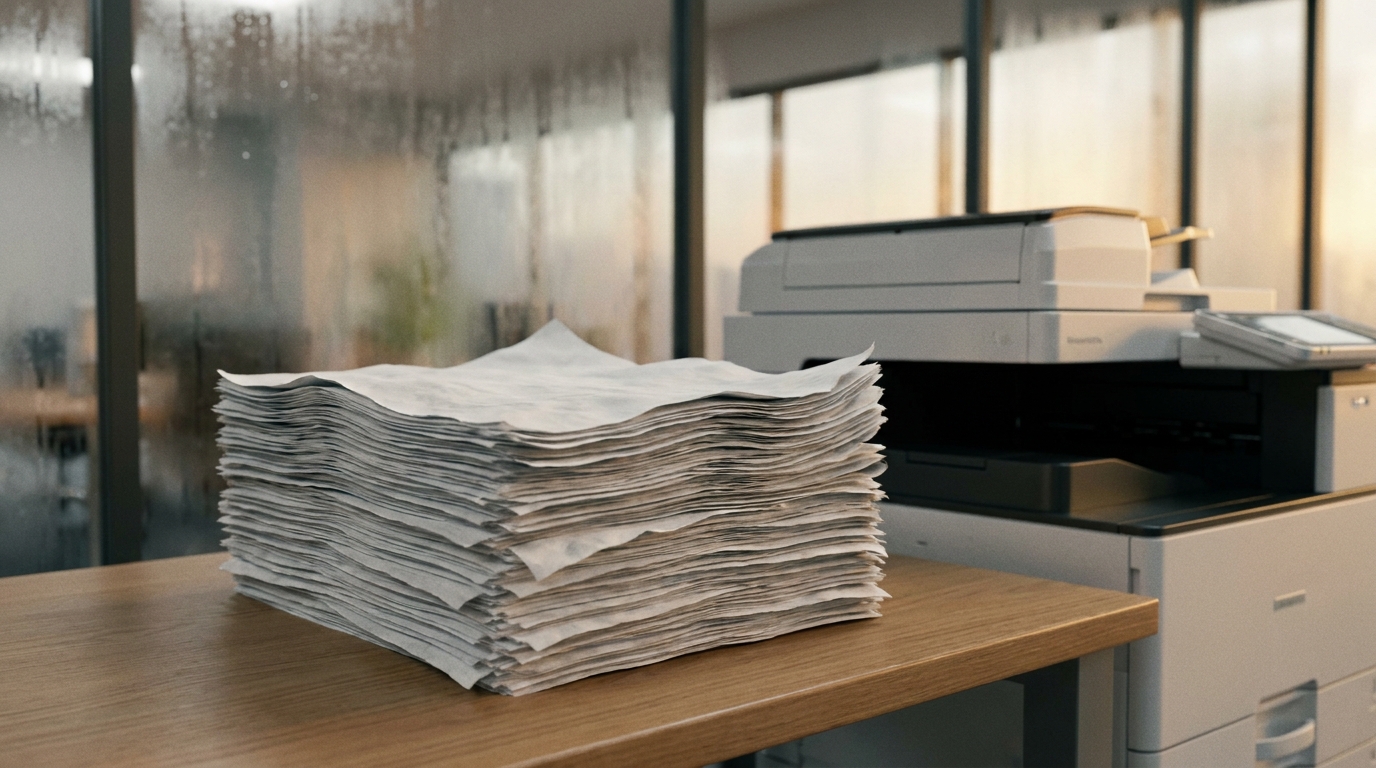
Hong Kong's spring and summer months are notoriously humid. When printer paper absorbs moisture from the air, it curls and sticks together, leading to frequent paper jams. What does this have to do with energy? Every time a laser copier jams, the user has to open the doors, clear the jam, and the machine has to reheat its fuser unit from scratch to resume printing. This constant reheating causes massive spikes in electricity usage.
Pro Tip: Keep your paper sealed in its ream wrapper until needed, or store it in a dry cabinet. Some high-end copiers have built-in "cassette heaters" to keep paper dry. While these prevent jams, they do consume constant low-level power. If your office runs a 24/7 dehumidifier, you can safely ask your technician to disable the cassette heater to save electricity.
Air Conditioning Load in Compact Offices
Space is a luxury in Hong Kong. Copiers are often placed close to desks or in small, unventilated print rooms. Laser copiers emit significant heat during large print runs. This localized heat forces your office air conditioning to work much harder to maintain a comfortable 24°C, indirectly skyrocketing your electricity bill. Switching to heat-free inkjet models or ensuring your laser copier is placed in a well-ventilated area can alleviate this AC burden.
Brand Spotlights: Who is Leading the Energy-Saving Charge?
If your SME is looking to upgrade, here is how top brands are innovating to reduce their carbon footprint and your electricity bills:
Epson
Pioneers of Heat-Free PrecisionCore technology. Their WorkForce Enterprise series consumes a fraction of the power of traditional lasers, making them the ultimate choice for ESG-conscious SMEs looking to slash electricity costs.
Konica Minolta & Sharp
Both brands utilize proprietary Low-Temperature Fusing Toner (like Konica's Simitri HD toner). Because the toner melts at a lower temperature, the machine requires significantly less electricity to heat up the fuser rollers.
Kyocera
Famous for their ECOSYS concept. Kyocera machines use long-life ceramic drums that rarely need replacing. Their focus is on reducing total waste (both physical components and energy), making them highly efficient over a 5-year lease cycle.
Canon & Toshiba
Known for incredible Quick Wake-Up times. Older copiers took minutes to warm up, discouraging users from using sleep mode. Modern Canon and Toshiba MFPs wake from deep sleep in mere seconds, allowing admins to set aggressive sleep timers without frustrating staff.
Actionable Checklist for Office Admins
Ready to stop energy waste today? Copy this checklist and implement it in your office:
- Audit Current Settings: Log into your copier's web interface (typing its IP address into your browser) and check the current Sleep Mode timer. Set it to 15 minutes.
- Enable Weekly Timers: Set the machine to automatically shut down at 8:00 PM and turn on at 8:00 AM on weekdays, and remain off all weekend.
- Store Paper Correctly: Keep paper away from humid areas to prevent jams and the subsequent energy spikes from reheating the fuser.
- Evaluate Your Fleet: Do you have too many small, inefficient desktop printers? Consider consolidating them into one central, energy-efficient MFP.
- Consult an Expert: When your current lease expires, ask your vendor specifically about the Typical Electricity Consumption (TEC) values of the proposed new models.
Conclusion
Reducing copier energy waste is not just about saving a few hundred dollars on your CLP or HK Electric bill; it is about creating a sustainable, ESG-compliant office environment. By optimizing sleep settings, managing humidity to prevent jams, and choosing the right technology—whether it's an eco-friendly laser from Konica Minolta or a heat-free inkjet from Epson—Hong Kong SMEs can significantly lower their operational costs and their carbon footprint.
Need Expert Advice?
Our consultants can help you find the perfect printing solution for your office.
📞 +85221164877 · King Copier · Operated by Techieasy Limited
Need Expert Advice?
Our consultants can help you find the perfect printing solution for your office.
📞 +85221164877 · King Copier · Operated by Techieasy Limited