Anyone who has lived in Hong Kong knows the feeling of "Chun Jiao" (spring fog) or the heavy, sticky air of a July afternoon. When relative humidity routinely spikes above 90%, it doesn't just ruin your hair and make your laundry impossible to dry—it wreaks havoc on your expensive office equipment. For IT managers and office administrators, humidity is the invisible enemy of smooth business operations.
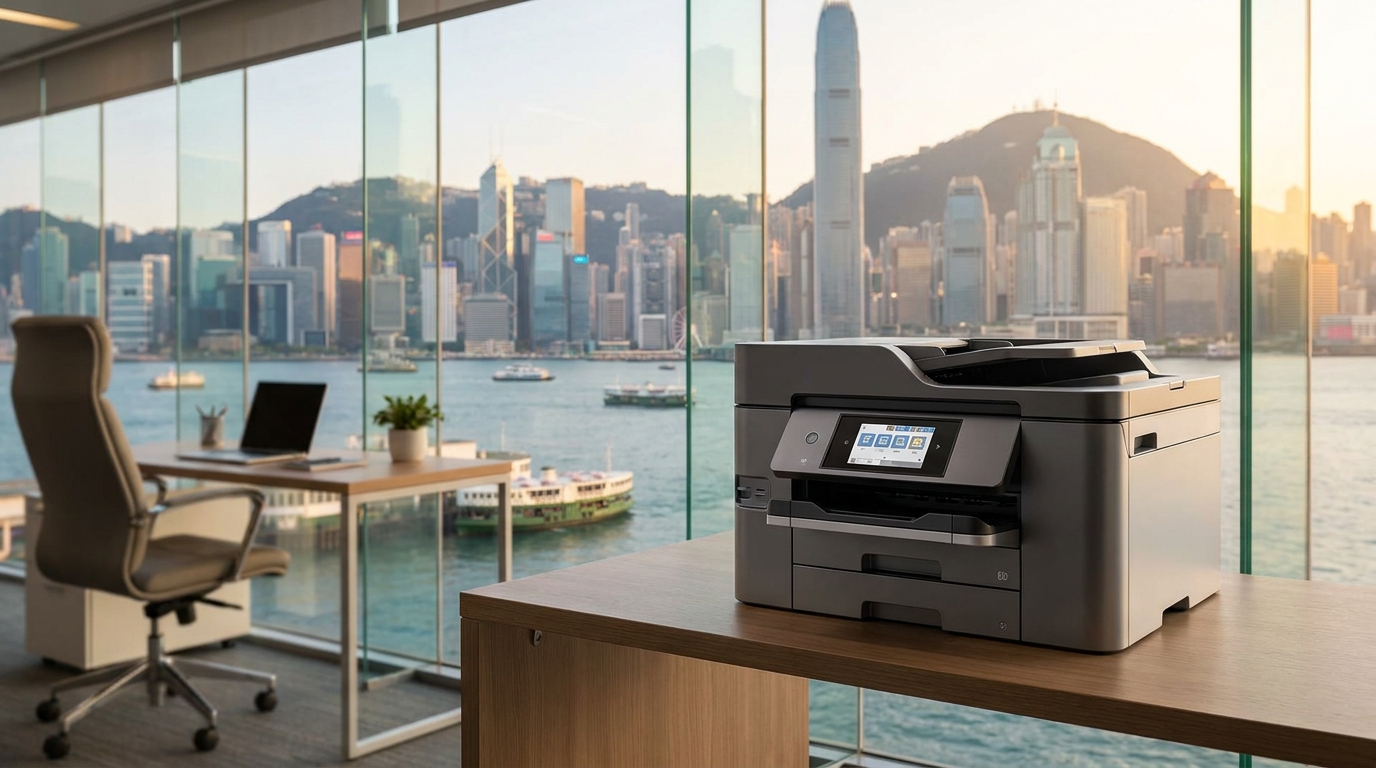
Office printers and copiers are highly sensitive to moisture. Whether you are running a heavy-duty floor-standing Ricoh or a compact Brother on a reception desk, excess moisture can lead to frustrating downtime, expensive repairs, and wasted supplies. Here is exactly how humidity affects your copier and what you can do to protect your investment.
The Science of Sweat: What High Humidity Does to Your Printer
1. The "Sponge" Effect: Paper Jams and Curling
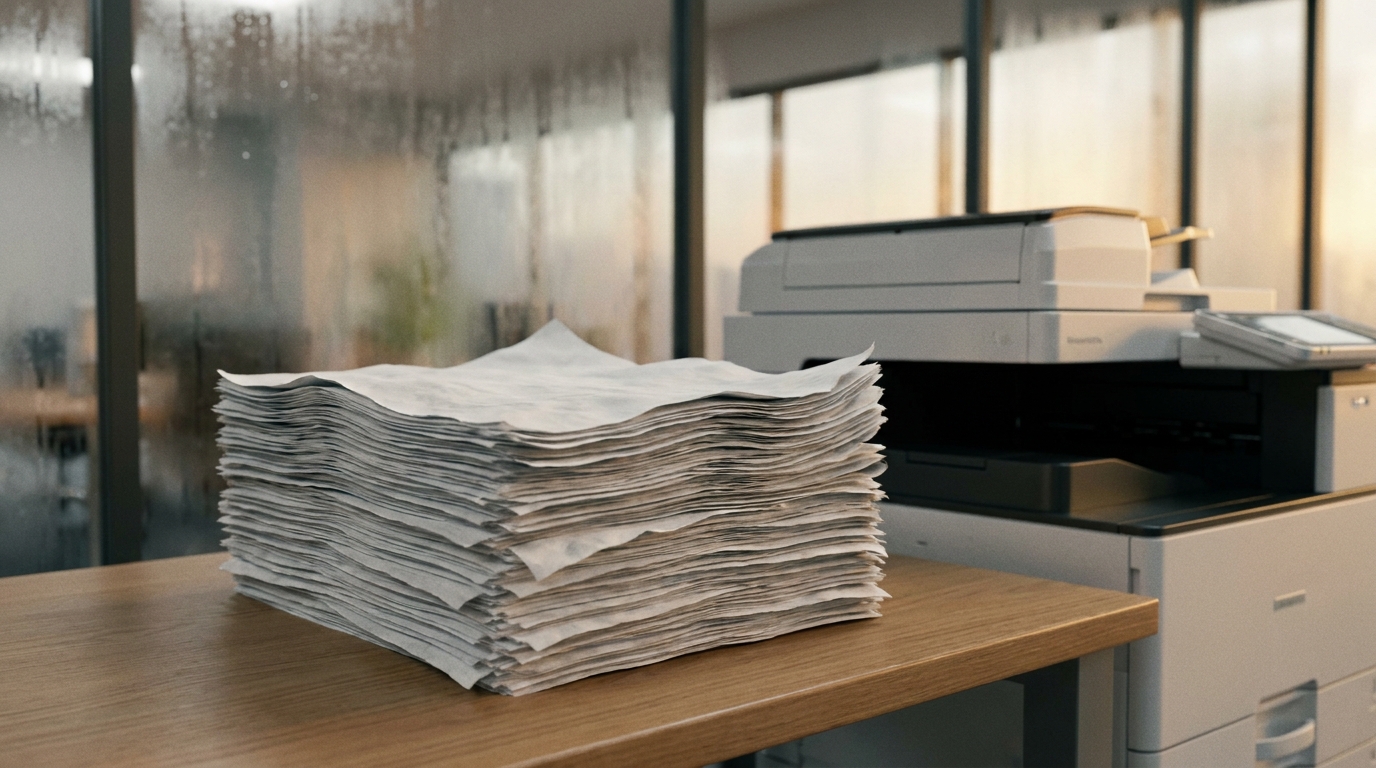
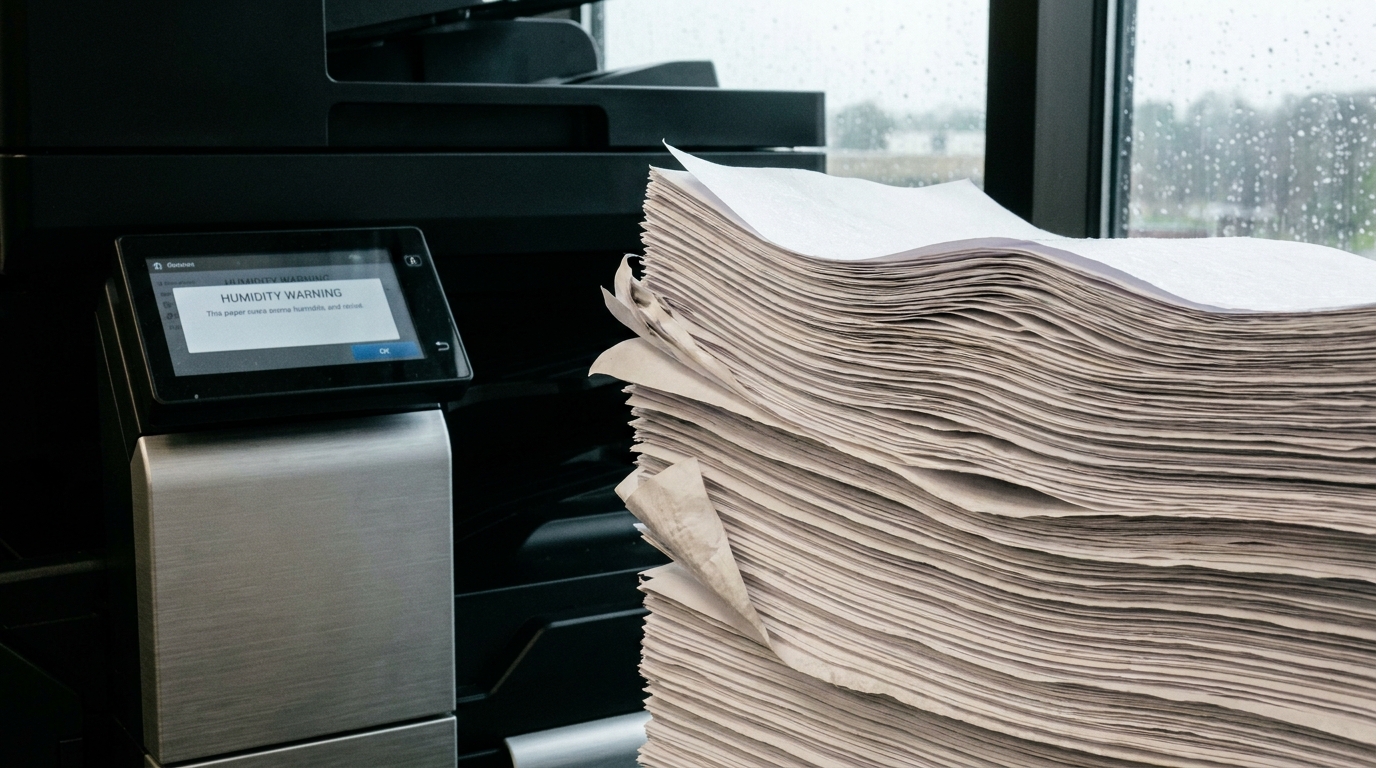
Standard copy paper is incredibly porous. In a humid Hong Kong office, a ream of paper left out overnight acts like a sponge, absorbing moisture from the air. When damp paper feeds through the high-heat fuser rollers of a laser printer (which operates at around 200°C), the moisture instantly vaporizes. This causes the paper to curl, wrinkle, and inevitably jam inside the machine. Constant paper jams are the number one sign of a humidity problem.
2. Toner Clumping and Smudged Prints
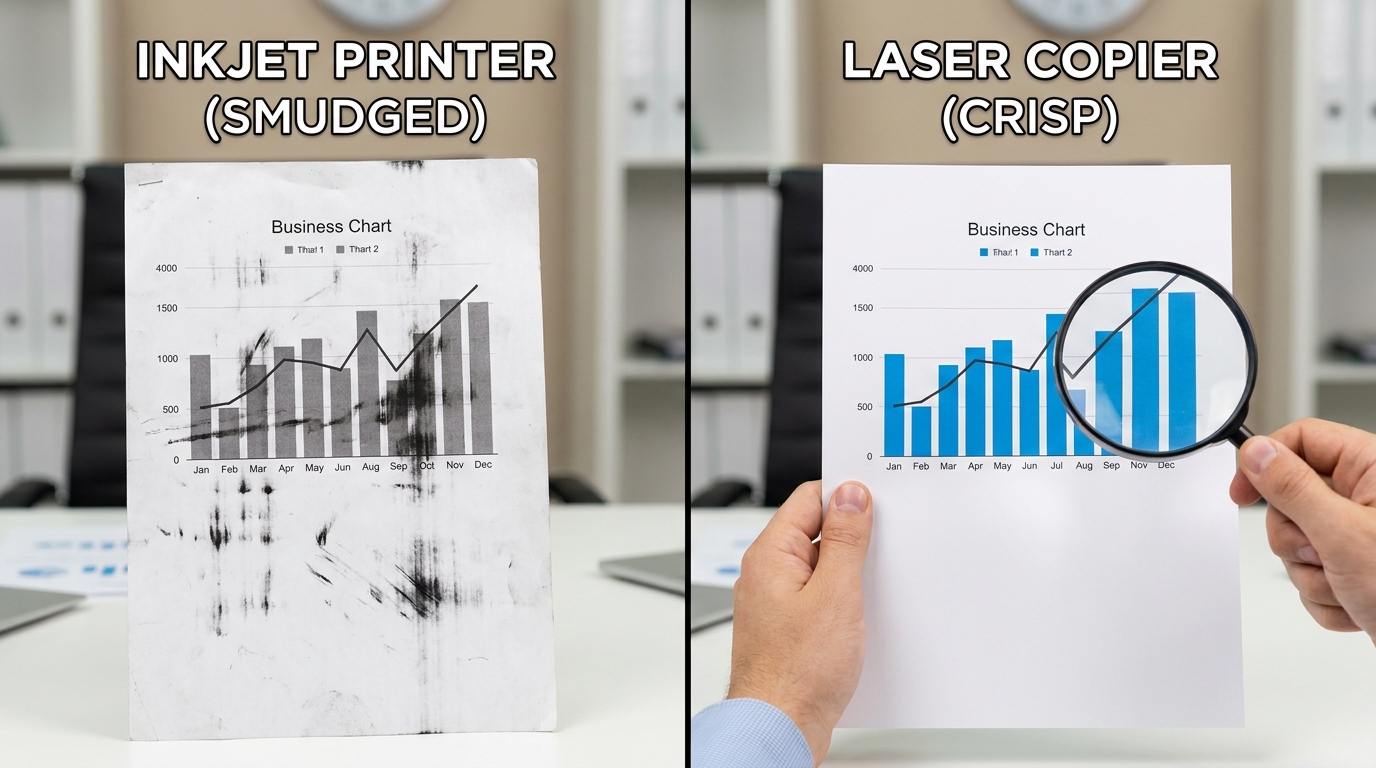
Toner used in brands like FujiFilm, Canon, and Konica Minolta is a microscopic, statically charged plastic powder. When exposed to high humidity, these fine particles clump together. Clumped toner cannot distribute evenly across the drum unit, resulting in faded text, streaks, background shading (a gray tint across the whole page), and overall poor print quality.
3. Internal Condensation and Sensor Failures
Because Hong Kong offices are notoriously tight on space, copiers are often shoved into unventilated corners or placed dangerously close to pantry areas. When the office air conditioning is turned off over the weekend, the temperature fluctuates, causing condensation to form on the cold metal and glass parts inside the copier. This moisture can blind optical sensors, cause scanning errors, or even lead to dangerous short circuits given the local 220V power supply.
The Real Cost of Ignoring Office Humidity
Ignoring humidity doesn't just cause temporary frustration; it hits your company's bottom line. Below is a breakdown of the potential costs associated with humidity-related copier damage in Hong Kong.
| Humidity-Related Issue | Impact on Equipment | Estimated Reactive Cost (HKD) |
|---|---|---|
| Damp Paper | Frequent jams, wasted paper, damaged fuser rollers | $500 - $1,500 (Fuser replacement) |
| Toner Clumping | Wasted toner cartridges, damaged developer unit | $800 - $2,500 (per ruined cartridge/unit) |
| Internal Condensation | Motherboard short circuit, sensor failure | $3,000 - $6,000+ (Motherboard repair) |
5 Practical Tips to Protect Your Copier in Hong Kong
Fortunately, you can prevent 95% of these issues with a few simple, proactive steps. Whether you use Kyocera, Sharp, Toshiba, or HP, these best practices apply universally.
- Keep Paper Sealed Until Use: Do not open reams of paper until you are ready to load them into the tray. Store extra paper in a closed cabinet, ideally off the floor, to protect it from ambient moisture.
- Use the Cassette Heaters: Many enterprise-grade copiers have built-in cassette heaters (anti-condensation heaters) that keep the paper trays warm even when the machine is in sleep mode. Ensure your IT vendor has activated this feature.
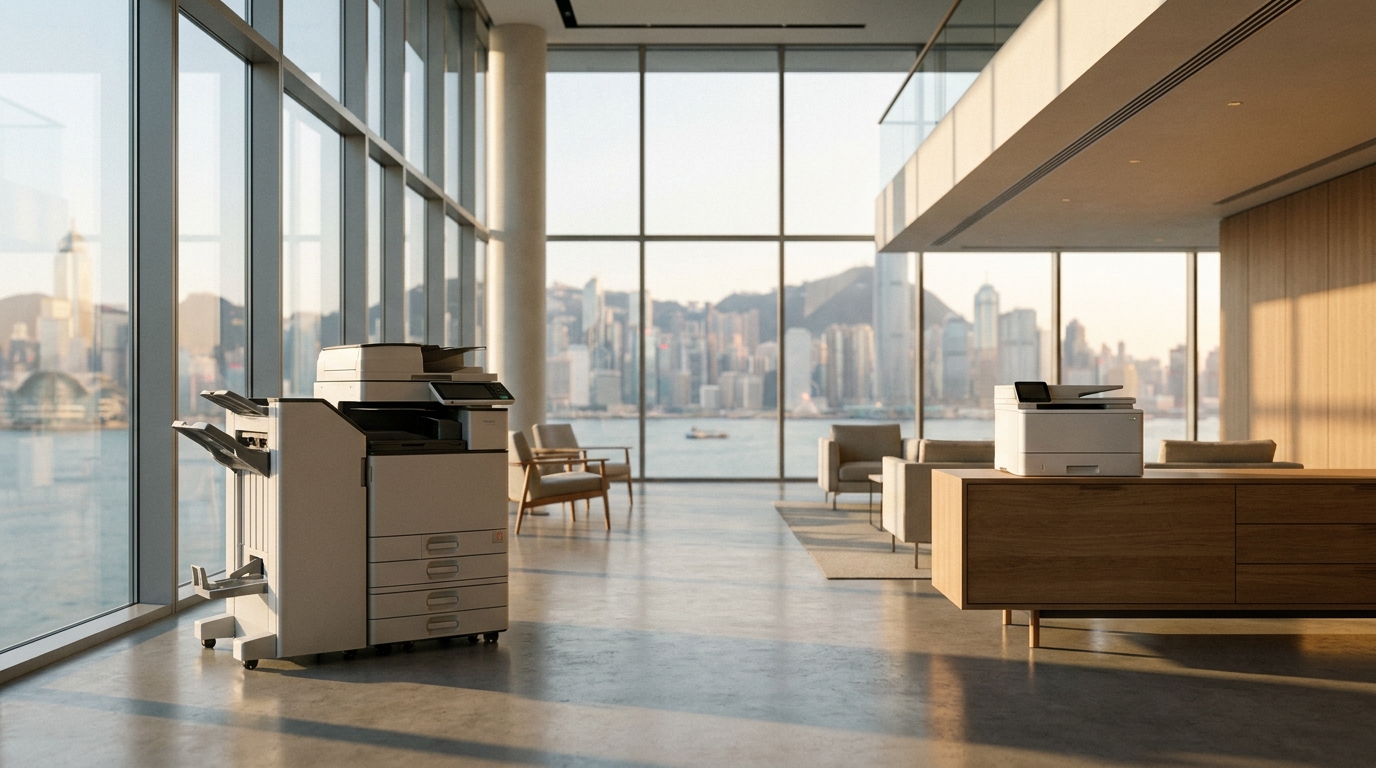
- Strategic Placement: Never place your copier directly under an air conditioning vent (which can drip) or right next to an open window. Keep it in a well-ventilated area with consistent temperatures.
- Run a Dehumidifier: During the wettest months (March to August), running a dehumidifier near your printing station over the weekend can save you thousands of dollars in maintenance.
- Fan the Paper: Before loading a fresh stack of paper into the tray, "fan" it with your thumb. This separates the sheets and reduces static and moisture bonds, dramatically lowering the chance of a multi-feed jam.
Why Your Maintenance Contract (SLA) Matters
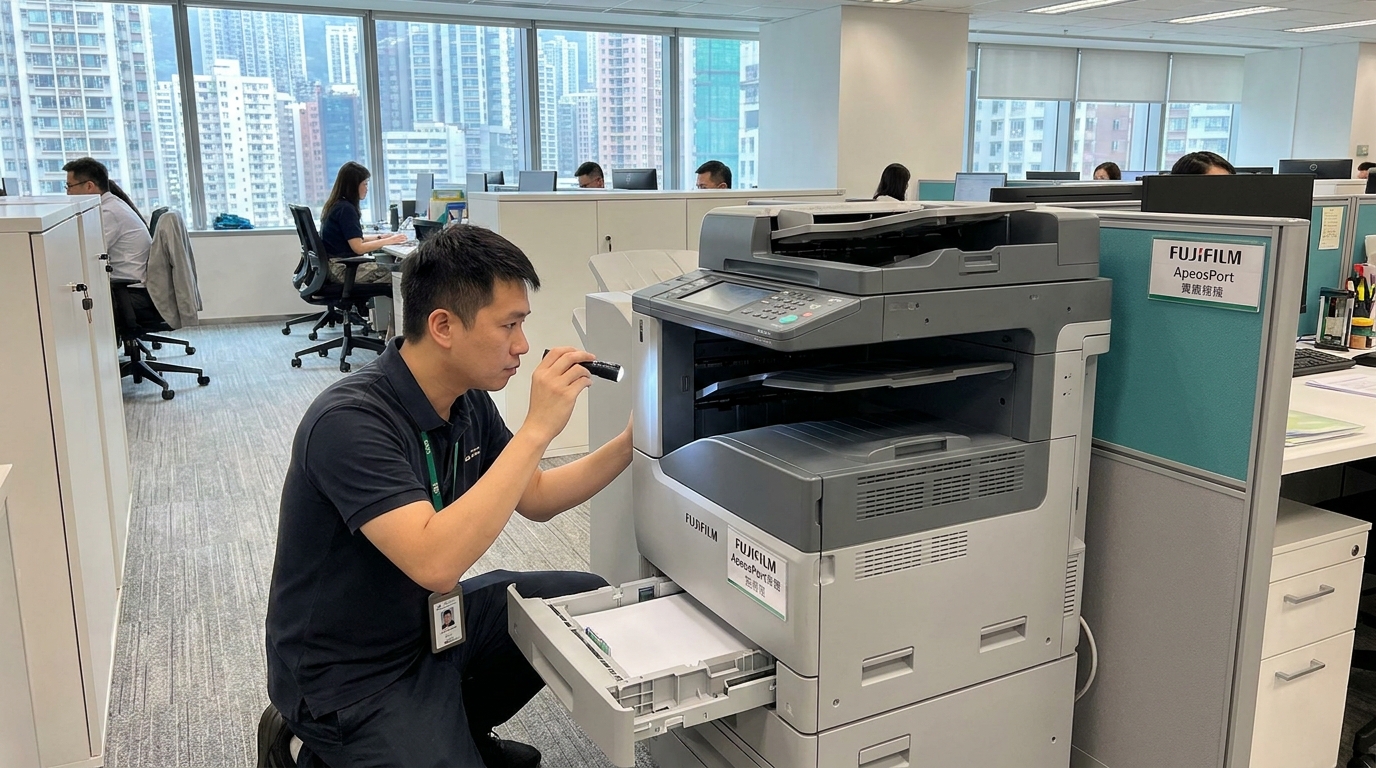
Even with the best preventative measures, humidity can still sneak up on you. This is why having a robust maintenance contract is crucial for Hong Kong businesses. If your Epson or Pantum machine suddenly flashes an error code on a Monday morning because a sensor got damp over the weekend, you cannot afford to wait days for a repair.
A standard expectation in Hong Kong is a 4-hour Service Level Agreement (SLA). This guarantees that a technician will be at your office within four working hours to diagnose and fix the issue. When choosing a copier lease or maintenance plan, always confirm that parts damaged by environmental factors (like fuser units and sensors) are covered under the standard maintenance agreement, saving you from unexpected out-of-pocket expenses.
Final Thoughts
Hong Kong's humidity is a force of nature, but it doesn't have to be a death sentence for your office equipment. By understanding how moisture affects your paper and toner, implementing smart storage habits, and ensuring you have a reliable maintenance contract backing you up, you can keep your office printing smoothly—no matter how foggy it gets outside.
Need Expert Advice?
Our consultants can help you find the perfect printing solution for your office.
📞 +85221164877 · King Copier · Operated by Techieasy Limited