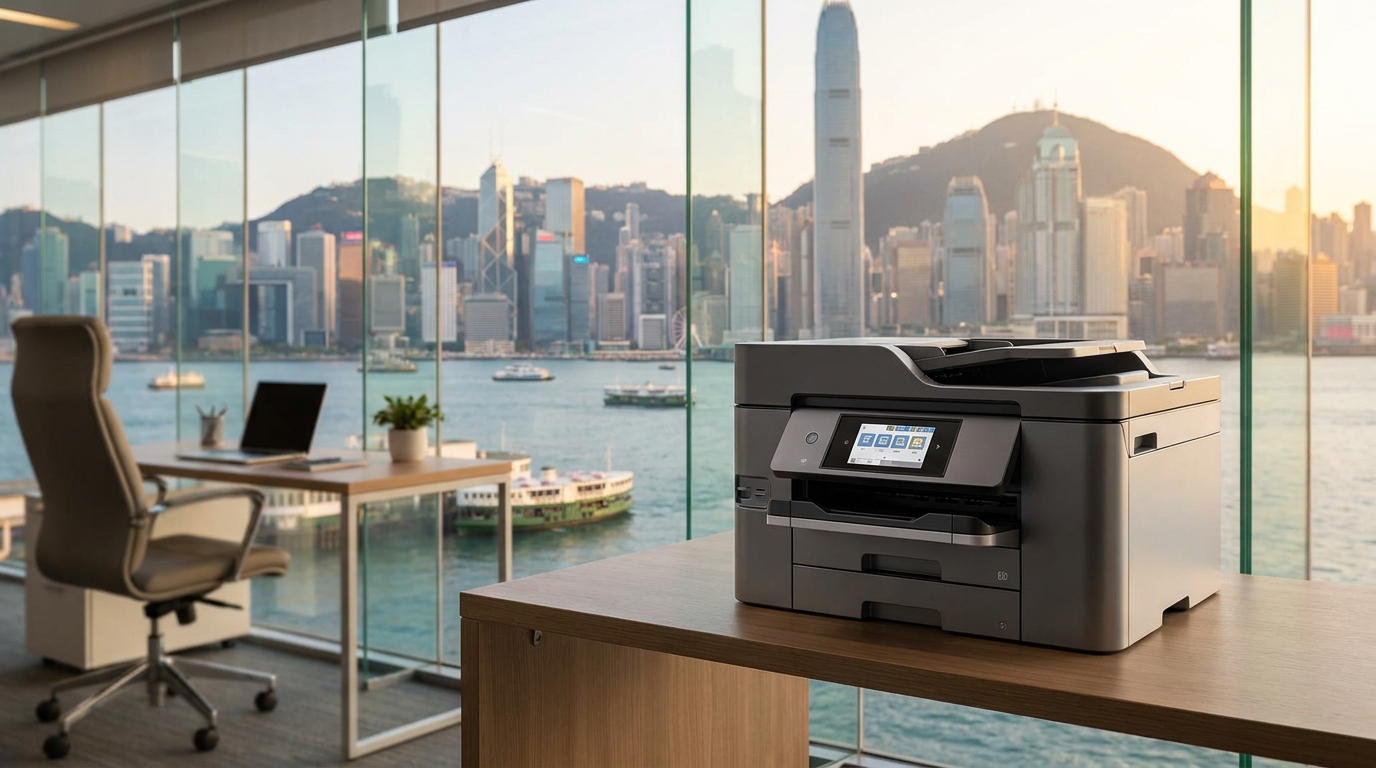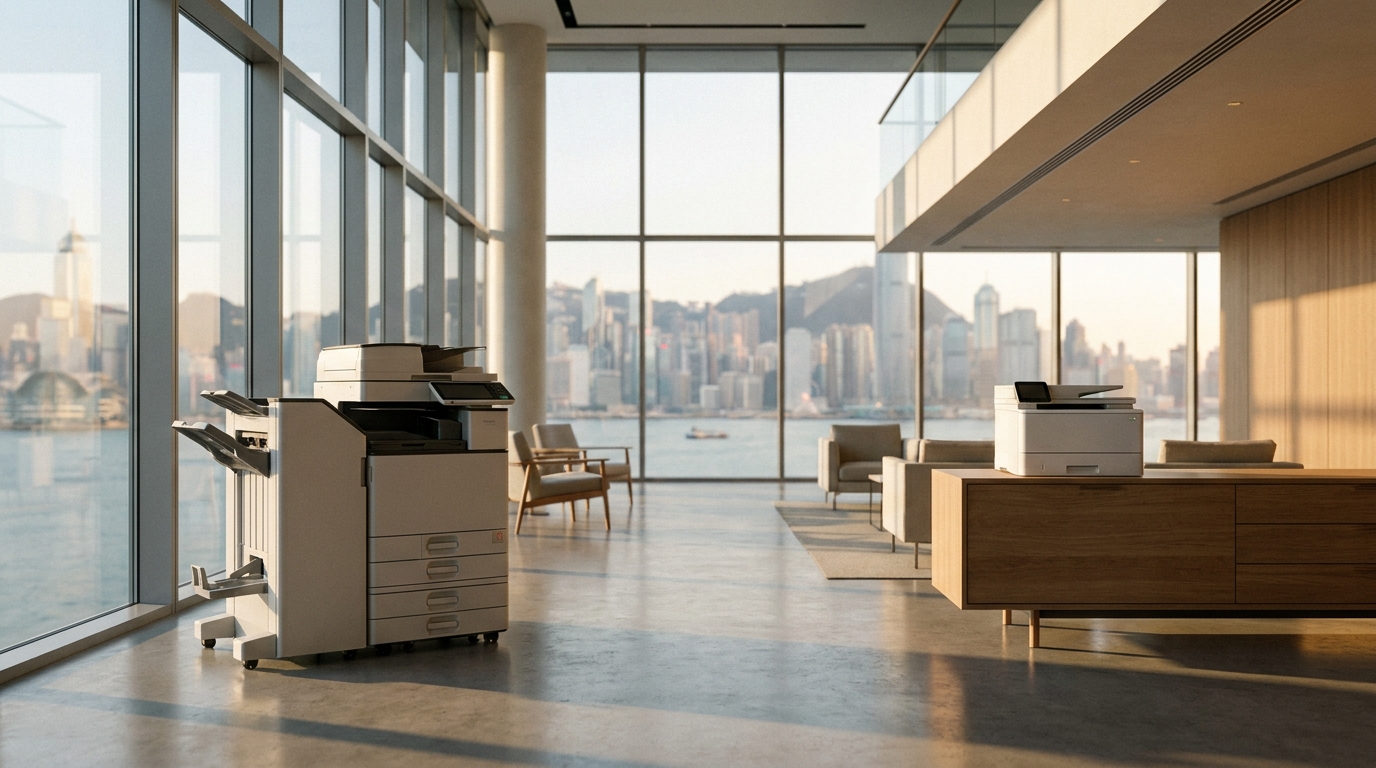
In Hong Kong, where commercial real estate is among the most expensive in the world, every square foot of your office matters. When it comes to upgrading your office equipment, one of the most common dilemmas IT managers and SME owners face is choosing between an A3 and an A4 multifunction printer (MFP).
Do you really need that massive floor-standing A3 copier, or will a compact desktop A4 printer suffice? Let’s break down the hardware, costs, and Hong Kong-specific logistical factors to help you make the right choice.
Understanding the Hardware Landscape
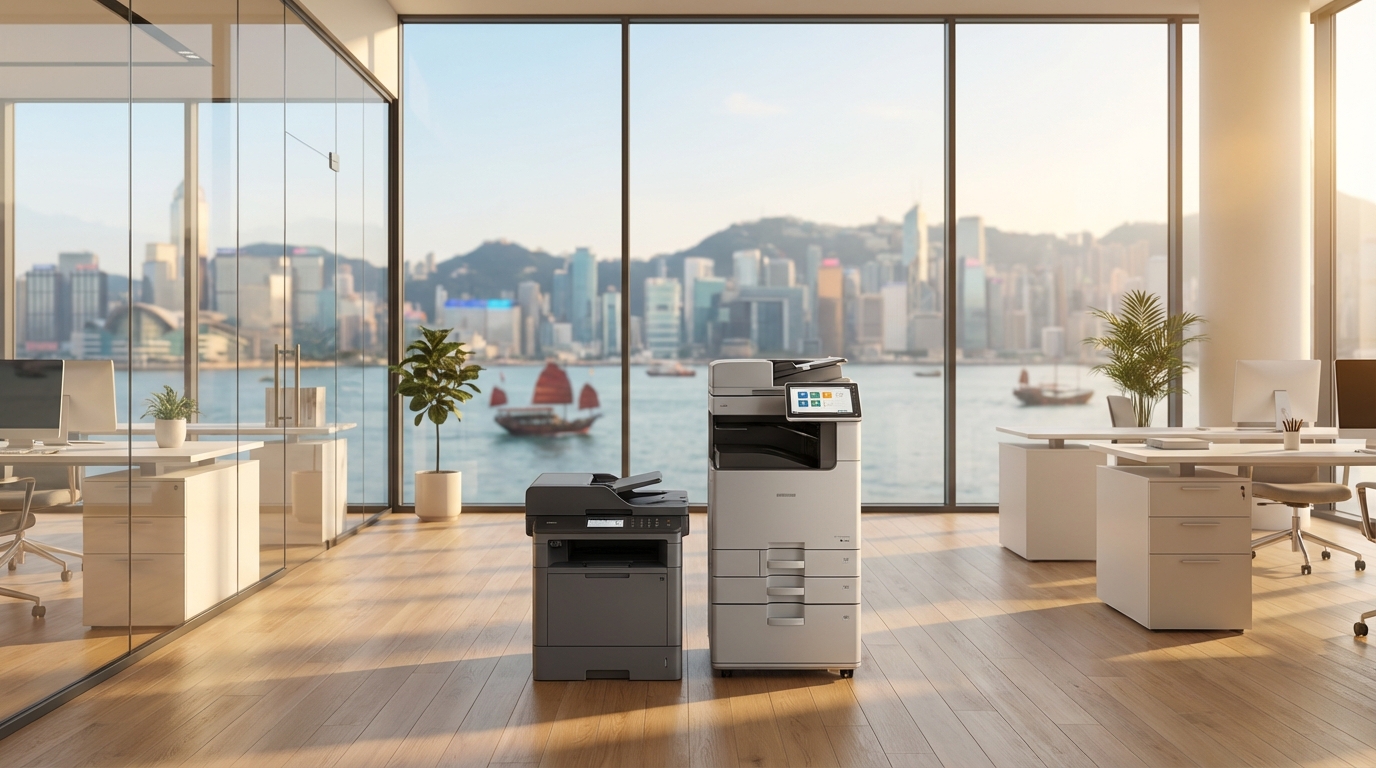
Before diving into the comparison, it helps to understand the market. Generally, copiers are categorized by the maximum paper size they can handle:
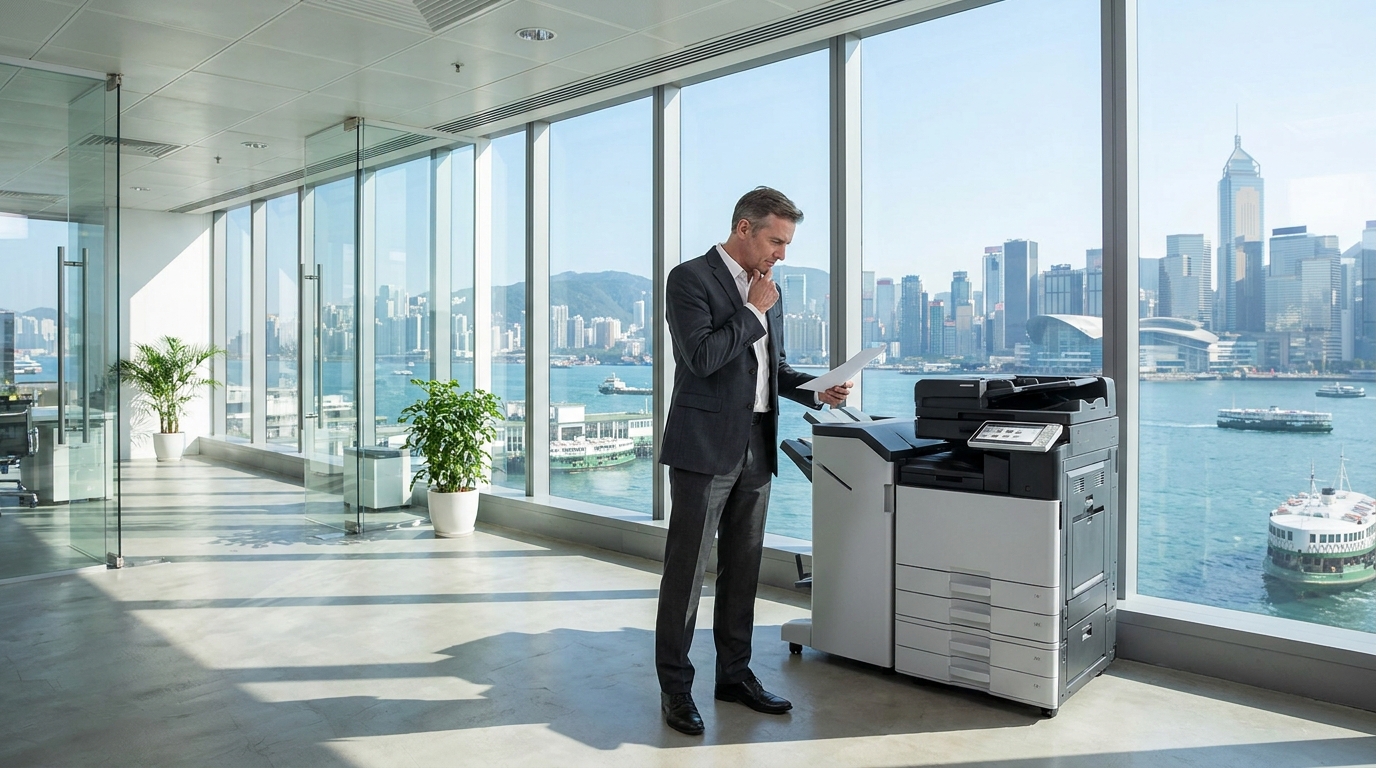
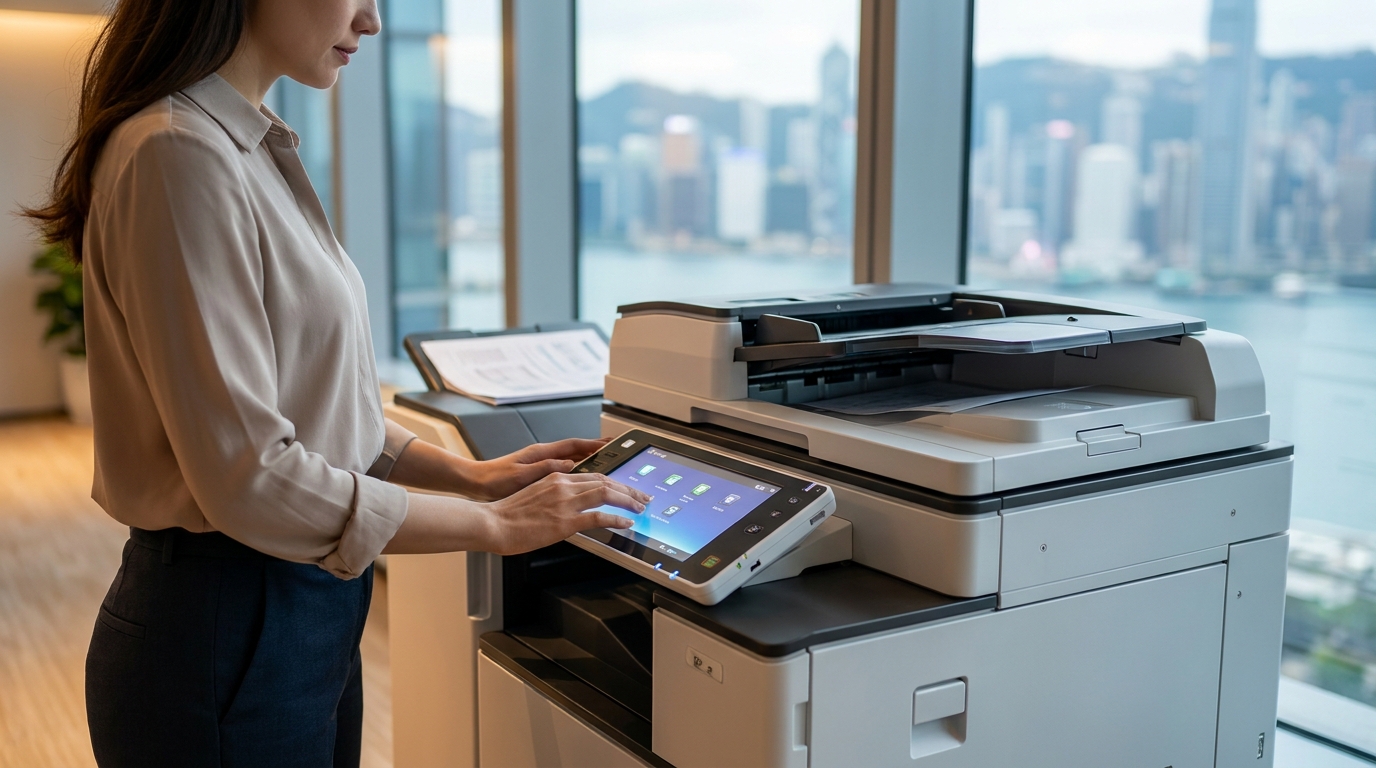
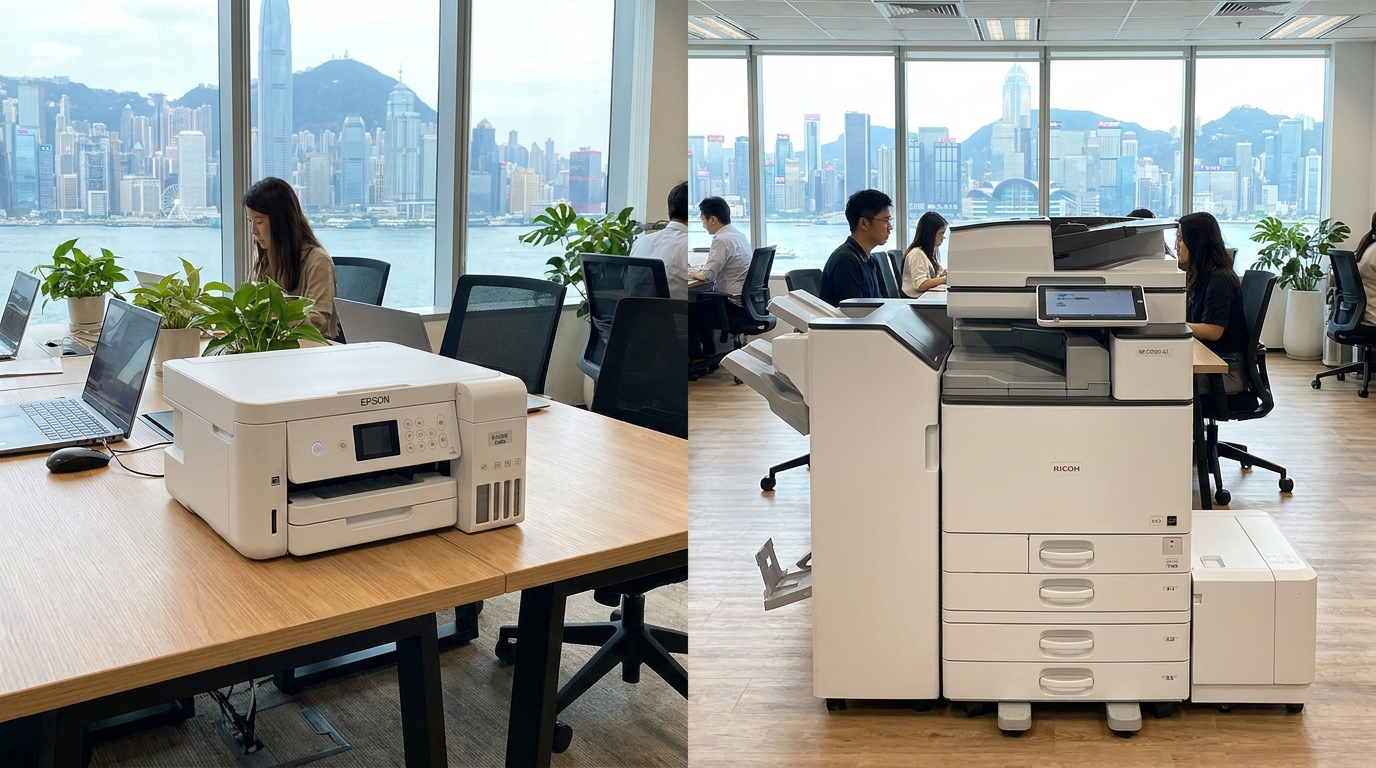
- A3 Copiers: These are the large, floor-standing machines designed for high-volume, heavy-duty office use. Powerhouses such as FujiFilm, Xerox, Canon, Konica Minolta, Ricoh, and Toshiba dominate this space.
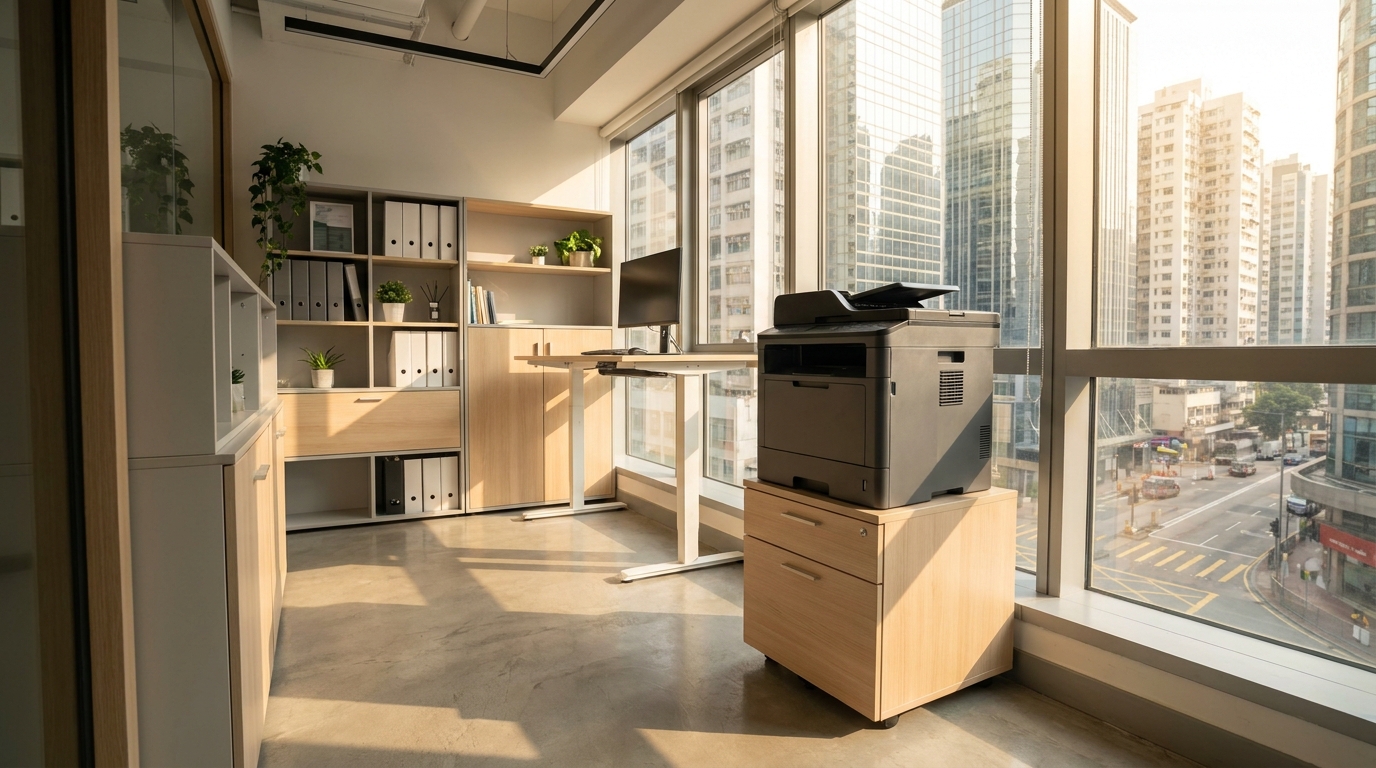
- A4 Copiers: These are compact, desktop-friendly devices. Brands like Brother, HP, Epson, and Pantum are highly popular in this category. Meanwhile, brands like Kyocera and Sharp bridge the gap, offering incredibly robust options in both A3 and A4 formats.
Space Constraints & Lift Access: The Hong Kong Reality
In a typical Kwun Tong or Lai Chi Kok office, space is a luxury. An A3 floor-standing copier requires a dedicated footprint, plus clearance space for opening paper trays and accessing the side panels for maintenance. You should budget about 10 to 15 square feet of operational space for an A3 machine.
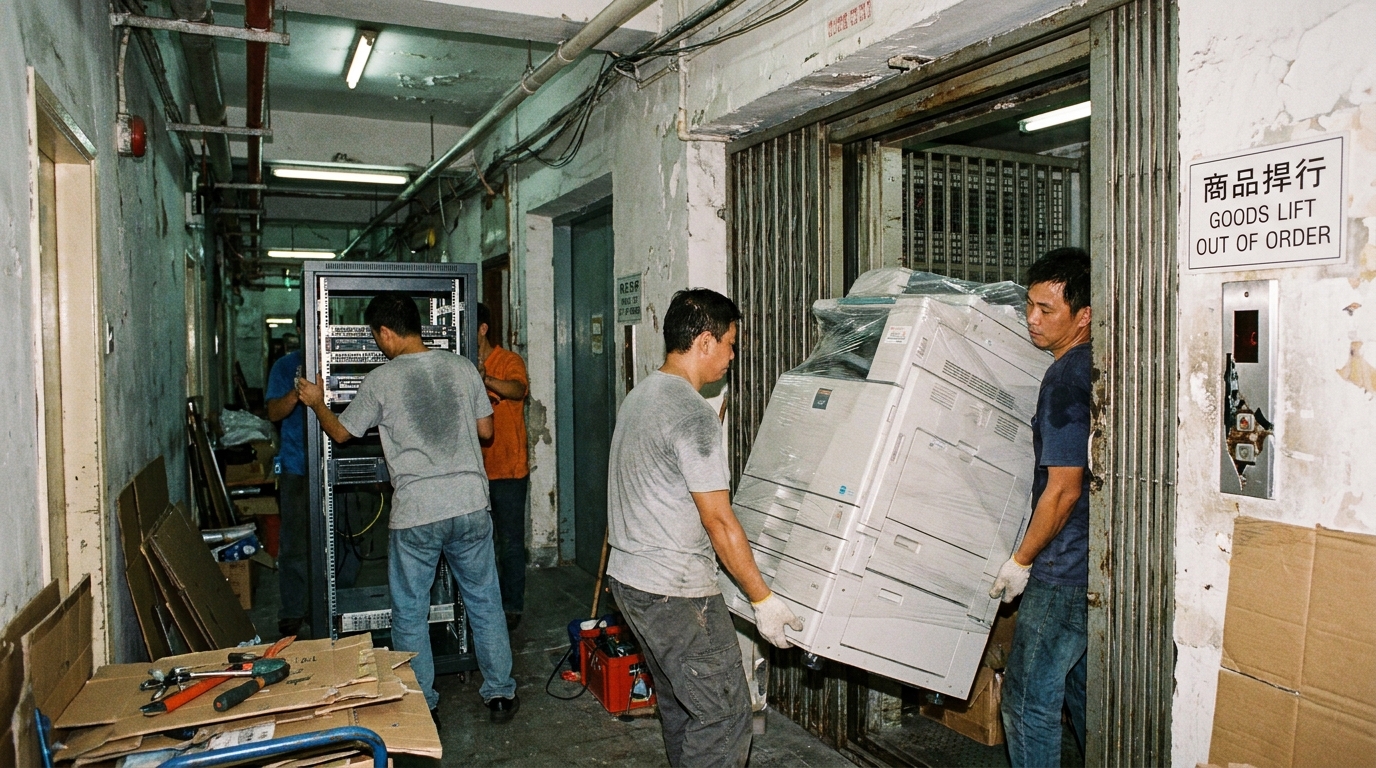
Furthermore, lift access is a critical consideration in Hong Kong. Older commercial or industrial buildings often have narrow passenger lifts or cargo lifts with restrictive dimensions. If an A3 copier cannot fit in your lift, delivery teams may need to use staircrawlers—which incurs extra delivery fees. A4 machines, conversely, can easily be carried in a box by a single person and placed directly onto a standard office desk.
Cost Comparison: A3 vs A4
Cost is usually the deciding factor for most SMEs. While A4 machines have a lower barrier to entry, A3 machines often provide better long-term value if you have a high print volume.
| Factor | A3 Copiers (Floor-standing) | A4 Copiers (Desktop) |
|---|---|---|
| Typical Acquisition | Usually Leased | Usually Purchased Outright (or short-term lease) |
| Estimated Hardware Cost | HKD 15,000 - 50,000+ | HKD 1,500 - 8,000 |
| Monthly Lease (Example) | HKD 400 - 1,500+ / month | HKD 150 - 300 / month (if leased) |
| Running Costs (CPP) | Very Low (e.g., HKD 0.04 B&W / $0.40 Color) | Moderate to High (Depends on toner yield) |
Maintenance and the 4-Hour SLA Expectation
In Hong Kong's fast-paced business environment, equipment downtime means lost revenue. For A3 copiers under a managed print service (MPS) contract, a 4-hour Service Level Agreement (SLA) for on-site repairs is the industry standard. Technicians will arrive at your office with replacement parts within half a business day.
A4 printers, especially those purchased outright from retail stores, often rely on "return-to-base" warranties or next-business-day service. If your office prints critical documents daily (like shipping manifests or legal contracts), the rapid response time guaranteed by an A3 lease contract is invaluable.
Environmental Factors: Humidity and Power
Hong Kong's notorious spring and summer humidity (often exceeding 90%) wreaks havoc on printer paper. Damp paper curls, sticks together, and causes frustrating paper jams.
Commercial A3 copiers are specifically engineered for this. They often feature built-in cassette heaters that keep paper dry and crisp, drastically reducing jam rates. While some high-end A4 machines offer excellent paper paths, standard desktop models lack these dehumidifying features. Note: Both A3 and A4 machines supplied in Hong Kong are built for standard 220V power outlets, but A3 machines draw significantly more wattage upon waking from sleep mode.
Actionable Checklist: Which Should You Choose?
Still unsure? Use this quick checklist to determine your office's actual needs:
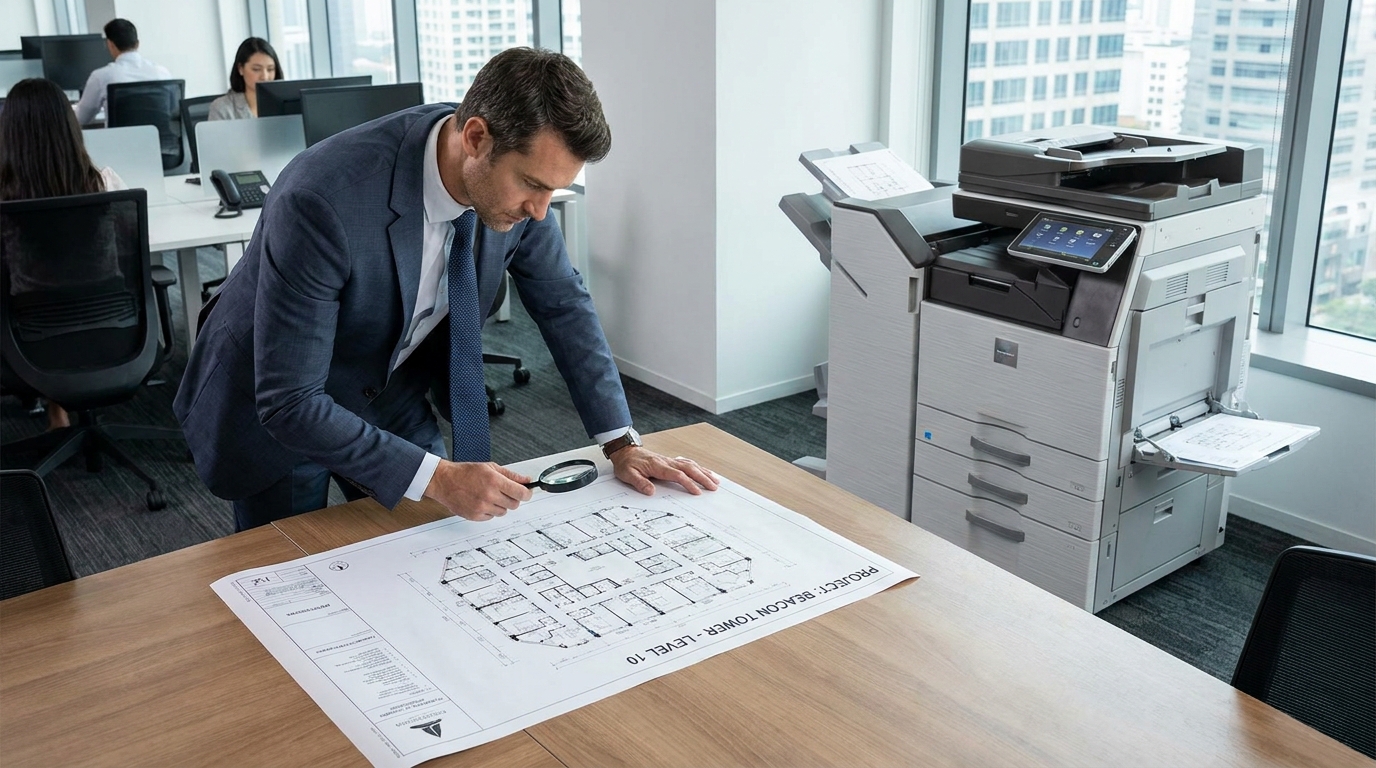
- Do you actually print on A3 paper? If you are an architecture firm, design agency, or construction company printing floor plans, an A3 machine is non-negotiable. If you only print A4 invoices and reports, an A4 machine is likely enough.
- What is your monthly print volume? If your office prints over 3,000 pages a month, the robust build and low cost-per-page of an A3 copier will save you money in the long run. For under 1,000 pages, stick to A4.
- Do you need advanced finishing? A3 copiers offer optional finishers for automatic stapling, hole punching, and saddle-stitched booklet making. A4 machines rarely offer these features.
- How many users share the device? A3 copiers have faster processors, larger memory, and can handle print queues from 20+ employees simultaneously without freezing. Desktop A4s are best for teams of 1 to 5 people.
The Bottom Line
Bigger isn't always better, but it is often more reliable for heavy workloads. If your Hong Kong office has the physical space, a high print volume, and requires the peace of mind that comes with a 4-hour SLA, leasing an A3 copier is a smart business investment.
However, if you are a lean startup, have limited office space, or print infrequently, a high-quality A4 multifunction printer will keep your overheads low while perfectly meeting your daily administrative needs. Assess your volume, measure your office space, and choose the machine that aligns with your operational goals.
Need Expert Advice?
Our consultants can help you find the perfect printing solution for your office.
📞 +85221164877 · King Copier · Operated by Techieasy Limited