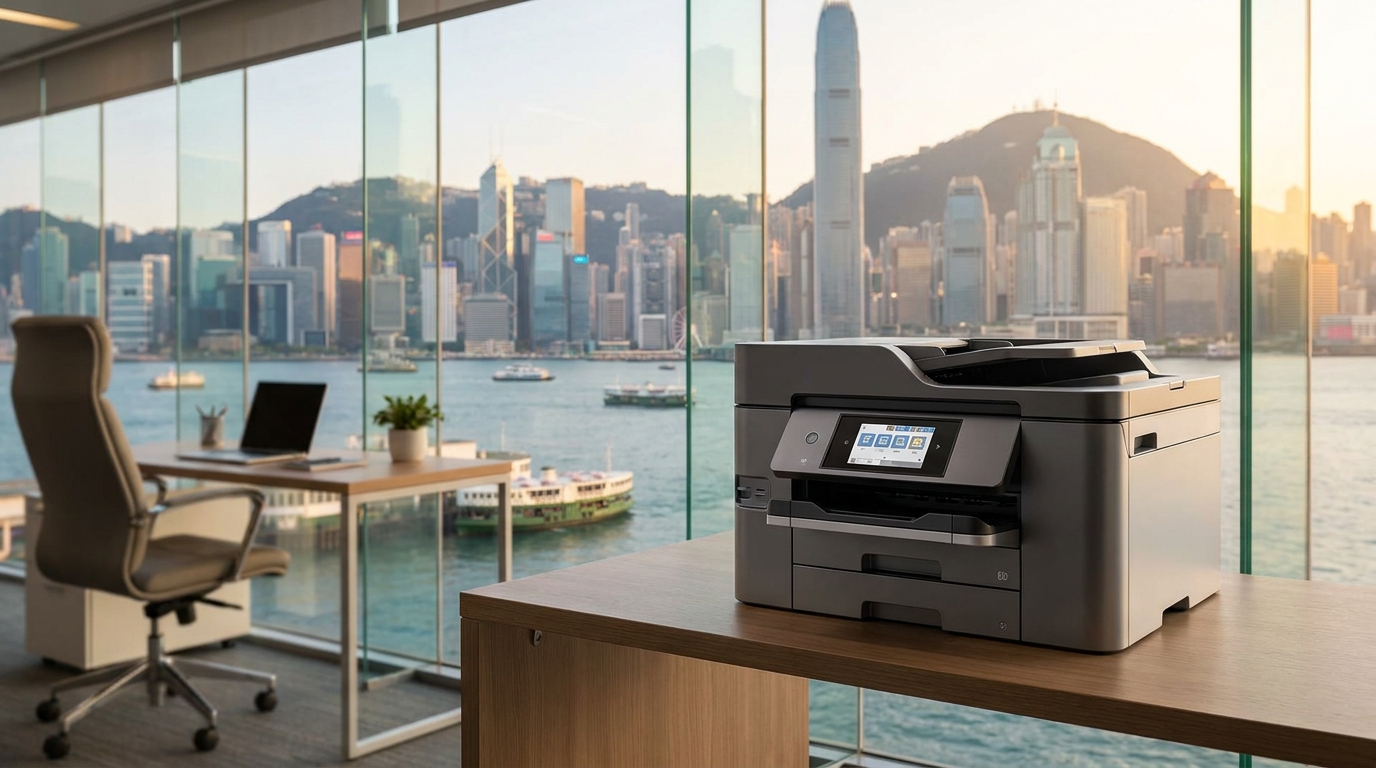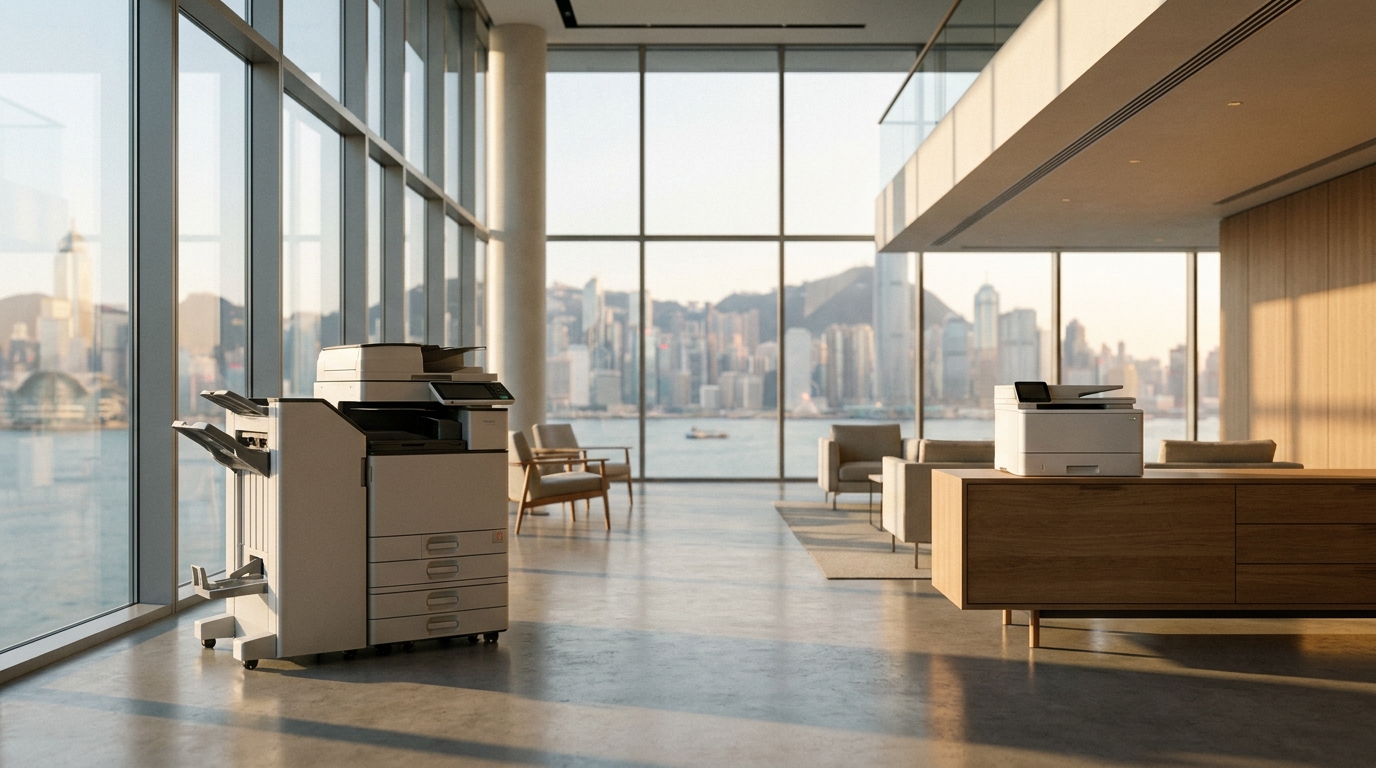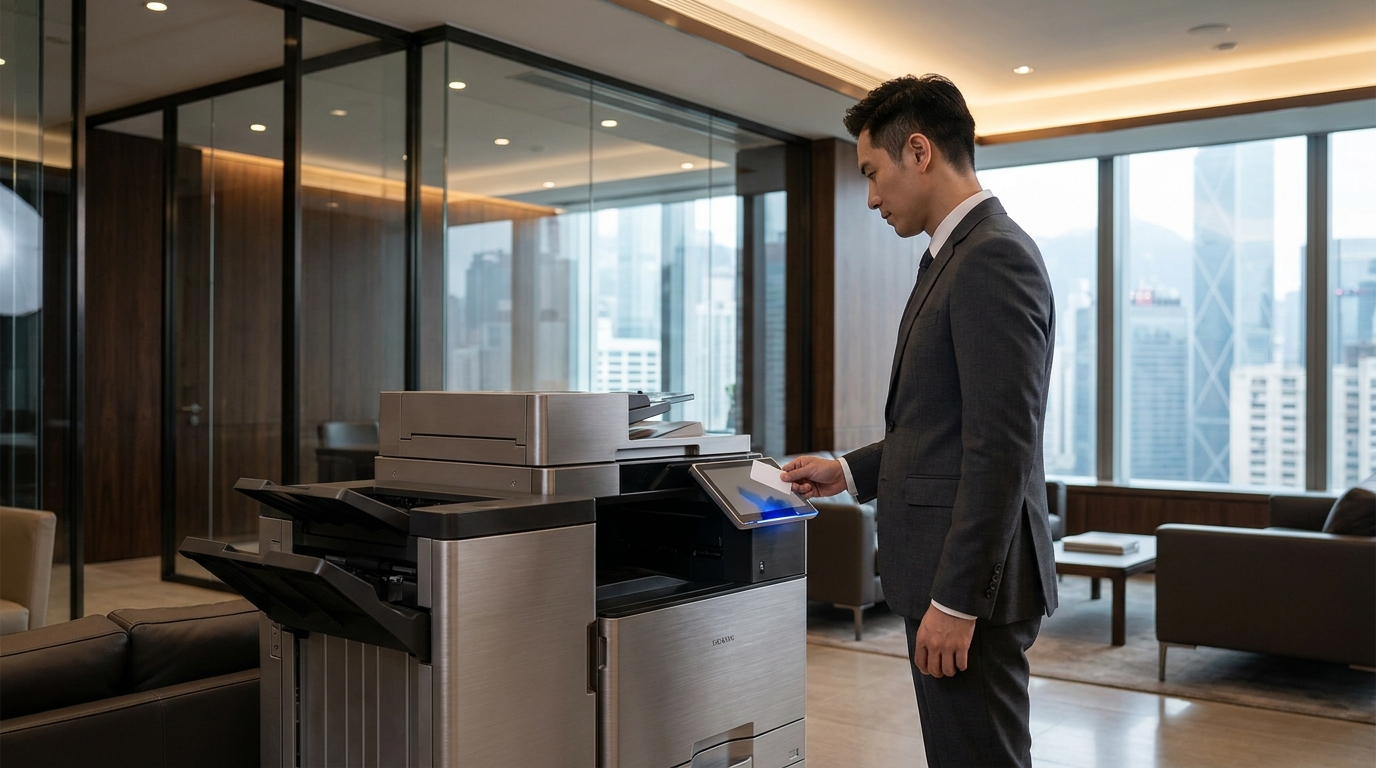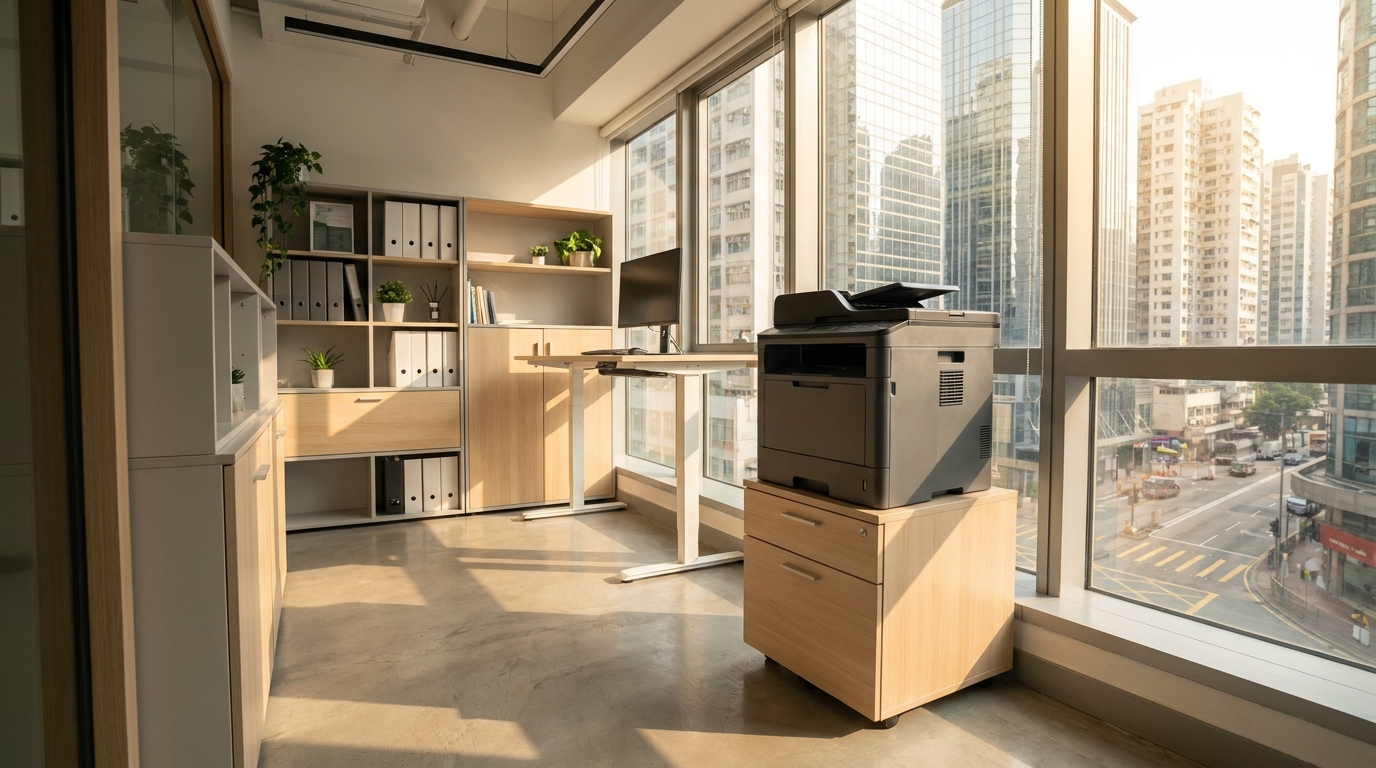
Operating a business in Hong Kong often means mastering the art of spatial efficiency. With commercial rents in districts like Central, Kwun Tong, and Lai Chi Kok at a premium, many SMEs, startups, and branch offices operate comfortably in spaces under 500 square feet. In such environments, every square inch counts—and a bulky, oversized photocopier simply isn't an option.
However, a small office still demands professional-grade document handling. You need a machine that scans, copies, and prints flawlessly without dominating your floor plan or generating excessive heat. Here is your comprehensive guide to choosing the best compact copiers for small Hong Kong offices.
Unique Challenges for Small HK Offices
Before diving into specific brands, it is crucial to understand the unique environmental and logistical factors of running an office in Hong Kong:
- Space & Lift Access: Many older commercial or industrial buildings have narrow doorways and small passenger lifts. Your chosen copier must physically fit through these bottlenecks upon delivery.
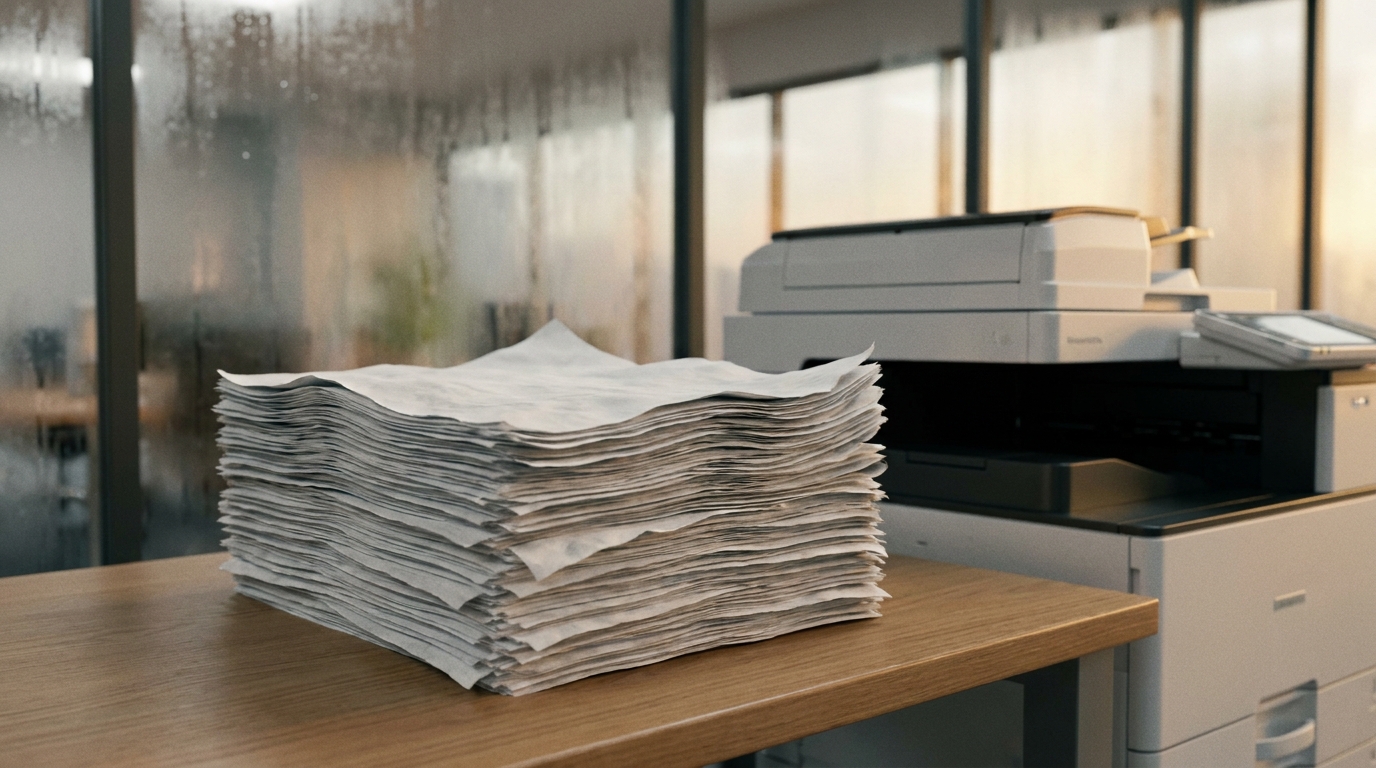
- The Humidity Factor: Hong Kong's spring and summer humidity can wreak havoc on paper, causing it to curl and jam. Copiers in small offices (where AC might be turned off overnight) need robust paper feed mechanisms or enclosed paper trays to keep moisture out.
- Heat and Noise: In a 500 sq ft room, a noisy printer that exhausts hot air can make the environment uncomfortable for staff sitting just a few feet away.
- Power Supply: Ensure your device is rated for Hong Kong's standard 220V power supply without requiring bulky external transformers.
- Service Expectations: Even in a small office, downtime costs money. The Hong Kong industry standard for copier maintenance is a 4-hour Service Level Agreement (SLA). Ensure your broker or provider guarantees this response time.
Top Compact Copier Categories & Brand Recommendations
1. The A4 Desktop Warriors (Best for Admin & Consulting)
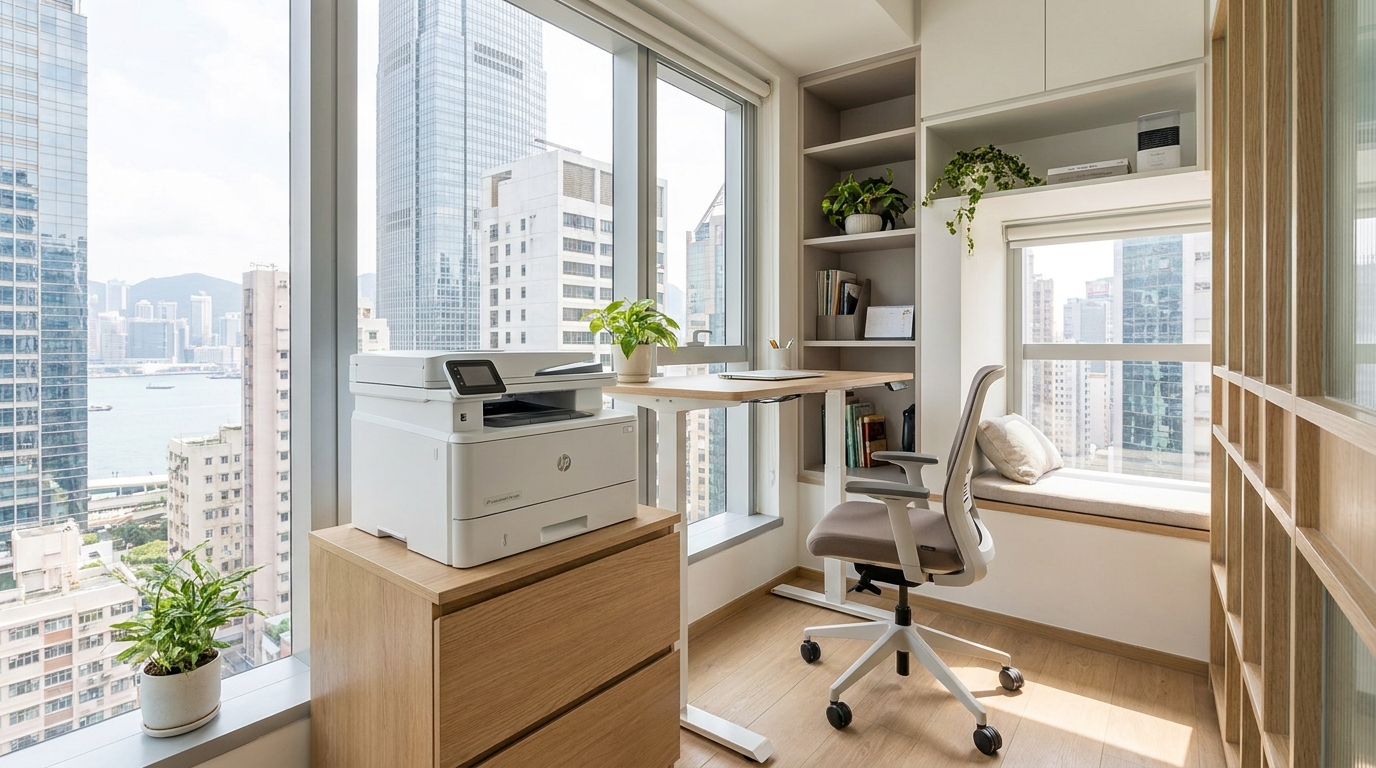
If your business rarely prints on A3 paper, an A4 multifunction laser printer is your best bet. These devices fit easily on a standard desk or low cabinet.
- Brother & HP: Both brands dominate the compact A4 market. The Brother MFC series and HP LaserJet Pro offer excellent Wi-Fi connectivity, allowing you to eliminate messy cabling. Expect to pay around HKD 2,500 to HKD 4,500 for an outright purchase.
- Pantum: A rising star for ultra-budget-conscious startups. Pantum offers incredibly compact A4 laser printers that are perfect for low-volume printing, often coming in under HKD 1,500.
- Kyocera: Known for their ceramic drum technology, Kyocera’s compact A4 ECOSYS models are incredibly durable, making them ideal if you print high volumes but lack floor space.
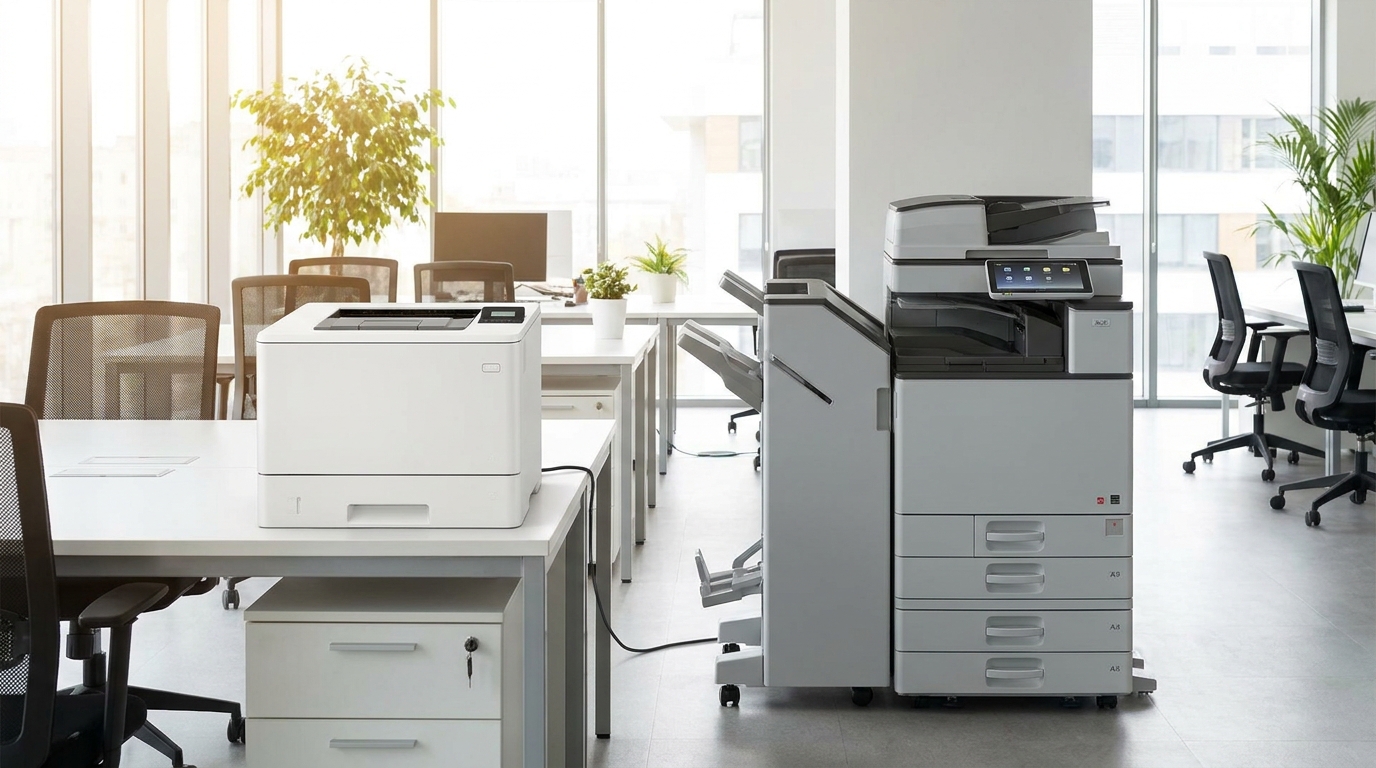
2. Slim A3 Floor-Standing Copiers (Best for Design, Real Estate & Logistics)
If you need to print A3 spreadsheets, floor plans, or marketing materials, you need a floor-standing unit. Fortunately, modern A3 copiers have significantly reduced their footprint.
- FujiFilm & Ricoh: The FujiFilm Apeos series and Ricoh IM C series feature some of the most compact A3 footprints in the industry. They offer internal finisher options (stapling inside the machine's footprint rather than hanging off the side) to save space. Leasing these typically costs between HKD 400 to HKD 800 per month, depending on the contract terms.
- Canon & Konica Minolta: Both offer entry-level A3 multifunction printers (MFPs) that are designed to tuck neatly into corners. Konica Minolta’s bizhub series is particularly well-regarded for its intuitive touchscreen interfaces.
- Sharp & Toshiba: Excellent alternatives offering robust A3 capabilities. Sharp's compact models are known for fast warm-up times, while Toshiba's e-STUDIO line offers great value for SMEs needing reliable A3 color printing.
3. The Eco-Friendly, Low-Heat Option
Epson stands out with its WorkForce Pro business inkjet series. Utilizing Heat-Free Technology, these printers consume significantly less electricity and generate almost zero heat—a massive bonus in a tiny, air-conditioned Hong Kong office. They also require fewer replacement parts, making maintenance less intrusive.
Quick Comparison: Space vs. Cost
| Category / Brand Examples | Max Paper Size | Ideal For | Estimated Cost (HKD) |
|---|---|---|---|
| Brother / HP / Pantum | A4 | Desktops, tight shelves | $1,500 - $4,500 (Purchase) |
| FujiFilm / Ricoh / Canon | A3 | Corners, dedicated nooks | $400 - $800/mo (Lease) |
| Epson (Business Inkjet) | A4 / A3 | Low-ventilation rooms | $2,000+ (Purchase) |
The Small Office Copier Checklist
Before signing a lease or purchasing a machine for your compact office, run through this quick checklist:
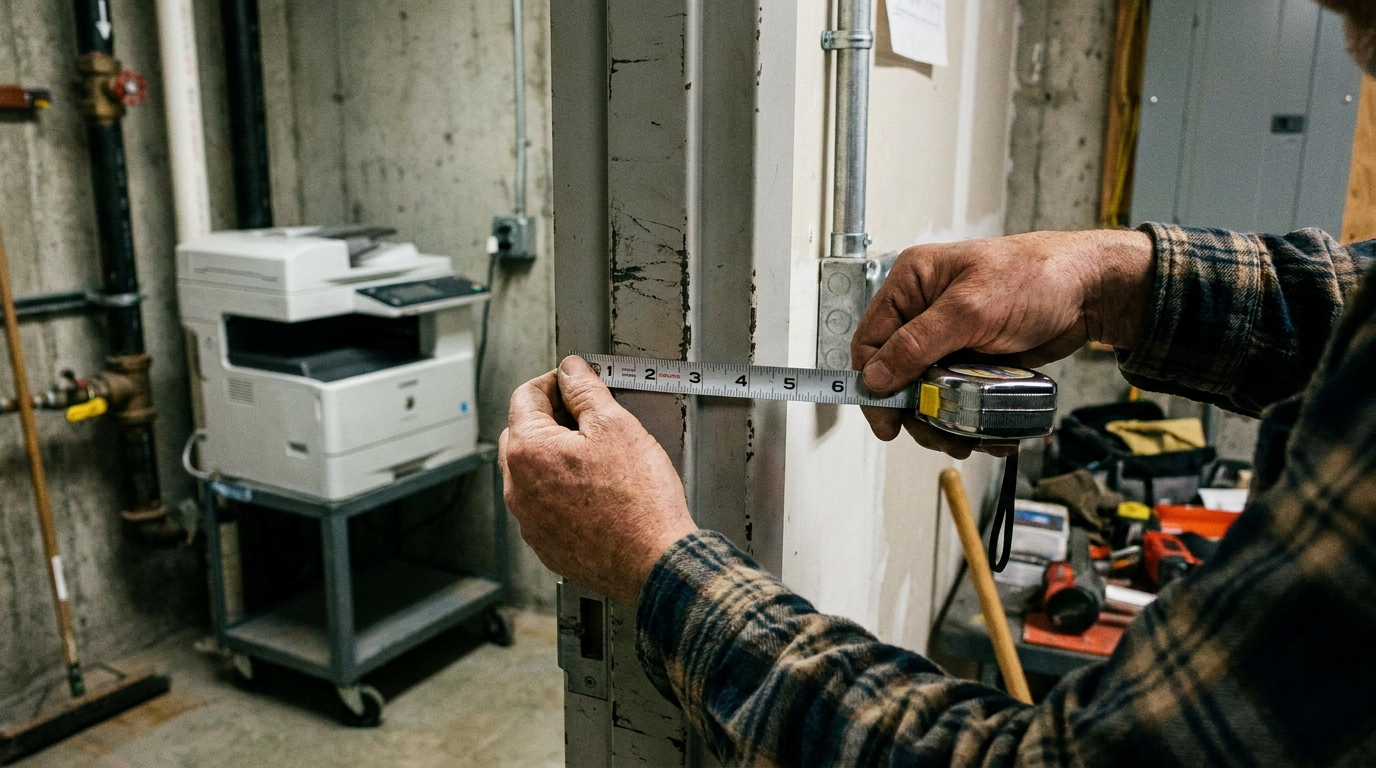
- Measure Everything: Measure the floor space, the height of the desk (if desktop), the width of your office door, and the building's lift doors.
- Check Connectivity: Ensure the model supports Wi-Fi and mobile printing (Apple AirPrint, Google Cloud Print) so you aren't forced to place the printer next to the router.
- Internal Finishers: If you need a stapler or hole-puncher for an A3 machine, specify an internal finisher to keep the footprint slim.
- Verify the SLA: Confirm in writing that your service provider adheres to a 4-hour SLA for repairs across Hong Kong.
Final Thoughts
Having a small office in Hong Kong shouldn't mean compromising on your document workflow. Whether you opt for a budget-friendly Pantum, a heat-free Epson, or a slimline A3 FujiFilm, the right compact copier will integrate seamlessly into your workspace, boosting productivity without getting in the way.
Take the time to assess your exact paper size requirements, measure your available space, and always factor in the local climate and service standards before making your final decision.
Need Expert Advice?
Our consultants can help you find the perfect printing solution for your office.
📞 +85221164877 · King Copier · Operated by Techieasy Limited