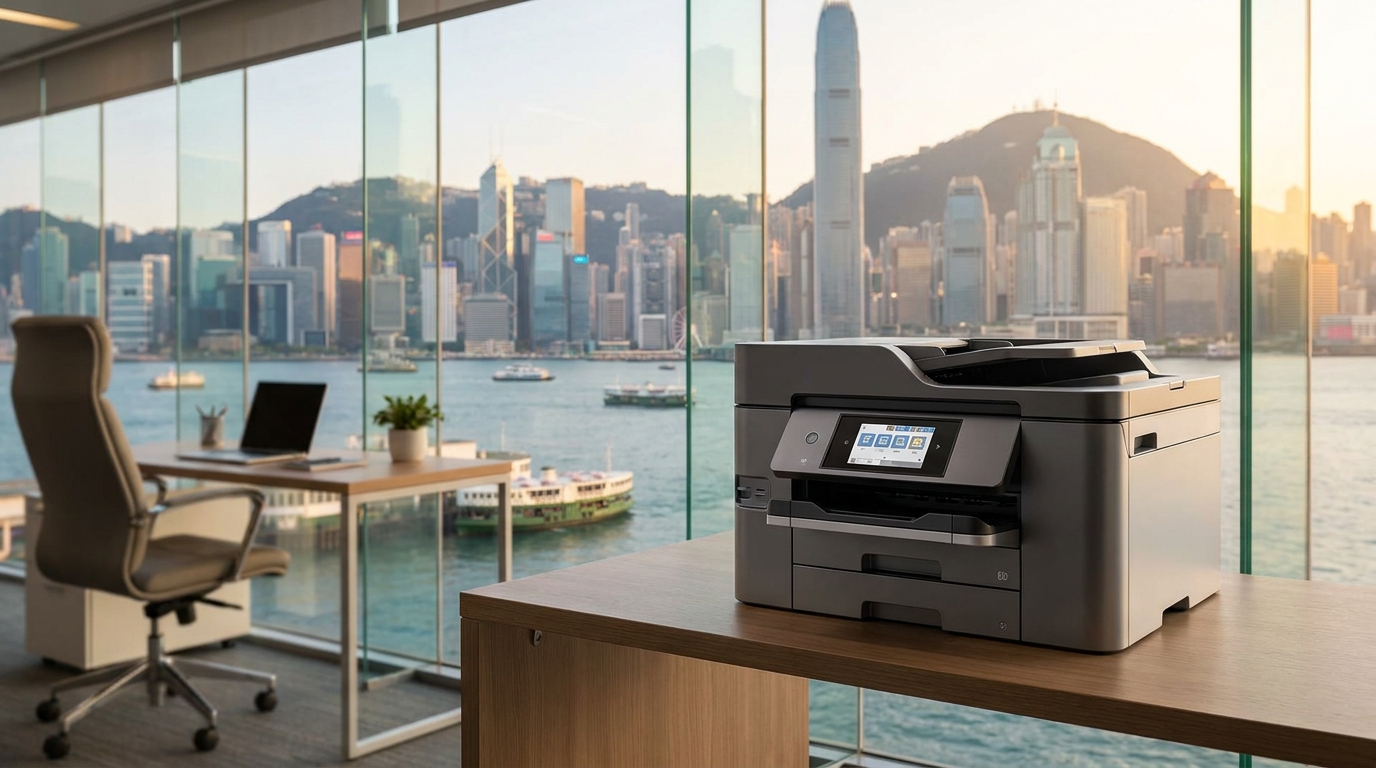
If you are leasing or buying a commercial multifunction printer in Hong Kong, you have likely encountered the term "click charge" or "meter charge." For many SME owners, IT managers, and office administrators, the monthly invoice can look like a complex mathematical puzzle. However, understanding exactly how these charges work is the first step to drastically reducing your office operating costs.
In this visual guide, we will break down what a click charge is, average Hong Kong Dollar (HKD) pricing, and the hidden traps you need to avoid when signing a maintenance contract.
What Exactly is a "Click Charge"?
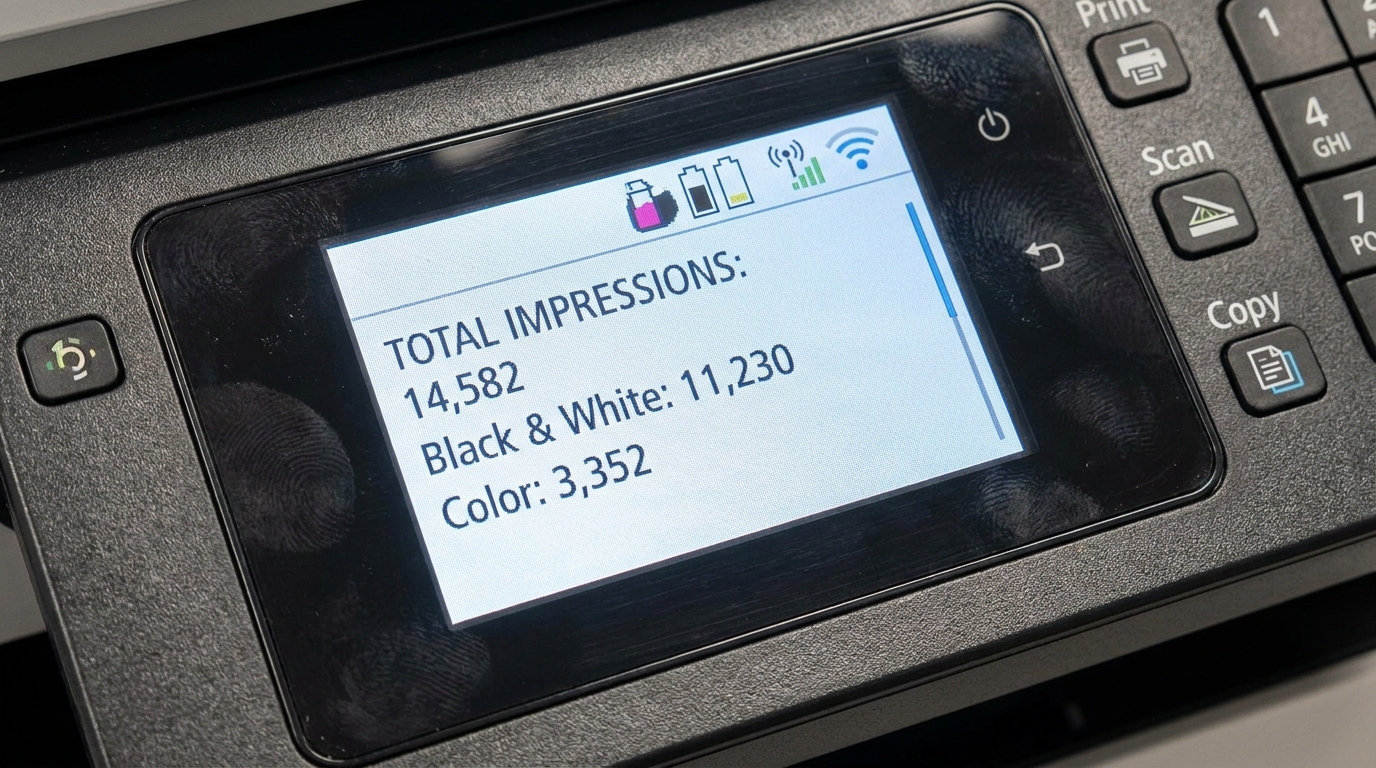
A click charge is a flat-rate fee you pay your copier provider every time a page passes through the machine and an image is printed or copied. This pay-per-page model is part of a standard Maintenance Agreement (often called an FSMA - Full Service Maintenance Agreement).
In Hong Kong, a standard click charge covers almost everything required to keep your machine running, except for the paper. This includes:
- All Consumables: Toner cartridges, drum units, developers, and waste toner boxes.
- Spare Parts: Rollers, fuser units, and circuit boards.
- Labor & Maintenance: On-site technician visits for troubleshooting and repairs.
- Service Level Agreement (SLA): In fast-paced Hong Kong, a 4-hour SLA is the industry standard expectation for a technician to arrive at your office.
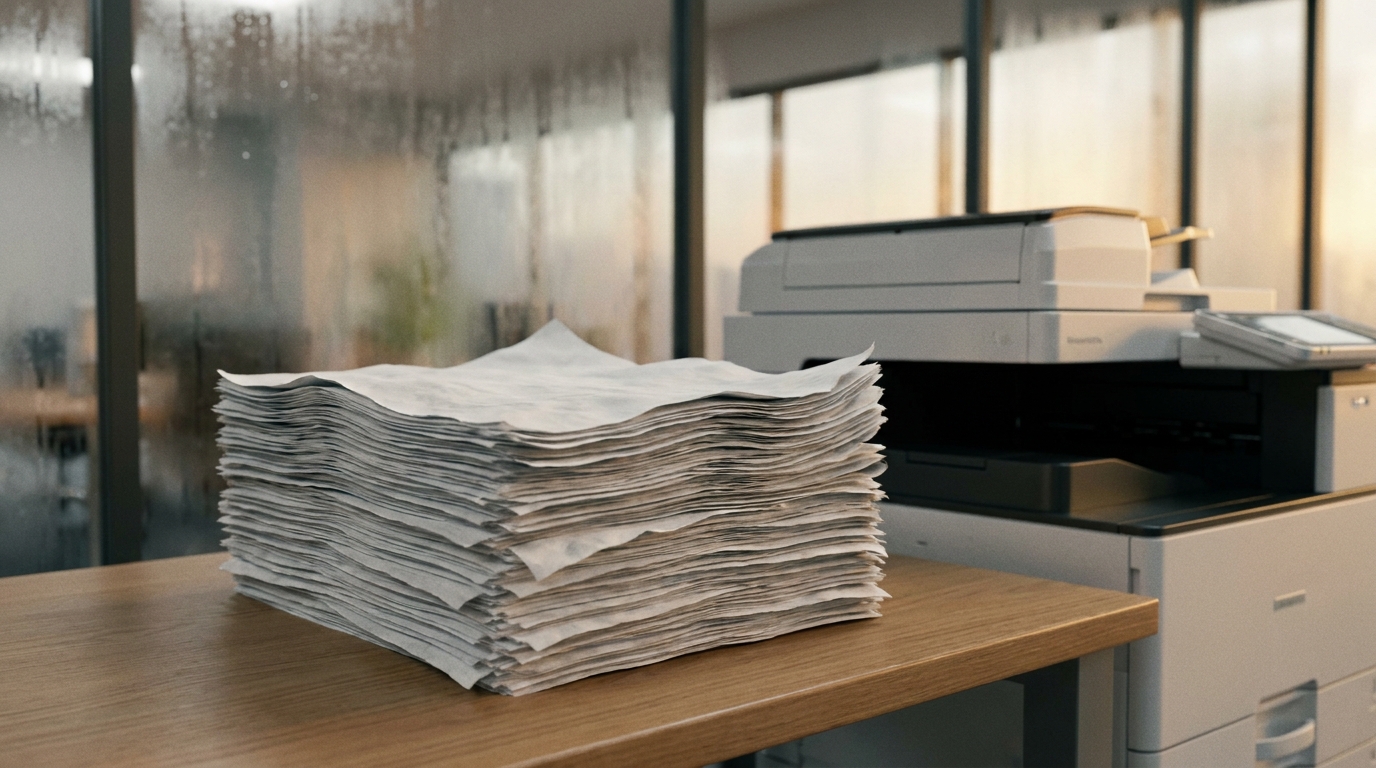
Given Hong Kong's notoriously high humidity—which frequently causes paper jams and affects toner adherence—having comprehensive maintenance bundled into your click charge is essential for brands ranging from FujiFilm and Xerox to Canon and Ricoh.
Average Click Charge Rates in Hong Kong
Click charges vary based on the machine's speed, the brand (such as Konica Minolta, Kyocera, Sharp, or Toshiba), and your monthly print volume. Here is a visual breakdown of typical HKD rates for standard A4 commercial machines:
| Print Type | Average Rate (HKD) | What Counts as a Click? |
|---|---|---|
| Mono (Black & White) | HK$ 0.03 - HK$ 0.08 | Any page printed with only black toner. |
| Color | HK$ 0.30 - HK$ 0.80 | Any page utilizing Cyan, Magenta, or Yellow. |
| A3 Size Paper | Double the A4 rate | Printing on A3 paper usually registers as 2 clicks. |
| Scanning | HK$ 0.00 (Free) | Scanning to email or folder is almost always free. |
Common Click Charge Traps to Avoid
Many businesses end up paying too much because they don't understand how the machine registers a "click." Watch out for these common pitfalls:
1. The "Tiny Blue Logo" Trap
If you print a 10-page text document, but your company letterhead has a tiny blue logo at the top, the machine will charge you for 10 color clicks. At HK$0.50 per color click versus HK$0.05 for mono, that small logo just cost you HK$5.00 instead of HK$0.50. Always ensure internal documents are forced to print in black and white.
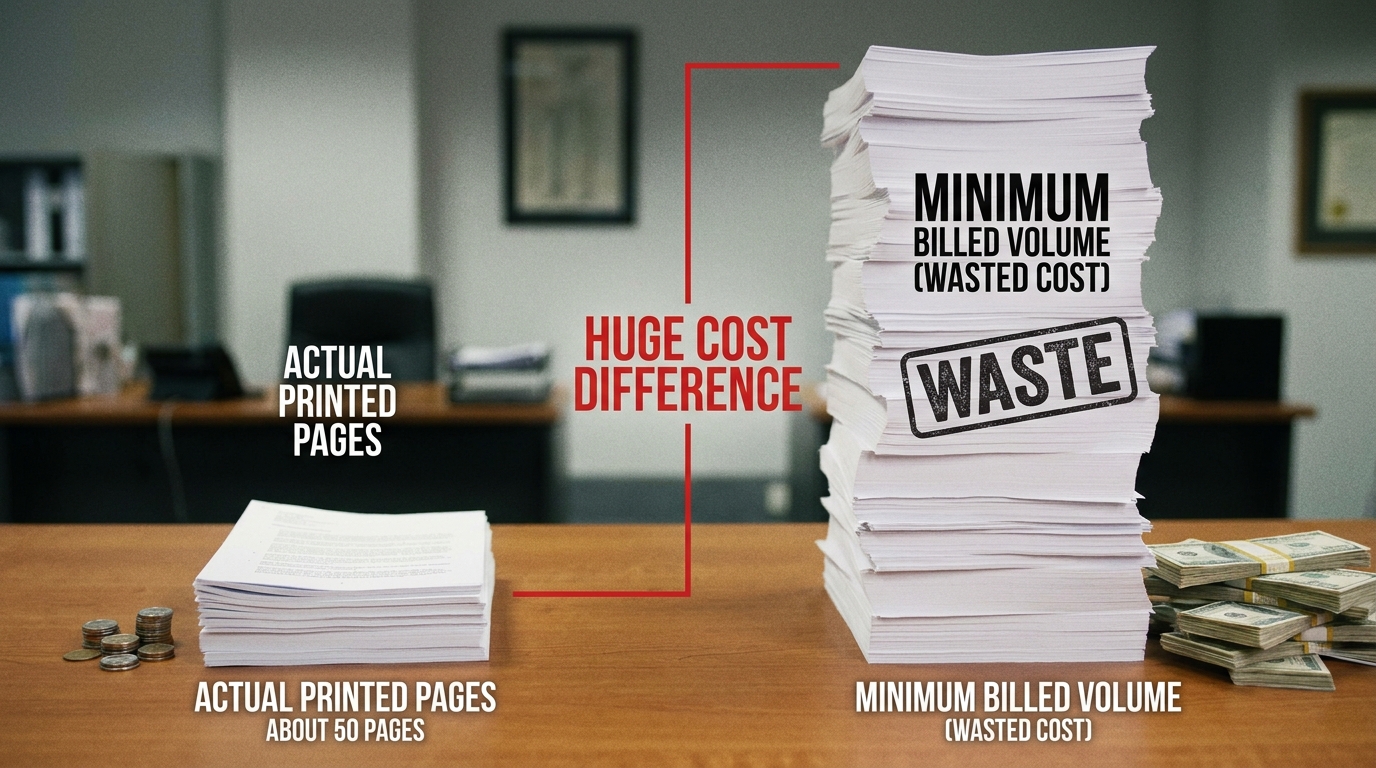
2. Minimum Monthly Volumes
Many contracts include a "Minimum Monthly Commitment." For example, you might agree to pay for 2,000 color clicks minimum per month. If you only print 500, you still pay for 2,000. When negotiating your contract for a Brother, HP, Epson, or Pantum device, always estimate your volume conservatively.
3. A3 Double Clicks
Because A3 paper is twice the size of A4, most copier meters will count a single A3 print as two A4 clicks. If your architecture or design firm prints heavy volumes of A3 plans, ensure you clarify how A3 clicks are billed in your contract.
Actionable Checklist: How to Lower Your Monthly Print Bill
Taking control of your click charges doesn't require a degree in IT. Implement these simple steps in your office to see an immediate reduction in your next bill:
- Set Default to Mono: Ask your IT admin to set the default print driver on all computers to Black & White. Users should have to actively select Color when they truly need it.
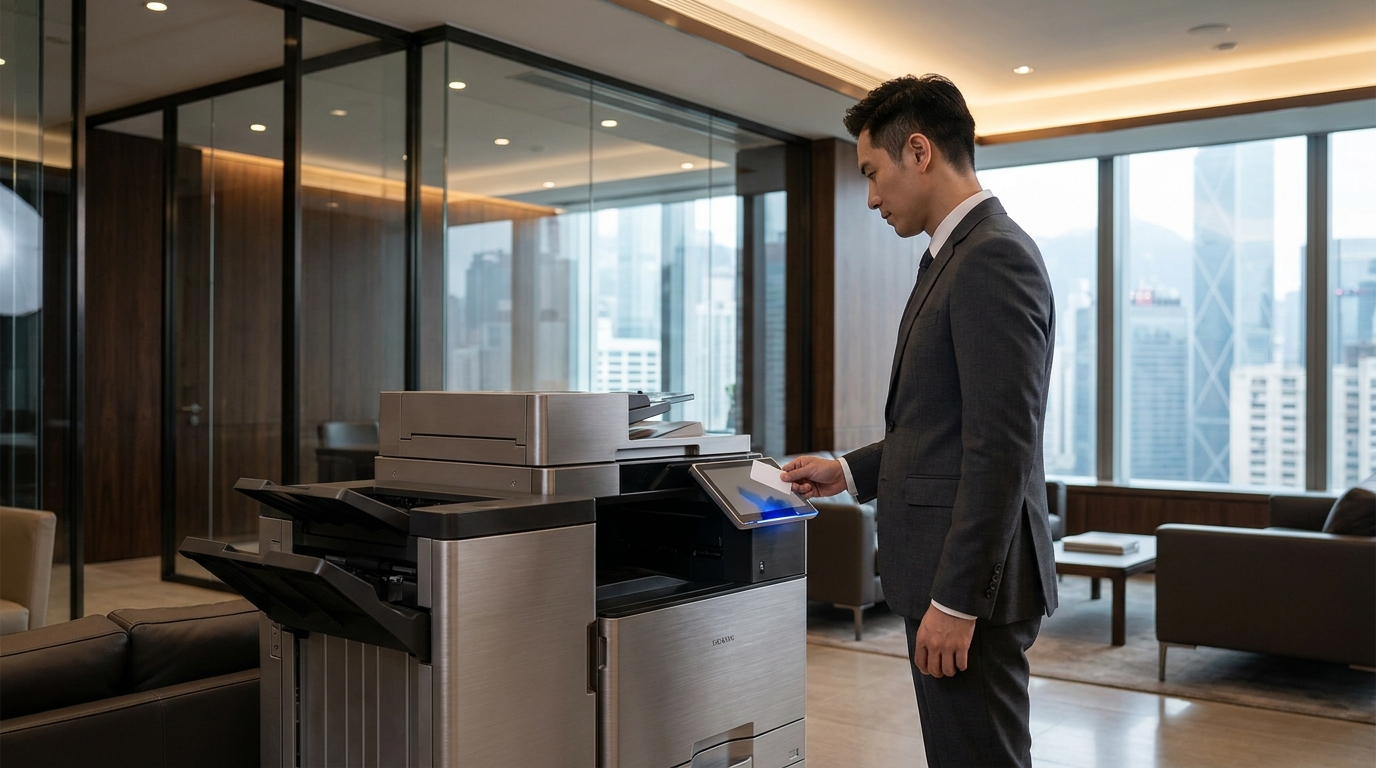
- Implement PIN Codes: Modern copiers allow you to set up User Authentication. Giving employees a PIN code tracks their usage and creates psychological accountability, naturally reducing wasteful printing.
- Digitize Workflows: Since scanning is free, encourage staff to use the "Scan-to-Email" or "Scan-to-Folder" functions instead of making physical copies for internal distribution.
- Check Machine Placement: Hong Kong offices are famous for space constraints. Ensure your machine has enough ventilation and isn't placed directly under an AC vent where condensation can cause paper dampness and phantom jams.
Hardware Considerations for Hong Kong
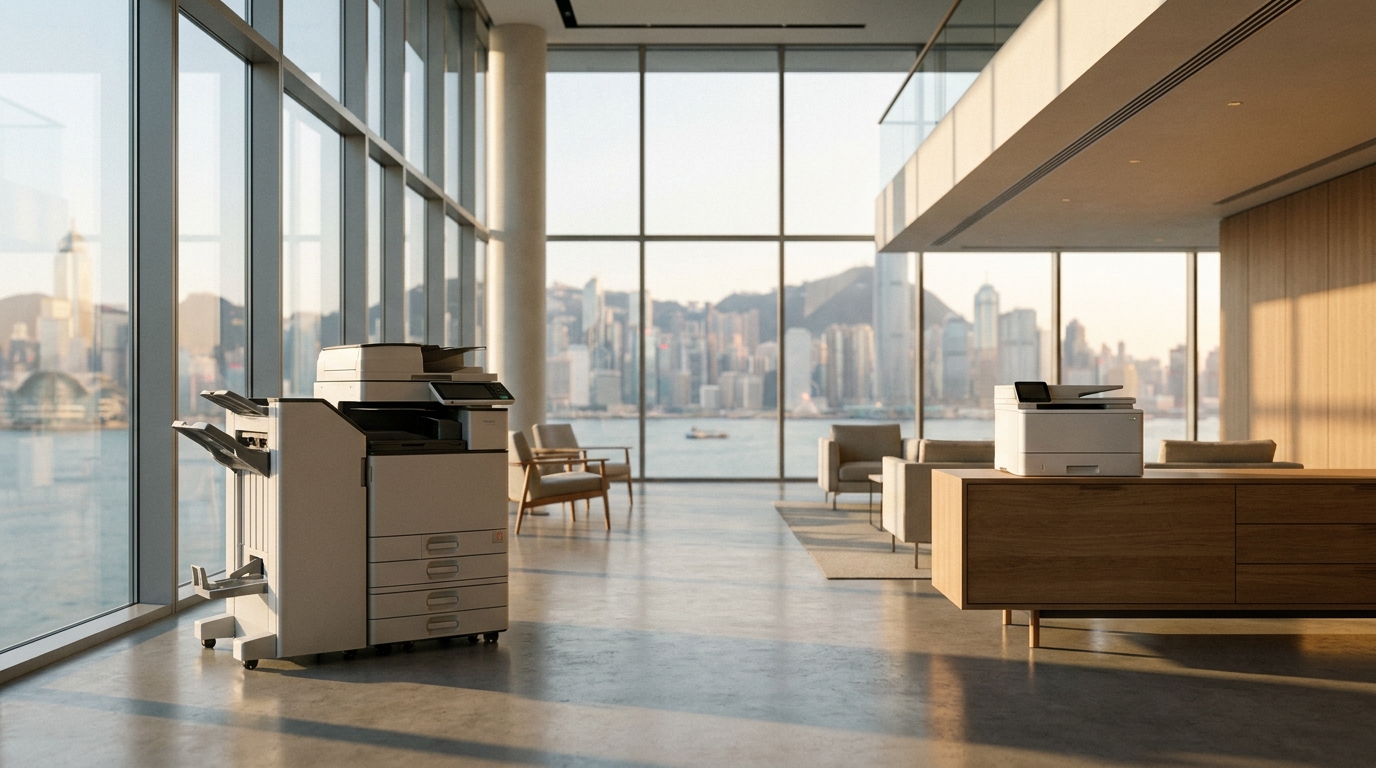
When reviewing your click charges, don't forget the physical reality of the machine. Commercial copiers in Hong Kong run on standard 220V power, but heavy-duty production machines might require dedicated circuits. Furthermore, before signing a lucrative click-charge contract on a massive A3 floor-standing model, ensure your building has adequate lift access and that the machine can clear your office doorways.
The Bottom Line
Understanding your copier click charges transforms a confusing monthly expense into a manageable, predictable utility. By knowing the difference between a mono and color click, avoiding minimum volume traps, and leveraging built-in software to restrict unnecessary color printing, Hong Kong SMEs can save thousands of dollars annually on their printing infrastructure.
Need Expert Advice?
Our consultants can help you find the perfect printing solution for your office.
📞 +85221164877 · King Copier · Operated by Techieasy Limited