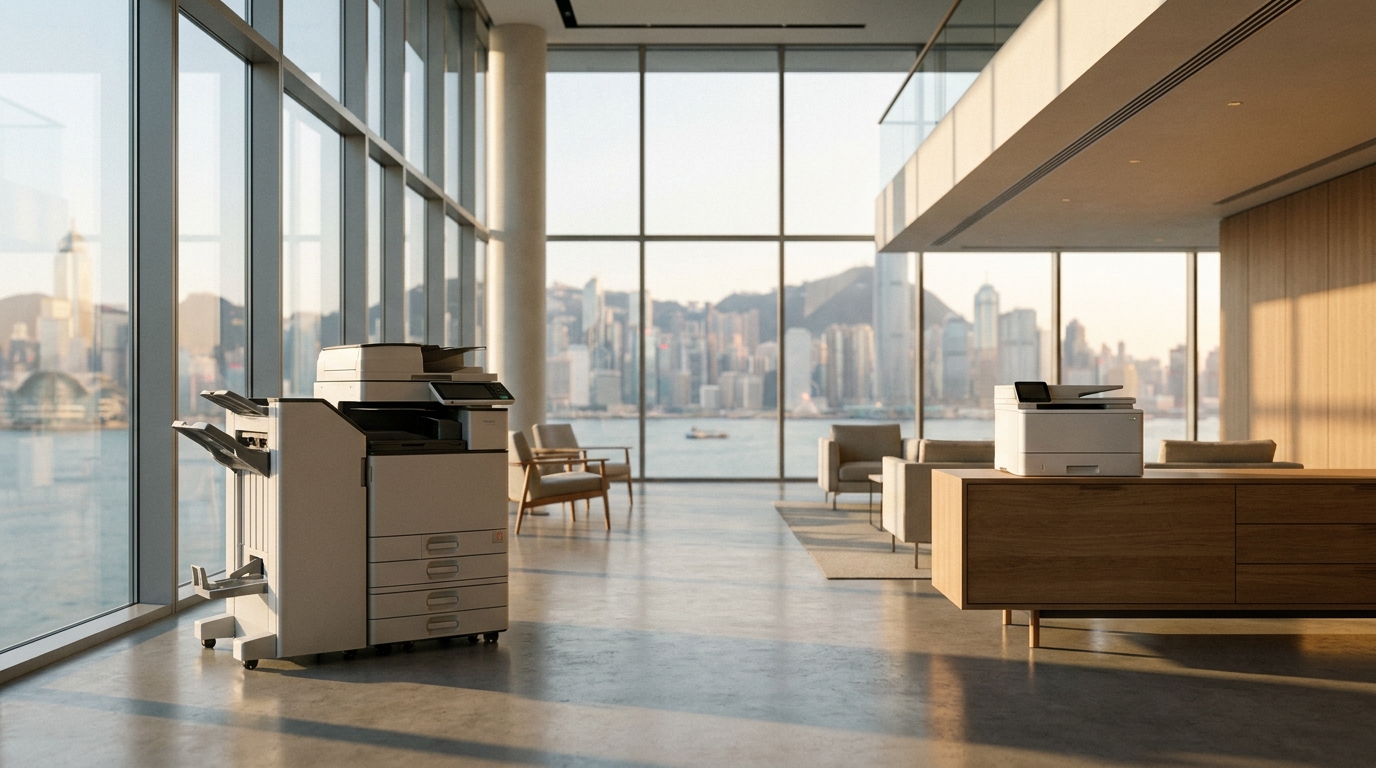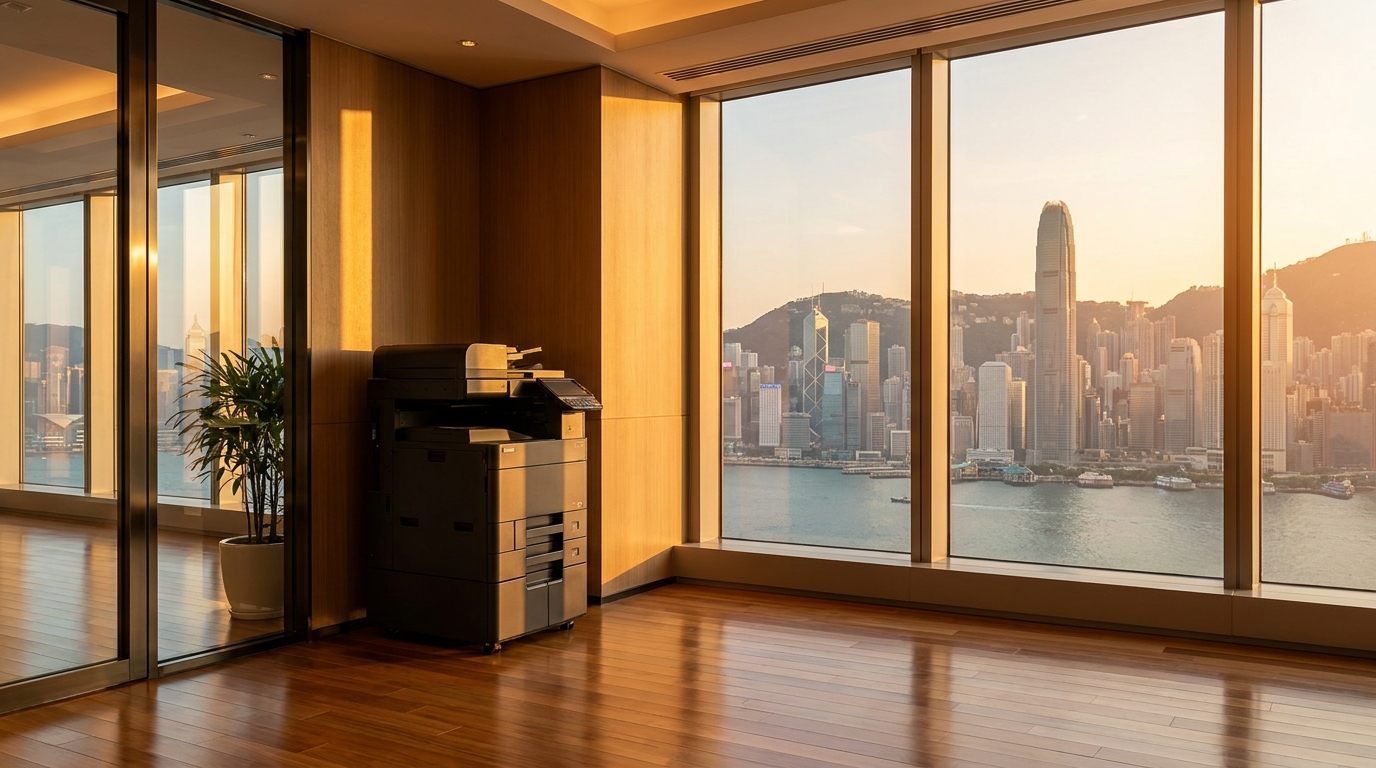
For law firms in Hong Kong, safeguarding client confidentiality is not just a professional obligation—it is a strict legal requirement under the Personal Data (Privacy) Ordinance (PDPO). While IT managers invest heavily in firewalls, encrypted emails, and secure servers, one critical network endpoint is frequently overlooked: the office copier.
Modern multifunction printers (MFPs) from brands like FujiFilm, Canon, Ricoh, and Konica Minolta are essentially powerful computers. They have hard drives, operating systems, and direct network access. If left unsecured, your copier can become a massive vulnerability, leaking sensitive M&A contracts, litigation documents, or personal client data. Here are the essential copier security features every legal practice must implement.
1. Pull Printing (Follow-Me Print)
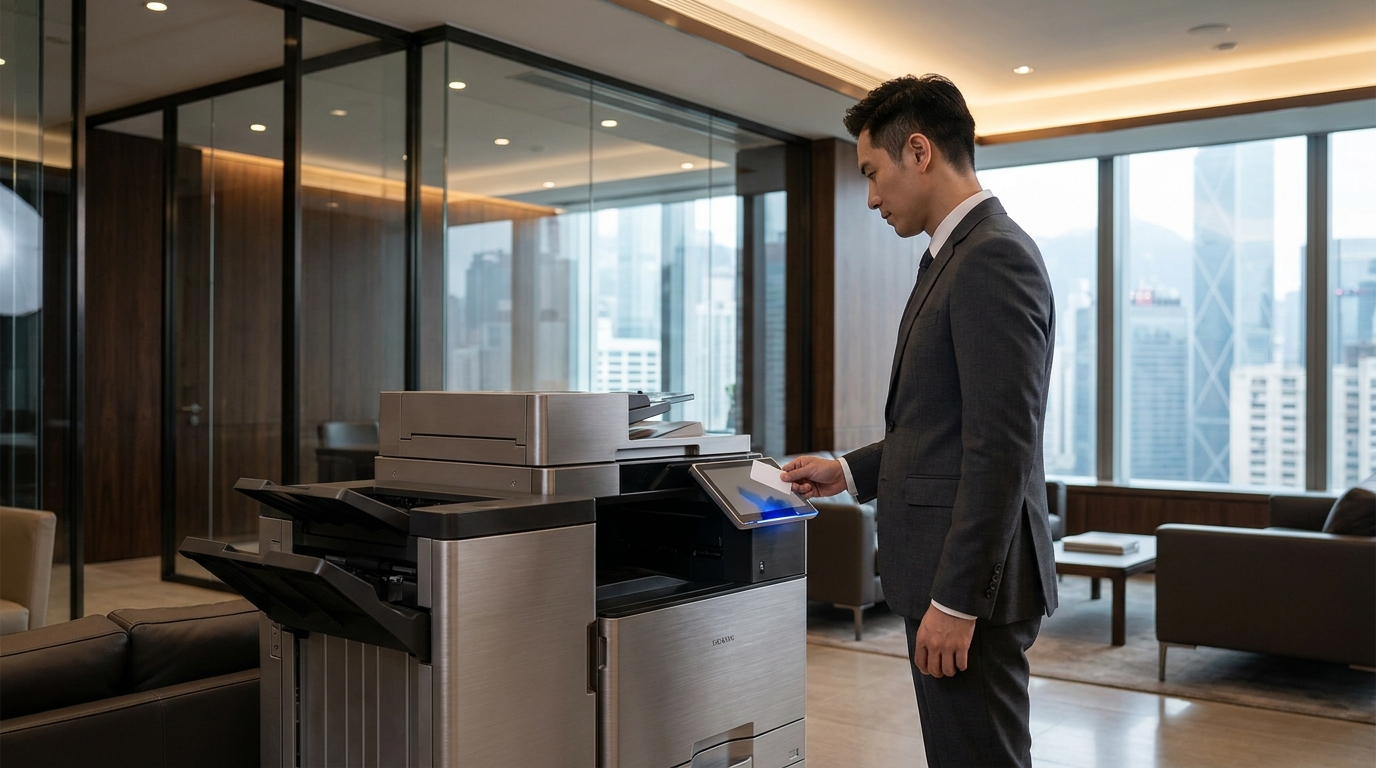
In Hong Kong's notoriously tight office spaces, copiers are often placed in high-traffic hallways or communal areas. When a user prints a confidential affidavit and gets distracted, that document sits exposed on the output tray for anyone to read or accidentally take.
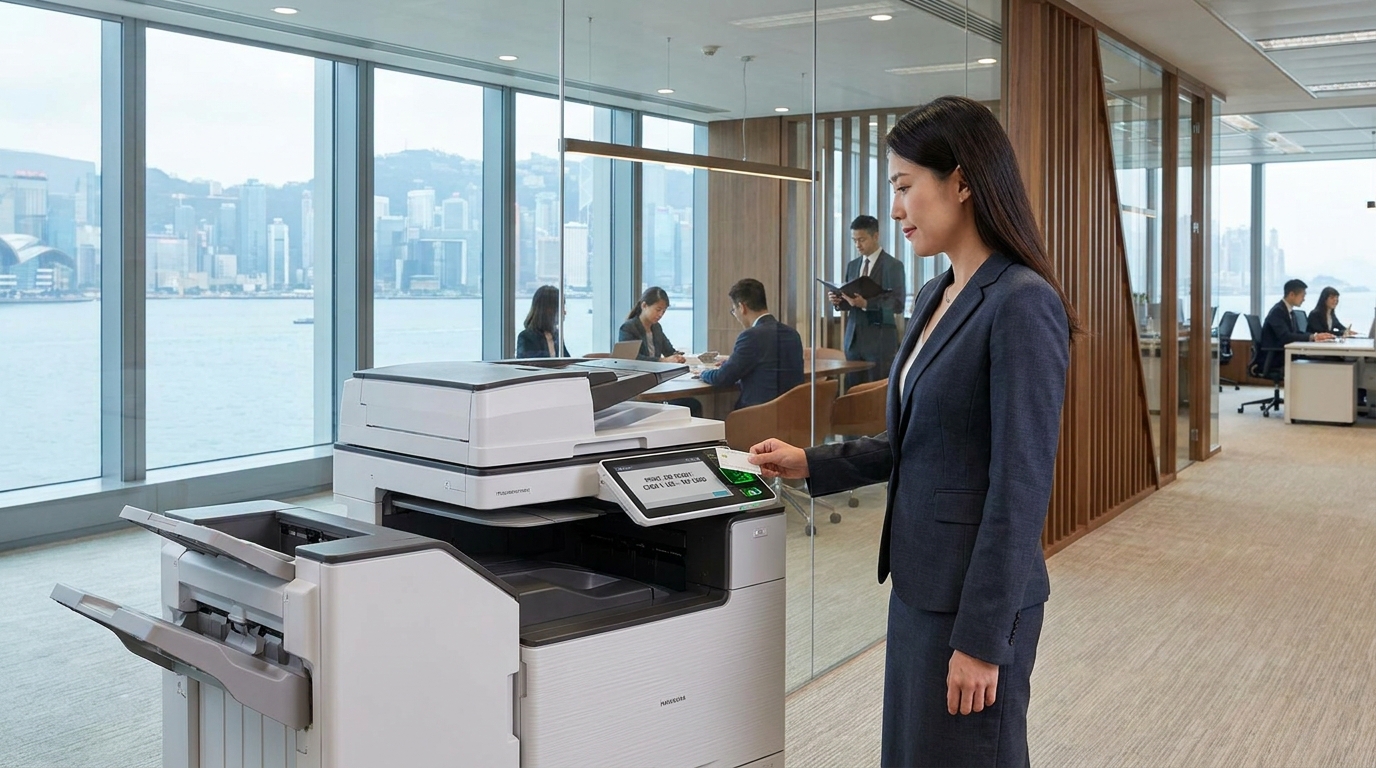
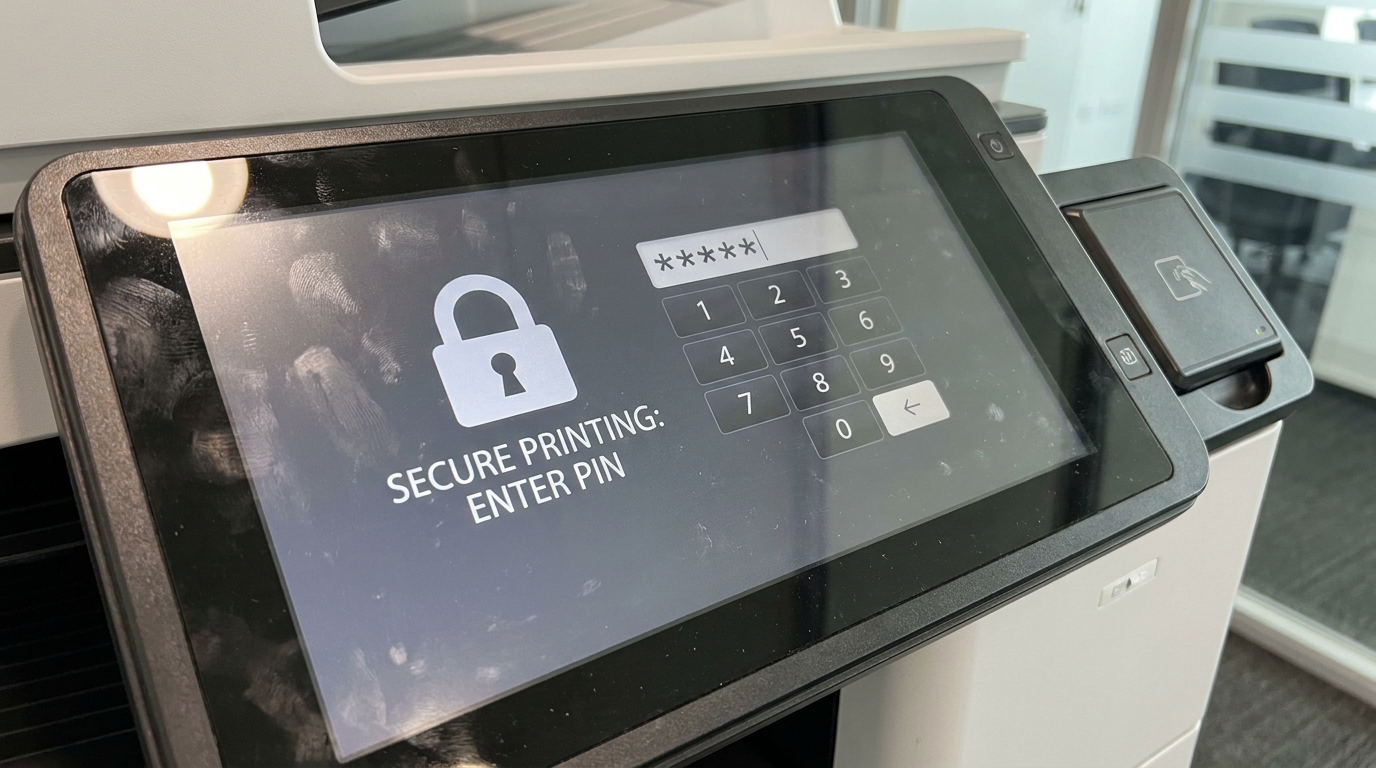
Pull Printing (also known as Follow-Me Print) eliminates this risk. Documents are sent to a secure server and are only released when the user physically authenticates at the device. This authentication can be done via:
- A secure PIN code entered on the touchscreen.
- An employee ID badge (NFC/RFID).
- Integration with local access cards (e.g., configuring the reader to accept Octopus cards or standard building access cards).
2. Hard Drive Encryption and Image Overwrite
Every time you scan, copy, or print a document, an image of that file is temporarily (or permanently) stored on the copier's internal hard drive. If a hacker accesses the network, or if the machine is returned to a leasing company without being wiped, highly sensitive legal data can be recovered.
Crucial Data Protection Features:
- 256-bit AES Encryption: Ensures that even if the hard drive is physically removed from the machine, the data is unreadable.
- Auto Image Overwrite: Automatically scrubs and overwrites the latent digital image on the hard drive immediately after a print or scan job is completed.
3. Secure PDF and Scan-to-Email Encryption
Lawyers frequently scan physical documents to email them to clients or opposing counsel. If intercepted on the network, these files are completely exposed. Enterprise-grade copiers from Kyocera, Sharp, and Toshiba offer native PDF encryption. Users can assign a password to the PDF directly from the copier's control panel before it is even sent across the network. Furthermore, ensuring the device supports S/MIME protects the email transmission itself.
4. Firmware Protection and Whitelisting
Advanced cyber threats can target a printer's firmware to install malware, effectively turning the copier into a backdoor to your firm's entire network. Brands like HP and FujiFilm have introduced self-healing BIOS and application whitelisting. This means the copier will only run known, approved firmware; if it detects an unauthorized modification upon boot-up, it automatically restarts and restores a safe, offline copy of its BIOS.
Brand Comparison: Security Highlights for Law Firms
| Brand | Key Security Technology | Best For |
|---|---|---|
| FujiFilm / Xerox | TrustSec, TPM (Trusted Platform Module), Image Overwrite | Large law firms requiring military-grade data scrubbing. |
| Canon | McAfee Embedded Control, uniFLOW Secure Printing | Firms needing seamless smart-card integration and tracking. |
| HP | HP Sure Start, Run-time intrusion detection | Practices highly concerned about network malware and hacking. |
| Konica Minolta | bizhub SECURE (Bitdefender anti-virus engine) | Mid-sized firms wanting built-in, automated virus scanning. |
Hong Kong Specific Considerations
When configuring copier security in Hong Kong, there are a few local factors IT managers must consider:
- Maintenance and 4-Hour SLAs: Security features like firmware updates or encrypted hard drives can occasionally cause system errors. In the fast-paced HK legal sector, you cannot afford downtime. Ensure your service contract guarantees a standard 4-hour SLA (Service Level Agreement) so engineers can resolve security lockouts swiftly.
- Humidity and Paper Jams: Hong Kong's high humidity often leads to paper jams. If a confidential document jams inside the fuser unit, the next person to clear the jam might see it. Ensure your staff is trained on secure jam-clearance protocols, and invest in machines with advanced dehumidifying heaters (standard in 220V enterprise machines).
The Law Firm Copier Security Checklist
Before signing a new copier lease or auditing your current setup, ensure you can check off these boxes:
- Change Default Passwords: Never leave the admin password as "admin" or "12345".
- Enable Pull Printing: Mandate PIN or card authentication for all print jobs.
- Turn on Image Overwrite: Configure the machine to scrub data after every job.
- Disable Unused Ports: Turn off USB printing or unused network protocols (like FTP or Telnet) to minimize attack surfaces.
- End-of-Lease Wipe: Ensure your contract includes a certified hard drive wipe or physical destruction of the drive when the machine is returned.
Securing your law firm's print infrastructure is a critical step in maintaining client trust and complying with Hong Kong's privacy regulations. By treating your multifunction printers as the powerful network endpoints they are, you can close a major gap in your firm's cybersecurity strategy.
Need Expert Advice?
Our consultants can help you find the perfect printing solution for your office.
📞 +85221164877 · King Copier · Operated by Techieasy Limited