Kyocera vs Konica Minolta: Which Brand Is Better for Hong Kong SMEs?
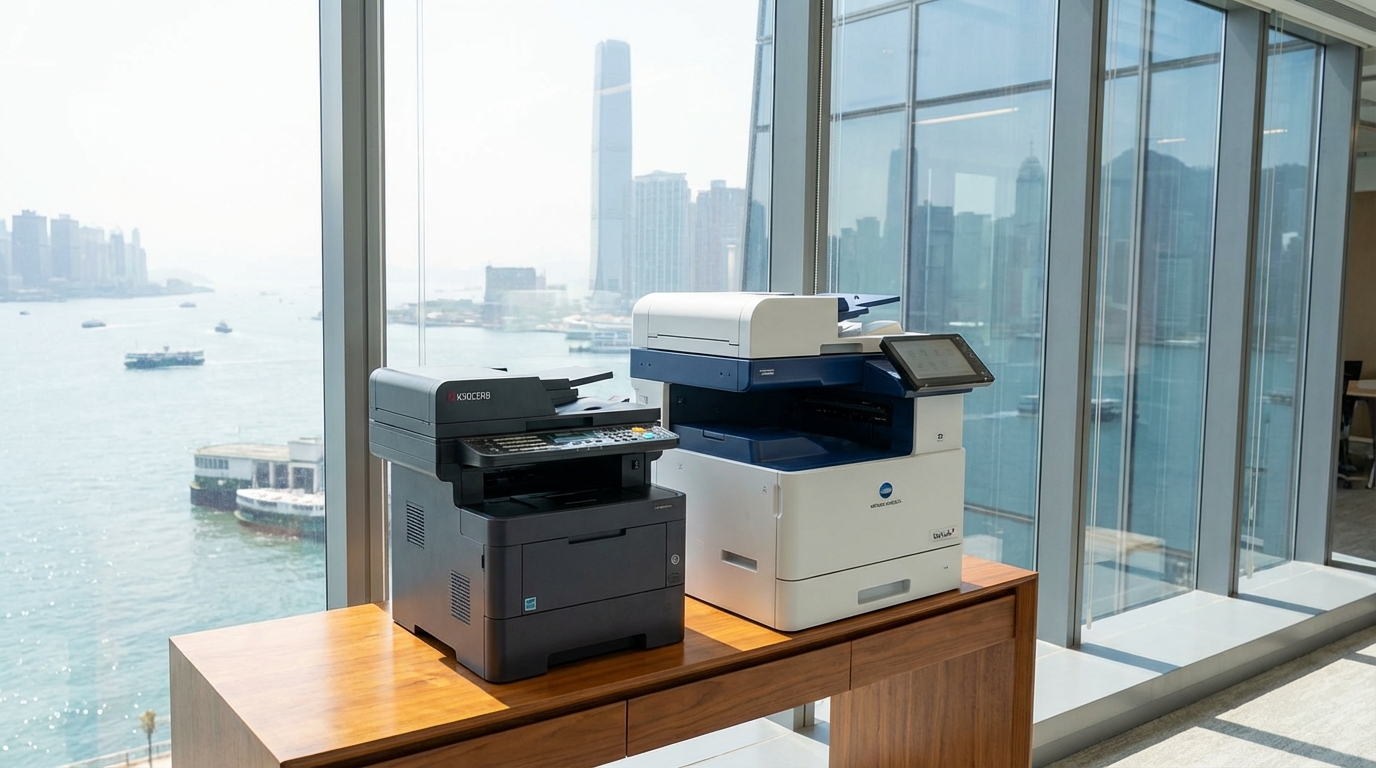
If you're kitting out a Hong Kong office and narrowing your shortlist to two brands, Kyocera and Konica Minolta usually end up in the final round. Both are Japanese, both are reliable, and both are widely supported by local dealers — but they're built with different priorities in mind. Kyocera leans hard into long-life consumables and low running costs, while Konica Minolta focuses on colour quality, document workflow software and multifunction flexibility. This guide breaks down where each brand wins so you can pick the right fit for your floor space, budget and print volume.
The Short Answer
Choose Kyocera if…
- Your team prints mostly black-and-white documents
- Volume is high and predictable (2,000+ pages/month)
- Running cost per page is your top priority
- You want fewer toner changes and less admin
Choose Konica Minolta if…
- You produce colour marketing material or proposals
- You need heavy scanning and document workflow
- You want a full A3 multifunction hub
- Brand polish matters for client-facing offices
Running Costs: Kyocera's Big Advantage
Kyocera's ECOSYS technology uses a ceramic drum that lasts for the life of the machine rather than being replaced with every cartridge. In practice, that means the consumable you buy is largely just toner — which keeps the cost per page unusually low. For a Hong Kong SME printing 3,000 pages a month, that difference adds up fast.
| Cost Factor (Estimate) | Kyocera (Mono A3) | Konica Minolta (Colour A3) |
|---|---|---|
| Monthly lease (HKD) | $600 – $1,200 | $1,200 – $2,800 |
| Mono cost per page | ~$0.05 – $0.08 | ~$0.08 – $0.12 |
| Colour cost per page | ~$0.35 – $0.50 | ~$0.45 – $0.70 |
| Drum replacement | Machine life | Periodic |
Figures are indicative only — always confirm against your actual lease and click-charge quote, which varies by dealer and contract term.
Colour Quality and Print Output
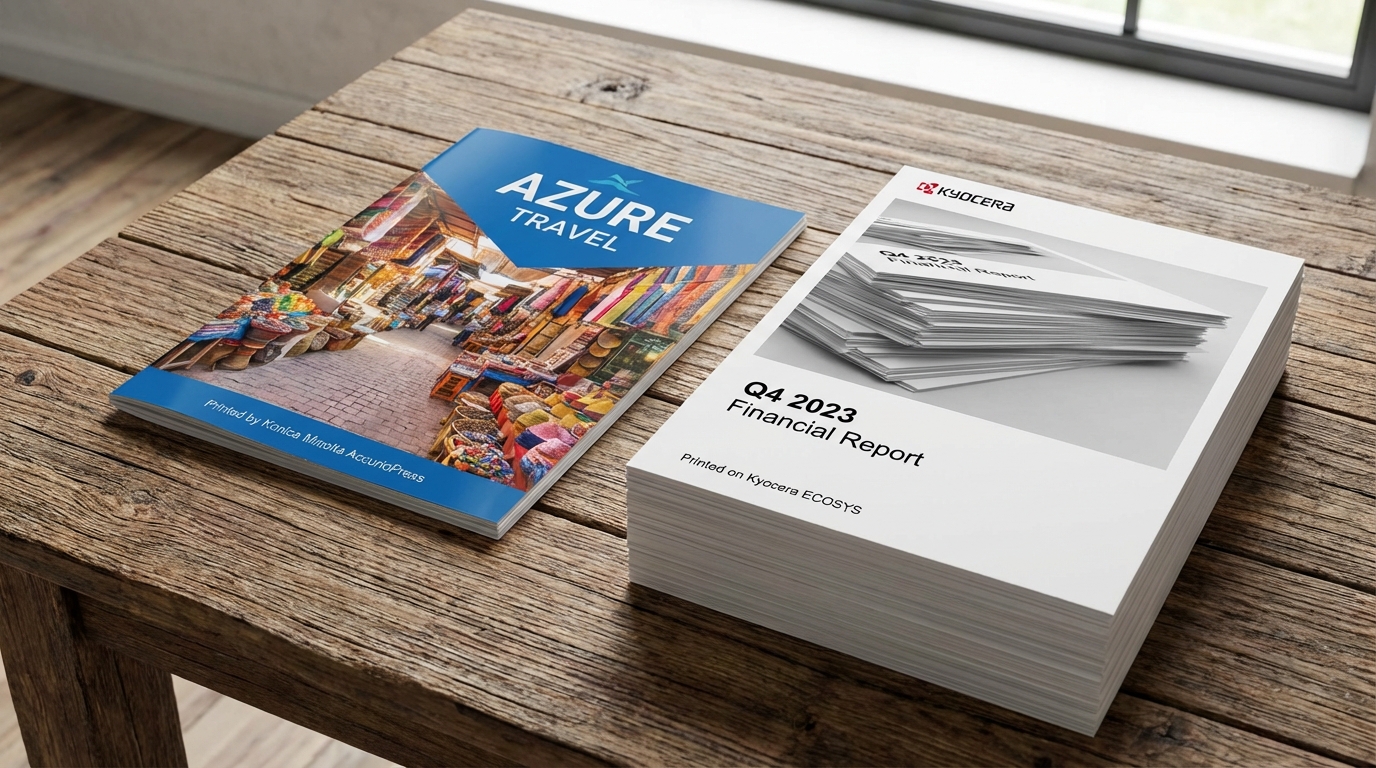
Konica Minolta's bizhub range is the stronger choice when colour matters. Its image stabilisation and colour calibration produce noticeably richer gradients and more consistent skin tones — useful for design studios, marketing teams, or any SME that sends printed proposals to clients. Kyocera's TASKalfa colour models are perfectly respectable for internal documents, charts and presentations, but they're not aimed at the same print-shop-adjacent quality.
Document Workflow and Software
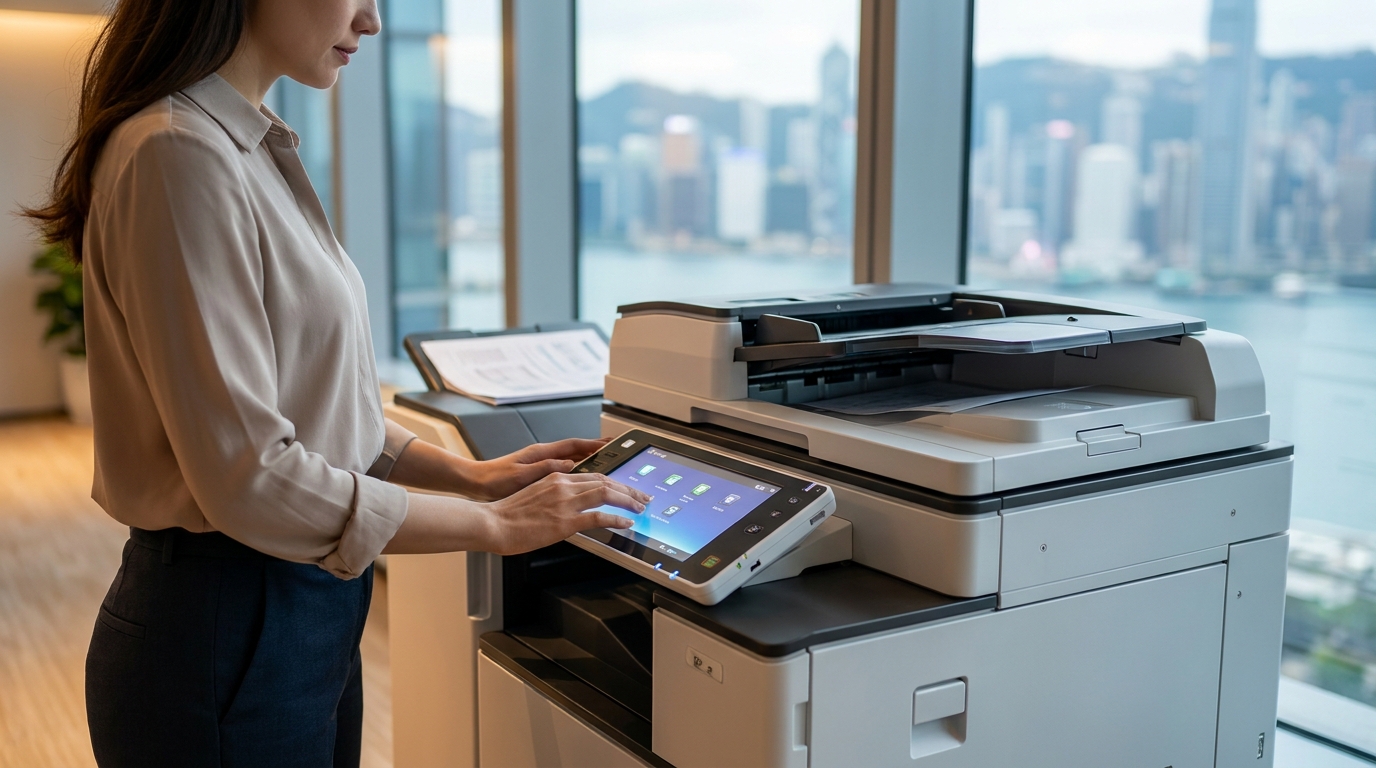
Konica Minolta has invested heavily in the software layer: cloud connectors, scan-to-email and scan-to-SharePoint, secure print release, and mobile printing via its own apps. If your office runs a paper-light workflow or you need department-level document management, this is a real differentiator.
Kyocera covers the essentials well — scan to email, SMB, FTP and USB — but its ecosystem is more utilitarian. For a straightforward office that just wants reliable printing and scanning, that's plenty. If your IT team is building workflows around the device, Konica Minolta offers more to work with.
Hong Kong Practicalities
Space and Fit
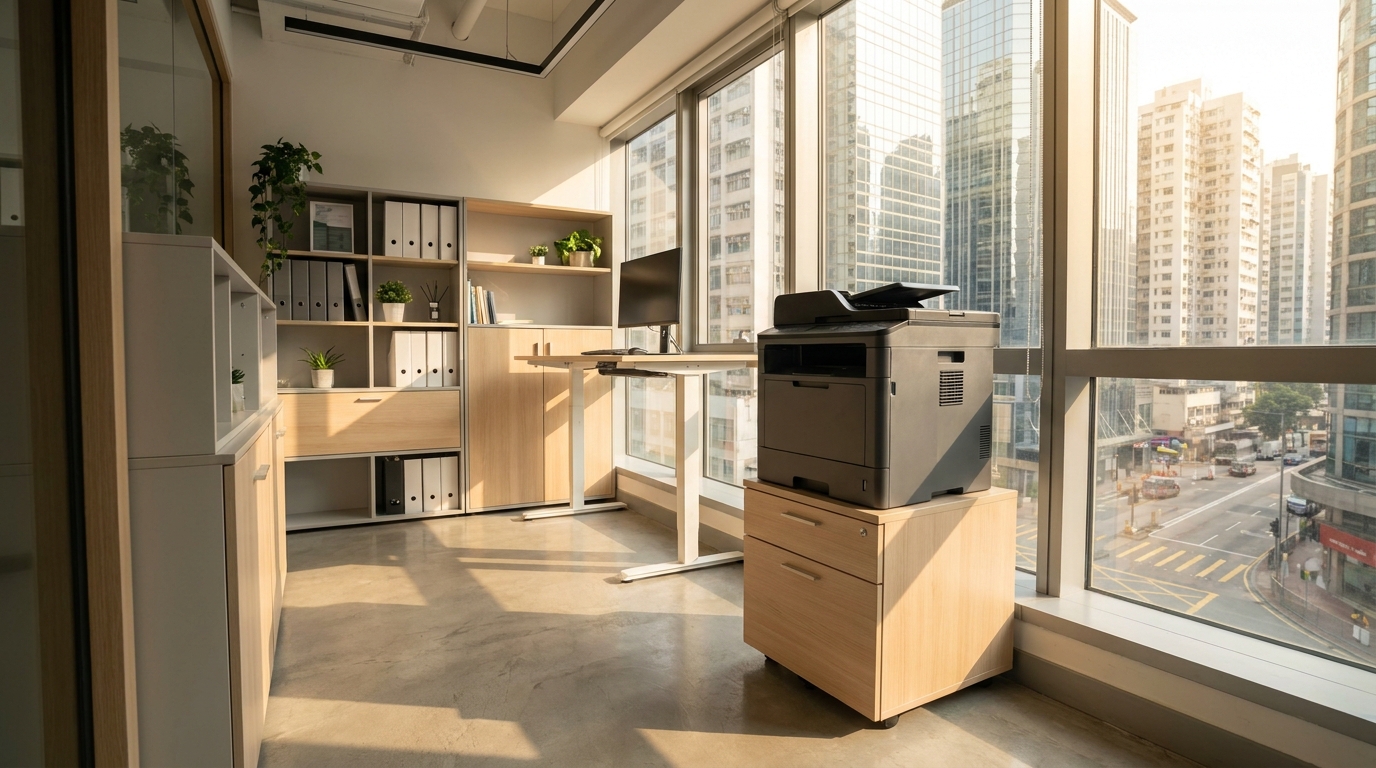
In a typical 500–1,500 sq ft Hong Kong office, footprint is everything. Both brands offer compact A3 floor-standing units around 60–70 cm wide, but check clearance for the finisher and paper drawers — a fully configured Konica Minolta with booklet finisher can be significantly deeper than a bare Kyocera. Measure your lift lobby too: most Hong Kong buildings have tight turns, and a large copier that won't fit inside the lift becomes an expensive staircase problem.
Humidity and Power
Hong Kong's summer humidity can cause paper jams and toner clumping. Kyocera's ceramic drum has a reputation for tolerating humid conditions well, and its long-life components mean fewer service visits. Both brands run on 220V/50Hz, so no voltage concerns — but confirm the machine's plug type and ensure your circuit can handle the load if you're adding a finisher and high-capacity feeder.
Service and 4-Hour SLA
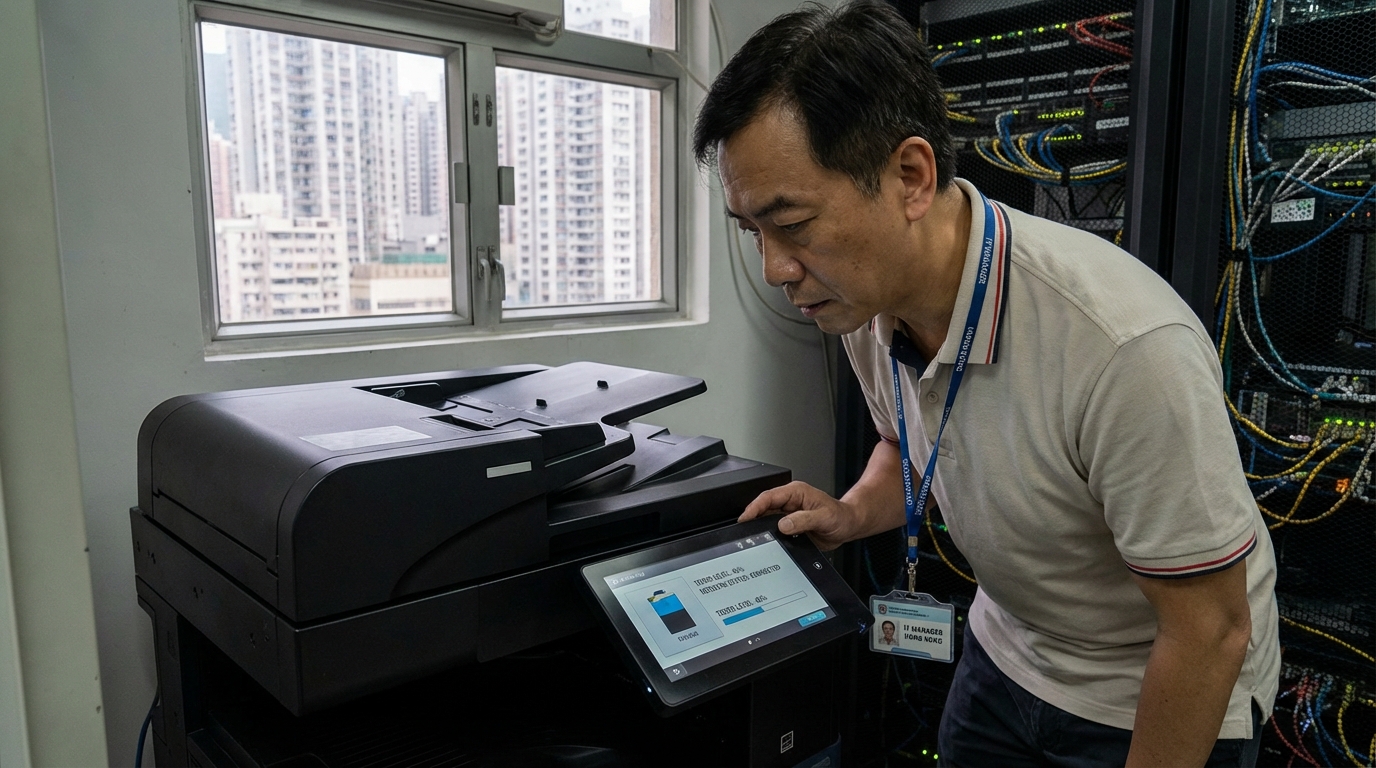
Both Kyocera and Konica Minolta have strong local dealer networks in Hong Kong, and a 4-hour on-site response SLA is achievable with either brand — but only if your supplier has genuine spare-part stock locally. Ask directly whether the drum, fuser and developer units are held in Hong Kong or shipped from the region. That single question separates a good contract from a frustrating one.
Quick Checklist Before You Sign
- Calculate your true monthly volume — including scans, not just prints
- Compare cost per page, not just lease price — the two rarely align
- Confirm the click charge for both mono and colour, and whether it includes toner
- Check the SLA in writing — response time, parts availability, loan-unit policy
- Test the scan speed if you're going paper-light; it's often the real bottleneck
- Verify the footprint against your actual floor and lift dimensions
- Ask about end-of-contract fees for exceeding page allowances
The Verdict
For a cost-conscious Hong Kong SME printing mostly black-and-white at steady volume, Kyocera is usually the smarter buy — the low cost per page and long-life drum genuinely reduce total cost of ownership over a three-year lease.
For an SME where colour output, scanning volume and document workflow are central to daily operations, Konica Minolta earns its higher price with better print quality and a richer software ecosystem.
The honest answer is that neither brand is universally "better" — the right machine depends on your print mix, your floor plan and the quality of the local dealer behind it. Get quotes for both from a broker who isn't tied to one brand, and compare on total cost of ownership rather than headline lease price.
Need Expert Advice?
Our consultants can help you find the perfect printing solution for your office.
📞 +85221164877 · King Copier · Operated by Techieasy Limited