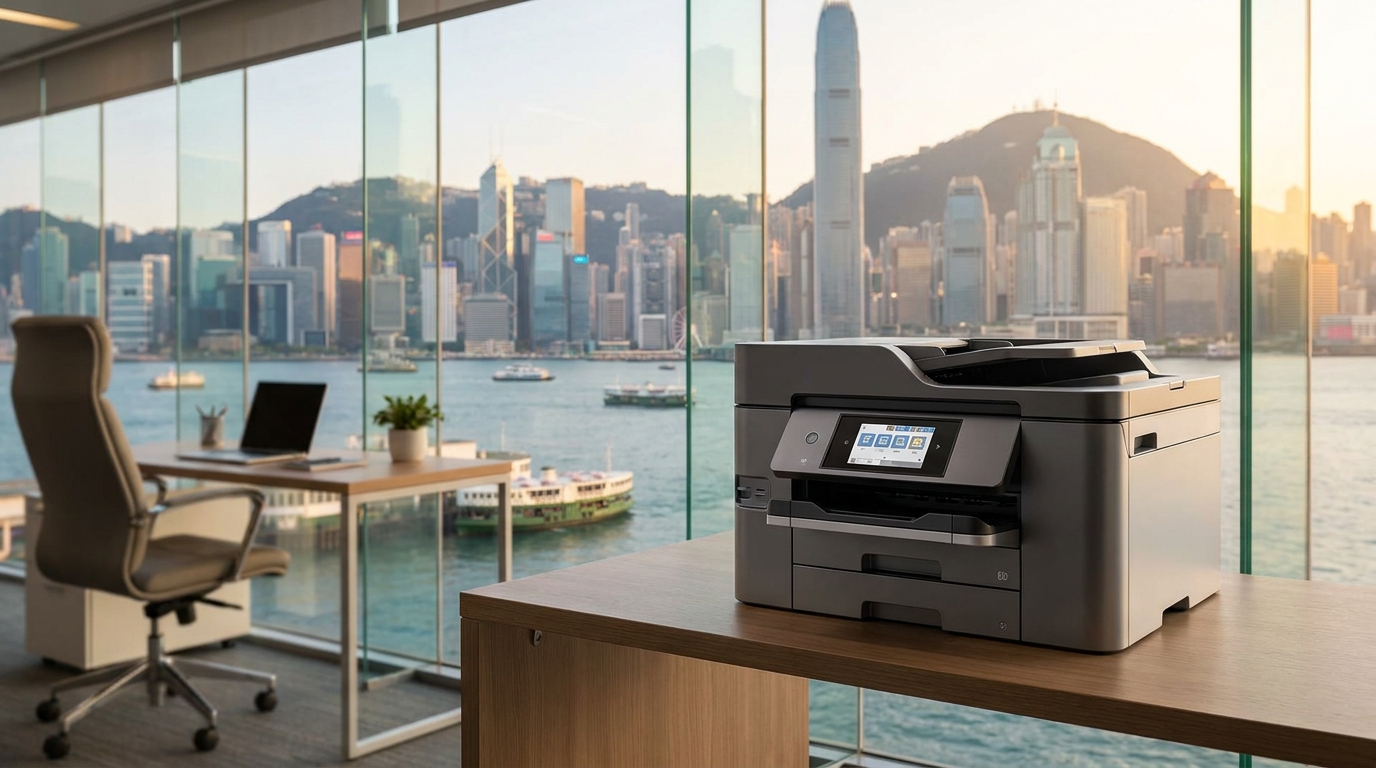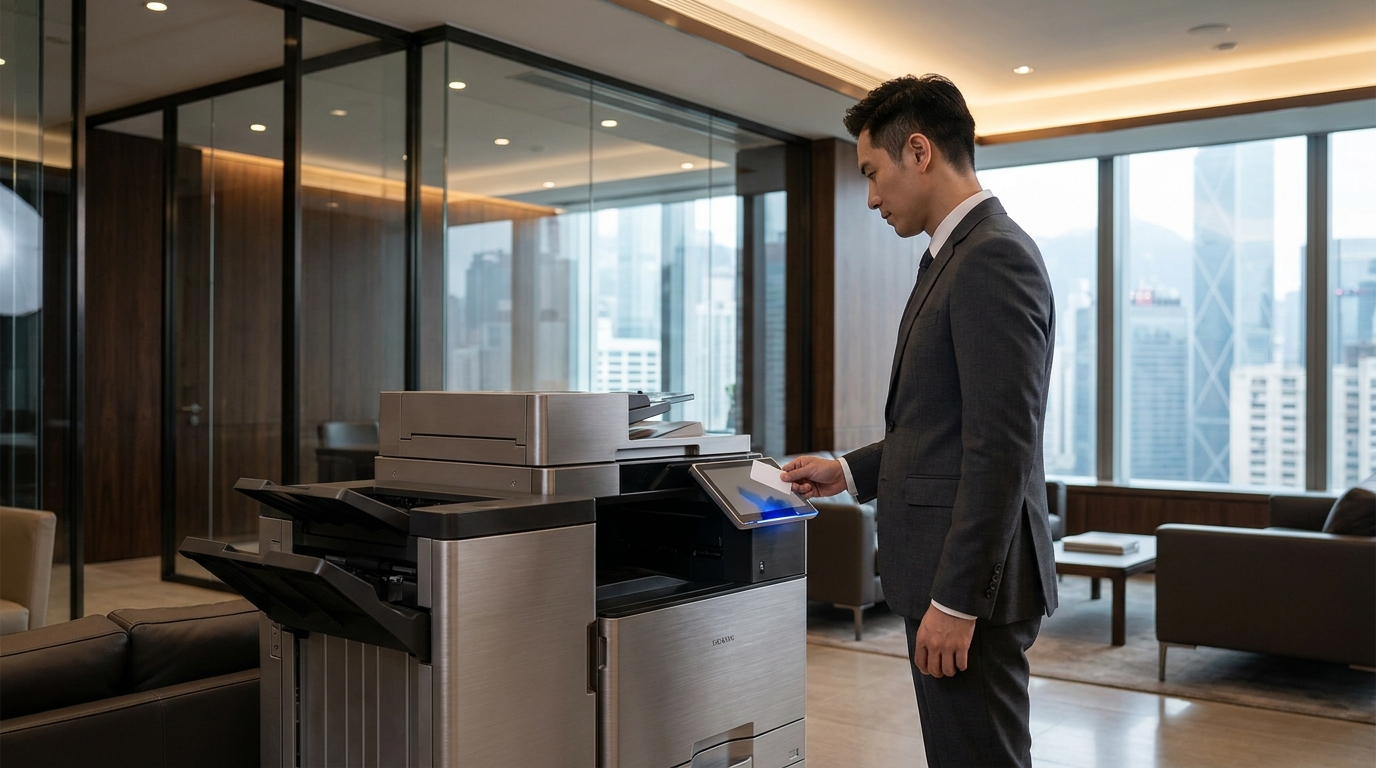
Time flies when you are running a business in Hong Kong. That 36 or 60-month copier lease you signed years ago is suddenly approaching its expiration date. For many IT managers, office admins, and SME owners, an expiring lease is a critical window of opportunity. If you miss your cancellation window, you might be locked into an automatic 12-month renewal at a higher premium. If you act proactively, however, you can negotiate better terms, upgrade to newer technology, and significantly reduce your monthly overheads.
To ensure a smooth transition and avoid unnecessary penalties, here is a comprehensive, step-by-step guide on what to do before your copier contract expires.
6 Months Before: Review Your Current Contract and Usage
Do not wait until the last month to look at your lease. Most leasing companies require a written notice of termination 30 to 90 days before the contract end date.
- Check the fine print: Identify the exact end date and the required notice period. Draft a formal "Letter of Intent to Terminate" just in case.
- Audit your print volume: Are you paying HKD 2,000 a month for a 10,000-page color quota, but only printing 2,000 pages? Hybrid work has drastically reduced print volumes in many Hong Kong offices. You need to know your actual usage to avoid overpaying on your next contract.
- Review service quality: Did your current vendor consistently meet the standard 4-hour Service Level Agreement (SLA) expected in Hong Kong? If not, it is time to look elsewhere.
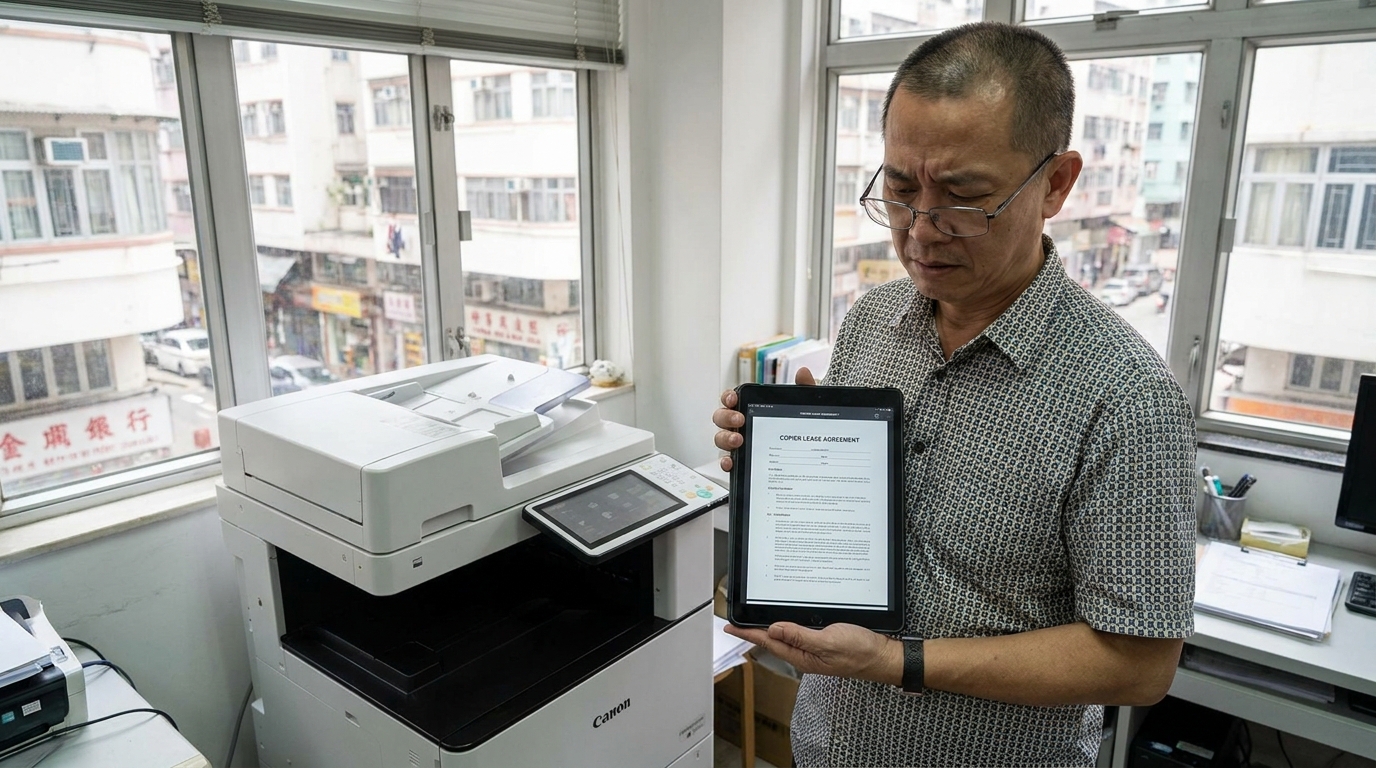
3 Months Before: Assess Your Evolving Office Needs
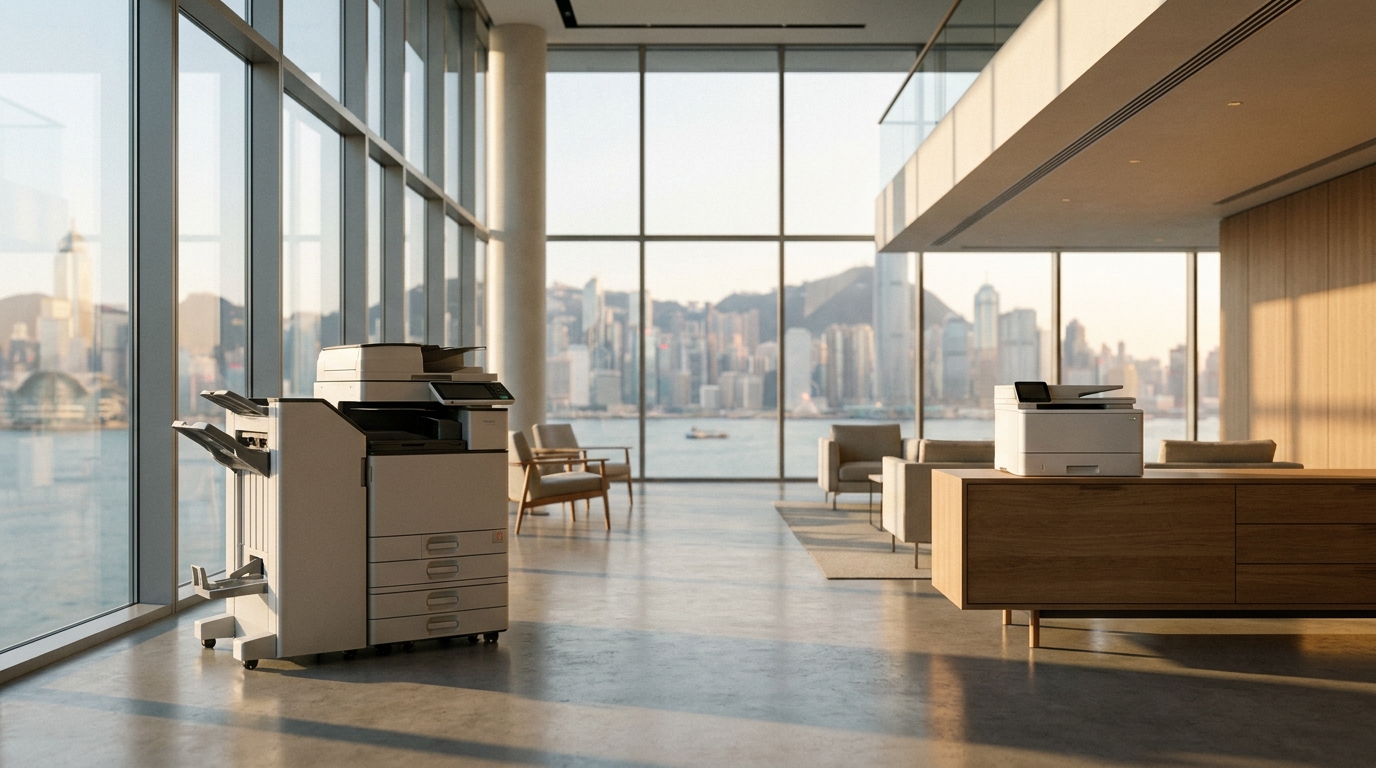
Hong Kong offices are notorious for their space constraints. If your company has downsized its physical footprint or moved to a co-working setup, that massive A3 floor-standing copier might no longer be practical.
Take this time to evaluate the wider market. While traditional powerhouses like FujiFilm, Xerox, Canon, Ricoh, and Konica Minolta remain excellent choices for heavy-duty corporate needs, you might find that brands like Kyocera, Sharp, or Toshiba offer highly competitive pricing for similar specifications. If you are moving to a smaller space, compact A4 multifunction devices from Brother, HP, Epson, or Pantum might be far more space-efficient.
Key Hardware Considerations for Hong Kong:
- Humidity control: Hong Kong's extreme humidity can cause severe paper jams. Ensure your next machine has built-in paper tray heaters or anti-curl technology.
- Power supply: Ensure any new equipment natively supports Hong Kong's standard 220V power without requiring bulky external transformers.
- Scanning capabilities: With the push towards digitalization, look for single-pass dual-scan document feeders (DSDF) that can quickly digitize double-sided documents to cloud storage.
| Option | Pros | Cons |
|---|---|---|
| Renew Current Machine | No logistical hassle; familiar interface for staff. | Using aging technology; maintenance costs may rise. |
| Upgrade with Same Vendor | Easy transition; potential loyalty discounts. | Miss out on aggressive competitor pricing. |
| Switch to New Vendor | Best leverage for lower HKD pricing and better SLAs. | Requires coordinating the return of the old machine. |
2 Months Before: Plan the Logistics
If you are returning the machine, you need to understand who bears the cost. In almost all lease agreements, the lessee (you) is responsible for the return delivery to the leasing company's designated warehouse (often located in Kwai Chung, Tsuen Wan, or Yuen Long).
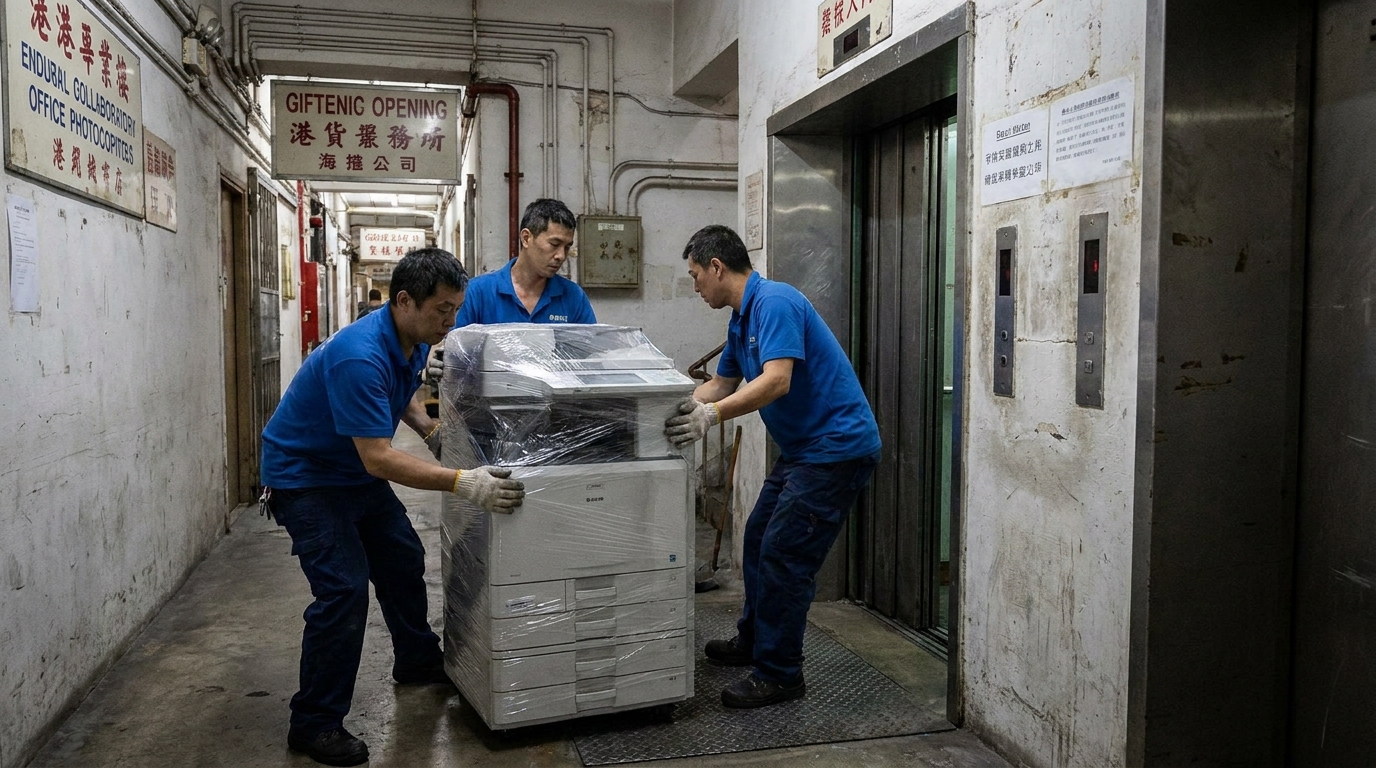
Logistics warning: Does your office building have direct lift access? If your office is in an older industrial building in Kwun Tong or Lai Chi Kok and requires moving a 100kg copier up or down a flight of stairs, logistics companies will charge a "staircase fee" (typically HKD 300 to HKD 800 per floor). Factor these costs into your transition budget and inform your logistics partner in advance.
1 Month Before: Data Security and Final Preparations
Modern copiers are essentially computers. They have internal hard drives that store digital copies of every document scanned, printed, or copied during the lease period—including HR records, financial statements, and client contracts. Returning a copier without wiping the hard drive is a massive breach of data privacy.
- Perform a DoD-standard wipe: Ask your current vendor to perform a secure hard drive wipe or physical hard drive destruction before the machine leaves your office. Get a certificate of destruction.
- Remove all extras: Take out any remaining paper from the trays. Remove your USB drives, and do not forget to take out any spare toner cartridges you may have purchased separately (you might be able to sell them).
- Clear network settings: Delete your company's Wi-Fi passwords, IP addresses, and SMTP email server credentials from the machine's address book.
The Quick Action Checklist
- Check the deadline: Confirm the exact date you must submit your cancellation notice.
- Send written notice: Submit your termination letter via registered mail and email, keeping proof of receipt.
- Audit usage: Calculate your true monthly print volume (Color vs. B&W).
- Get 3 quotes: Compare at least three different brands and vendors for your next machine.
- Wipe the data: Ensure the hard drive is securely erased before the machine leaves your premises.
- Coordinate logistics: Schedule the delivery of the new machine and the pickup of the old machine on the same day to minimize office downtime.
Final Thoughts
Navigating the end of a copier lease doesn't have to be a headache. By starting the process six months in advance, you give your business the leverage to negotiate better rates, upgrade to smarter technology, and ensure your new equipment perfectly matches the current reality of your Hong Kong office environment. Whether you decide to stick with a heavy-duty A3 workhorse or pivot to a fleet of agile A4 printers, preparation is the key to maximizing your budget and minimizing disruption.
Need Expert Advice?
Our consultants can help you find the perfect printing solution for your office.
📞 +85221164877 · King Copier · Operated by Techieasy Limited