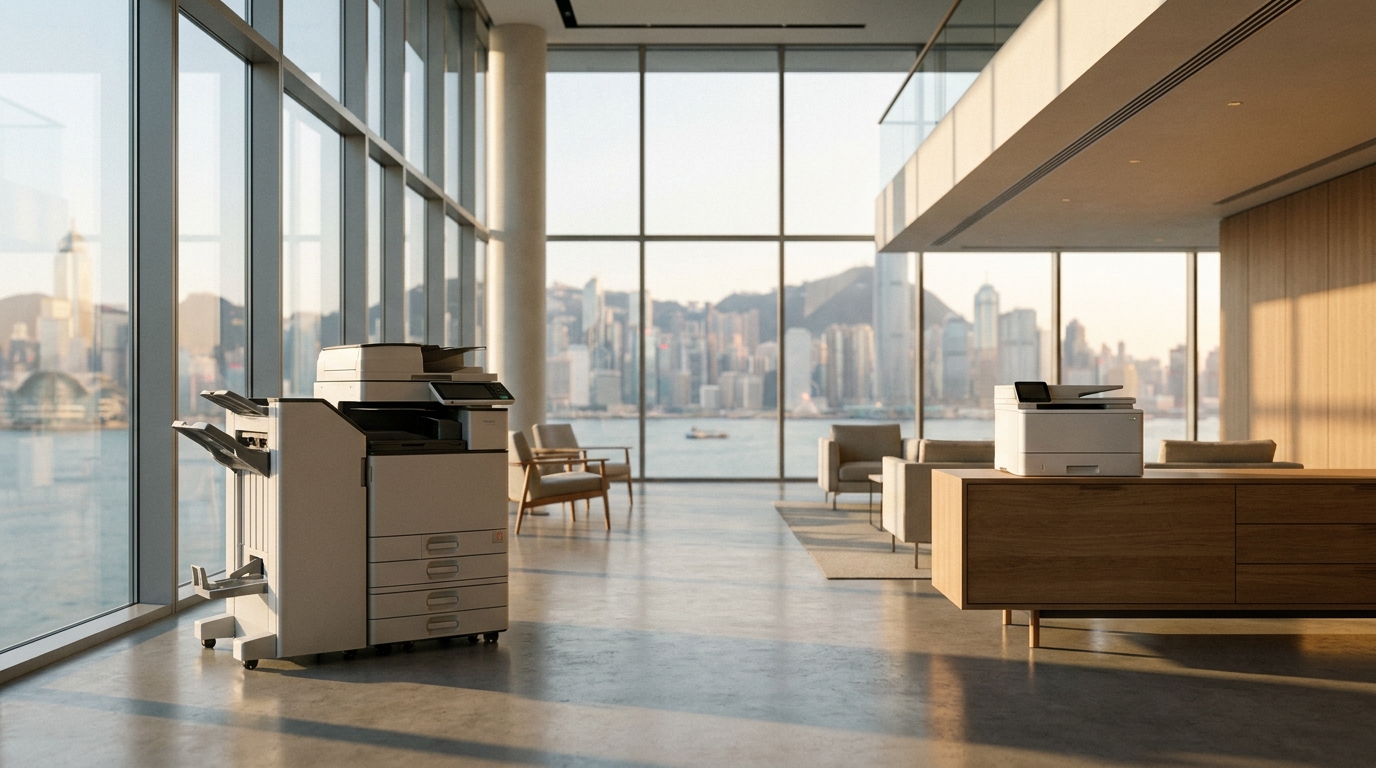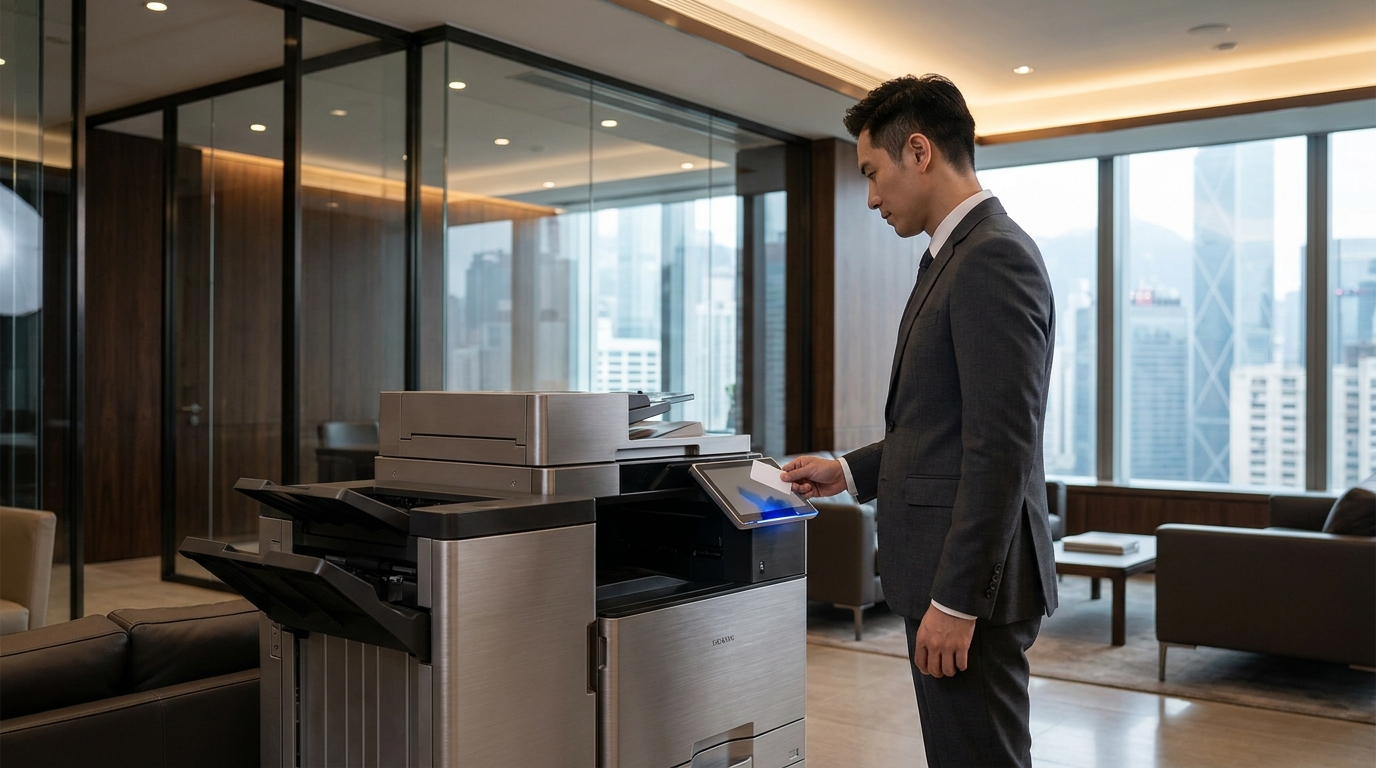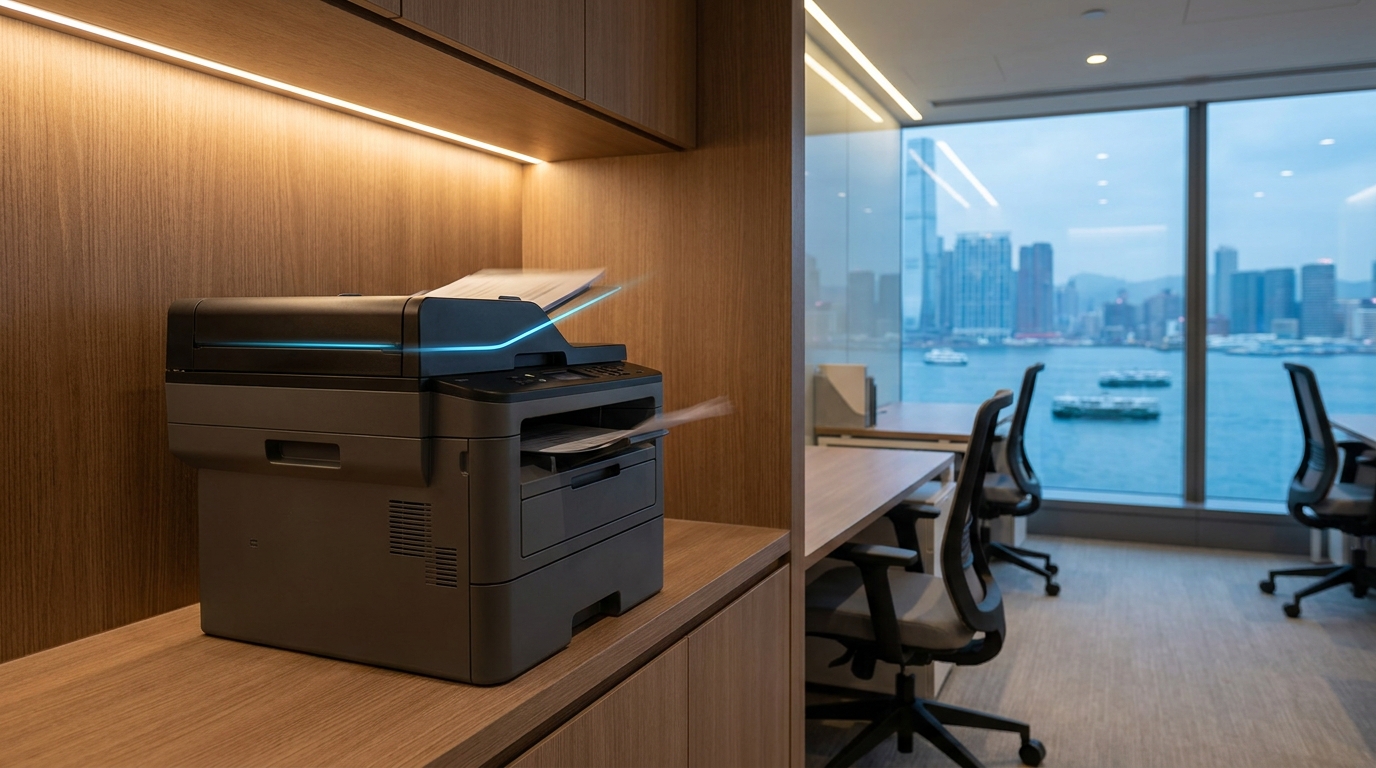
For decades, the first question any IT manager or office admin asked when buying a new copier was: "How many pages per minute (PPM) does it print?" But as Hong Kong businesses rapidly transition to digital workflows, cloud storage, and hybrid work models, print volumes are steadily declining. Today, the real bottleneck in your office isn't how fast you can put ink on paper—it's how fast you can turn paper into pixels.
If you are evaluating a new multifunction printer (MFP) for your SME, it is time to shift your focus from Print Speed to Scanning Speed (measured in Images Per Minute, or IPM). Here is why scanning speed is now the most critical specification for modern Hong Kong offices.
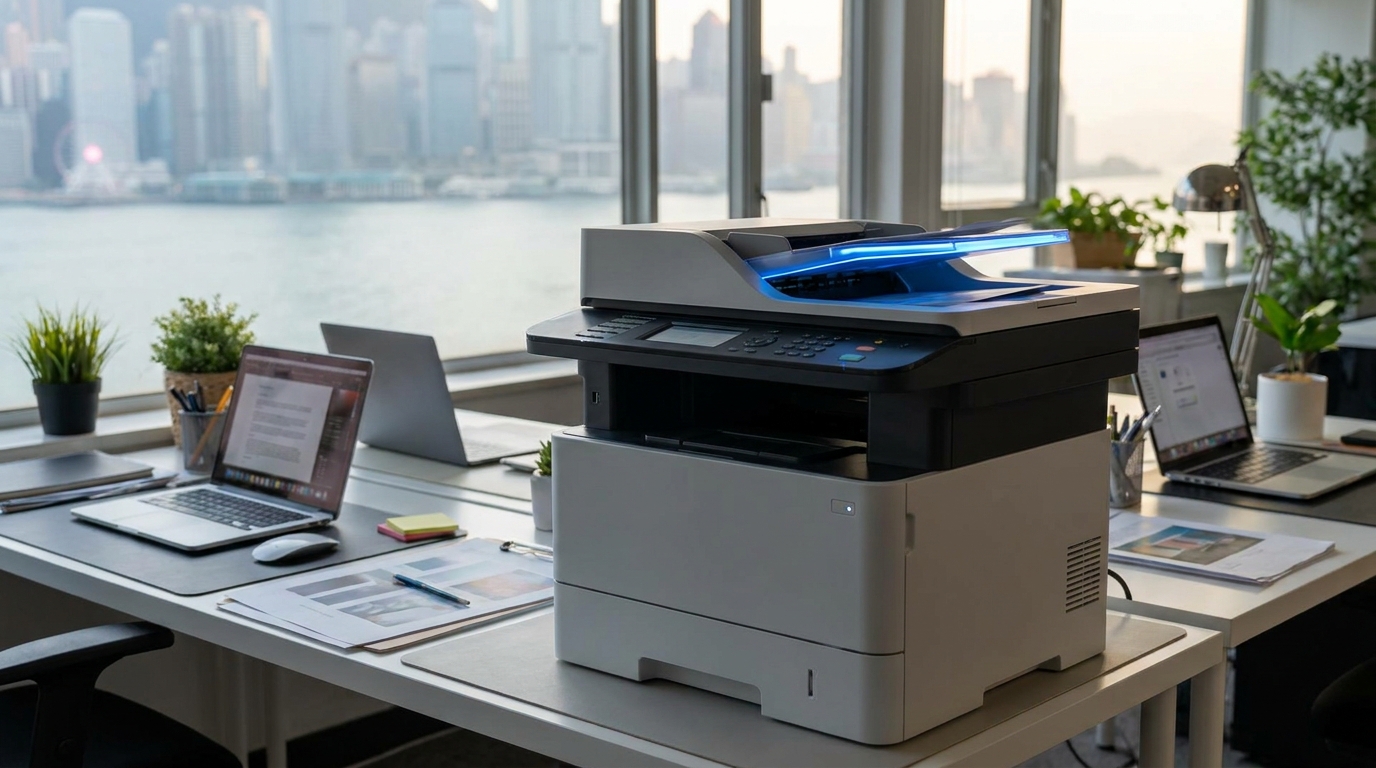
The Shift: Paperless Workflows in a Space-Constrained City
Hong Kong has some of the highest commercial real estate rents in the world. Dedicating valuable square footage to bulky filing cabinets is a massive hidden cost for local SMEs. Digitizing documents allows businesses to reclaim office space, making digital archiving not just an eco-friendly initiative, but a financial necessity.
However, digitizing years of client records, invoices, and contracts requires a machine that can handle heavy scanning loads without frustrating your staff. A slow scanner discourages employees from digitizing documents, leading to cluttered desks and inefficient document retrieval.
Printing is Passive; Scanning is Active
Think about how your staff uses the machine. When someone prints a 50-page report, they click "Print" at their desk, go grab a cup of coffee, and pick up the documents when they are ready. Printing is a background task.
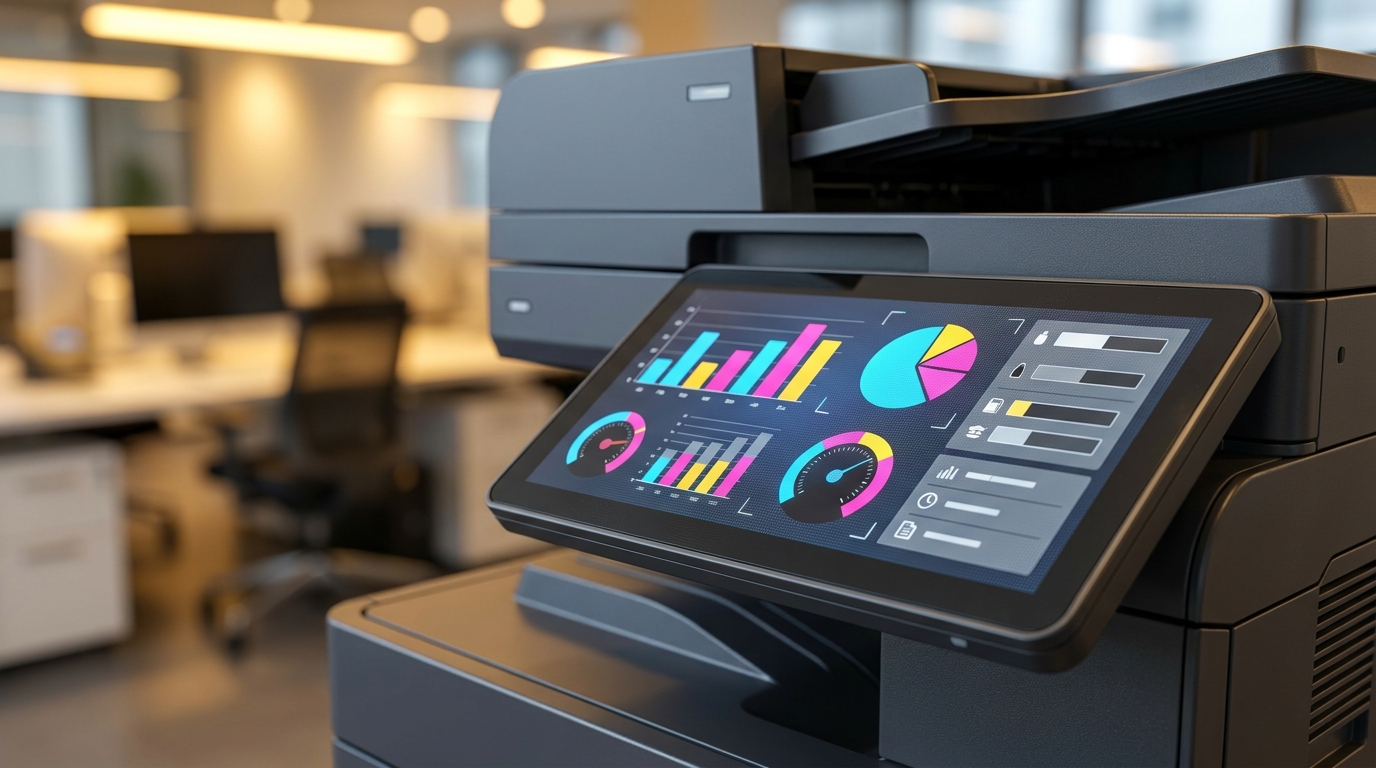
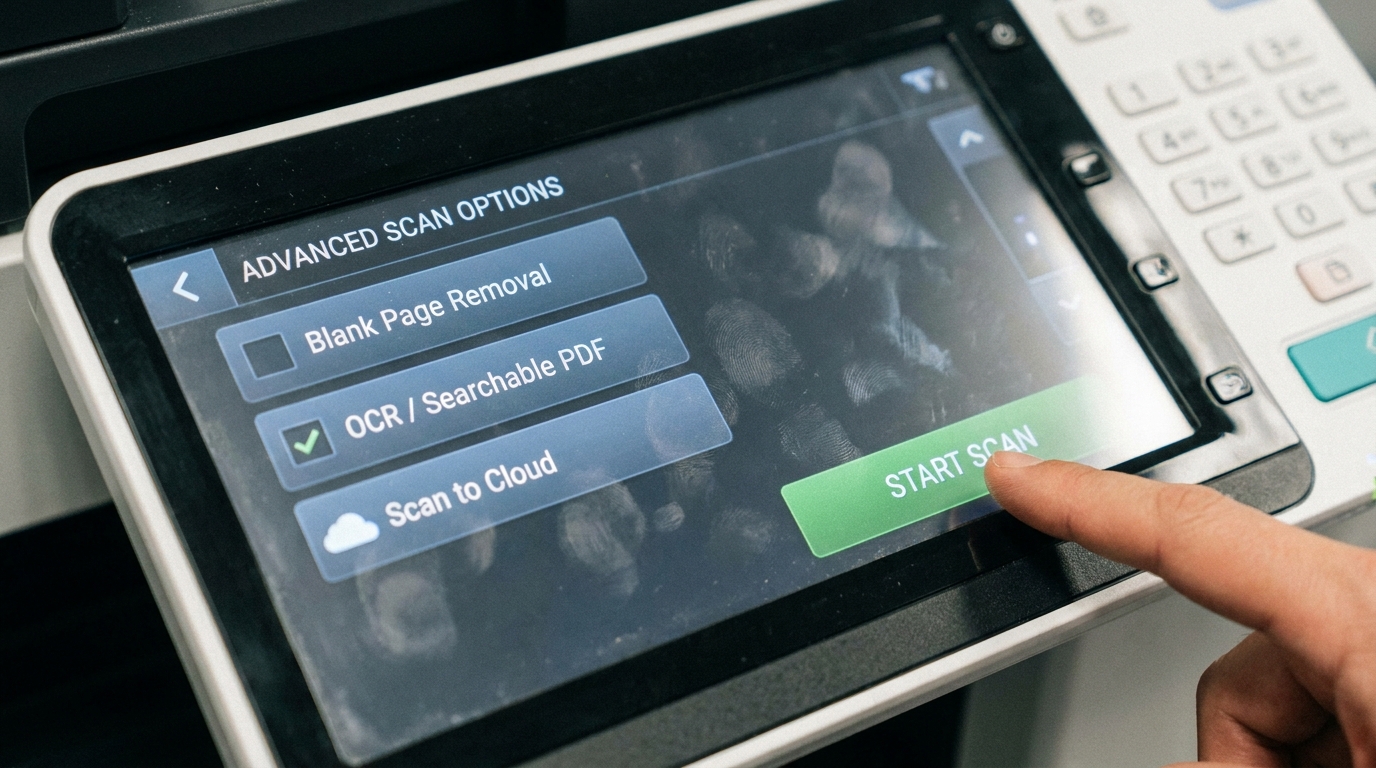
Scanning, on the other hand, is an active task. The user has to physically stand at the machine, load the documents, navigate the touchscreen, and wait for the feeder to pull every single page through. If your machine has a slow scanner, you are paying your staff to stand in the hallway watching paper move. In a fast-paced Hong Kong business environment, that lost productivity adds up quickly.
The Technology: RADF vs. DSDF
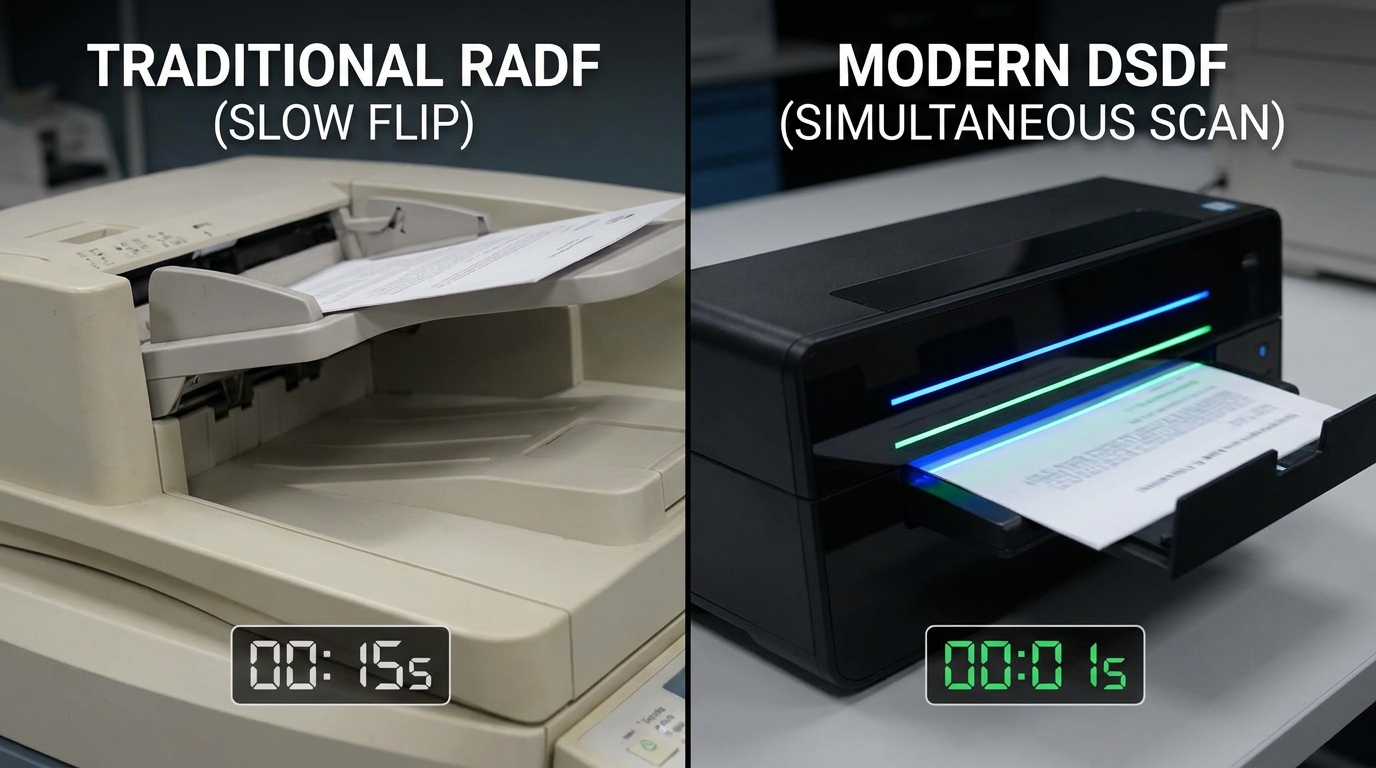
When looking at copier specifications, you will encounter two main types of document feeders. Understanding the difference is crucial for your scanning efficiency:
| Feeder Type | How It Works | Typical Speed (IPM) | Best For |
|---|---|---|---|
| RADF (Reversing Automatic Document Feeder) | Scans one side, mechanically flips the paper over, then scans the other side. | 40 - 60 IPM | Occasional scanning, budget-conscious SMEs. |
| DSDF (Dual Scan Document Feeder) | Contains two scan lenses. Scans both the front and back of the page simultaneously in a single pass. | 120 - 270 IPM | Law firms, logistics companies, heavy archiving. |
Brand Capabilities and Cost Implications in HKD
Most major brands now offer DSDF options, but they cater to different tiers of the market:
- Enterprise Powerhouses: Brands like FujiFilm, Xerox, Canon, Ricoh, and Konica Minolta lead the pack in high-volume A3 floor-standing copiers. Their DSDFs can hit staggering speeds of up to 270 IPM.
- Mid-Range Value: Kyocera, Sharp, and Toshiba offer excellent mid-range A3 machines where you can often upgrade to a DSDF for a very reasonable premium.
- Compact Desktop Solutions: If you lack the space for a floor-standing unit, brands like Brother, HP, Epson, and Pantum offer A4 desktop multifunction printers with single-pass scanning, perfect for tight Hong Kong office layouts.
The Cost Factor: Upgrading a standard 30ppm copier from an RADF to a DSDF might cost an additional $3,000 to $5,000 HKD upfront, or add roughly $100 to $150 HKD to your monthly lease. When you factor in the labor costs saved by cutting scanning time in half (and eliminating the paper jams associated with flipping pages), the ROI is usually achieved within the first few months.
Hong Kong Specific Considerations for Scanners
When selecting a high-speed scanning copier for your Hong Kong office, keep these local factors in mind:
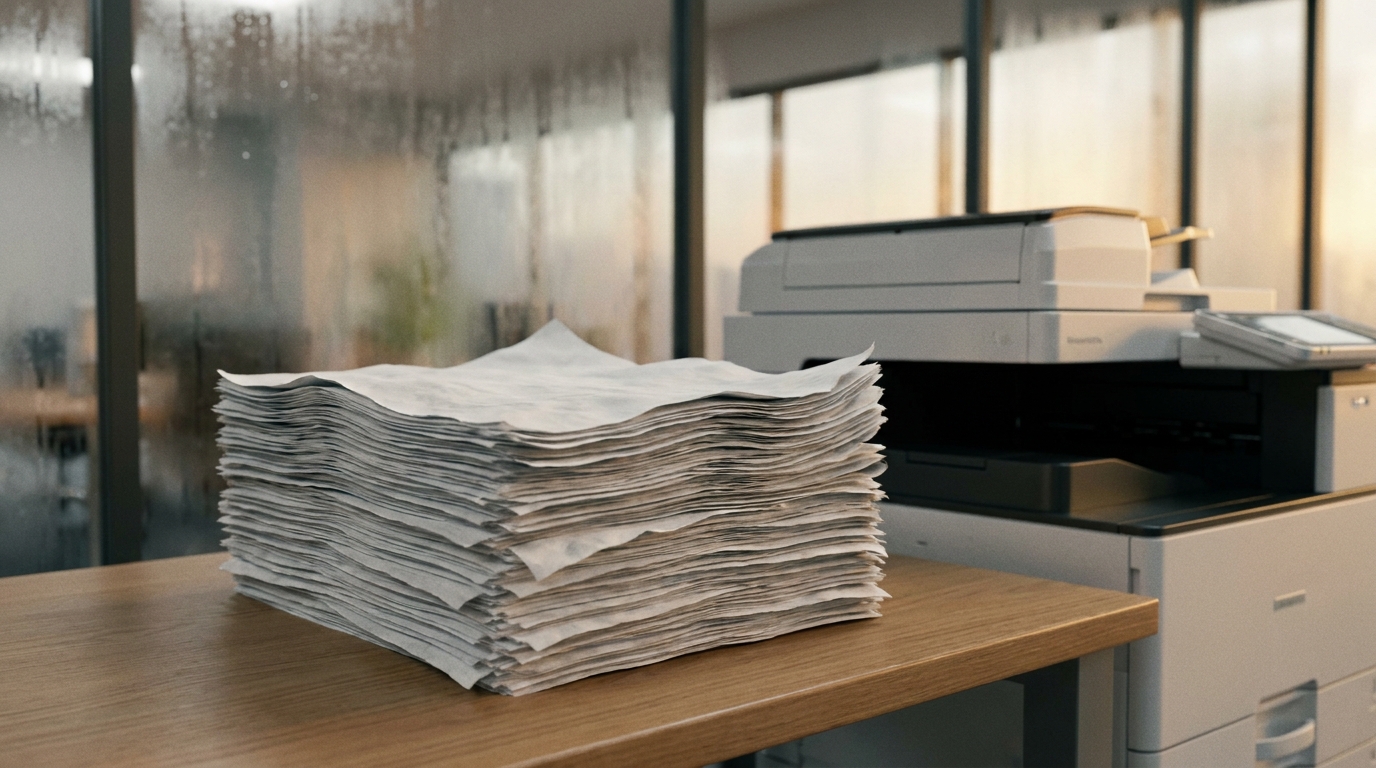
- The Humidity Factor: Hong Kong's extreme humidity, especially in spring, causes paper to stick together. A high-speed DSDF must have Ultrasonic Multi-feed Detection to sense if two pages are pulled through at once, preventing missed scans.
- Logistics and Lift Access: High-capacity A3 copiers with large document feeders are heavy (often exceeding 80kg). Always ensure your building has proper lift access and no narrow staircases before ordering.
- Power Requirements: Ensure any machine sourced is fully compliant with Hong Kong's standard 220V power supply and uses the correct BS 1363 (3-pin) plug.
- Service Level Agreements (SLA): Because scanning is now so critical, ensure your copier lease includes a standard Hong Kong 4-hour SLA. If the scanner breaks, your digital workflow halts.
Checklist: Do You Need a High-Speed Scanner?
Consider upgrading to a DSDF if your office regularly does any of the following:
- Scans double-sided documents (contracts, legal briefs, HR files).
- Processes large batches of mixed-size documents (e.g., logistics waybills and A4 invoices).
- Relies heavily on Optical Character Recognition (OCR) to create searchable PDFs.
- Uses cloud storage solutions (SharePoint, Google Drive) as your primary filing system.
Final Thoughts
Don't let an outdated metric dictate your next office equipment purchase. While print speed still matters for marketing materials and large reports, scanning speed is the true engine of a modern, efficient, and space-saving Hong Kong office. When comparing quotes, look past the PPM and ask your provider about the IPM and the type of document feeder included.
Need Expert Advice?
Our consultants can help you find the perfect printing solution for your office.
📞 +85221164877 · King Copier · Operated by Techieasy Limited