Why Letting Employees Print Personal Documents is the Ultimate Low-Cost SME Perk in Hong Kong
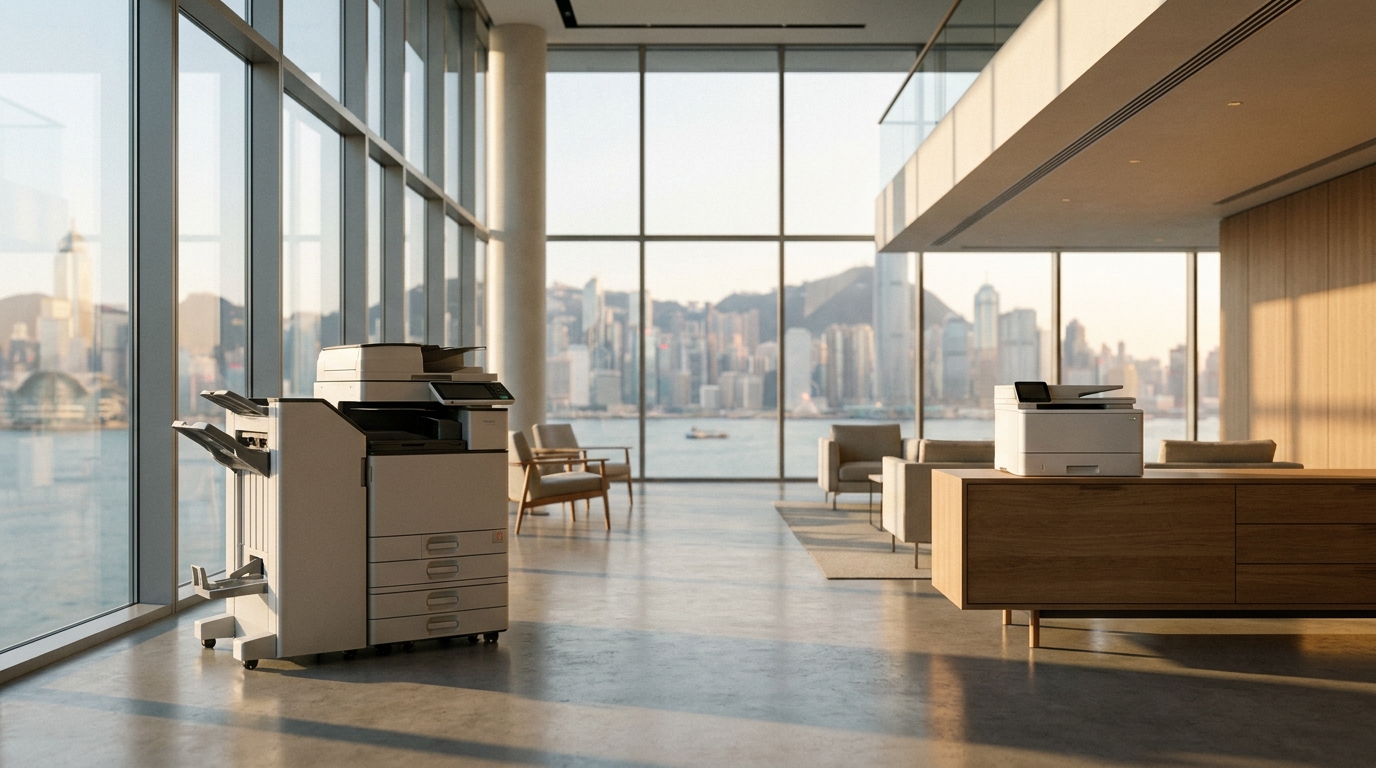
In the highly competitive Hong Kong job market, Small and Medium Enterprises (SMEs) often struggle to match the lavish benefits offered by multinational corporations. You might not be able to provide in-house baristas, nap pods, or unlimited annual leave. However, there is one highly effective, incredibly low-cost perk sitting right in the corner of your office: the multifunction copier.
For decades, "stealing company ink" was a corporate taboo. Employees would sneakily print out their travel itineraries or children's school worksheets, terrified of the office manager catching them. But modern HR trends suggest a paradigm shift: actively encouraging employees to use the office copier for reasonable personal printing can significantly boost job satisfaction, loyalty, and overall morale.
In this comprehensive guide, we will explore the psychology behind this perk, the actual costs involved in Hong Kong Dollars (HKD), how to set up fair-use policies, and how top brands like FujiFilm, Canon, Ricoh, and HP make managing this process easier than ever.
1. The Psychology Behind the "Free Print" Perk in Hong Kong
To understand why personal printing is such a valued perk, we have to look at the unique living situation in Hong Kong.
Space Constraints
The average Hong Kong apartment is notoriously small. Allocating precious desk space for a bulky home printer is simply not viable for many employees. By allowing them to print at the office, you are literally saving them space at home.
The Humidity Factor
Hong Kong's extreme humidity (often hitting 90%+) wreaks havoc on home printers. Inkjet nozzles dry out or clog from infrequent use, and paper absorbs moisture, leading to constant jams. Commercial office copiers in air-conditioned environments bypass this headache entirely.
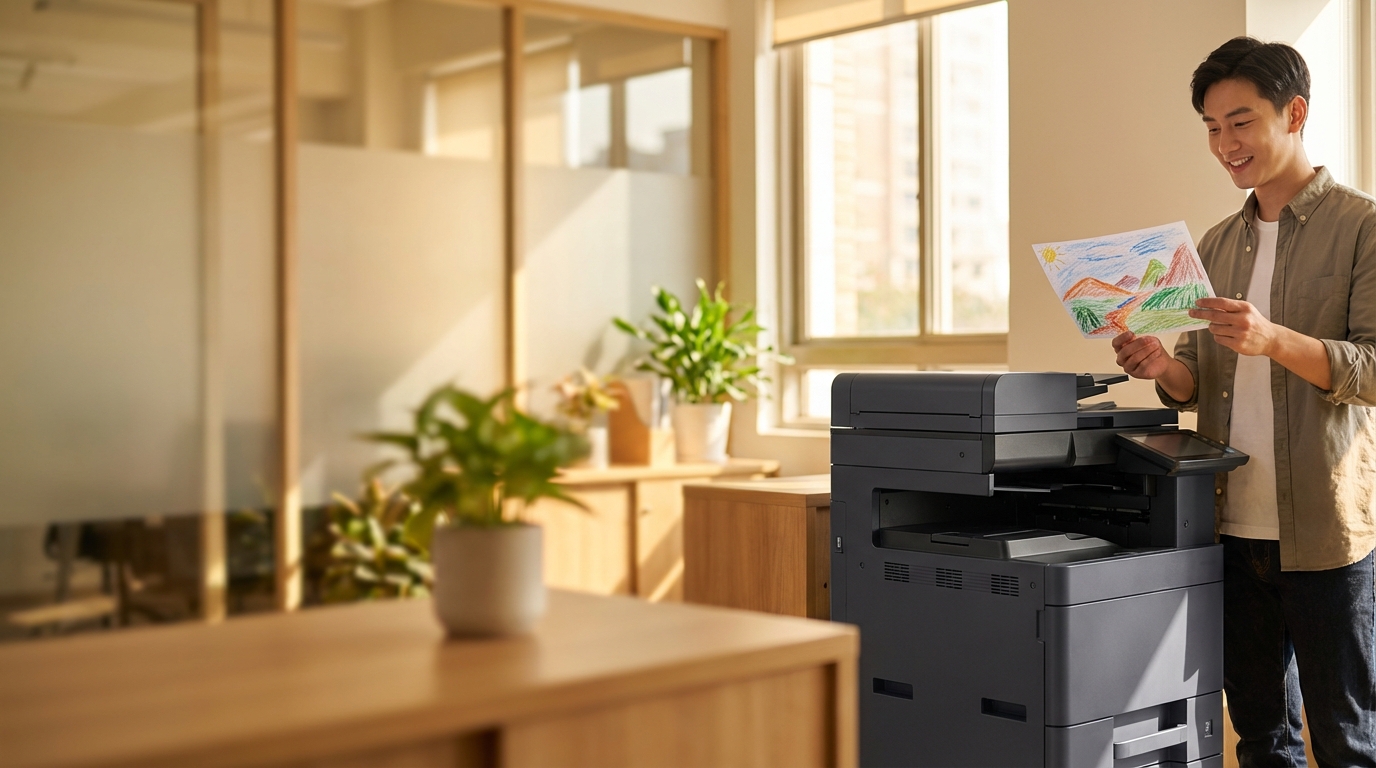
When a working parent realizes they forgot to print their child's school notice at 8:00 AM, the ability to quickly print it at the office—without fear of reprimand—is a massive stress reliever. It replaces a panicked trip to a local stationery shop with a simple, grateful moment at the office Konica Minolta or Kyocera machine.
2. How Much Does Personal Printing Actually Cost? (The HKD Breakdown)
Many SME owners balk at the idea of free personal printing because they imagine massive bills for toner and paper. Let's demystify this with hard numbers based on standard Hong Kong leasing agreements and meter charges.
| Print Type | Estimated Cost Per Page (HKD) | Monthly Cost (50 Pages/User) | Annual Cost Per Employee |
|---|---|---|---|
| Black & White (A4) | ~$0.05 - $0.08 | ~$4.00 | ~$48.00 HKD |
| Color (A4) | ~$0.50 - $0.80 | ~$40.00 | ~$480.00 HKD |
The Verdict: If you give an employee a quota of 40 B&W pages and 10 Color pages per month for personal use, it costs your company roughly HKD 11.20 per month. That is less than half the price of a cup of coffee in Central, yet the perceived value to the employee is exponentially higher.
3. Setting Up a "Fair Use" Personal Printing Policy
To prevent abuse (like an employee printing a 500-page novel or flyers for their side hustle), you need a clear, transparent policy. Here is an actionable checklist for your HR or IT department:
SME Personal Printing Policy Checklist
- Define Acceptable Use: Explicitly state that printing flight itineraries, tax returns, concert tickets, and school assignments is allowed.
- Set a Monthly Quota: E.g., 50 B&W pages and 10 Color pages per month. Communicate this clearly.
- Prohibit Commercial Use: Strictly forbid printing materials for external businesses, side hustles, or mass distributions.
- Use Company Paper Only: Do not allow staff to bring their own cheap or specialized paper. In Hong Kong's humid climate, outside paper that hasn't been stored properly will cause jams, disrupting office productivity and requiring vendor maintenance.
4. Leveraging Copier Technology to Manage Access
The key to offering this perk without letting costs spiral out of control is Print Management Software. You don't need to manually count pages; modern copiers do the heavy lifting for you.
User Authentication & Quotas
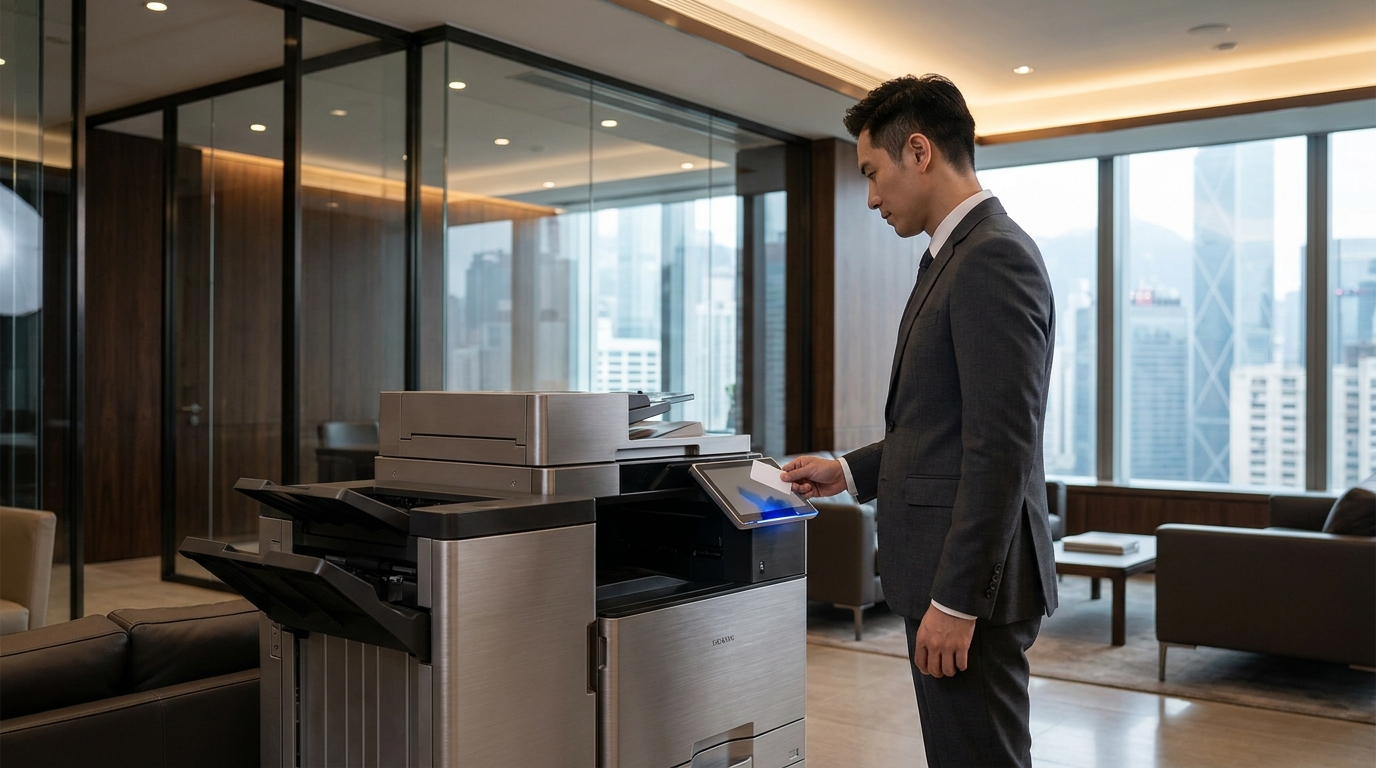
Most enterprise-grade machines from Xerox, Toshiba, and Sharp come with built-in department codes or user PINs. For a more seamless experience, you can integrate the copier with Hong Kong's standard access cards (like MIFARE or even Octopus cards). When an employee taps their card, the machine logs their usage against their specific monthly quota.
Secure Print Release (Crucial for Privacy)
If an employee is printing a personal bank statement or a medical form, they don't want it sitting on the output tray for everyone to see. "Secure Print" (or Follow-Me Print) ensures the document is held in the copier's hard drive until the user physically walks up to the machine and authenticates themselves. Brands like FujiFilm and Canon excel in secure print environments, ensuring employee privacy is maintained.
Which Brand Fits Your SME?
| Brand / Category | Best For | Quota Management Features |
|---|---|---|
| FujiFilm, Canon, Ricoh | Mid-to-Large SMEs (20+ staff) | Advanced built-in accounting, seamless card integration, perfect for detailed quota tracking. |
| Konica Minolta, Kyocera | High-volume, heavy-duty offices | Highly durable components. Excellent native tracking software without needing third-party apps. |
| Sharp, Toshiba | Design-focused / Easy UI | Very intuitive touchscreen interfaces for users to input PINs and check their remaining personal quotas. |
| Brother, HP, Epson, Pantum | Small SMEs / Startups (1-10 staff) | Lower initial cost. Epson EcoTank offers incredibly cheap color printing. Brother and HP offer easy cloud-print from mobile phones. Pantum is great for budget-conscious basic B&W needs. |
5. Hong Kong Specific Considerations for Your Office Copier
When upgrading your office equipment to support a broader printing policy, keep these localized Hong Kong factors in mind:
- ⚡ 220V Power Supply If you are sourcing parallel imports or used machines, ensure they are rated for Hong Kong's 220V power standard. Using transformers on high-draw laser copiers is a severe fire hazard. Always source locally through authorized brokers like King Copier.
- 🏢 Lift Access & Delivery Many SMEs operate in revitalized industrial buildings in Kwun Tong, Lai Chi Kok, or Tsuen Wan. Ensure your building's cargo lift can accommodate a full-sized A3 multifunction printer. If you only have passenger lifts or stairs, you may need to look at compact A4 models from Brother or HP.
- ⏱️ The 4-Hour SLA Expectation If you allow personal printing, machine usage will increase. You cannot afford for the copier to be down when critical business documents need printing. Ensure your leasing contract includes a strict 4-hour Service Level Agreement (SLA) for technician response times in Hong Kong.
6. Step-by-Step Guide: Implementing the Perk Tomorrow
-
1
Audit Your Current Machine
Check if your current copier supports user quotas and secure print. If it's an older model, it might be time to request a quote for an upgrade.
-
2
Draft the HR Memo
Send a positive, encouraging email to staff. Frame it as a new benefit: "To support our team, we are introducing a personal printing allowance of 50 pages per month."
-
3
Set Up the Tech
Have your IT team or copier vendor configure the PIN codes or card readers. Ensure "Secure Print Release" is set as the default to protect privacy.
-
4
Monitor, Don't Micromanage
Review the usage logs after 3 months. As long as costs are within the expected HKD 10-15 per employee range, let the system run itself.
Conclusion: A Small Investment for High Returns
In the grand scheme of SME operational expenses, the cost of allowing controlled personal printing is negligible. Yet, the convenience it provides to employees living in cramped, humid Hong Kong apartments is immense. By leveraging the built-in management tools of modern copiers from brands like FujiFilm, Canon, or Konica Minolta, you can offer a highly appreciated perk while keeping your budget strictly under control.
Need Expert Advice?
Our consultants can help you find the perfect printing solution for your office.
📞 +85221164877 · King Copier · Operated by Techieasy Limited
Need Expert Advice?
Our consultants can help you find the perfect printing solution for your office.
📞 +85221164877 · King Copier · Operated by Techieasy Limited