The Ultimate Guide: How to Deploy a Photocopier Underwater (Without Getting It Wet)
Let’s address the elephant—or rather, the blue whale—in the room. Why on earth would anyone want to deploy a multi-function photocopier at the bottom of the ocean?
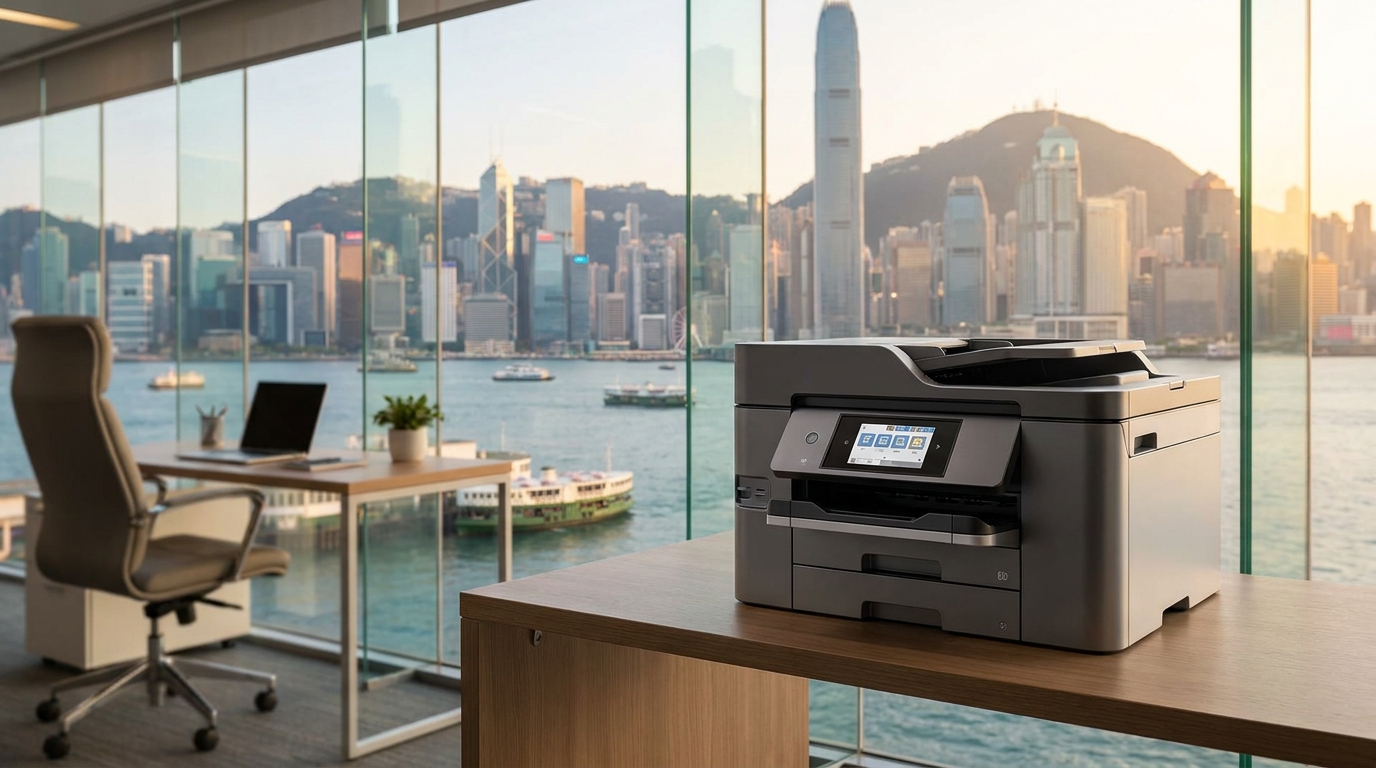
Perhaps you are an eccentric billionaire building a secret villain lair in the depths of Victoria Harbour. Perhaps the commercial rent in Central Hong Kong has finally reached $500 per square foot, and you’ve realized that the seabed off the coast of Sai Kung is technically "free real estate." Or maybe, just maybe, your boss told you that your department needs to "dive deep into the paperwork," and you took it entirely too literally.
Whatever your reasons, deploying a high-voltage, paper-jam-prone, humidity-sensitive piece of office equipment underwater without letting a single drop of water touch it is an engineering marvel. At King Copier, we usually deal with standard office environments, but we believe in being prepared for anything.
In this comprehensive, highly impractical, yet technically sound guide, we will walk you through the exact steps, brand considerations, and Hong Kong-specific challenges of deploying a photocopier in the deep blue sea.
1. The Hong Kong Context: Why the Seabed?
Hong Kong is famous for its space constraints. SME owners in Kwun Tong or Lai Chi Kok often find themselves playing Tetris with office furniture just to fit a standard A3 copier. But look out at the ocean! It’s vast, it’s un-zoned by the Lands Department (mostly), and it has excellent natural cooling properties.
However, Hong Kong also has its challenges. If you think the humidity during "回南天" (spring's return of the south wind) is bad for your paper, wait until you realize your office is literally surrounded by 100% water. The key to this deployment is absolute isolation. We are not making the copier waterproof; we are creating a dry, climate-controlled micro-office at the bottom of the sea.
2. Brand Selection: Which Copier Belongs in Atlantis?
Not all copiers are created equal, especially when you are lowering them via crane into the South China Sea. Let's review how the top brands stack up for your underwater lair.
FujiFilm & Xerox
Known for breathtaking color accuracy. If your underwater base is a marine biology lab and you need to print high-res photos of the coral reefs outside your window, these are your go-to brands. Just ensure the heavy-duty finishing options fit inside your submarine pod.
Canon & Ricoh
The absolute workhorses of the corporate world. If you are running a 500-person underwater mining facility, Canon's imageRUNNER ADVANCE or Ricoh's IM series will handle the volume. They are robust enough to survive the bumpy boat ride from Aberdeen Harbour.
Konica Minolta & Kyocera
Kyocera is famous for its long-life ceramic drum units. When you are 50 meters underwater, you do not want to call a technician for a drum replacement. Konica Minolta offers sleek, aerodynamic designs—perfect if your copier pod needs to dodge a passing shark.
Sharp & Toshiba
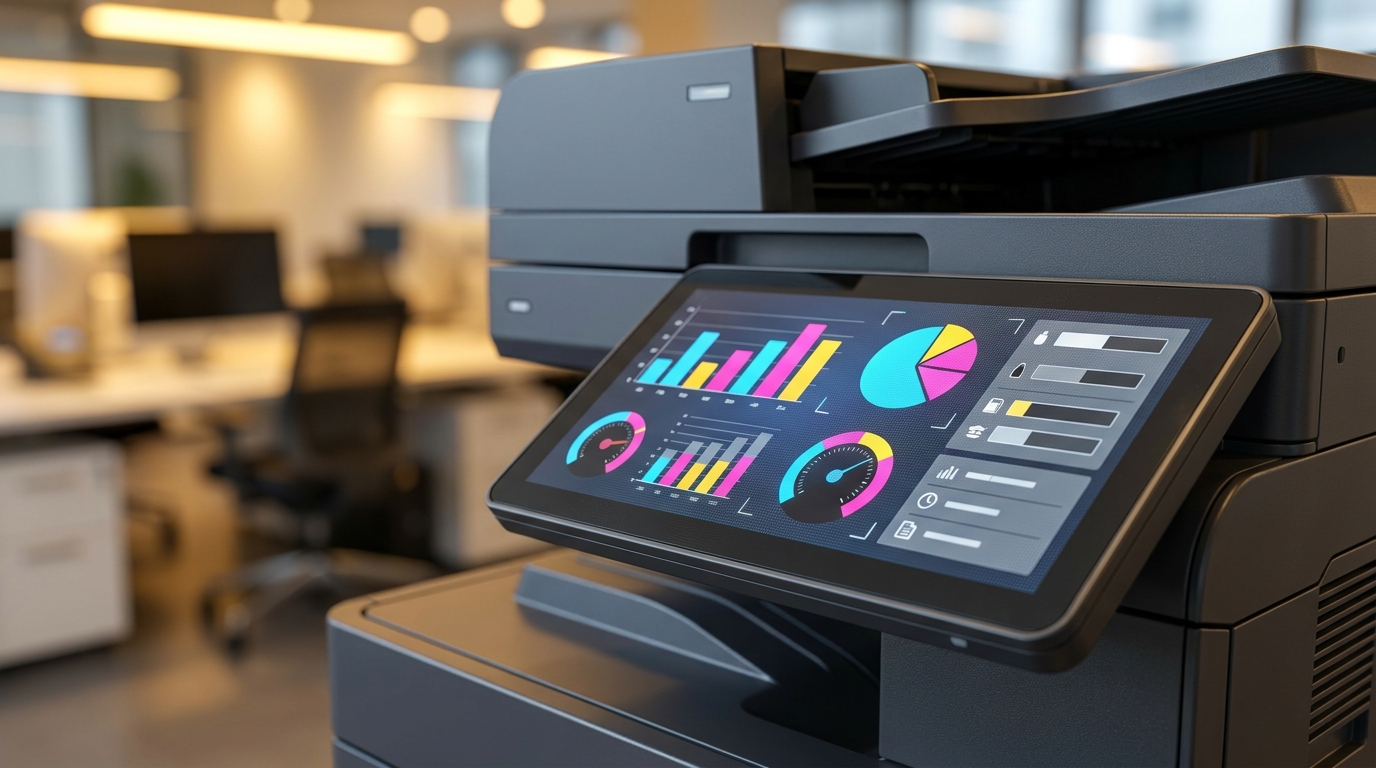
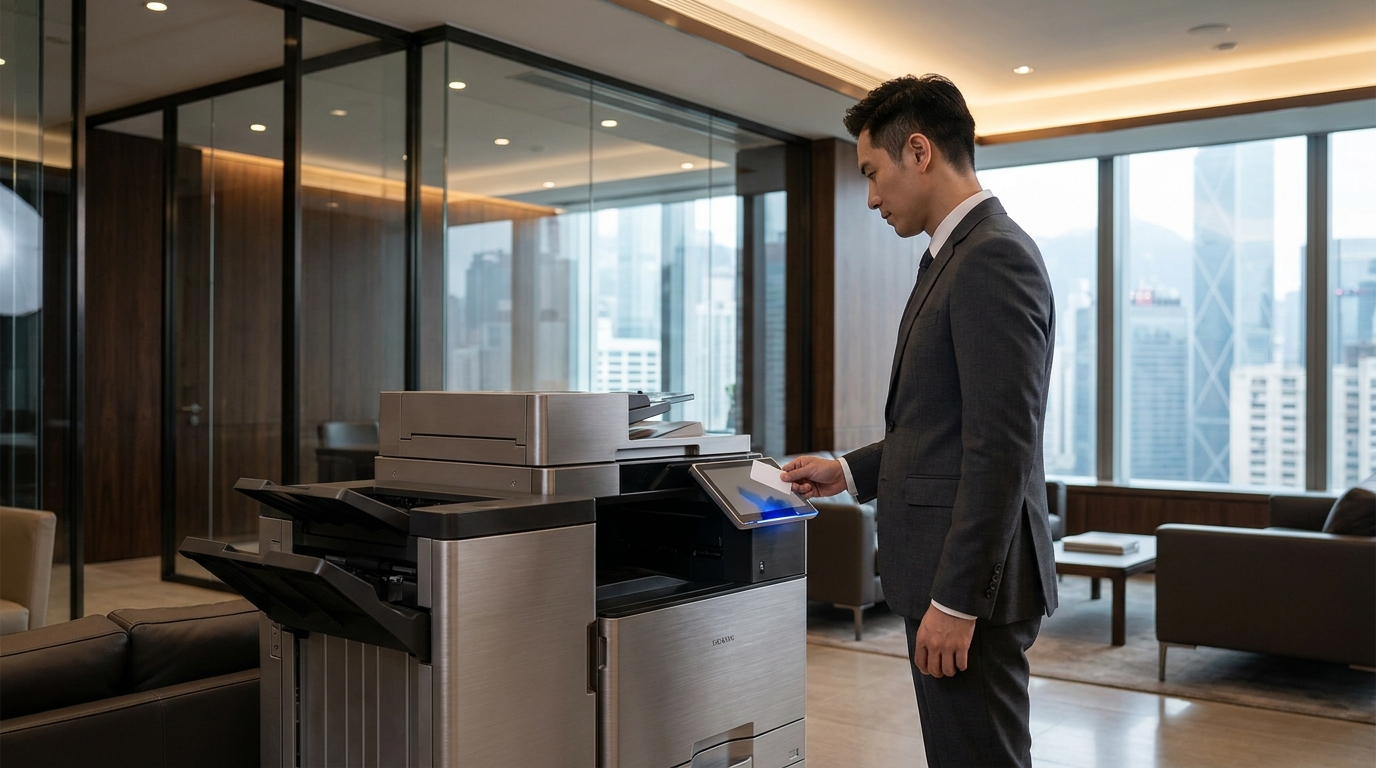
Excellent user interfaces and smart-office integration. However, a word of warning: capacitive touchscreens do not work well if you are wearing thick neoprene scuba gloves. You might need to pack a stylus.
HP & Epson
Epson’s Heat-Free inkjet technology is actually brilliant here. Laser printers generate a lot of heat, which could turn your sealed underwater pod into a sauna. Epson keeps things cool. HP offers incredible enterprise security—vital if Russian submarines try to hack your print queue.
Brother & Pantum
The budget-friendly SME heroes. If there is a 50% chance your underwater pod will implode due to a miscalculated pressure seal, you probably don't want to risk a $100,000 HKD machine. A reliable Brother or Pantum keeps your financial risk as low as your physical depth.
3. The Engineering: Building the Copier Bathysphere
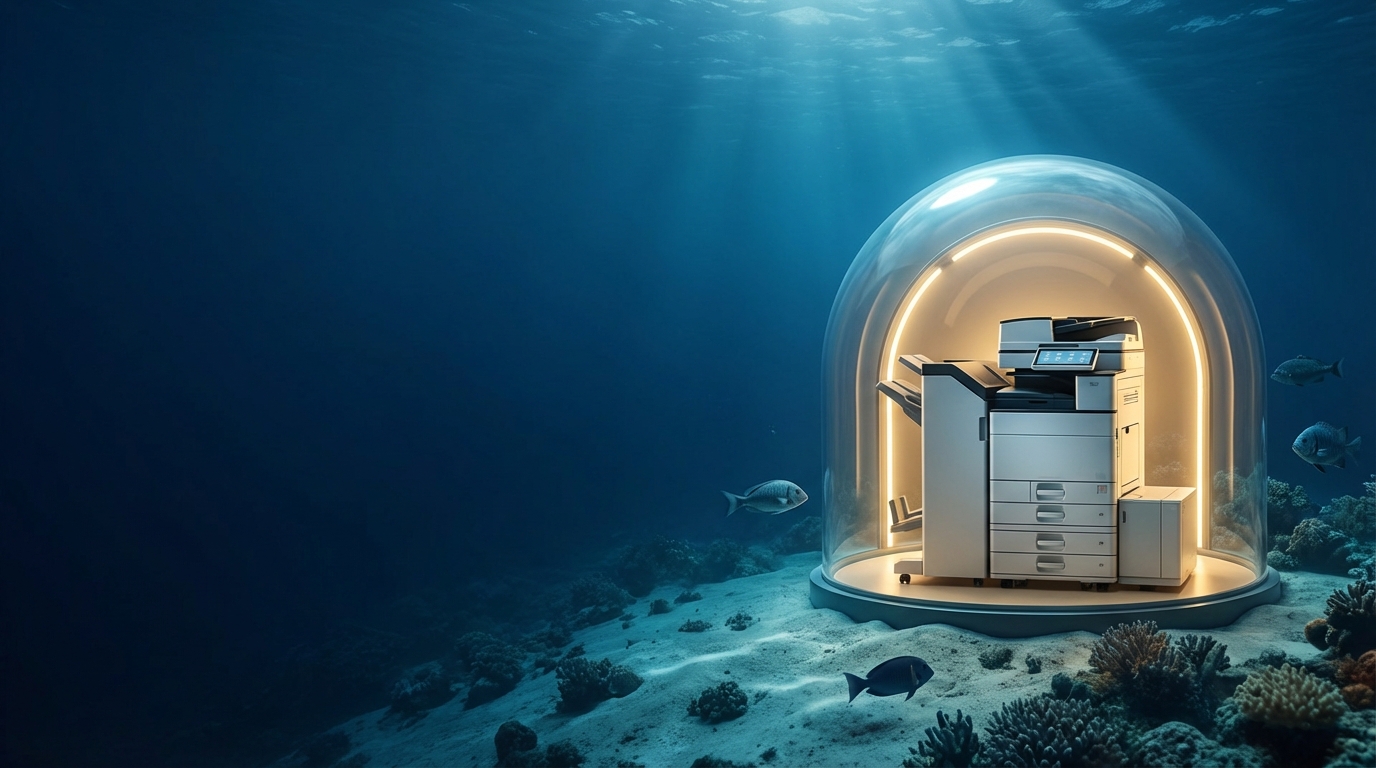
You cannot just wrap a copier in cling film and toss it off the Star Ferry. To deploy a copier underwater without it getting wet, you need a custom-built, pressure-resistant enclosure. Let's call it the Copier Bathysphere.
Step 3.1: The Pressure Hull
For every 10 meters you descend, the pressure increases by 1 atmosphere. If you are deploying in the relatively shallow waters of Repulse Bay (around 10-15 meters), a 2-inch thick cast acrylic dome mounted on a marine-grade stainless steel base will suffice. This allows you to see the copier's LCD screen from the outside.
Step 3.2: Climate Control and Dehumidification
Inside the sealed pod, the copier will generate heat and ozone. Without ventilation, the internal temperature will spike, causing the machine to overheat and the paper to curl.
- The Solution: You must install a closed-loop liquid cooling system inside the pod, transferring the heat to the surrounding ocean water.
- Humidity: Place industrial-grade silica gel packets inside the pod. In Hong Kong, paper jams are usually caused by damp paper. If your paper gets damp inside an underwater pod, you have failed as an engineer.
⚠️ Critical Warning: The "Squid Ink" Error
Do not confuse actual squid ink with printer toner. If a giant squid attacks your pod, your copier will not automatically refill its CMYK cartridges. Please rely on genuine OEM toner from King Copier.
4. Logistics: How Do You Load Paper Underwater?
This is the most complex part of the operation. You have a perfectly dry copier sitting in a glass bubble at the bottom of the sea. It runs out of A4 paper. What now? You can't just open the hatch; the ocean will rush in, instantly destroying the machine and turning your 80gsm paper into papier-mâché.
You need to engineer a Torpedo Tube Airlock System.
- The Waterproof Capsule: Place a fresh ream of paper into a watertight, cylindrical capsule on the surface.
- The Descent: A diver (or a remote-operated vehicle) carries the capsule down to the Copier Bathysphere.
- The Airlock: The capsule is inserted into the outer door of the airlock tube. The outer door seals.
- The Purge: Compressed air is used to blow the seawater out of the airlock chamber.
- The Loading: Robotic arms inside the pod open the inner door, extract the paper, and load it into Tray 1.
*Note: If this sounds too expensive, we highly recommend just renting an office in Tsuen Wan instead. It's much cheaper than hiring a team of robotic engineers and scuba divers.
5. Power and Network Connectivity
Wi-Fi does not travel well through water. If you try to AirPrint from your yacht to the seabed, you will get a "Printer Not Found" error.
The Umbilical Cord
You will need to run a heavily armored, waterproof umbilical cable from the surface down to the pod. This cable must contain:
- Power: A standard 220V AC line (Hong Kong standard). Ensure it has a massive Ground Fault Circuit Interrupter (GFCI). We do not want to electrocute the local pink dolphins.
- Data: A CAT6a Ethernet cable or, preferably, a fiber optic line for lightning-fast scan-to-email capabilities.
- Air Supply: A small hose to equalize pressure and pump in fresh, dry air.
6. Cost Analysis: Standard Office vs. Underwater Deployment
| Feature | Standard HK Office (e.g., Mong Kok) | Underwater Lair (Victoria Harbour) |
|---|---|---|
| Monthly Rent | ~HKD $30 - $80 / sq ft | HKD $0 (Until the Marine Department finds you) |
| Installation Cost | Free delivery & setup by King Copier | ~HKD $2,500,000 (Crane, Submarine pod, Divers) |
| Paper Jam Resolution | Open door, pull paper out (30 seconds) | Deploy submarine, cycle airlock, pray (3 hours) |
| Cooling System | Office Air Conditioning | Infinite Ocean Thermal Mass |
| Risk of Shark Attack | Extremely Low | Moderate to High |
7. Troubleshooting Common Underwater Errors
When you call IT support for an underwater printer, the conversation might go a little differently. Here are some common issues you might face:
-
Error Code: PC LOAD LETTER
Standard meaning: The printer is out of Letter-sized paper.
Underwater meaning: The printer is out of paper, and your scuba diver is currently on a lunch break eating dim sum. Please wait 45 minutes for the airlock sequence. -
Error Code: SCANNER ERROR 22
Standard meaning: The scanner glass is dirty or the laser unit has failed.
Underwater meaning: A barnacle has attached itself to the outside of the acrylic dome, blocking the scanner's view. Deploy the robotic windshield wipers. -
Error Code: TONER LOW
Standard meaning: Time to order a new cartridge.
Underwater meaning: Time to initiate a highly dangerous deep-sea extraction mission just to replace the Magenta cartridge because someone printed too many pie charts.
Conclusion: Back to Reality
Deploying a photocopier underwater without getting it wet is technically possible with enough money, acrylic glass, and a team of marine engineers. It solves the problem of Hong Kong's high office rents, but introduces the slight inconvenience of needing a submarine to retrieve your printed invoices.
Jokes aside, while we don't actually recommend dropping your expensive office equipment into the ocean, this extreme thought experiment highlights the importance of protecting your copiers from environmental factors. In Hong Kong, you don't need to be underwater to suffer from moisture damage. The extreme humidity during spring can cause paper jams, degraded print quality, and internal condensation.
Whether you need a robust Canon for a high-volume corporate office, a heat-free Epson to save energy, or a reliable FujiFilm for stunning color prints, you need a machine suited to your actual environment (preferably above sea level).
At King Copier, we specialize in finding the perfect printing solution for your business—no scuba gear required. We handle the logistics, the installation, and the maintenance, so you can keep your head above water.
Need Expert Advice?
Our consultants can help you find the perfect printing solution for your office.
📞 +85221164877 · King Copier · Operated by Techieasy Limited
Need Expert Advice?
Our consultants can help you find the perfect printing solution for your office.
📞 +85221164877 · King Copier · Operated by Techieasy Limited