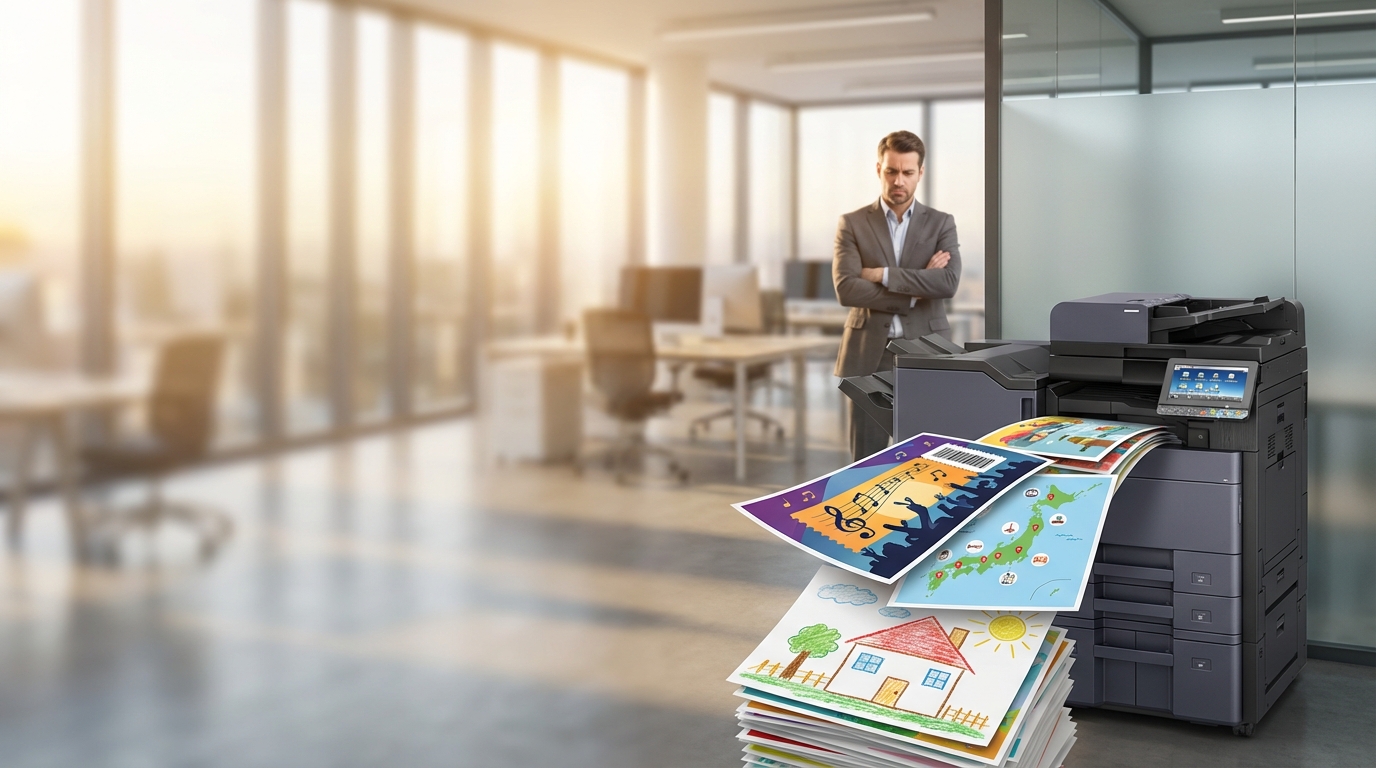
The Boss vs. Employees: How to Stop Staff from Printing Personal Documents in the Office
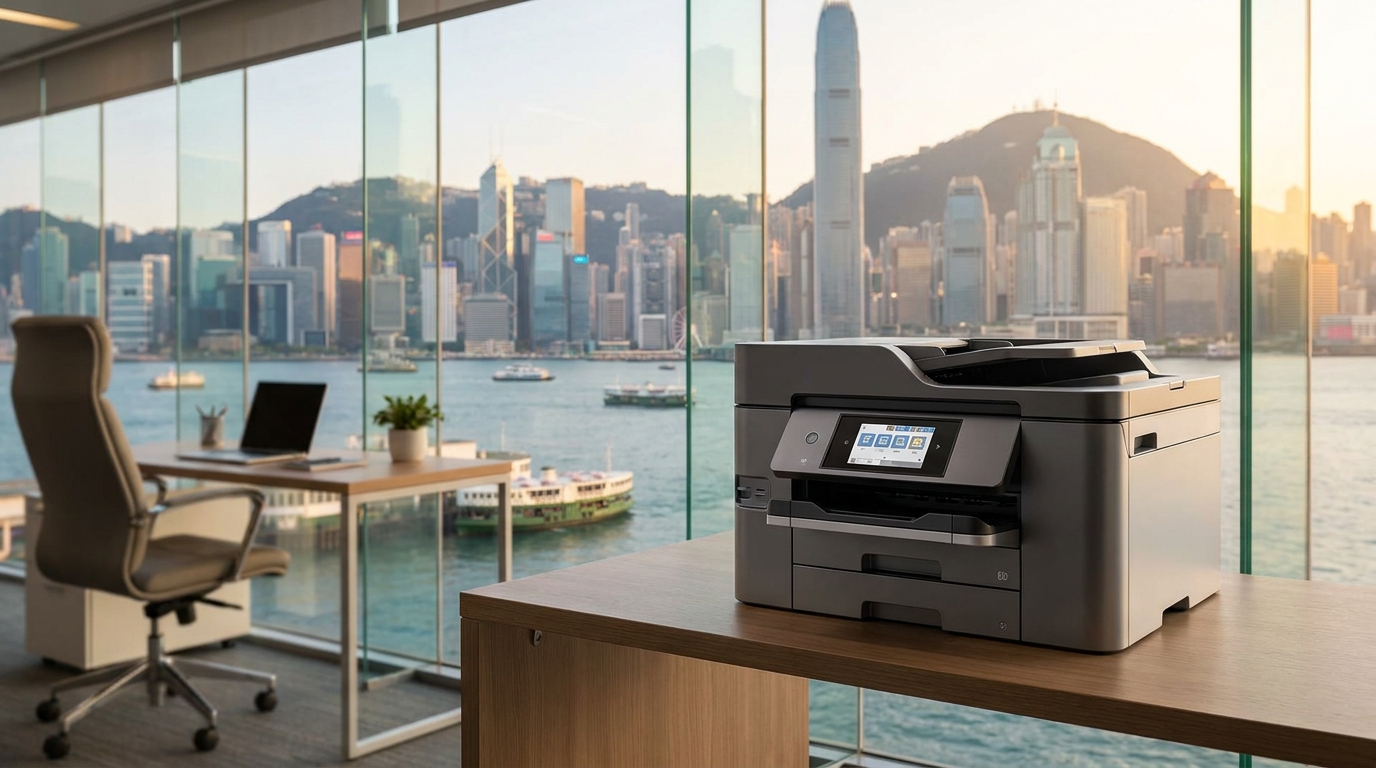
It is a Monday morning in your Hong Kong office. You walk past the heavy-duty FujiFilm or Canon multifunction printer (MFP), and sitting on the output tray is a stack of full-color pages. Are they the new Q4 marketing brochures? No. They are Taylor Swift concert tickets, a 15-page travel itinerary for an upcoming trip to Osaka, and someone's child's primary school homework.
Welcome to the unspoken battleground of the modern SME: The Boss vs. Employees over personal printing.
In Hong Kong, where apartment space is notoriously tight, many employees simply do not have the physical room (or the desire) to maintain a home printer. The office copier, with its lightning-fast print speeds and high-quality color output, becomes an incredibly tempting alternative. While printing a single page once a month might seem harmless, unrestricted personal printing can quickly spiral out of control, costing your business thousands of dollars annually in wasted toner, paper, and machine wear-and-tear.
In this comprehensive guide, we will break down the true cost of personal printing, explore the psychology behind it, and provide actionable, technology-driven strategies to regain control of your office printing environment.
The Hidden Costs of Personal Printing in Hong Kong
Many SME owners underestimate the financial impact of unauthorized printing. Let's break down the math using typical Hong Kong market rates for a leased copier under a standard Service Level Agreement (SLA).
Cost Breakdown: The "Just a Few Pages" Fallacy
-
Color Meter Charges: Under most HK lease agreements, a color click costs anywhere from HKD $0.40 to $0.80 per page. Personal documents (photos, travel guides, concert tickets) are almost always printed in color and often feature heavy ink coverage.
-
Paper Costs: A standard ream of A4 paper costs around HKD $30-$40 (approx. $0.06 to $0.08 per sheet).
-
Wear and Tear: High volumes of unauthorized printing lead to more frequent paper jams, faster drum depletion, and increased maintenance calls. While a 4-hour SLA response is standard in HK, machine downtime still halts legitimate business productivity.
The SME Math: Imagine an office of 30 employees. If each employee prints just 20 personal color pages a month (e.g., a short travel itinerary and some recipes), that is 600 color pages per month.
600 pages × (HKD $0.60 click + HKD $0.06 paper) = HKD $396 / month.
Over a 5-year lease term, that "harmless" habit costs the company nearly HKD $24,000!
5 Effective Strategies to Stop Personal Printing
Simply sending an angry all-staff email rarely works. To truly curb personal printing, you need a mix of clear policies and technological barriers. Here are the top five ways to manage your print environment.
1 Implement User Authentication (Follow-Me Printing)
The most effective deterrent against unauthorized printing is removing anonymity. Modern copiers from brands like Ricoh, Konica Minolta, and Xerox come equipped with user authentication features.
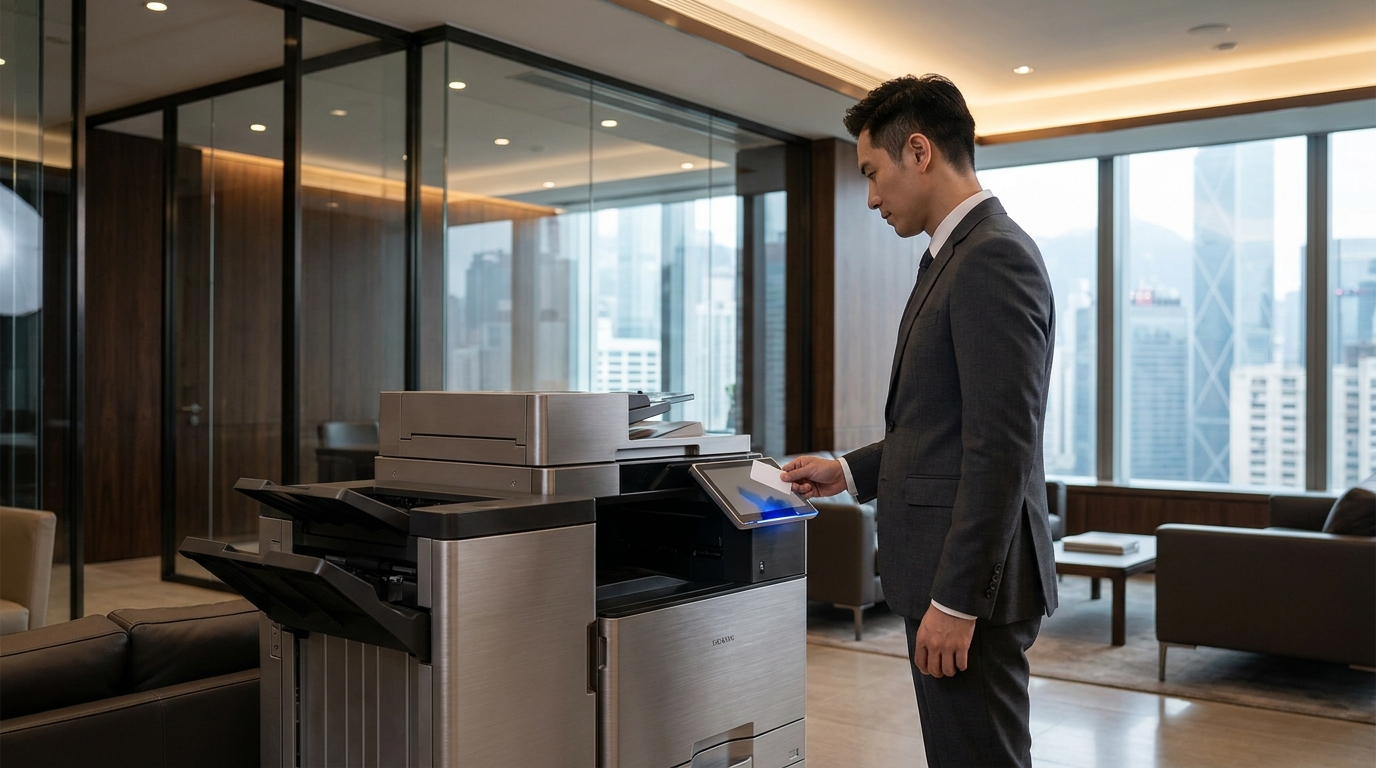
Instead of a document printing immediately when someone clicks "Print" on their PC, the job is held in a secure server queue. The employee must physically walk up to the printer and authenticate themselves to release the job. In Hong Kong, the most popular and seamless way to do this is via RFID or NFC cards—many companies simply integrate this with the staff's existing access cards or even their personal Octopus cards.
2 Set Print Quotas and Color Restrictions
Not all employees need the ability to print in color. Using your printer's built-in administrative panel (or third-party software), you can set strict rules:
- Default to Black & White: Force all print jobs to default to monochrome and double-sided (duplex). Users must manually select color if they truly need it.
- Departmental Restrictions: The Marketing and Design teams may need unlimited color access on the Epson or FujiFilm machine, but the Accounting or HR departments likely only need black and white.
- Monthly Quotas: Allocate a specific budget or page count per user (e.g., 500 B&W pages, 50 Color pages per month). Once they hit the limit, they must request an extension from the IT admin.
3 Deploy Print Management Software
For SMEs with more than 20 employees or multiple machines (e.g., a mix of HP desktops and a central Toshiba or Sharp MFP), investing in Print Management Software is a game-changer.
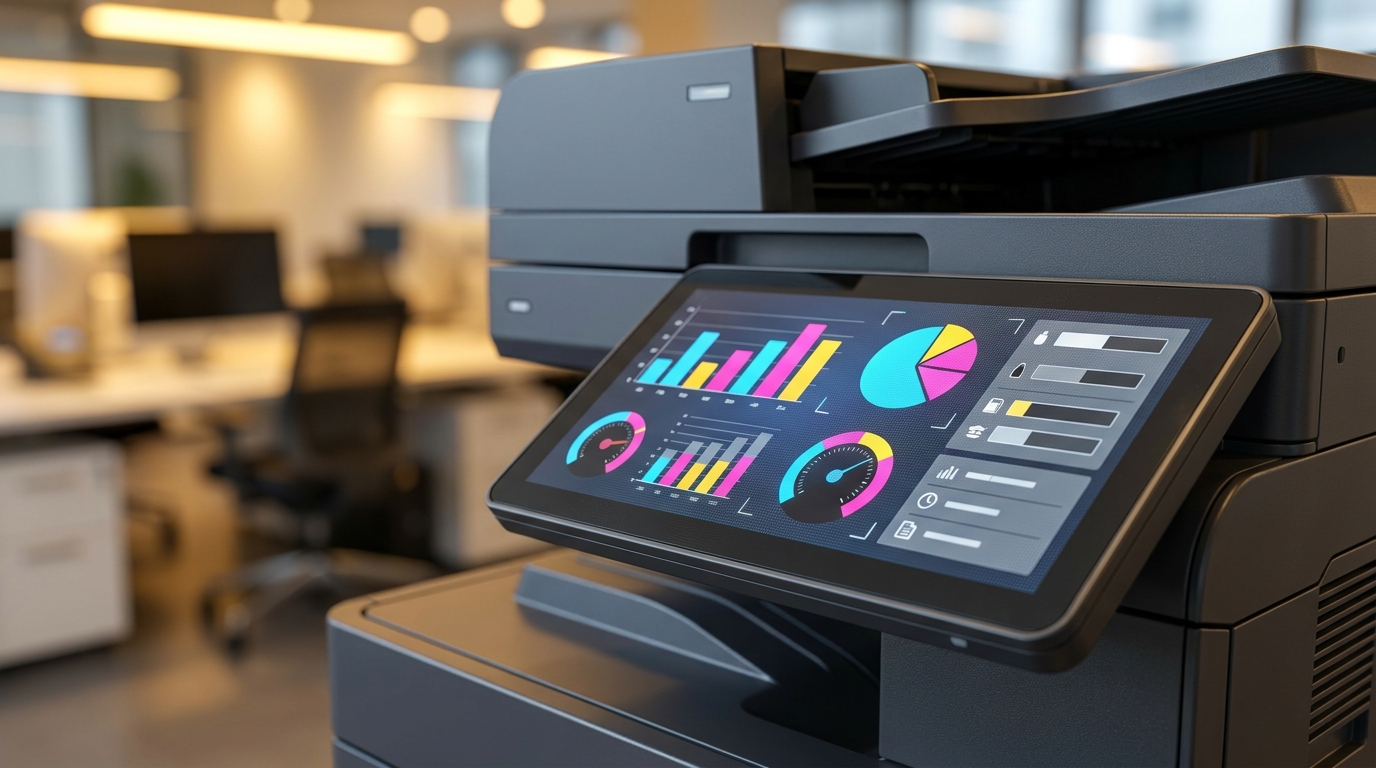
Solutions like PaperCut MF, uniFLOW (popular with Canon), or Equitrac provide granular control and comprehensive auditing. At the end of the month, the boss receives a detailed report showing exactly who printed what, when, and how much it cost.
Some advanced software can even detect keywords in document titles. If a document named "Primary_4_Math_Worksheet.pdf" is sent to the queue, the system can automatically flag it or cancel it.
4 The Pragmatic Approach: The "Honesty Box" System
In Hong Kong's fast-paced environment, sometimes a complete ban creates unnecessary friction and hurts employee morale. A very popular compromise among modern SMEs is the "Paid Personal Printing" policy.
You acknowledge that staff occasionally need to print personal items. Instead of banning it, you allow it—but at a cost. Set up an honesty box (or a PayMe/FPS QR code) next to the Kyocera or Brother printer. Set a fair price, such as HKD $1.00 for Color and HKD $0.20 for Black & White.
5 Establish and Communicate a Clear Policy
Technology can only do so much; you need a cultural shift. Often, employees print personal items simply because no one ever explicitly told them not to.
Draft a clear "Acceptable Use Policy" for office equipment. Explain why the policy exists. Frame it not just about saving the company money, but also about environmental sustainability (saving paper/trees) and data security. When employees understand the reasoning behind the rules, compliance increases dramatically.
Hardware Security Features by Brand
If you are in the market to lease a new copier in Hong Kong, here is a quick look at how different brands handle print security and user tracking out-of-the-box (without third-party software).
| Brand | Built-in Authentication | Native Tracking Features |
|---|---|---|
| FujiFilm / Xerox | Excellent. Supports IC Card/Octopus natively on most Apeos models. | Device Log Service allows basic tracking of usage per user without extra software. |
| Canon | Strong. Advanced imageRUNNER ADVANCE models support PIN & Card. | uniFLOW Online Express (often included free) offers great cloud-based tracking. |
| Ricoh | Very Good. Quick Card authentication available on IM series. | User Authentication Management allows quotas and limits directly on the machine panel. |
| Konica Minolta | Very Good. bizhub series integrates well with biometric or IC cards. | Account Track feature allows admins to set limits for up to 1,000 accounts. |
| Brother / Pantum | Basic. Usually relies on Secure Print (PIN code) for entry-level models. | Secure Function Lock allows admins to restrict color printing for specific users. |
The Unseen Risk: Data Security and Compliance
While cost is usually the primary concern for SME bosses, data security is the silent threat associated with unregulated personal printing.
When employees print personal documents—such as bank statements, tax returns, or medical records—and leave them sitting on the output tray of a shared office printer, they are exposing sensitive data. Furthermore, in an environment where anyone can print anything, confidential company documents (like payroll sheets or client contracts) often get mixed in with personal printouts and accidentally taken by the wrong person.
In Hong Kong, mishandling of personal data can lead to breaches of the Personal Data (Privacy) Ordinance (PDPO). Implementing "Hold and Release" (Follow-Me) printing not only stops employees from printing their weekend travel plans, but it also ensures that confidential company data never sits unattended on the printer tray.
Take Action: The SME Printer Control Checklist
Ready to stop the madness? Follow these 4 steps this week:
Conclusion
You don't have to be the "bad guy" to manage your office printing costs effectively. By combining clear communication with smart hardware features—like user authentication, print quotas, and default B&W settings—you can eliminate wasteful personal printing while maintaining a positive work environment. Whether you choose to implement strict card-swipe software like PaperCut or a simple PayMe honesty box, taking control of your printer will save your Hong Kong SME significant money, reduce environmental waste, and tighten your data security.
Need Expert Advice?
Our consultants can help you find the perfect printing solution for your office.
📞 +85221164877 · King Copier · Operated by Techieasy Limited