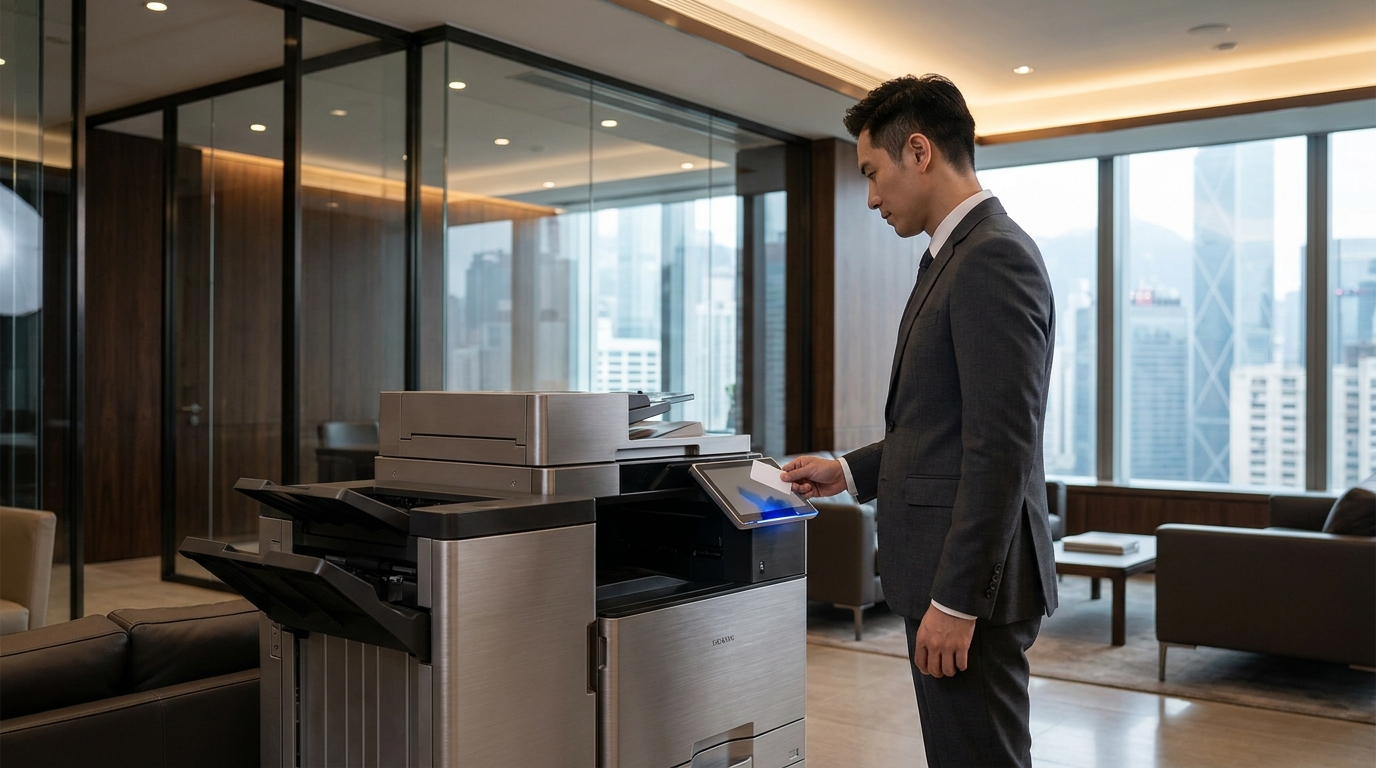
Boss vs. Employees: How to Stop Staff from Sabotaging the Printer to Avoid Work
It is 2026, and despite the "paperless office" promises of the last decade, the physical printer remains the heartbeat of any Hong Kong SME. But let’s be brutally honest: your office printer isn't just a machine; it’s a battlefield. In the ongoing cold war between management and staff, the printer is often the first victim of "strategic incompetence."
Is your staff actually working, or are they staring at a "Paper Jam" error they caused themselves just to avoid finishing that 4:00 PM report? The audacity of some employees to claim the printer is "haunted" or "down" while they scroll through social media is enough to make any boss's blood boil.
At King Copier, we’ve seen it all. From deliberate paper tray mismanagement to the "empty toner" lie. This guide is designed for the frustrated SME owner who is tired of the excuses and wants a bulletproof printing environment that even the laziest employee can't break.
1. The "Printer Strike" Excuses: Real or Sabotage?
The "Paper Jam" Strategy
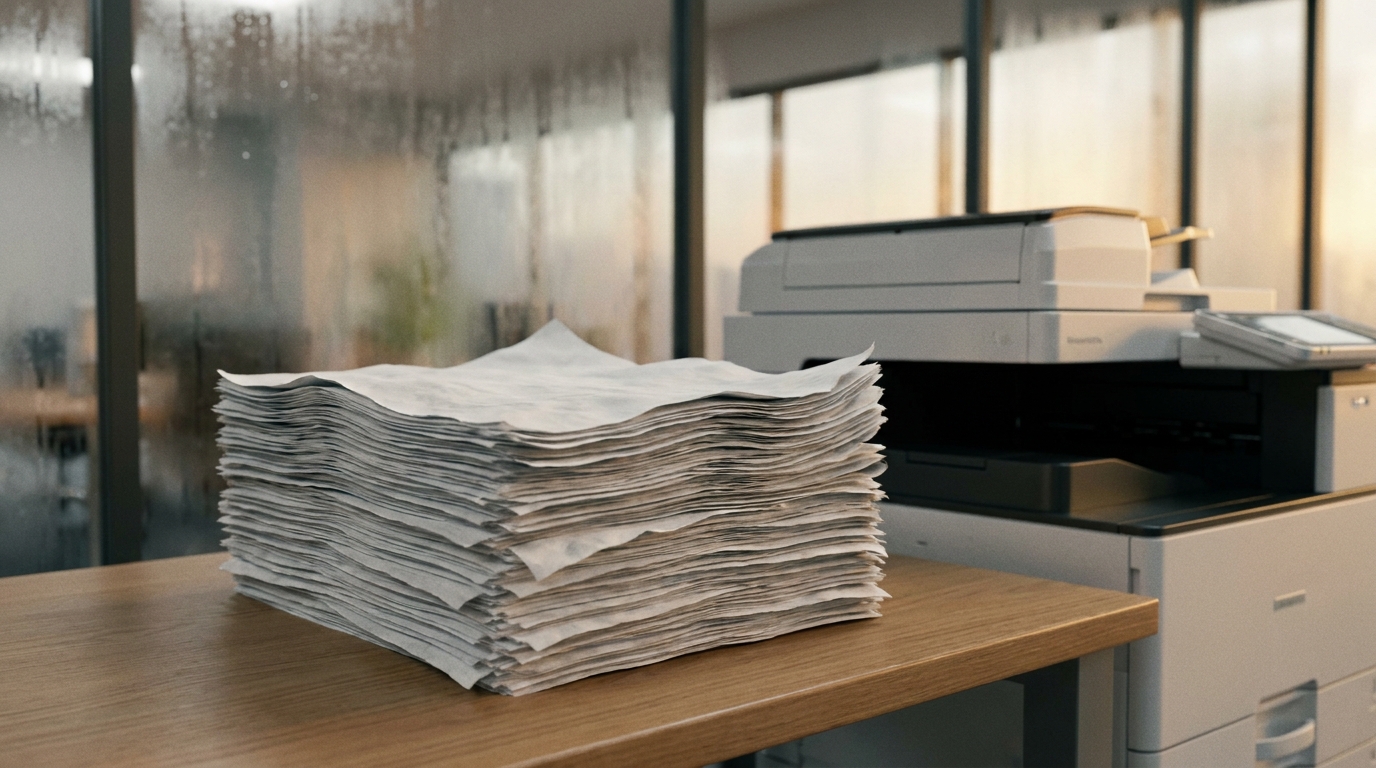
Employees often use low-quality, damp paper (typical in HK's 90% humidity) or intentionally overload the tray of your Brother or HP desktop unit to trigger a sensor error. It buys them 30 minutes of "downtime."
The "Toner is Empty" Lie
Modern FujiFilm and Xerox machines give warnings at 10%. Lazy staff will see the warning and tell you "it's broken," refusing to print another page until a technician arrives.
2. Hong Kong Specific Challenges: Humidity & Space
In Hong Kong, the environment is often the employee's best accomplice. If you are operating out of a tight space in Kwun Tong or Chai Wan, your printer is fighting an uphill battle.
- The Humidity Factor: HK humidity makes paper limp. When a Canon or Konica Minolta machine pulls damp paper, it will jam. Staff know this. They leave the paper tray open on purpose. Solution: Invest in a dehumidifier for the server/print room.
- Power Fluctuations: Many old industrial buildings have unstable 220V supply. A sudden surge can "freeze" the software of a Sharp or Toshiba copier, giving staff a perfect excuse to stop working.
- Space Constraints: Cramming a high-speed Ricoh into a corner where the vents are blocked leads to overheating. Overheating leads to "system cooling" breaks—more downtime for your "hardworking" team.
3. Building a Sabotage-Proof Fleet: Brand Recommendations
To prevent "printer strikes," you need hardware that is harder to break than a Nokia 3310. Here is how the top brands stack up in 2026 for the HK market:
| Brand | "Sabotage" Resistance | Best Feature for Bosses |
|---|---|---|
| Kyocera | High (Ceramic drums are nearly indestructible) | Lowest cost-per-page in HK. No "toner-gate" excuses. |
| FujiFilm (Xerox) | Medium-High | Extremely user-friendly UI; even the most "clueless" staff can't claim they don't know how to use it. |
| Epson (Heat-Free) | High | Fewer moving parts = fewer things for staff to "accidentally" break. |
| Pantum | Medium | Aggressive HKD pricing for start-ups (Budget friendly). |
4. Pricing Reality: What Should You Be Paying in 2026?
Stop letting your office manager overspend on "emergency repairs" because they didn't maintain the machine. Here is the standard HKD pricing for SME printer solutions in Hong Kong today:
Entry Level (SOHO)
HK$2,500 - $5,000
Brands: Brother, HP, Pantum
Mid-Range Lease
HK$400 - $900 /mo
Brands: FujiFilm, Ricoh, Kyocera
High Volume Production
HK$1,500+ /mo
Brands: Konica Minolta, Canon
5. The "Anti-Laziness" Checklist for Office Managers
Don't let them win. Implement these 4-hour SLA (Service Level Agreement) standards to ensure productivity never stops.
- 1 Lock the Settings: Use admin passwords on your Toshiba or Sharp machines. Stop staff from changing the default tray to "Manual Feed" to stop others from printing.
- 2 Implement Print Management: Software like PaperCut allows you to see exactly who is printing 200 pages of "personal stuff" and who keeps triggering errors. Accountability is the enemy of the lazy employee.
- 3 The 4-Hour Rule: Ensure your lease contract with King Copier includes a 4-hour onsite response. When the technician arrives that fast, the "it's broken so I can't work" excuse dies quickly.
- 4 Paper Storage: Store paper in a plastic airtight container. If they can't blame the humidity for a jam, they have to blame themselves.
Conclusion: Take Back Control of Your Office
A printer strike is a symptom of a larger problem: a lack of proper equipment and accountability. By choosing high-durability brands like Kyocera or Ricoh and maintaining a strict service contract, you remove the tools of procrastination from your staff's hands.
Stop letting a piece of plastic and some toner dictate your company's productivity. It's time to upgrade to a machine that works as hard as you do (and significantly harder than your employees).
Ready to Sabotage-Proof Your Office?
Get a free consultation and a quote for the most reliable printers in Hong Kong.
Serving Central, TST, Kwun Tong, and all of HK with 4-hour SLA support.