The Death of the Phone Line: Why Your HK Office Needs Internet Printing & Fax in 2026
If your office is still paying for a dedicated PCCW analog phone line just to send a three-page fax to a bank, you aren't just "old school"—you are actively sabotaging your company's bottom line.
It is 2026. In a city where a 500-square-foot office in Central costs more than a luxury villa in some countries, wasting space and money on obsolete technology is a crime against efficiency. Yet, we still see IT managers clinging to 20-year-old "dinosaur" setups because they are afraid of the cloud. Let’s be honest: if you haven't transitioned to Internet Printing and Internet Fax, your "modern" office is basically a museum.
At King Copier, we’ve seen it all—from SMEs struggling with 220V power surges to offices where the humidity is so high the paper feels like a wet rag. Today, we’re breaking down why Internet-based document solutions are the only way forward for Hong Kong businesses.
What Exactly is Internet Printing in 2026?
Internet Printing (often called Cloud Printing) has evolved far beyond simply "printing from your phone." In 2026, it refers to a seamless ecosystem where your FujiFilm or Canon multi-function printer (MFP) acts as a secure node on your network, accessible from anywhere—be it a coffee shop in TST or a home office in Discovery Bay.
The End of Driver Hell
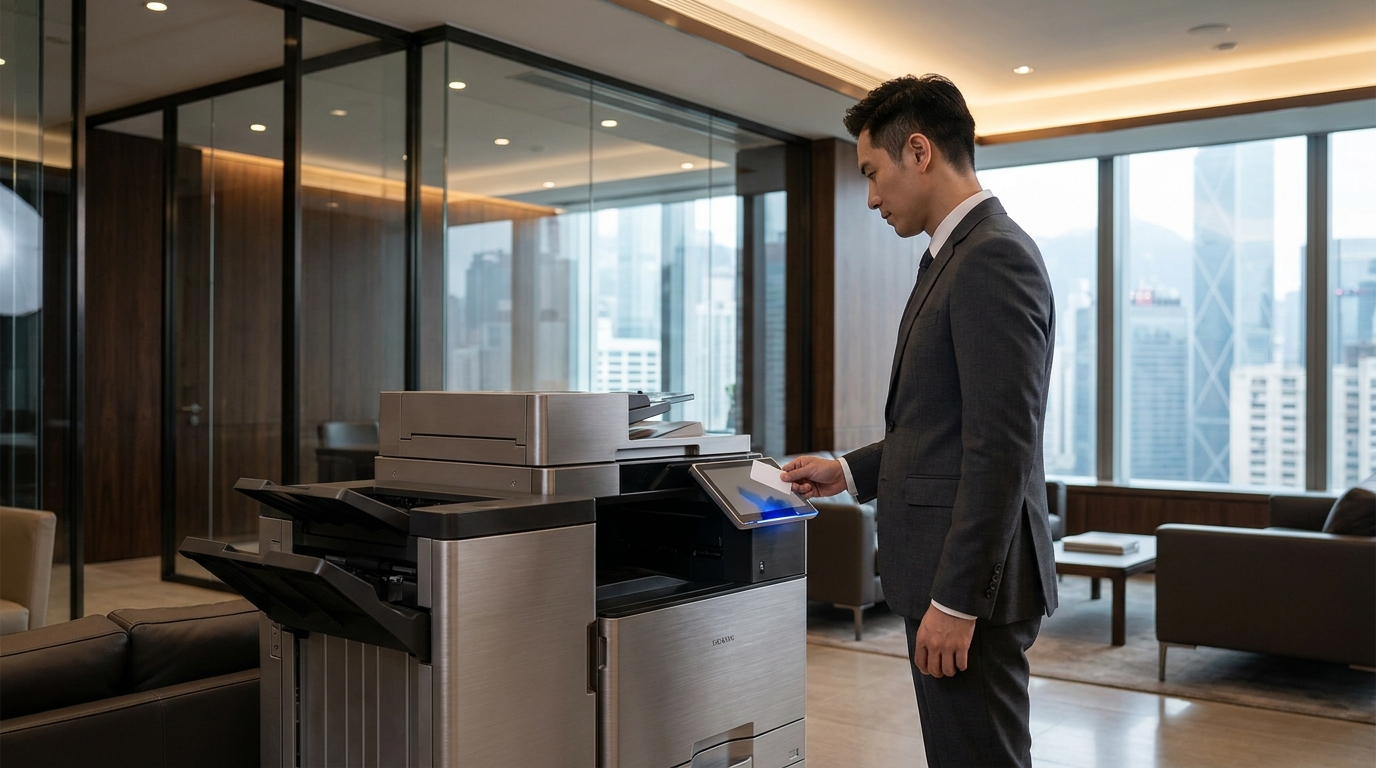
Remember the days of searching for "driver_v3_final_FINAL.zip" for a Konica Minolta or Ricoh machine? That’s over. Modern Internet Printing uses Universal Print protocols (like Microsoft Universal Print or Mopria). Your staff doesn't need to install anything. They just hit "Print," and the job sits in a secure cloud queue until they tap their staff card at the machine.
Rage Bait Alert:
"But my staff finds it too complicated!" No, your staff is just lazy, and your current IT setup is enabling them. If they can use Instagram, they can use a Cloud Print interface. Stop making excuses for technical illiteracy.
Internet Fax: Why Hong Kong Won't Let Fax Die
In most of the world, fax is a punchline. In Hong Kong, it’s a legal necessity. Banks, law firms, and government departments still demand faxes for "security" reasons. But that doesn't mean you need a physical phone line hooked up to a Brother or HP desktop printer.
Internet Fax (IP Fax / eFax) converts your fax signals into data packets. You get a local "2" or "3" prefix fax number, but the "faxes" arrive in your email as PDFs. When you need to send one, you just upload a file to your Kyocera or Sharp MFP's touch panel and hit "Send" via the internet.
| Feature | Traditional Analog Fax | Internet Fax (2026 Standard) |
|---|---|---|
| Monthly Cost | HK$150 - $300 (Line Rental) | HK$50 - $100 (Cloud Service) |
| Hardware | Requires physical modem/port | Purely Software/Cloud based |
| Spam Control | Wastes paper/toner on junk faxes | Digital filtering (Preview before print) |
| Mobility | Must be in the office | Send/Receive via Smartphone/Laptop |
The "Hong Kong Factor": Why 2026 Tech Needs Local Knowledge
You can buy a cheap printer online, but if it isn't configured for the unique environment of a Hong Kong office, you're buying a very expensive paperweight.
1. Humidity & Paper Jams
Hong Kong's 90% humidity is the natural enemy of high-speed printing. Internet-connected Toshiba or Epson machines now include "Smart Humidity Sensing." If the internal sensors detect the paper is too damp, the machine adjusts the fuser temperature automatically. Don't let your "dinosaur" admin tell you that paper jams are "just part of life." They aren't.
2. Space Constraints
We know your office in Kwun Tong or Sheung Wan is tight. Transitioning to Internet Fax allows you to ditch that dedicated fax machine and move to a compact A3/A4 MFP like the Pantum or Ricoh IM series, saving you at least 4-5 square feet of desk space. In HK, that space is worth HK$2,000 a month!
3. The 4-Hour SLA Expectation
In Hong Kong, if the printer is down, business stops. When you lease a machine through King Copier, our Internet-enabled monitoring system alerts us to a toner low or a drum failure before your staff even notices. We aim for a 4-hour Service Level Agreement (SLA) because we know "Island side" or "Kowloon side" traffic is no excuse for downtime.
Pricing: What Should You Pay in 2026?
Stop getting ripped off by predatory leases. Here is a realistic breakdown of what a modern SME should be paying for an Internet-ready printing and faxing setup in Hong Kong:
The "Startup" Package
Best for 5-10 staff
- • Brand: Brother or HP
- • Internet Fax: Included
- • Monthly Rental: HK$288 - HK$450
- • Maintenance: On-site next day
The "Corporate" Package
Best for 20+ staff
- • Brand: FujiFilm or Canon
- • Cloud Print Security: Included
- • Monthly Rental: HK$650 - HK$1,200+
- • Maintenance: 4-hour response
Security: Is the Internet "Safe" for Your Faxes?
If you think a physical fax line is more secure than an encrypted internet fax, you're living in a fantasy world. Anyone with a HK$50 handset from Sham Shui Po can tap an analog line.
Modern Internet Printing uses AES-256 bit encryption. When you send a document to a Xerox or Konica Minolta machine via the cloud, it is encrypted from your laptop to the printer's hard drive. It only prints when you physically stand there. No more sensitive HR contracts sitting on the exit tray for the whole office to see.
Checklist: Is Your Office Ready to Switch?
- Do you have a stable 1000Mbps fiber connection? (HKBN/PCCW/HGC)
- Are you still paying for a "Fax Line" on your monthly utility bill? (Cancel it!)
- Does your current printer support AirPrint, Mopria, or Cloud Connectors?
- Does your office have 220V surge protection for high-end digital MFPs?