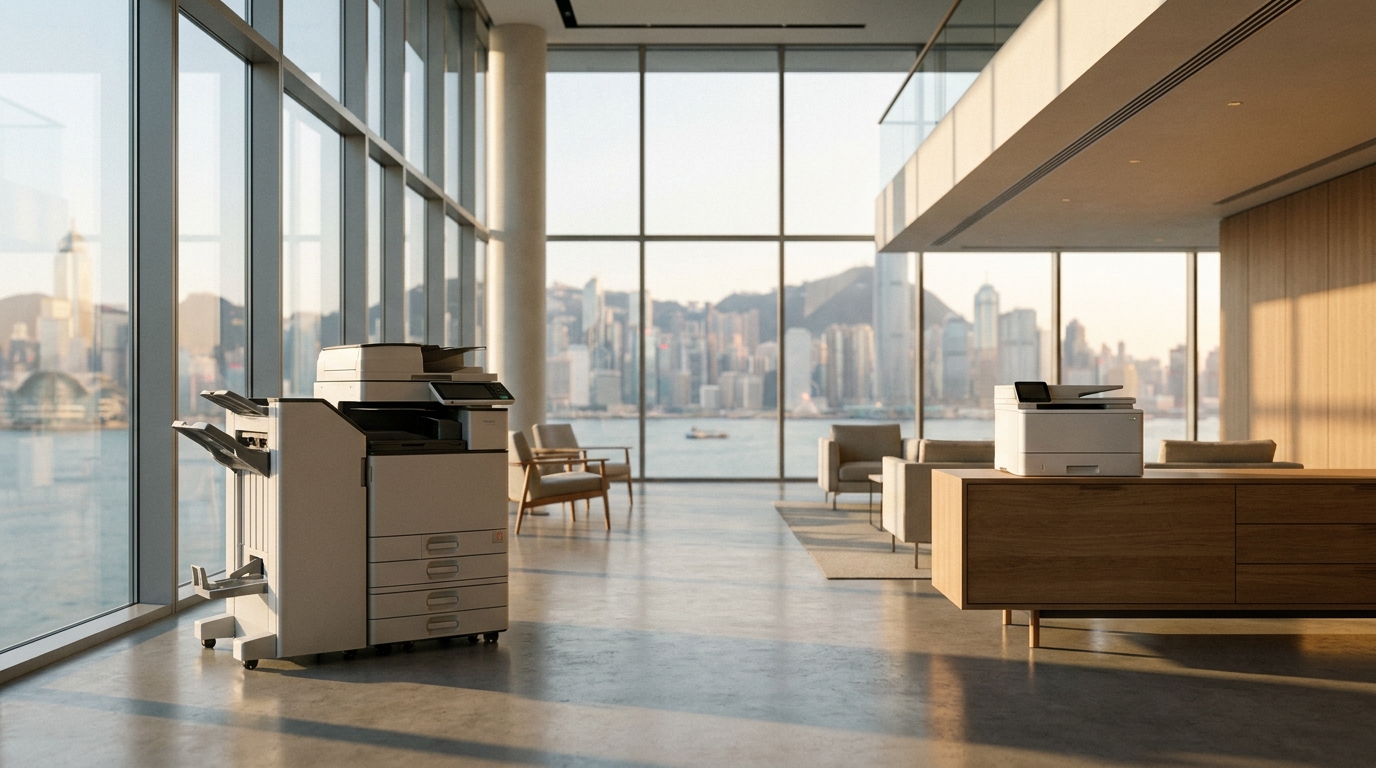
Operating a business in Hong Kong comes with a unique set of high overheads. While you might be hyper-focused on commercial rent and payroll, one silent budget killer often goes unnoticed: office printing. From wasted toner and abandoned print jobs to inefficient hardware taking up expensive floor space, unoptimized printing can cost Hong Kong SMEs thousands of dollars every month.
Fortunately, reigning in these expenses doesn't mean you have to compromise on quality or efficiency. By implementing a few strategic changes, you can drastically reduce your printing costs. Here is your comprehensive guide to optimizing your office print environment.
1. Enforce Smart Print Policies and Access Controls
The easiest way to save money is to stop paying for prints you don't need. Studies show that up to 20% of all office print jobs are abandoned at the printer tray.
- Set Defaults to Black & White and Duplex: Force all standard office documents to print double-sided (duplex) and in monochrome. Color printing can cost up to HKD $0.50 to $0.80 per page, whereas black and white typically costs just HKD $0.05 to $0.08.
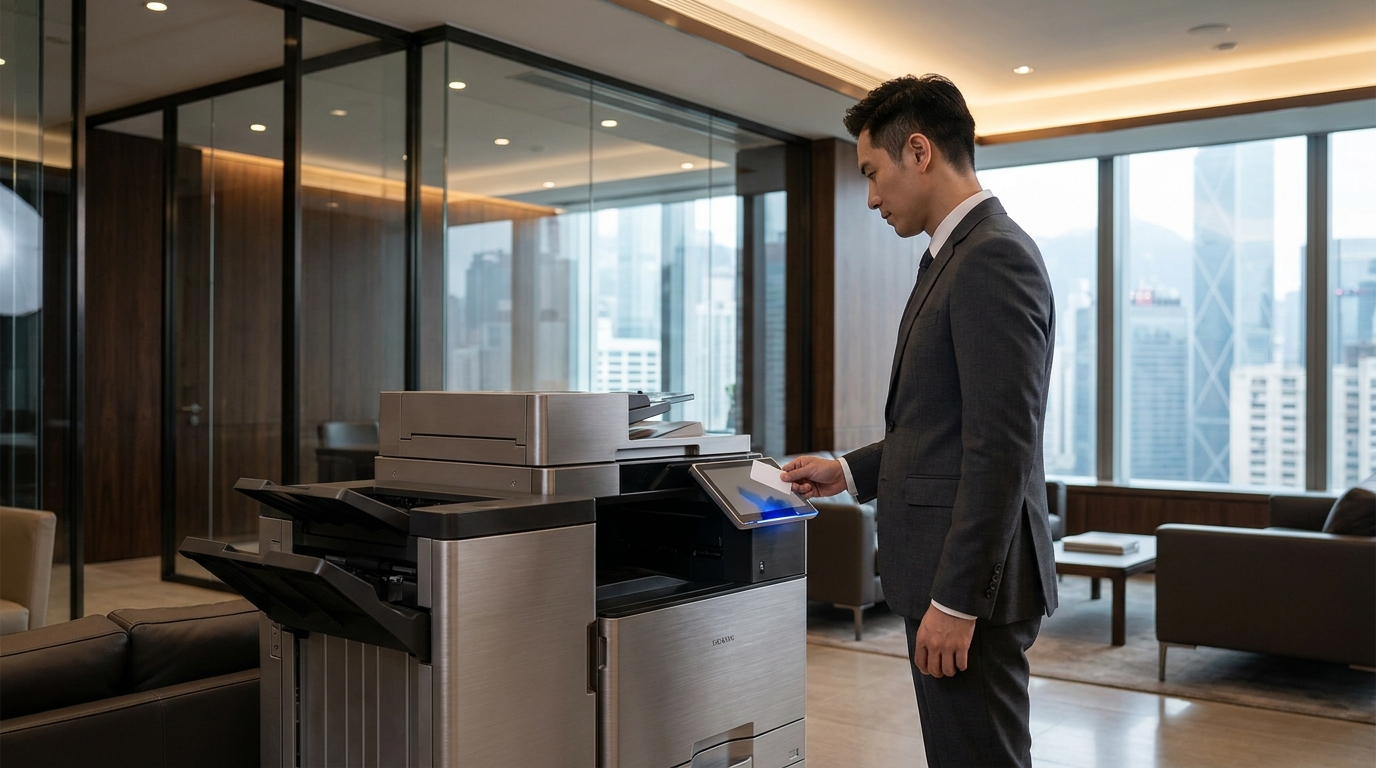
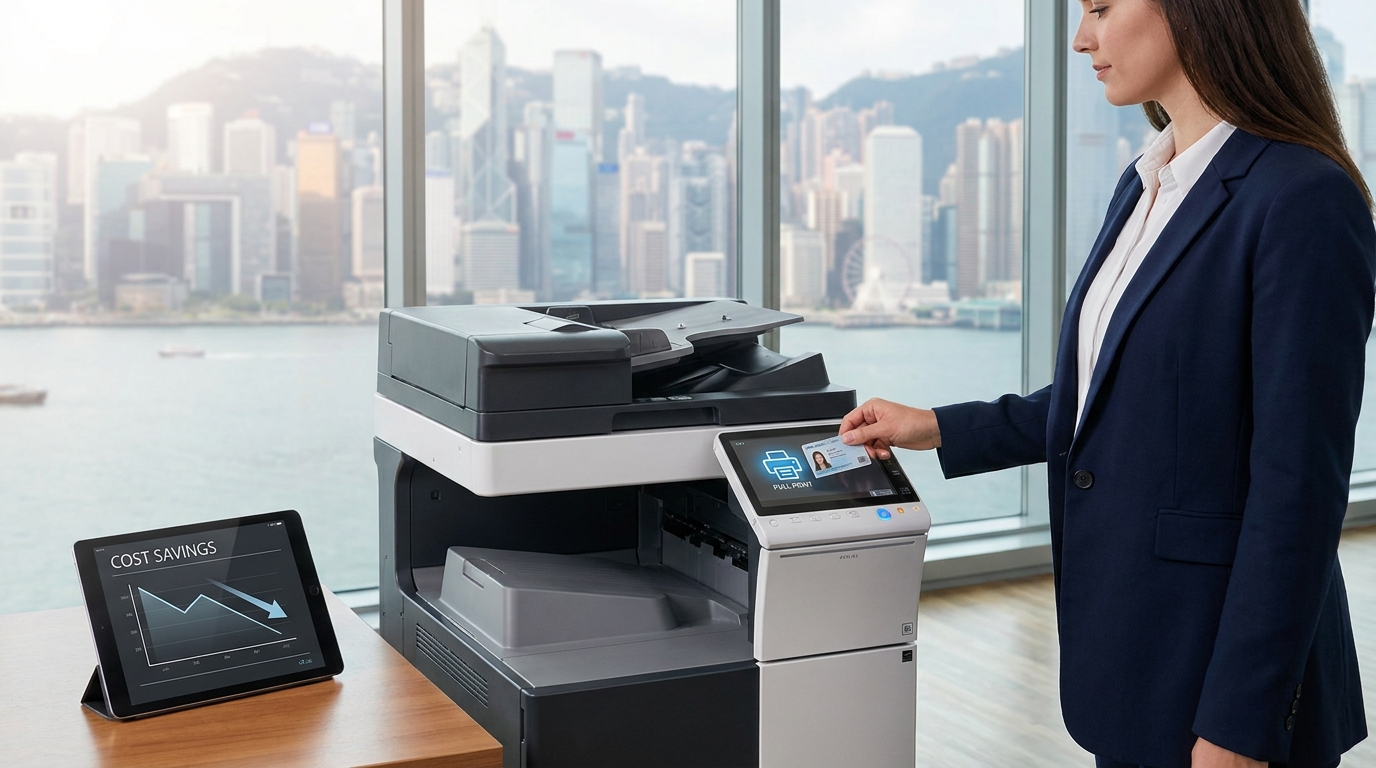
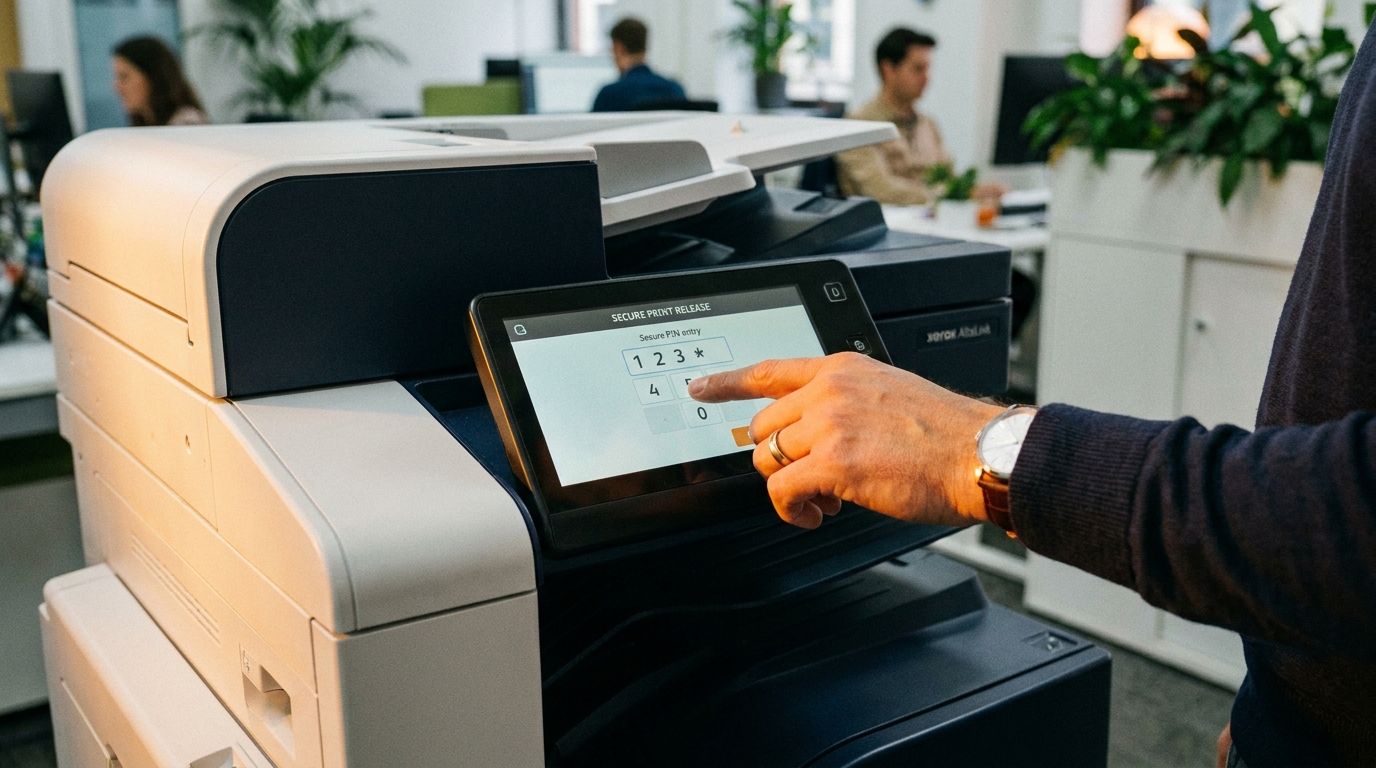
- Implement "Pull Printing" (Follow-Me Print): Require employees to enter a PIN code or swipe their staff card at the machine to release their print jobs. Brands like Kyocera, Konica Minolta, and Ricoh offer excellent built-in or software-based secure print solutions that eliminate abandoned documents.
2. Match the Right Machine to Your Volume and Space
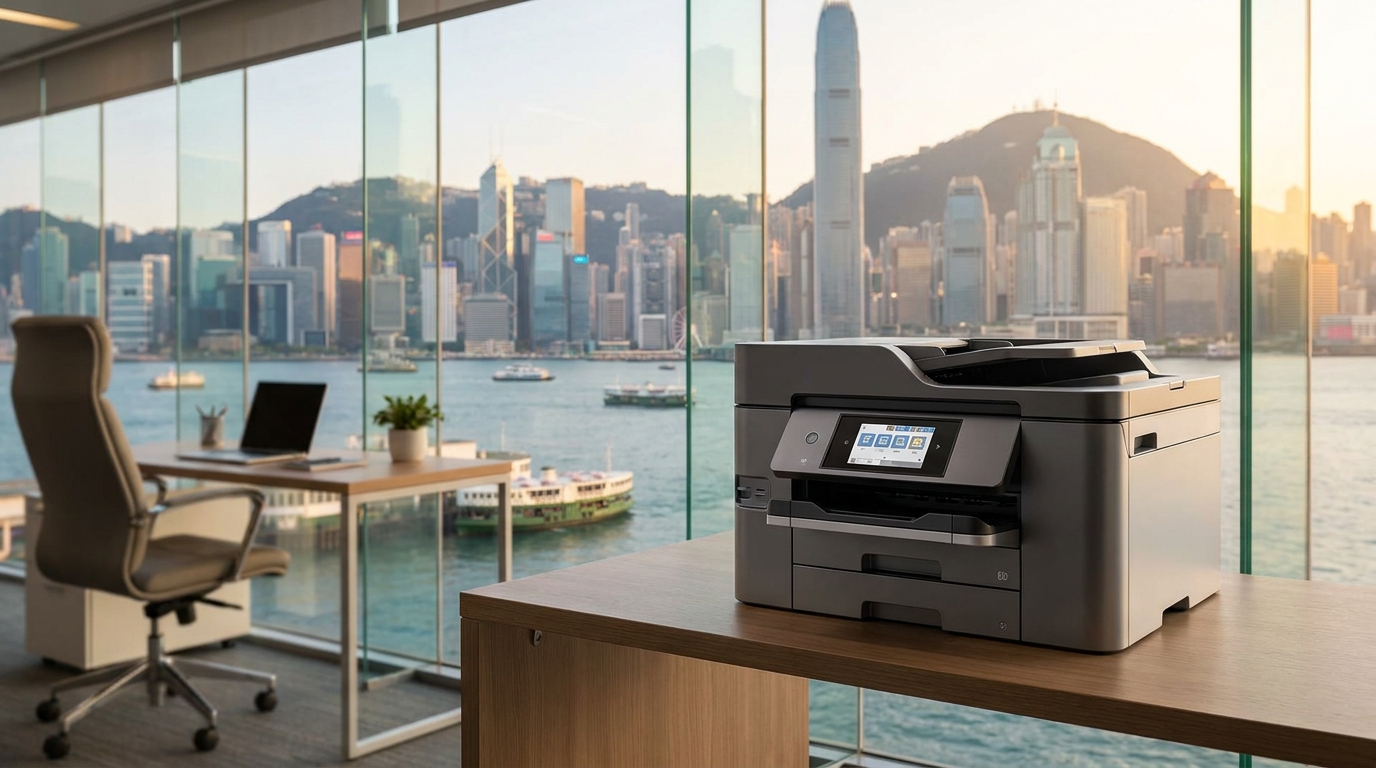
In Hong Kong, office space is a premium commodity. Paying for a massive A3 floor-standing copier when you only print a few hundred A4 pages a month means you are wasting both hardware budget and expensive square footage.
- Low Volume (Under 1,500 pages/month): Consider compact, high-yield desktop printers. Brands like Brother, HP, or the highly cost-effective Pantum are great for tight spaces. Epson's EcoTank business models are also fantastic for reducing consumable costs.
- Medium to High Volume (3,000+ pages/month): A robust A3 multifunction printer (MFP) is more cost-effective in the long run due to lower cost-per-page (CPP). Reliable workhorses from FujiFilm, Xerox, Canon, Sharp, and Toshiba are ideal here.
Hong Kong Logistics Tip: Lift Access
Before ordering a large A3 copier, check your office building's lift dimensions and staircases. In older industrial buildings in Kwun Tong or Lai Chi Kok, delivering a heavy machine without direct lift access can incur steep staircase delivery surcharges.
3. Battle the Hong Kong Humidity
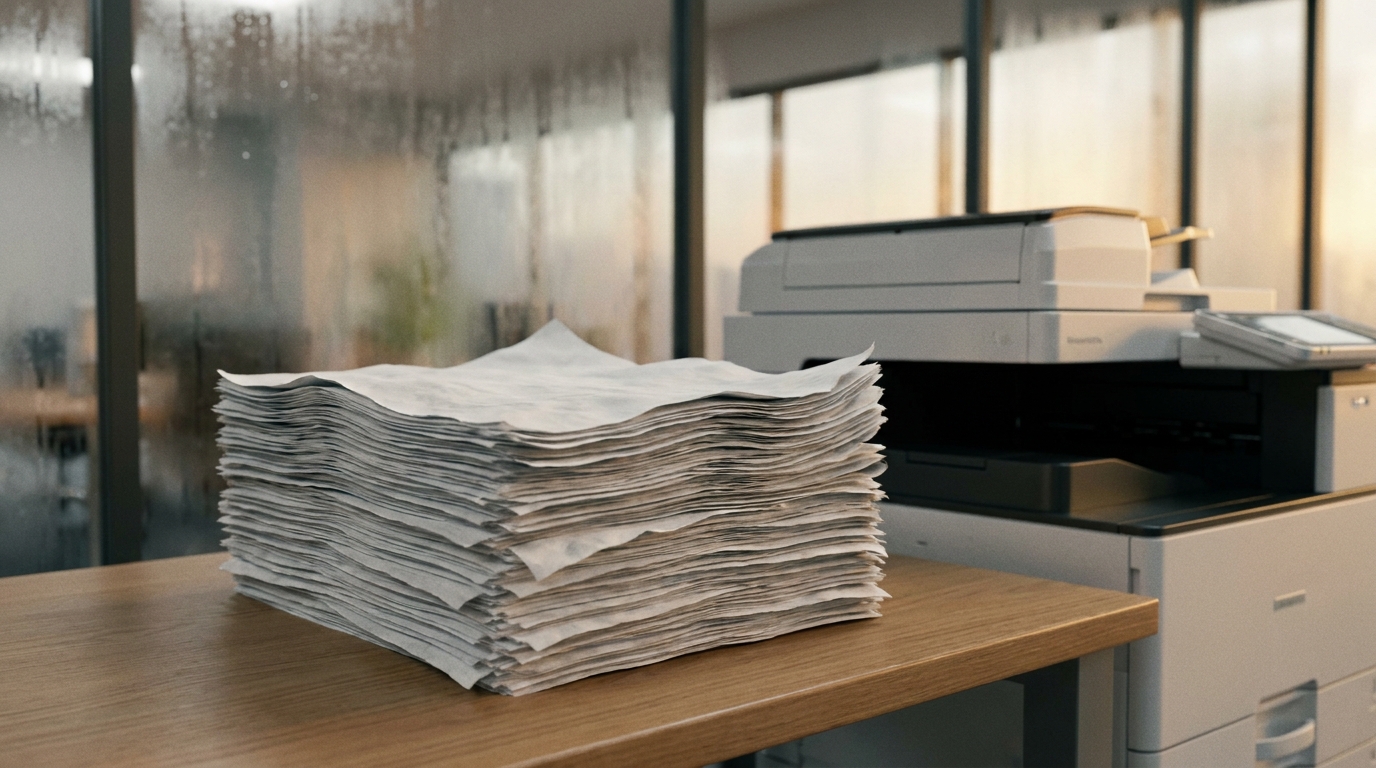
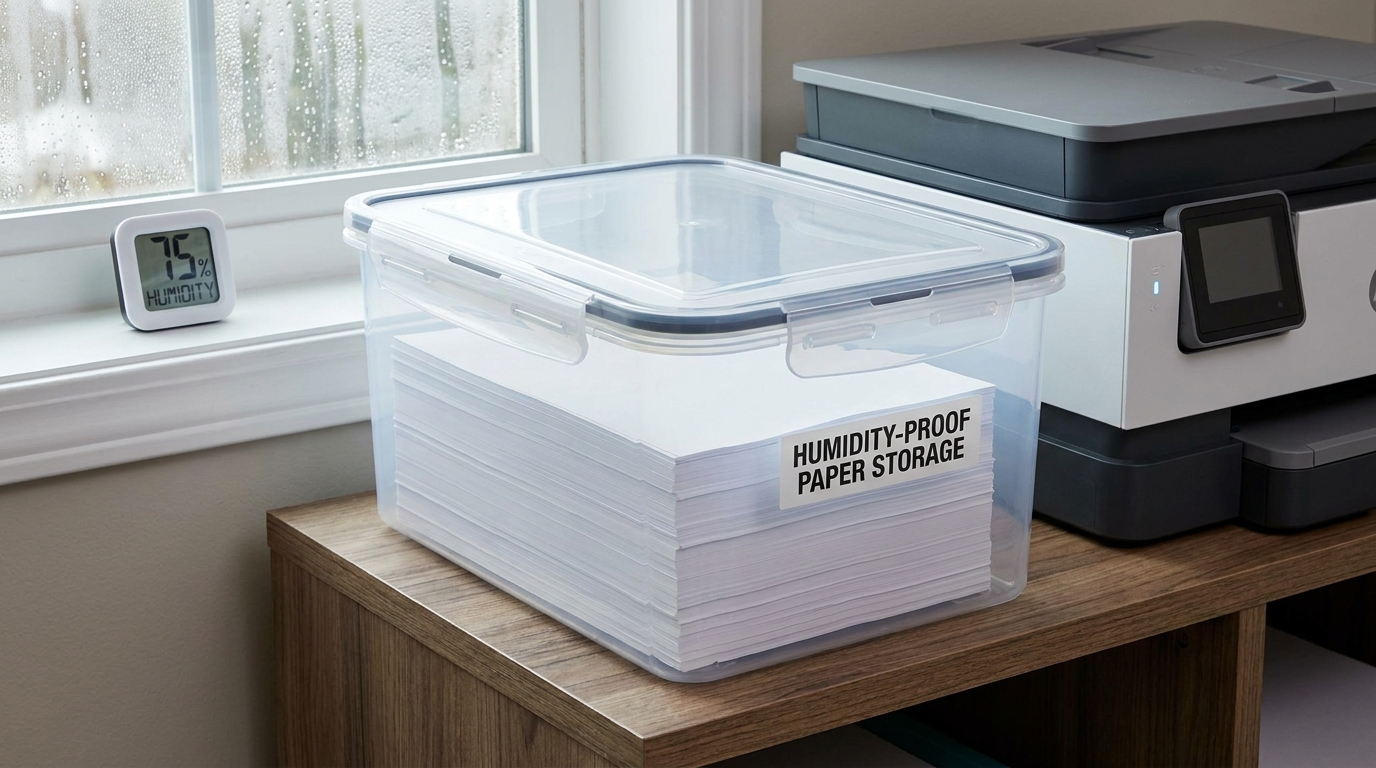
Hong Kong’s notorious spring and summer humidity (often exceeding 85%) wreaks havoc on printer paper. Damp paper sticks together, leading to frequent paper jams. Not only does this waste paper and toner, but the constant jamming damages internal printer components, leading to expensive repair call-outs.
- Keep paper in its sealed wrapper until you are ready to load it into the tray.
- Store spare reams in airtight plastic containers.
- Do not overfill the paper tray if your office turns off the air conditioning over the weekend.
4. Re-evaluate Leasing vs. Buying
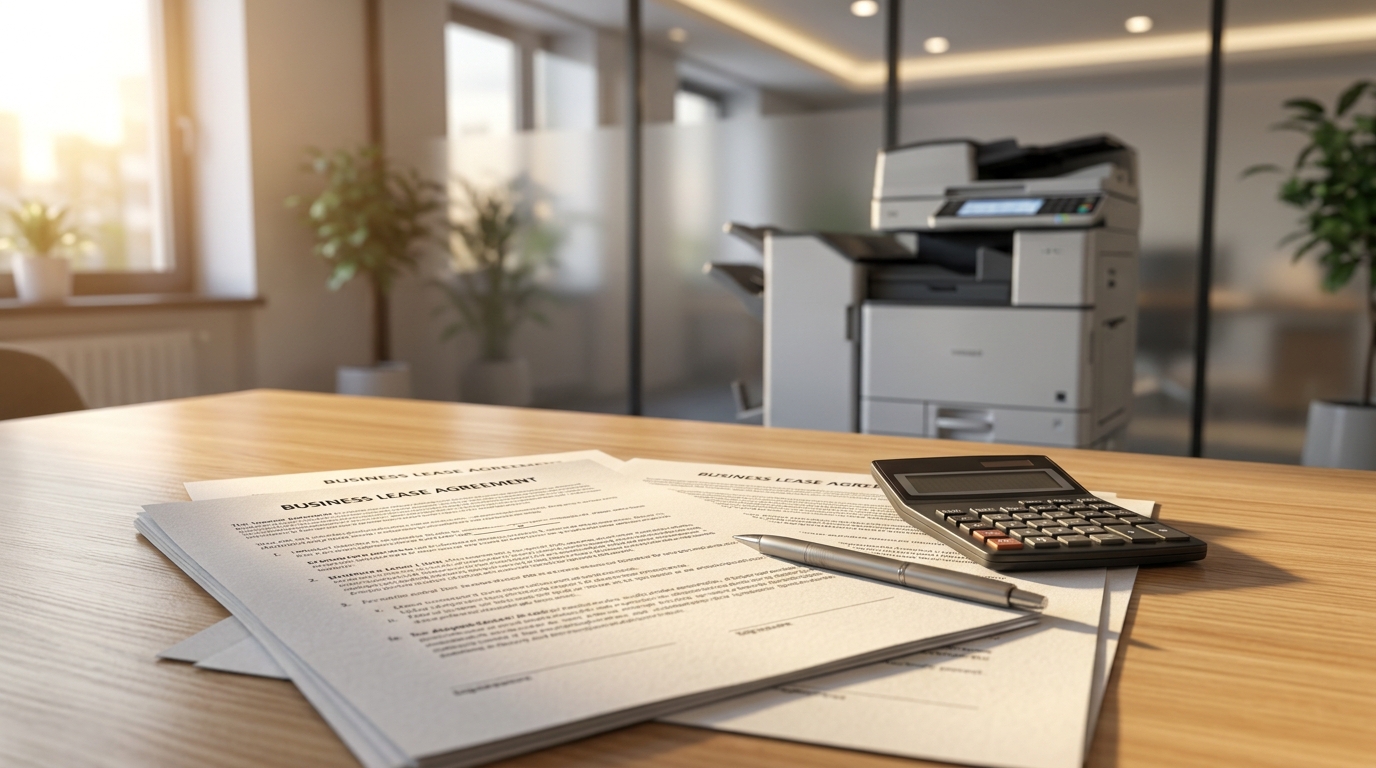
Many SMEs buy printers outright to save on monthly fees, but end up paying a fortune for replacement toner cartridges and ad-hoc repairs. For offices printing more than 2,000 pages a month, a Managed Print Service (MPS) lease is often cheaper.
| Consideration | Buying Outright | Leasing (MPS Contract) |
|---|---|---|
| Upfront Cost | High (HKD $15,000 - $50,000+ for A3) | Zero or low deposit |
| Consumables (Toner) | Pay as you go (Retail prices) | Included in fixed Cost-Per-Page (CPP) |
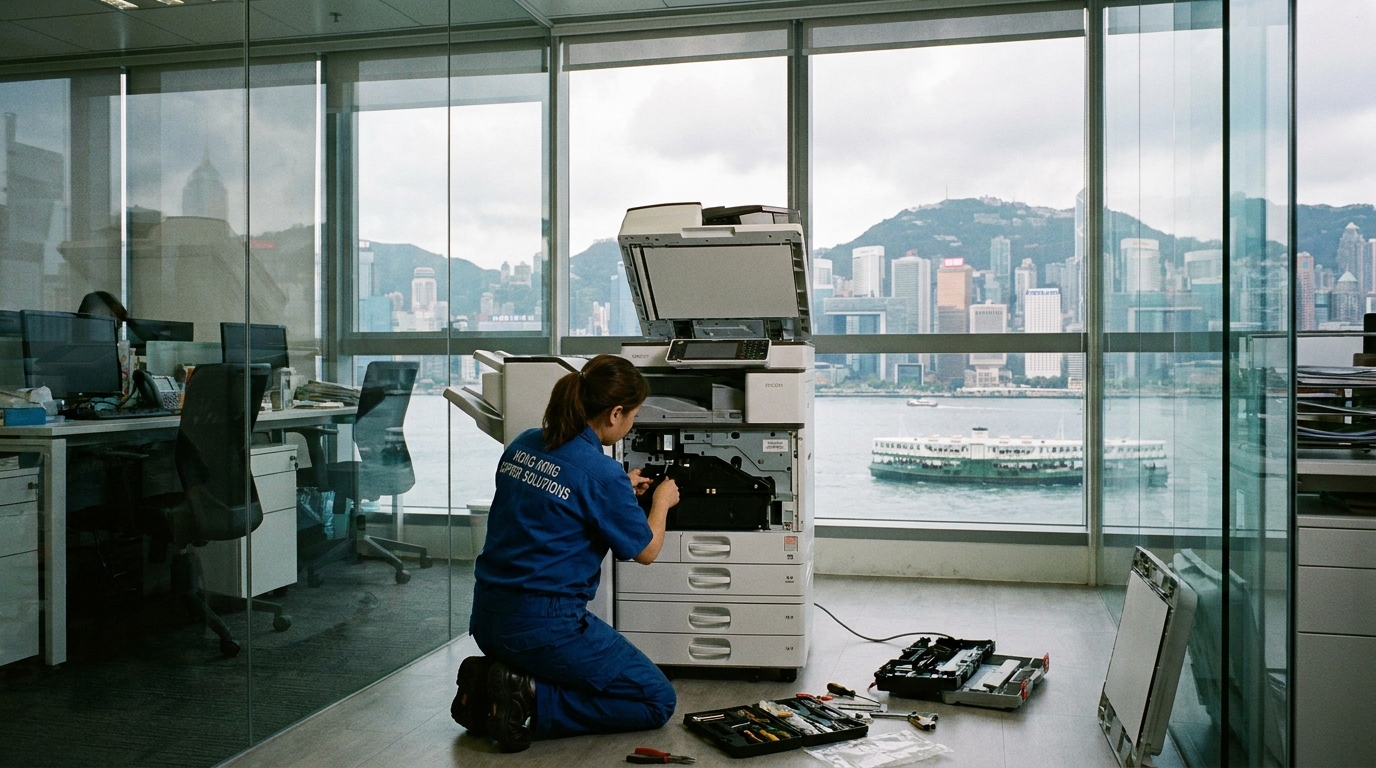
| Maintenance & SLA | Expensive ad-hoc fees; slow response | Included. Standard 4-hour SLA in HK |
The 4-hour Service Level Agreement (SLA) is standard for reputable copier leasing in Hong Kong. This ensures that if your machine breaks down, a technician will be at your office within half a working day, minimizing costly downtime.
5. Check Power Consumption
Electricity tariffs in Hong Kong are rising. Ensure your printers are optimized for local 220V power standards and have aggressive sleep-mode settings. Modern machines wake up in seconds, so there is no need to keep them running at full power 24/7. Look for energy-efficient models; inkjet business printers (like Epson's Heat-Free technology) consume significantly less power than traditional laser fusers.
Quick Action Checklist for Office Admins
- Set all print drivers to B&W and double-sided by default.
- Audit your monthly print volume to see if you are overpaying for your current machine.
- Buy airtight storage boxes for your spare paper to beat the HK humidity.
- Turn on PIN-release (Pull Printing) to stop paper waste at the tray.
By taking a proactive approach to your office print environment, you can turn a notoriously difficult-to-manage expense into a predictable, optimized part of your IT budget. Whether you decide to switch to high-yield desktop units or consolidate your fleet into a single leased A3 multifunction device, the savings will quickly add up.
Need Expert Advice?
Our consultants can help you find the perfect printing solution for your office.
📞 +85221164877 · King Copier · Operated by Techieasy Limited