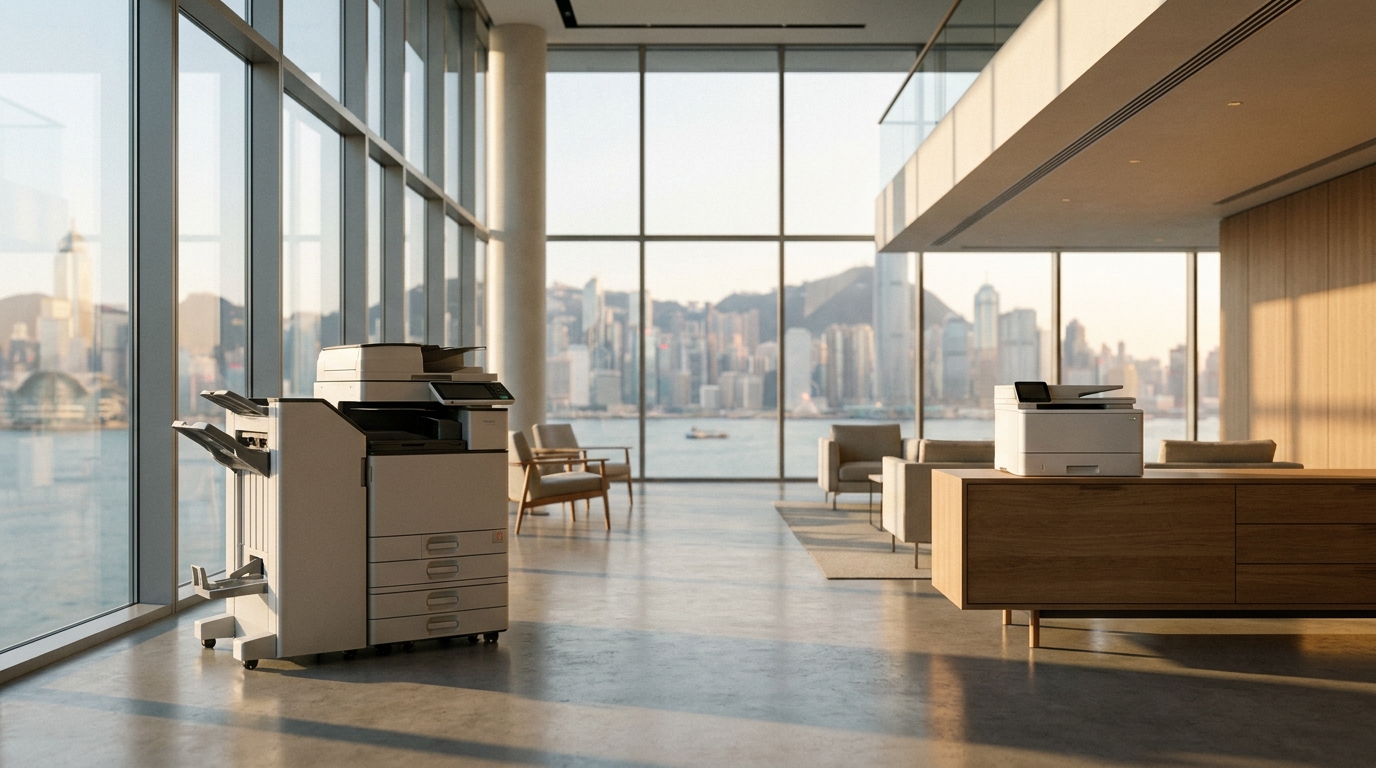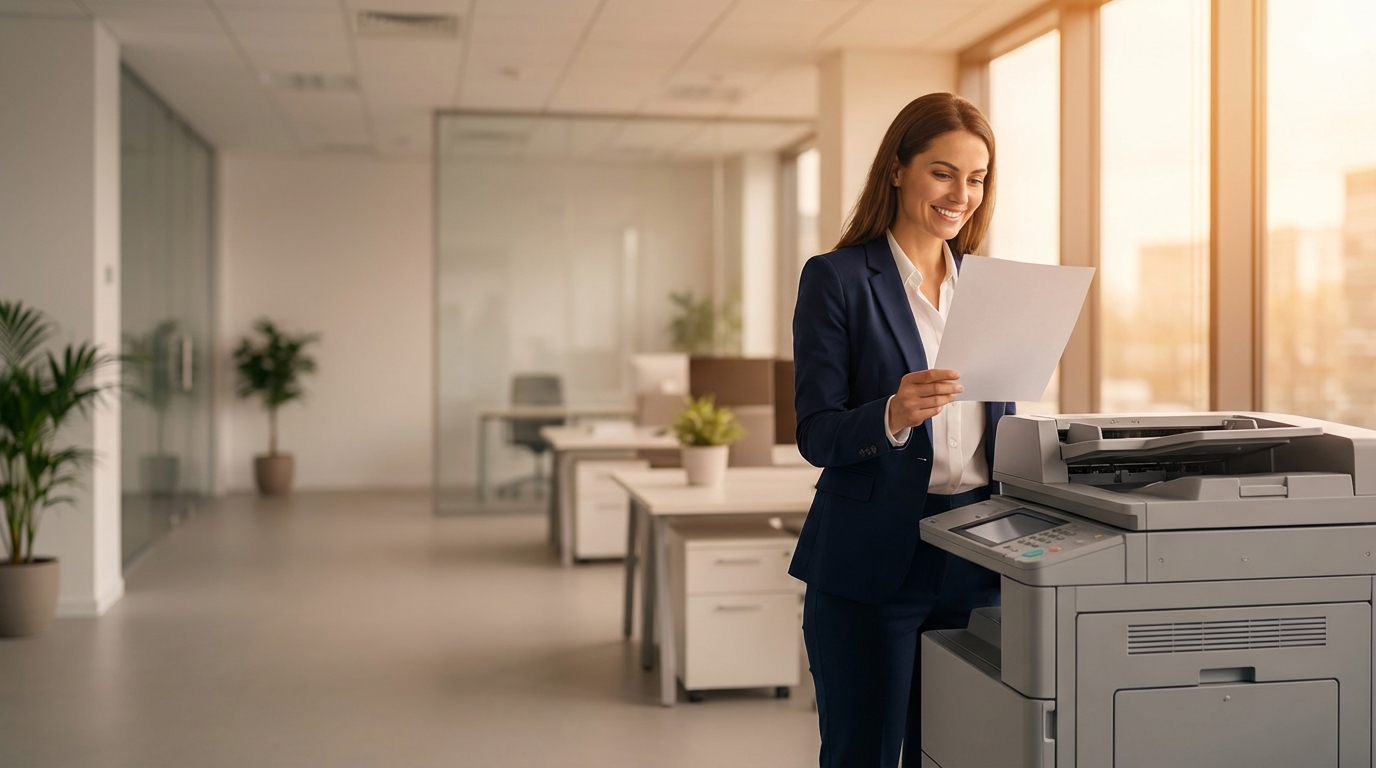
When business leaders think about employee satisfaction and workplace morale, they usually focus on team-building events, flexible working hours, or office snacks. However, one of the most significant—yet frequently overlooked—factors in daily employee happiness is the reliability of office technology. At the center of this tech ecosystem sits the office copier and printer.
In fast-paced Hong Kong Small and Medium Enterprises (SMEs), where efficiency is paramount and deadlines are always tight, a malfunctioning, slow, or complicated multifunction printer (MFP) is a major source of daily micro-stress. Conversely, upgrading to a modern, seamless printing solution can remove friction from your team's workflow, subtly but powerfully boosting overall employee satisfaction. Here is a comprehensive guide on how optimizing your office copier can lead to a happier, more productive workforce.
The Psychology of Printer Frustration
To understand how a copier improves satisfaction, we first must understand how a bad one destroys it. Psychologists refer to "daily hassles"—minor, frequent annoyances that compound over time to create significant stress. In an office environment, few things embody a daily hassle quite like a paper jam right before a crucial client pitch, or a "Replace Toner" message when no spare toner is in the supply closet.
- Interrupted Flow: When an employee is in a state of deep work, having to stop, walk to the printer, clear a jam, and restart the job breaks their concentration. It can take up to 20 minutes to regain that focus.
- The Blame Game: Shared resources that frequently break down often lead to subtle workplace friction. "Who left the paper tray empty?" or "Who jammed the machine and walked away?"
- Feeling Undervalued: When staff are forced to use outdated, clunky technology, it inadvertently sends a message that management does not value their time or efficiency enough to invest in proper tools.
5 Copier Upgrades That Instantly Improve Workplace Morale
1. Blazing Fast Warm-Up and Print Speeds
Nobody likes waiting. Older machines can take upwards of 30 to 45 seconds just to wake up from sleep mode, followed by sluggish print speeds. Modern MFPs from brands like FujiFilm, Ricoh, and Canon feature advanced internal components (like SSDs instead of traditional hard drives) and rapid-fusing technologies that wake the machine up in seconds.
When an employee hits "Print" at their desk and the document is already waiting in the output tray by the time they walk over, it creates a sense of seamless efficiency. For a busy HK SME, upgrading from a 20 page-per-minute (ppm) machine to a 40 or 50 ppm machine eliminates the dreaded "printer queue" during peak morning hours.
2. Seamless Mobile and Cloud Printing
The modern Hong Kong workforce is highly mobile. Employees work from laptops, tablets, and smartphones, often moving between meeting rooms and hot desks. Forcing them to transfer a document to a specific desktop PC just to print it is incredibly frustrating.
Equipping your office with copiers that support native mobile printing (such as Apple AirPrint, Mopria, or brand-specific apps from Brother and HP) allows staff to print directly from their iPhones or Android devices. Furthermore, direct integration with cloud services (Google Drive, Dropbox, OneDrive) means employees can walk up to the machine, log in, and print cloud documents directly from the touchscreen without needing a computer at all.
3. Single-Pass Dual Scanning (DSDF) and OCR
Data entry and manual filing are universally disliked tasks. If your HR or Finance team has to manually flip double-sided documents to scan them, or worse, manually retype scanned PDFs into editable Word or Excel files, their job satisfaction is taking a hit.
Upgrading to a machine with a Single-Pass Dual-Scan Document Feeder (DSDF)—widely available on mid-to-high-tier models from Konica Minolta, Epson, and Xerox—allows both sides of a page to be scanned simultaneously at speeds exceeding 100 images per minute. Combined with built-in Optical Character Recognition (OCR), the copier can automatically convert paper documents into searchable, editable digital files. Automating this tedious busywork frees your staff to focus on meaningful, engaging tasks.
4. "Follow-Me" Printing for Privacy and Flexibility
In a shared SME office, printing confidential documents (like payroll, HR records, or financial statements) can be stressful. Employees often have to sprint from their desk to the printer to ensure no one else picks up their sensitive document by mistake.
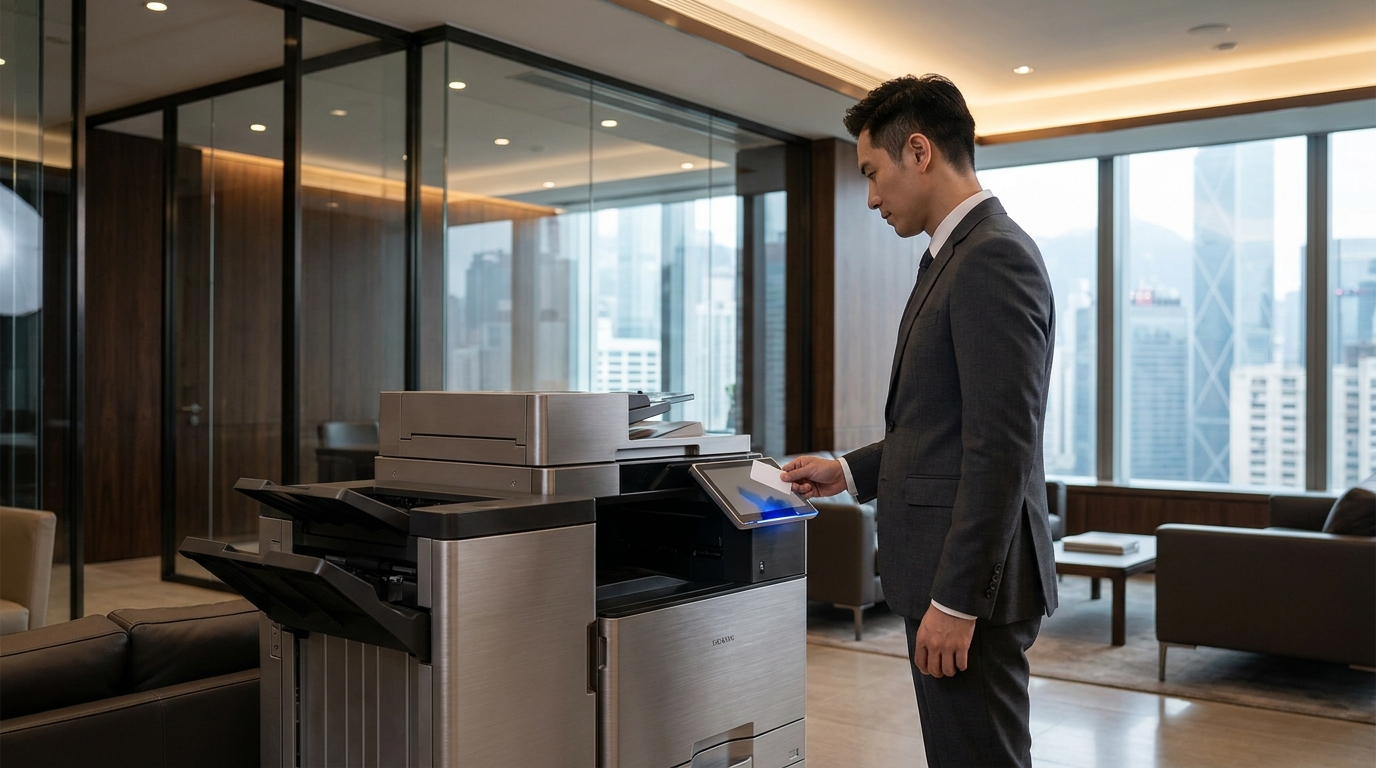
"Follow-Me" or "Pull Printing" solves this. An employee sends a print job to a virtual queue. The document does not actually print until the employee walks up to any compatible printer in the office and authenticates themselves (usually by tapping their employee ID card or entering a PIN). Brands like Kyocera and Sharp offer excellent, user-friendly Follow-Me solutions. This not only secures confidential data but also eliminates the frustration of sending a job to a printer only to find out it's out of paper—they can simply walk to the next available machine.
5. Intuitive, Tablet-Like Touchscreens
Remember the old copiers with dozens of confusing physical buttons and tiny, unreadable LCD screens? Trying to figure out how to scan to a specific email address felt like defusing a bomb. Today, staff expect workplace technology to mirror the consumer technology they use at home.
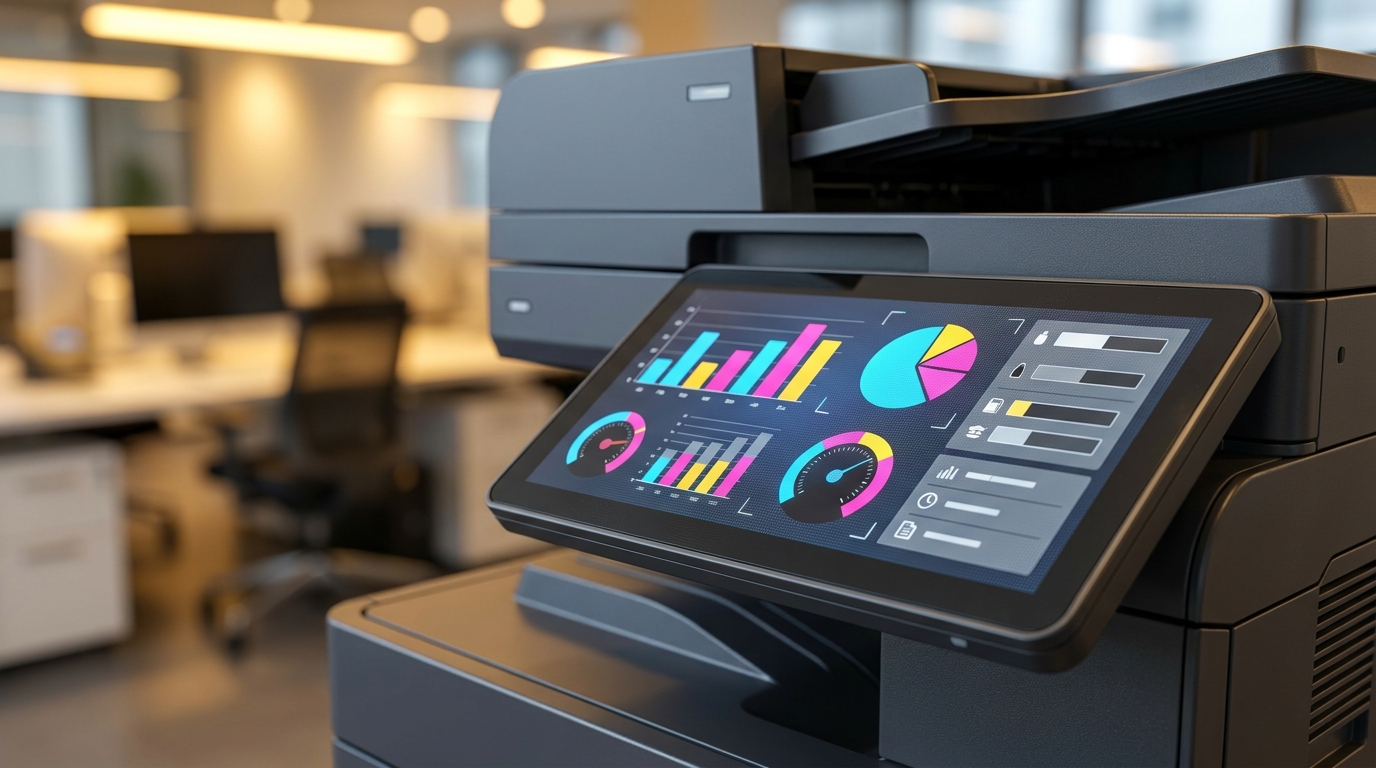
Modern copiers feature large (10.1-inch or larger) capacitive touchscreens that operate exactly like an iPad. They support pinch-to-zoom, swipe gestures, and customizable home screens. You can program one-touch buttons for common workflows (e.g., "Scan to Finance Folder" or "Copy ID Card"). Toshiba and Ricoh (with its Smart Operation Panel) excel at providing user interfaces that require zero training, dramatically reducing staff anxiety when interacting with the machine.
Tackling Hong Kong Specific Office Challenges
Hong Kong presents unique environmental and logistical challenges that can exacerbate printer-related frustrations. Addressing these specific issues is key to keeping your staff happy.
The Humidity Problem (March - May)
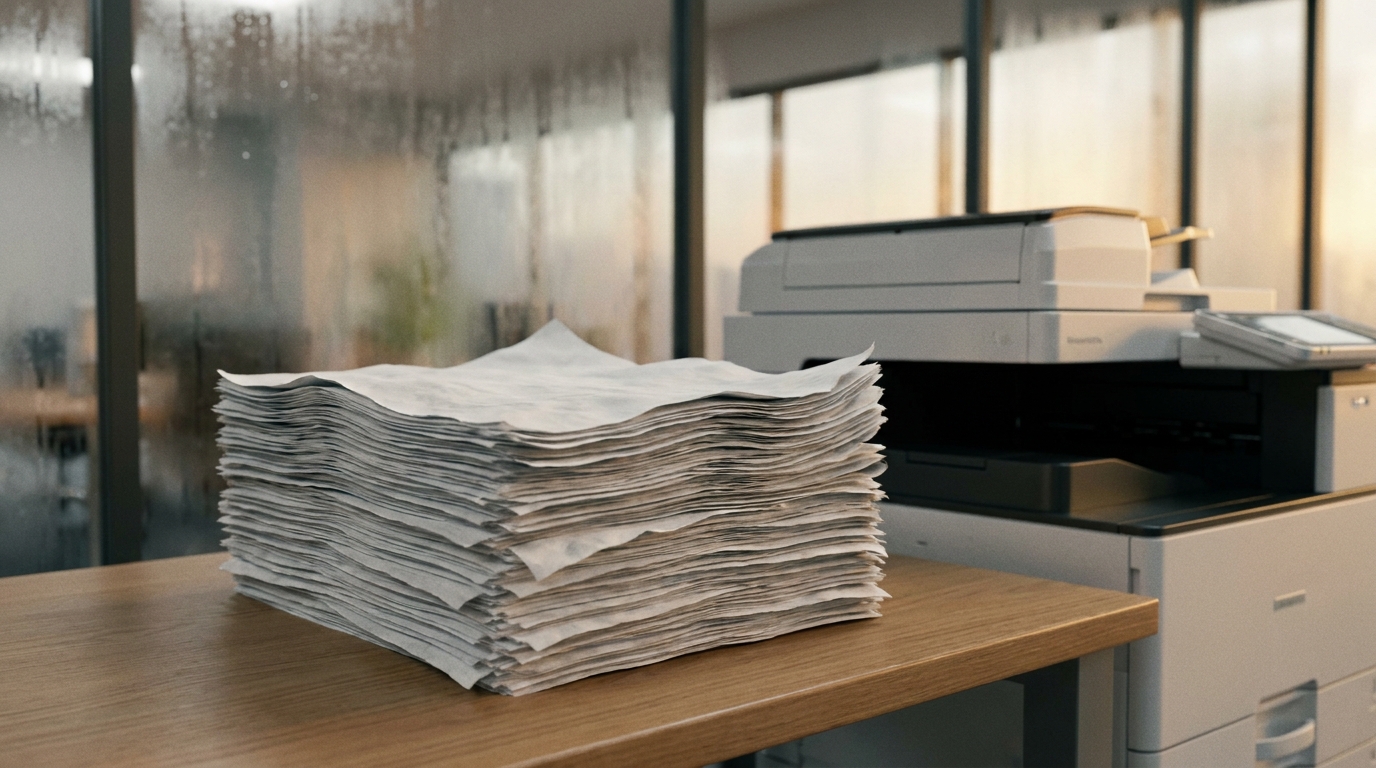
Hong Kong's notorious spring humidity is a primary culprit for paper jams. Paper absorbs moisture from the air, causing sheets to stick together and jam the internal rollers. This drives employees crazy. To combat this, invest in copiers equipped with anti-condensation heaters in the paper cassettes, or opt for brands known for robust paper-feed mechanisms. Keeping paper stored in sealed containers until needed also drastically reduces jam-related frustrations.
Space Constraints and Lift Access
With premium commercial rents in areas like Central, Kwun Tong, or Tsim Sha Tsui, SMEs often operate in tight quarters. A massive, bulky copier blocking a narrow corridor is a daily physical nuisance for staff. Look for compact A3 multifunction printers. Additionally, when ordering, ensure the vendor knows the dimensions of your building's lift and doorways. A machine that cannot fit through the door on delivery day is a massive headache for the office admin.
The 4-Hour SLA Expectation
When a machine does break down, how fast it gets fixed dictates the level of office chaos. In Hong Kong's fast-paced environment, a standard 4-hour Service Level Agreement (SLA) is expected. If your current vendor takes two days to send a technician, your staff's workflow is paralyzed. Upgrading to a Managed Print Service (MPS) with guaranteed 4-hour response times ensures minimal downtime and maximum staff peace of mind.
Brand Highlights: Matching Features to Morale
Different brands excel in different areas of user experience. Here is a quick breakdown of how top copier brands contribute to a smoother, happier office environment:
| Brand | Key Feature for Employee Satisfaction | Best Suited For |
|---|---|---|
| FujiFilm / Xerox | Industry-leading color accuracy and exceptionally intuitive, customizable touchscreens. | Marketing & Design agencies needing flawless prints without hassle. |
| Canon | Rock-solid reliability and the uniFLOW system for seamless Follow-Me printing. | Medium-to-large SMEs wanting secure, shared printing environments. |
| Ricoh | Smart Operation Panel allows users to download apps directly to the copier, much like a smartphone. | Tech-savvy offices looking to automate specific digital workflows. |
| Epson | Heat-Free PrecisionCore technology means no warm-up time, ultra-quiet operation, and low energy use. | Eco-conscious companies and quiet office environments. |
| Konica Minolta | Bizhub series offers excellent user interface and robust paper handling (great for HK humidity). | High-volume offices that scan and print heavy workloads daily. |
| Brother / HP | Plug-and-play simplicity, incredible mobile app integration, and compact footprints. | Small startups, hybrid work environments, and tight office spaces. |
| Pantum | Highly budget-friendly while still delivering essential modern features. | New startups looking to save cash without sacrificing basic efficiency. |
Cost vs. ROI: Why the Investment Makes Sense
Business owners often hesitate to upgrade office equipment, viewing it as a pure expense. However, when you factor in the cost of lost productivity and diminished morale, a modern copier pays for itself rapidly.
Let's look at a realistic Hong Kong scenario:
Imagine an SME with 15 employees. Due to an aging, slow printer that frequently jams, each employee wastes an average of 10 minutes a day dealing with printer issues (waiting in line, re-printing, clearing jams, calling IT).
- 10 minutes × 15 employees = 150 minutes (2.5 hours) lost per day.
- Assuming an average staff cost of HKD 150 per hour.
- Lost productivity cost: 2.5 hours × HKD 150 = HKD 375 per day.
- Over a 22-day working month, that equals HKD 8,250 per month in wasted payroll.
In contrast, leasing a brand-new, high-speed, state-of-the-art A3 color multifunction printer typically costs between HKD 800 to HKD 1,500 per month (depending on the model and service agreement). By spending roughly HKD 1,000 a month on a reliable machine, you reclaim over HKD 8,000 in lost productivity—while simultaneously removing a major source of daily frustration for your team.
Actionable Checklist: Is Your Copier Hurting Morale?
Not sure if it's time for an upgrade? Ask your office manager or IT admin to run through this quick checklist. If you answer "Yes" to three or more of these questions, your current setup is likely negatively impacting employee satisfaction:
- Do employees frequently complain about paper jams or the machine breaking down?
- Does the printer take longer than 30 seconds to wake up and print the first page?
- Are staff unable to print directly from their smartphones or tablets?
- Does the office frequently run out of toner because no one realized it was low?
- Is scanning a multi-page, double-sided document a slow, manual process?
- Does your current maintenance vendor take more than 4 hours to respond to a service call?
Conclusion: Empower Your Team with the Right Tools
Employee satisfaction isn't just about grand gestures; it is built on the foundation of a smooth, frictionless daily work environment. By removing the technological hurdles associated with outdated copiers, you empower your staff to focus on what they do best. A modern, fast, and intuitive multifunction printer is more than just a piece of office equipment—it is an investment in your team's productivity and peace of mind.
Whether you need the robust color capabilities of a FujiFilm, the compact efficiency of a Brother, or the high-volume reliability of a Canon, choosing the right machine tailored to your specific HK office environment will yield immediate dividends in workplace morale.
Need Expert Advice?
Our consultants can help you find the perfect printing solution for your office.
📞 +85221164877 · King Copier · Operated by Techieasy Limited
Need Expert Advice?
Our consultants can help you find the perfect printing solution for your office.
📞 +85221164877 · King Copier · Operated by Techieasy Limited