How Photocopying Actually Works in 2026: Stop Being Clueless About the Machine You Use Every Day
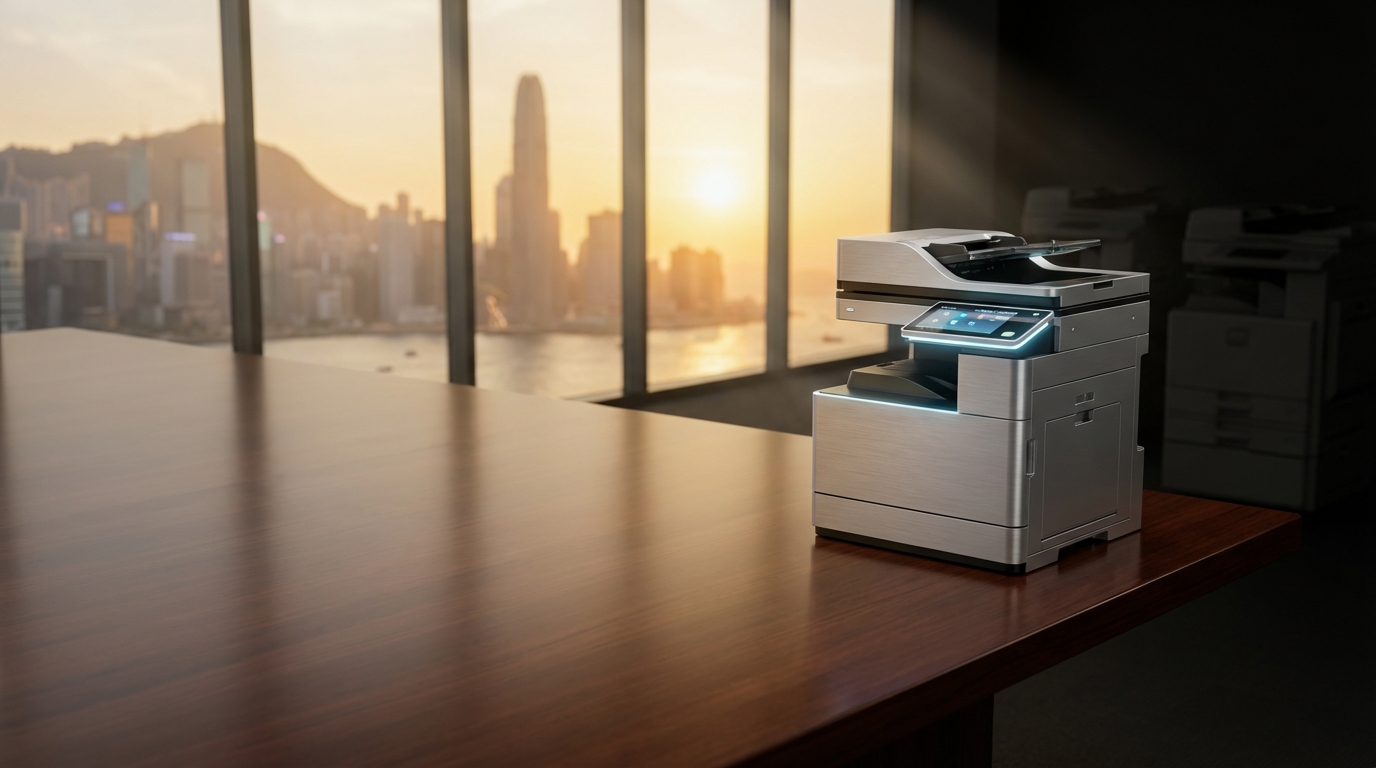
It’s 2026. We have AI agents managing our calendars and drones delivering coffee in West Kowloon, yet 90% of office workers in Hong Kong still look at a paper jam like it’s a piece of alien technology. If you’re still hitting the side of your FujiFilm or Xerox machine like a caveman, you’re not just wasting time—you’re costing your company thousands in unnecessary repairs.
Rage Bait Alert:
Your IT manager is probably laughing at you. Most "broken" copiers in HK are just victims of user ignorance and the refusal to understand basic physics. Stop blaming the machine for your own lack of technical literacy.
The Magic of Xerography: It’s Not Just "Scanning"
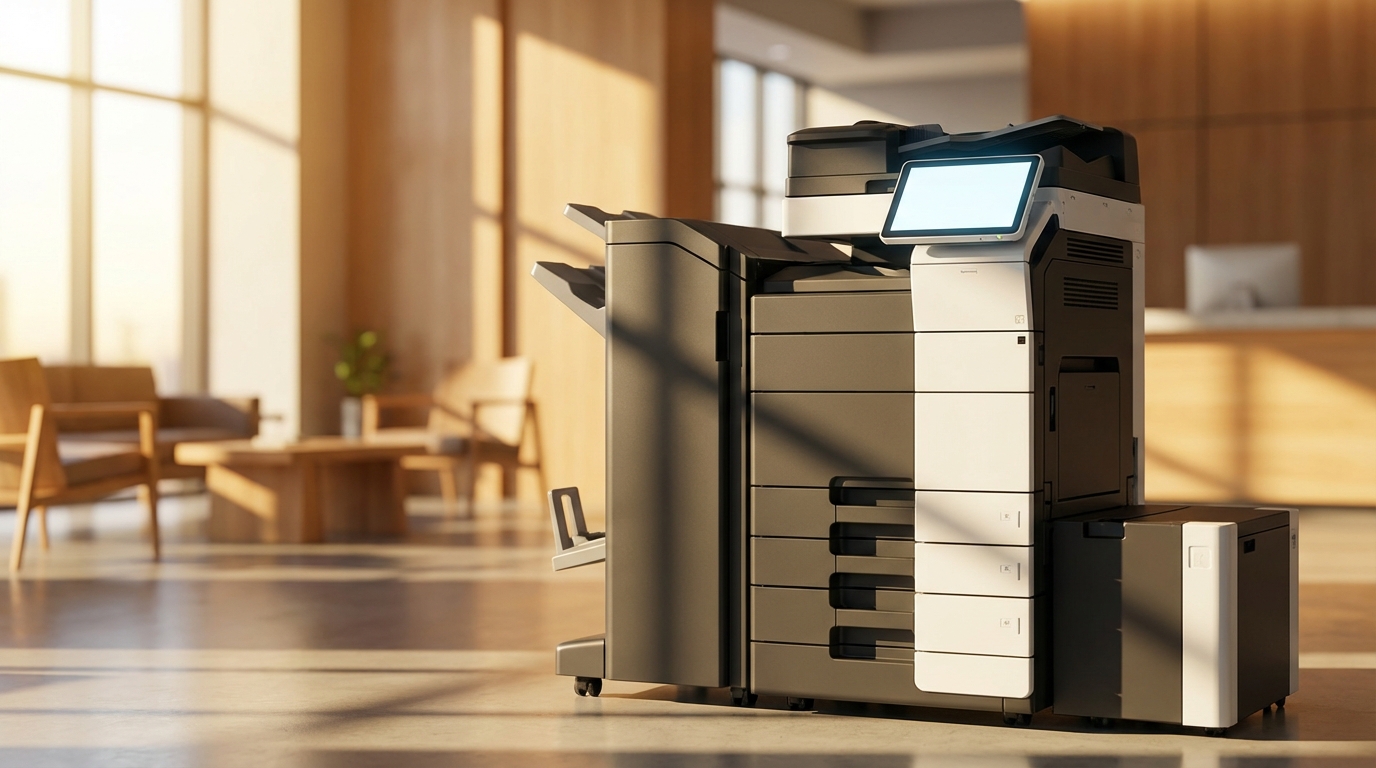
At the heart of every Canon or Konica Minolta multifuction printer (MFP) is a process called Xerography. This isn't digital photography; it's a complex interaction of light, static electricity, and dry chemistry.
The fundamental principle is simple: Opposites attract. The machine uses static electricity to pull toner particles onto a drum and then onto your paper. If you’ve ever felt a shock touching a doorknob in a dry office, you’ve experienced the same force that powers a $50,000 Ricoh production press.
The 6-Step Life Cycle of a Single Copy
Every time you press that "Start" button, these six steps happen in less than a second:
Charging
An internal wire (corona wire) or a roller charges a cylindrical drum with high-voltage static electricity. This drum is the "brain" of the operation.
Exposing
A laser (in Kyocera or Sharp models) or LEDs shine on the drum. Light neutralizes the charge in white areas, leaving only the "image" charged. This is where your document is "written" onto the drum with invisible electricity.
Developing
Toner (ink powder) is applied to the drum. Because the toner has an opposite charge to the image on the drum, it sticks only to the parts the laser touched.
Transferring
The paper rolls past the drum. The machine gives the paper an even stronger charge to "pull" the toner off the drum and onto the page.
Fusing
This is why the paper comes out warm. Two rollers—one heated to about 200°C—melt the plastic toner into the fibers of the paper. Without this, the ink would just smudge off like dust.
Cleaning
A small blade scrapes any leftover toner off the drum, and a bright light neutralizes the charge so the process can start again for page two.
The Hong Kong Factor: Why Your Copier Hates Our Climate
Hong Kong is arguably the most hostile environment on Earth for a photocopier. Between our 90% humidity and the cramped "nano-offices" in Kwun Tong, your machine is fighting for its life.
Humidity & Static
High humidity makes paper damp. Damp paper loses its ability to hold a static charge, leading to "ghosting" or faint prints. It also makes paper stick together—the #1 cause of jams in Toshiba and HP units.
220V Power Spikes
HK uses 220V power. Old buildings in Central or Mong Kok often have unstable voltage. If your Brother or Pantum printer keeps rebooting, it’s likely your building's wiring, not the machine.
Laser vs. Inkjet: Which Technology Wins in 2026?
While Epson has pioneered "Heat-Free" inkjet technology that challenges the traditional copier, laser still dominates for high-volume HK offices. Here’s how the big players stack up:
| Brand | Primary Tech | Best For... | HK Reliability |
|---|---|---|---|
| FujiFilm / Xerox | High-End Laser | Color Accuracy (Marketing/Design) | Excellent (Gold Standard) |
| Ricoh / Konica Minolta | Enterprise Laser | High-volume workflows | Workhorse (Needs regular 4-hr SLA) |
| Kyocera | Ceramic Drum Laser | Lowest total cost of ownership | Very high (Durable drums) |
| Epson | PrecisionCore Inkjet | Energy saving / Low heat | Good (Avoids fuser issues) |
The Real Cost of "Cheap" Printing
Stop being fooled by the HKD $0 purchase price on some contracts. In Hong Kong, you pay for the click charge and the SLA (Service Level Agreement).
2026 HKD Pricing Estimates
- Entry-level A3 Color Lease (Canon/Sharp) HKD $400 - $800 / month
- Mid-range Enterprise Lease (FujiFilm/Ricoh) HKD $1,200 - $2,500 / month
- Black & White Click Charge HKD $0.03 - $0.06 / page
- Color Click Charge HKD $0.35 - $0.60 / page
*Prices vary based on volume and contract length. Don't sign anything without a King Copier audit.
The Office Admin’s "Don't Get Fired" Checklist
Before you call a technician and pay a HKD $800 call-out fee, check these things:
- Is the paper dry? If the pack has been open for more than 2 days in a humid HK office, throw the top 10 sheets away.
- Is the glass clean? 99% of "lines on the page" are just a tiny speck of correction fluid or dust on the narrow slit glass.
- Is there lift access? If you're moving your Toshiba machine to a walk-up in Sheung Wan, your service contract might be voided. Check your access terms.
- Is the 4-hour SLA active? In HK, if your machine is down on a Monday morning, you should have a tech there by lunch. If not, you're with the wrong broker.
Stop Guessing. Start Printing.
Understanding the principle of your copier is the first step toward reducing office stress. Whether it's a Brother for a small shop in Mong Kok or a fleet of Konica Minoltas for a law firm in Central, the technology only works if you understand its limits.
Is your current copier driving you insane?
Stop paying for a machine that doesn't fit your workflow. Let King Copier find you the perfect lease with the best SLA in Hong Kong.
Trusted by 5,000+ SMEs across Hong Kong Island, Kowloon, and New Territories.