For any Small and Medium Enterprise (SME) operating in Hong Kong, overhead costs are a constant battle. Between sky-high commercial rents in districts like Central or Kwun Tong, rising payrolls, and IT infrastructure, managing the bottom line requires relentless vigilance. Among these expenses, one category has undergone a fascinating, decades-long transformation: office printing and copying costs.
If you walk into a modern Hong Kong office today, the multifunction printer (MFP) sitting quietly in the corner is a marvel of cost-efficiency and cloud connectivity. But it wasn't always this way. Let's take a deep dive into the evolution of copier printing costs over the past few decades, exploring how technological leaps from brands like Xerox, Canon, Ricoh, and Epson have shifted the financial burden for businesses, and what hidden costs Hong Kong SMEs still need to watch out for today.
The 1980s to 1990s: The Era of Expensive Analog Giants
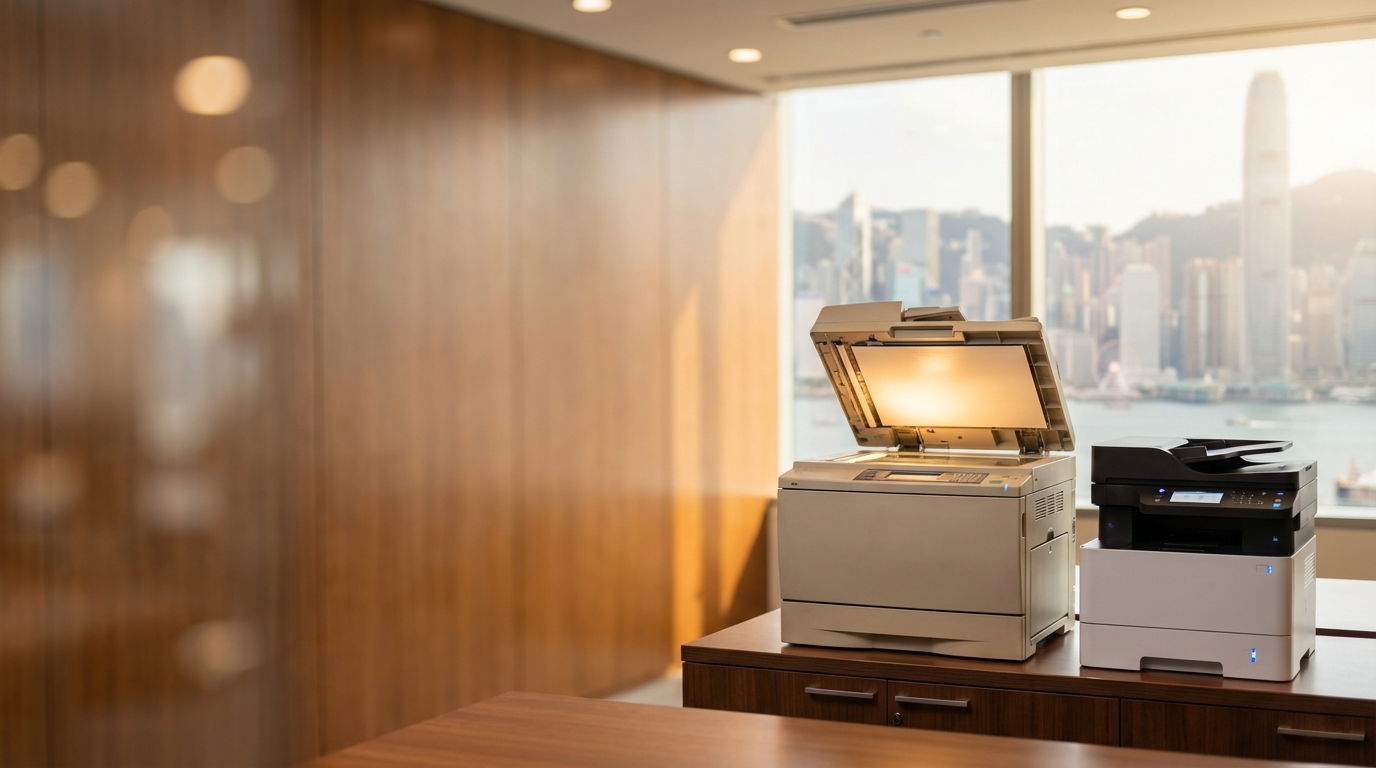
In the 1980s and 1990s, the office copier was a massive, intimidating piece of analog machinery. Brands like Xerox and Toshiba dominated the landscape. These machines relied on physical light lenses, mirrors, and intense heat to fuse toner onto paper.
- Capital Expenditure (CapEx) Heavy: SMEs usually had to purchase these machines outright. A standard heavy-duty copier could cost tens of thousands of Hong Kong Dollars, tying up crucial cash flow.
- Astronomical Cost Per Page (CPP): Because the manufacturing of analog parts and early toner formulations was expensive, the cost of printing a single black-and-white page could easily exceed HK$0.50 to HK$1.00 in today's money.
- Maintenance Nightmares: Analog copiers had hundreds of moving parts. Breakdowns were frequent. If a machine broke down in a busy trading firm in Tsim Sha Tsui, productivity ground to a halt. Maintenance contracts were rigid and expensive.
The 2000s: The Digital Revolution and the Birth of the "Click Charge"
As the new millennium dawned, the industry experienced a paradigm shift: the transition from analog to digital. Copiers evolved into Multifunction Printers (MFPs) that could print, copy, scan, and fax over a local network. This era saw aggressive innovation from brands like Canon, Ricoh, and Konica Minolta.
More importantly, the 2000s revolutionized how businesses paid for printing. Enter the Managed Print Services (MPS) and the Metered Billing (Click Charge) model.
The "Click Charge" Explained
Instead of buying expensive toner cartridges and paying for ad-hoc repairs, SMEs began leasing machines. They paid a fixed monthly rental fee plus a few cents for every page printed (a "click"). This click charge included all consumables (toner, drums) and full maintenance. It shifted printing from a massive CapEx burden to a predictable Operating Expense (OpEx).
During this time, the CPP for black-and-white printing plummeted to around HK$0.10 - HK$0.15. However, color printing remained a luxury. Early color laser printers required four separate passes for Cyan, Magenta, Yellow, and Key (Black), making color prints painfully slow and prohibitively expensive (often HK$1.50 to HK$2.00 per page).
The 2010s: Color Printing Becomes Accessible
By the 2010s, color printing transitioned from an executive luxury to an everyday business necessity. Marketing materials, presentations, and client proposals demanded high-quality color. Manufacturers like FujiFilm (formerly Fuji Xerox), Sharp, and Konica Minolta refined single-pass color laser technology, drastically reducing the cost and time required to produce color documents.
The competitive market in Hong Kong drove prices down further. A typical SME could now negotiate a color click charge down to HK$0.50 - HK$0.80 per page. Furthermore, software solutions like uniFLOW or PaperCut became standard, allowing IT managers to track exactly which departments were printing what, enabling strict cost-control policies (e.g., forcing emails to print in B&W by default).
The 2020s & Beyond: Sustainability, Cloud, and Disruptive Inkjet
Today, the conversation around printing costs has expanded beyond just toner and paper. Total Cost of Ownership (TCO) now heavily factors in energy consumption, environmental impact, and hybrid work adaptability.
- Heat-Free Inkjet Technology: Epson has disrupted the traditional laser market with its PrecisionCore heat-free business inkjets. By eliminating the fuser unit (which requires immense heat to melt toner), these machines use up to 80% less electricity than comparable laser printers. In a city where commercial electricity tariffs are rising, this is a direct bottom-line saving.
- Long-Life Components: Kyocera championed the ECOSYS line, utilizing ultra-durable ceramic drums that last the lifetime of the printer. This drastically reduces the cost of replacement parts and minimizes e-waste.
- Compact & Hybrid Solutions: With the rise of remote work, massive A3 copiers aren't always necessary. Brands like Brother, HP, and Pantum offer incredibly cost-effective, compact A4 solutions that fit perfectly into tight home offices or smaller collaborative workspaces, reducing hardware leasing costs significantly.
The "Hidden" Printing Costs Specific to Hong Kong
While global technology has driven per-page costs down, Hong Kong SMEs face unique local challenges that drastically affect the true cost of operating a copier.
🏢 1. The Cost of Space (Rent)
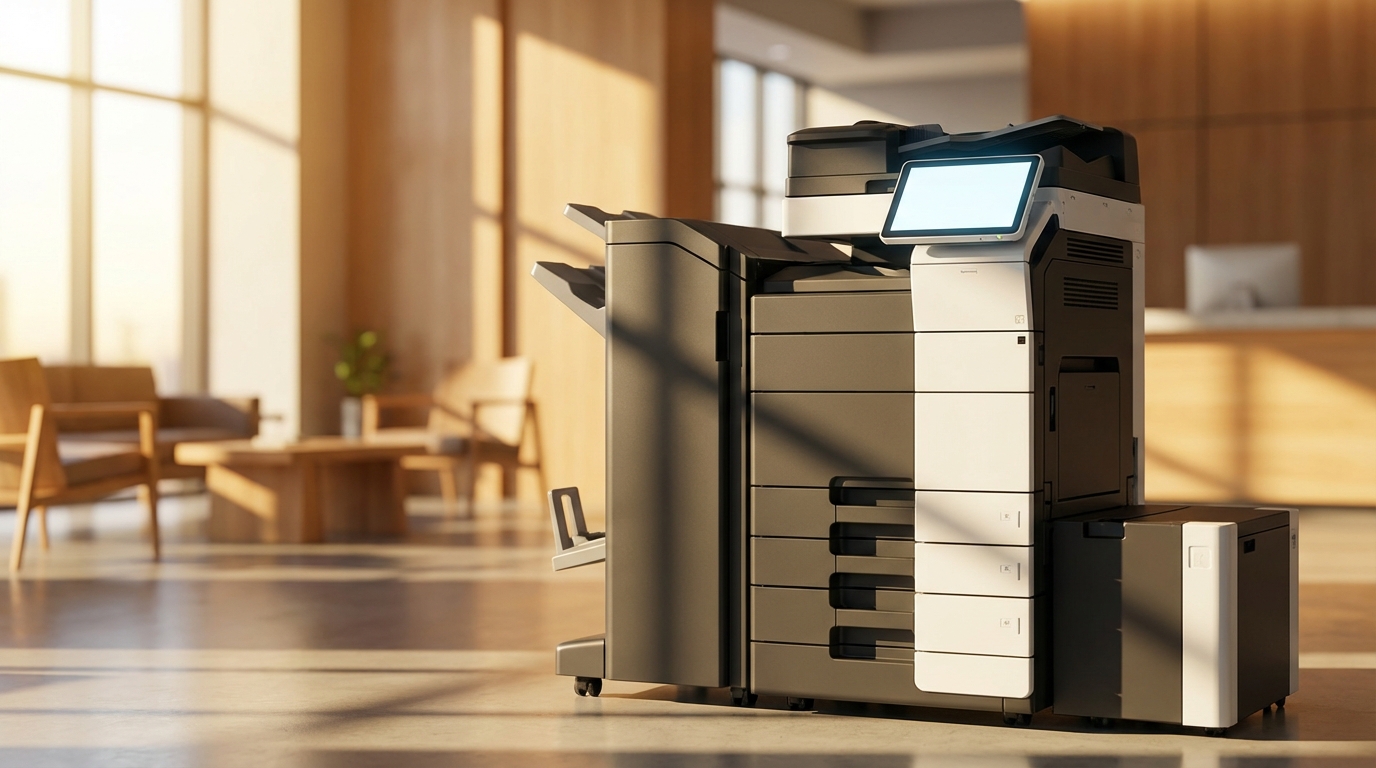
Hong Kong has some of the highest commercial rents in the world. A bulky A3 floor-standing copier requires about 10-15 square feet of operational clearance. At HK$40 per square foot, that machine is costing you HK$400 to HK$600 a month just in floor space. Choosing a compact model from HP or Brother can literally save you rent.
💧 2. Extreme Humidity
Hong Kong's spring humidity regularly hits 90%+. Damp paper causes frequent paper jams, wastes toner, and damages internal copier components. Investing in machines with built-in paper deck heaters or simply storing paper in dehumidified environments is a hidden operational cost necessary to prevent downtime.
⚡ 3. Power Requirements
Hong Kong operates on a 220V power grid. Heavy-duty laser copiers (especially older models) draw massive amounts of power upon waking from sleep mode to heat the fuser. Switching to energy-efficient models like Epson's heat-free range can noticeably reduce your CLP or HK Electric bills.
🪜 4. Logistics & Lift Access
Many SMEs operate in older industrial buildings in Kwun Tong or San Po Kong, or walk-up commercial buildings in Mong Kok. Delivery of a 100kg+ copier often incurs steep "staircase charges" if the lift is too small. Always factor delivery logistics into your initial setup costs.
The Crucial 4-Hour SLA
In Hong Kong's fast-paced business environment, time is money. A broken copier delaying an urgent tender submission or legal contract is unacceptable. Therefore, the standard Service Level Agreement (SLA) in Hong Kong is a 4-hour response time. When evaluating costs, do not just look at the hardware price; ensure your service provider guarantees rapid on-site support. A slightly higher monthly lease is worth it if it guarantees zero prolonged downtime.
Decade Comparison: How Printing Costs Have Changed
| Era | Dominant Tech | Financial Model | Est. B&W Cost (CPP) | Est. Color Cost (CPP) |
|---|---|---|---|---|
| 1990s | Analog Light-Lens | CapEx (Outright Purchase) | > HK$0.50 | N/A (Too expensive) |
| 2000s | Digital Laser MFPs | Leasing + Meter Charge | HK$0.10 - $0.20 | HK$1.50 - $2.00 |
| 2010s | Single-Pass Color Laser | Managed Print Services (MPS) | HK$0.06 - $0.12 | HK$0.50 - $0.80 |
| 2020s+ | Heat-Free Inkjet / Smart Laser | Cloud MPS / Subscription | < HK$0.05 | HK$0.30 - $0.60 |
Actionable Checklist: Optimizing Your Printing Costs Today
If you are an SME owner or IT Manager in Hong Kong looking to upgrade or renew your office printer contract, use this checklist to ensure you are getting the best deal in the current market:
- Audit Your Real Volume: Don't overpay for a massive machine if your staff mostly work from home. Assess your actual monthly print volume. A high-end A4 machine from Kyocera or Brother might suffice instead of an A3 giant.
- Negotiate the Click Charge: Ensure your contract includes a fair minimum volume. If you print less one month, you shouldn't be heavily penalized.
- Implement Print Management Software: Force default double-sided (duplex) and black-and-white printing. Require staff to swipe an ID card to release print jobs (Pull Printing) to eliminate uncollected paper waste.
- Verify the SLA: Get the 4-hour response time in writing. Ask where their technicians are dispatched from. If you are in Cyberport and their team is in Yuen Long, can they really make the 4-hour window?
Conclusion
The evolution of copier printing costs is a testament to technological progress. What used to be a massive capital expenditure prone to frequent breakdowns is now a streamlined, predictable, and highly efficient operational cost. Brands across the spectrum—from the robust corporate engines of FujiFilm, Ricoh, and Canon, to the eco-friendly innovations of Epson and Kyocera, and the compact agility of HP, Brother, Sharp, Toshiba, and Pantum—have given Hong Kong SMEs more choices than ever before.
However, the lowest hardware price doesn't always mean the lowest total cost. By factoring in Hong Kong's unique real estate costs, environmental factors, and the critical need for rapid maintenance, businesses can make smarter, more cost-effective decisions for their office infrastructure.
Need Expert Advice?
Our consultants can help you find the perfect printing solution for your office.
📞 +85221164877 · King Copier · Operated by Techieasy Limited
Need Expert Advice?
Our consultants can help you find the perfect printing solution for your office.
📞 +85221164877 · King Copier · Operated by Techieasy Limited