From Charcoal Rubbings to AI Overlords: The Hilariously Frustrating History of the Copier
Let’s be honest: your office copier is a sentient being, and it hates you. It knows when you have a meeting in five minutes. It knows when you’re printing the most important contract of your career. And that is exactly when it decides to "Paper Jam" in a location that requires the dexterity of a neurosurgeon to reach.
Rage Bait Alert: If you’re still using a $500 home inkjet printer for your 20-person Kwun Tong office, you aren't "saving money"—you’re actively sabotaging your staff’s mental health. Stop being cheap.
In 2026, we take 100-page-per-minute speeds and cloud-integrated AI scanning for granted. But the journey from messy carbon paper to the sleek FujiFilm and Ricoh beasts of today is paved with exploded ink, frustrated inventors, and enough ozone smell to power a small city. Welcome to the history of the copier—the most essential, yet most cursed, machine in Hong Kong history.
1. The Dark Ages: Carbon Paper and Blue Stained Fingers
Before 1938, if you wanted a copy of a document, you had three choices:
- Hire a scribe (expensive and slow).
- Use carbon paper (messy and you only get 2-3 copies).
- The Mimeograph (smelled like a distillery and looked like a torture device).
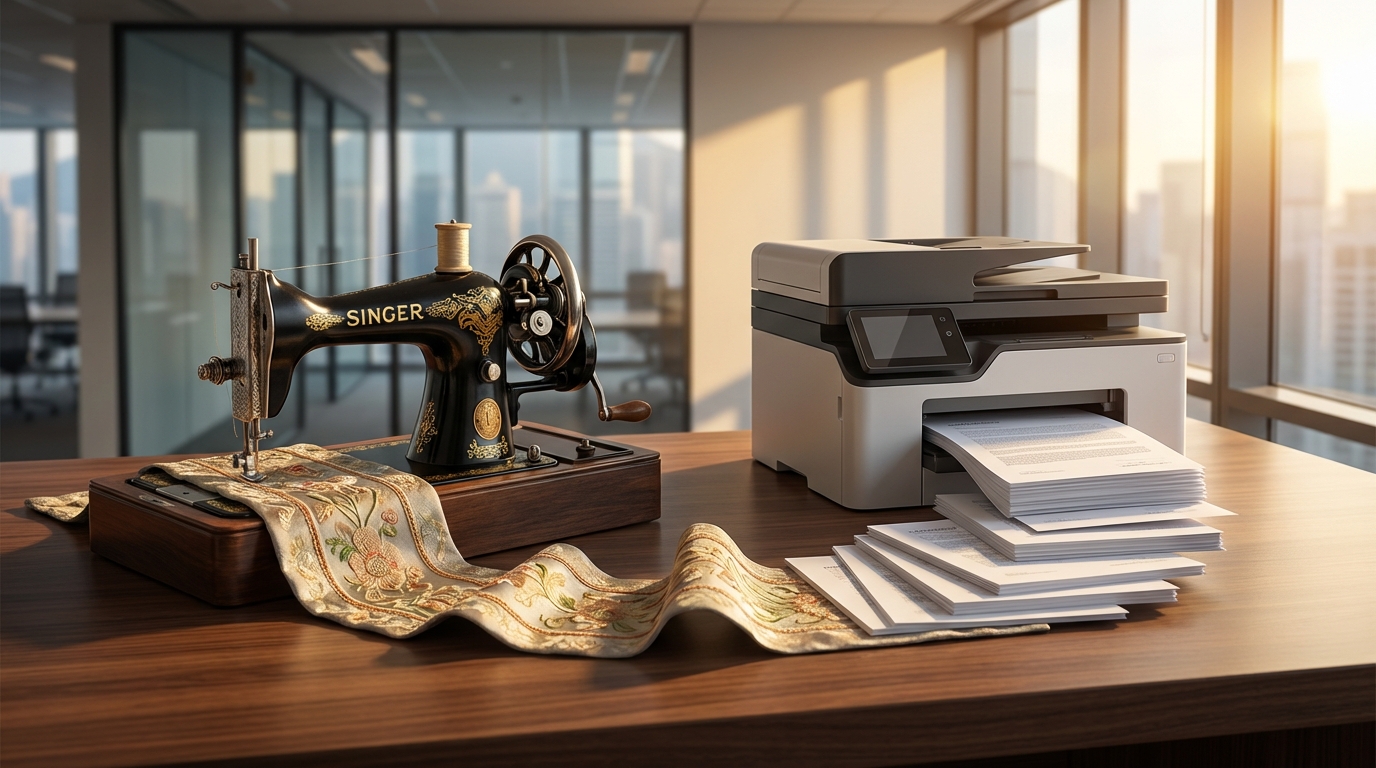
Imagine being an office admin in Central in the 1920s. No air conditioning, 95% humidity, and you’re covered in purple ink from a Gestetner machine. It was a nightmare.
Did You Know?
The term "CC" in your emails stands for Carbon Copy. Most Gen Z employees in 2026 don't even know what physical carbon paper looks like, yet they use the term daily while complaining about their 5G speeds.
2. 1938: The Birth of Xerography (and a lot of rejection)
The hero of our story is Chester Carlson. He wasn't a tech titan; he was a patent attorney with arthritis who was sick of copying documents by hand. In a makeshift lab in Queens, New York, he used static electricity and dry powder to create the first "Xerographic" image.
Fun fact: He tried to sell his invention to 21 companies, including IBM and GE. They all told him it was a "useless toy." This is the 1940s equivalent of passing on Bitcoin at $1.
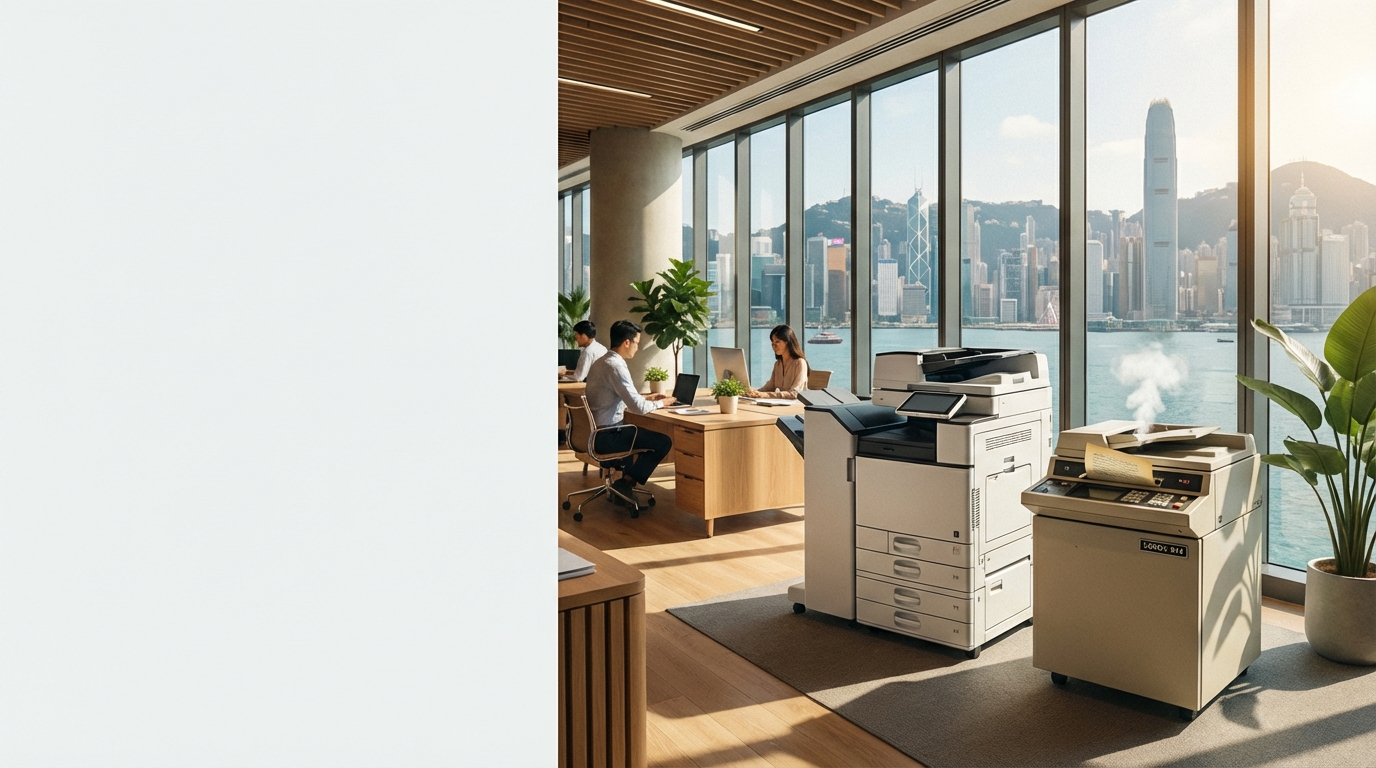
Eventually, a small company called Haloid (later Xerox) took a chance. In 1959, they released the Xerox 914. It was the size of two washing machines, weighed 650 pounds, and had a nasty habit of catching fire. Xerox actually provided a free fire extinguisher with every unit.
3. The Japanese Invasion: Precision and Reliability
While Xerox owned the 60s, the 70s and 80s saw the entry of the Japanese giants. Companies like Canon, Ricoh, Konica Minolta, and Kyocera realized that people wanted machines that didn't require a full-time fireman on staff.
| Era | Key Innovation | The "HK Vibe" |
|---|---|---|
| 1970s | Liquid Toner / Desktop Models | The "Office Lady" era begins in Tsim Sha Tsui. |
| 1980s | Digital Scanning / Color | Massive growth in HK finance; machines get faster. |
| 1990s | Multifunction (Print/Scan/Fax) | Space constraints lead to the "All-in-One" obsession. |
| 2020s | AI / Cloud / Zero-Touch | Work-from-anywhere; printing from your phone. |
4. The "Hong Kong Factor": Humidity and Space
History in Hong Kong is different. We don't have sprawling campuses in Silicon Valley. We have 400-square-foot offices in Mong Kok where the copier has to share a corner with the water dispenser and the boss’s lucky fish tank.
The Humidity Trap
In HK's 90% humidity, paper absorbs moisture and curls. This is why your Brother or HP printer jams in April. Pro tip: Keep your paper in a dry cabinet!
The Lift Struggle
Ever tried to fit a high-speed Toshiba MFP into a 1960s industrial lift in Kwun Tong? It’s a game of Tetris where the stakes are HK$50,000.
The 4-Hour SLA
HK businesses don't wait. If a machine is down, it needs to be fixed now. This created the gold standard of HK service contracts.
5. The Present: 2026 and the Smart Office
Today, brands like FujiFilm (formerly Fuji Xerox) and Sharp aren't just selling "copiers." They are selling "Information Hubs."
In 2026, your Konica Minolta machine uses AI to predict when a part will fail before it actually breaks. It scans a document, translates it from Cantonese to English, and files it in your cloud storage automatically.
Trigger Warning: The "Paperless Office" Myth
People have been promising a "paperless office" since 1975. It’s 2026, and we are still printing. Why? Because you can't sign a digital contract with the same "weight" as a physical one, and quite frankly, reading a 50-page PDF on an iPad still hurts your eyes. Stop lying to yourselves—paper is here to stay.
6. Choosing Your Weapon: 2026 Pricing Guide
Whether you want a Kyocera for its legendary drum life or an Epson for its eco-friendly Heat-Free technology, here is what you should be looking at in the current HK market:
Average HKD Monthly Lease Rates (2026)
*Prices vary based on copy volume and specific SLA requirements.
How to Not Get Screwed When Buying a Copier
- ✔ Check the "Click Charge": Don't just look at the machine price. The cost per page is where they get you.
- ✔ Verify the 4-Hour SLA: If the technician takes 2 days to arrive in Central, your business is dead. Demand a guarantee.
- ✔ Measure Your Lift: Seriously. Measure the door. We've seen too many Toshiba machines left on the sidewalk because they didn't fit.
- ✔ Inkjet vs. Laser: For offices, Laser (Toner) is almost always better. Don't let the "cheap" ink tanks fool you when your printouts look like a watercolor painting after a humid HK afternoon.
Stop Fighting Your Copier.
"The history of the copier is a history of human frustration. At King Copier, we make it our mission to end that frustration."
Whether you need a FujiFilm workhorse, a Canon creative beast, or a budget-friendly Pantum, we compare all the brands so you don't have to.
Trusted by 5,000+ SMEs across Hong Kong, Kowloon, and the New Territories.