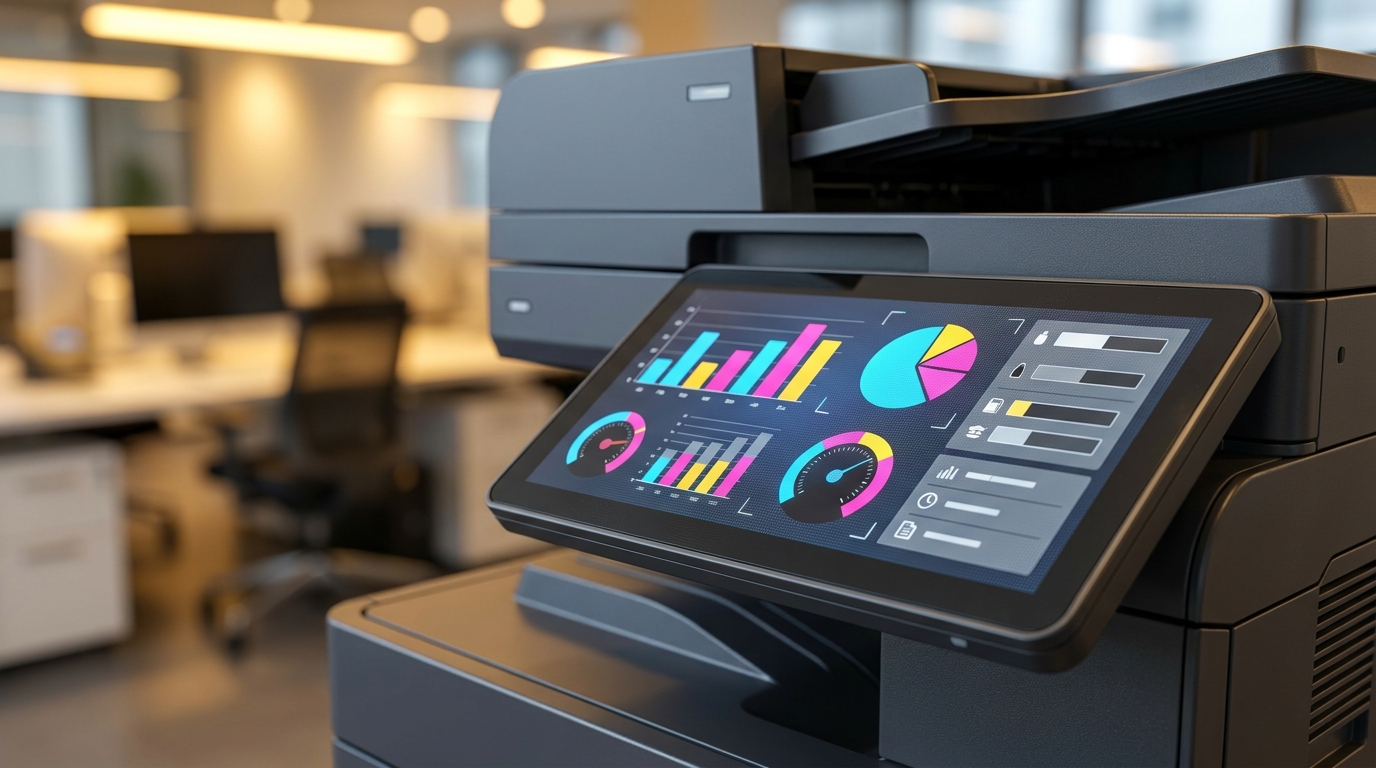
Understanding Copier Click Charges: A Visual Guide for Hong Kong Businesses
For many Hong Kong SMEs, IT managers, and office administrators, leasing a multifunction printer (MFP) can feel like navigating a maze. While the monthly hardware rental fee is straightforward, the true cost of operating your machine lies in the click charge. Understanding how these charges work is the key to controlling your office printing budget.
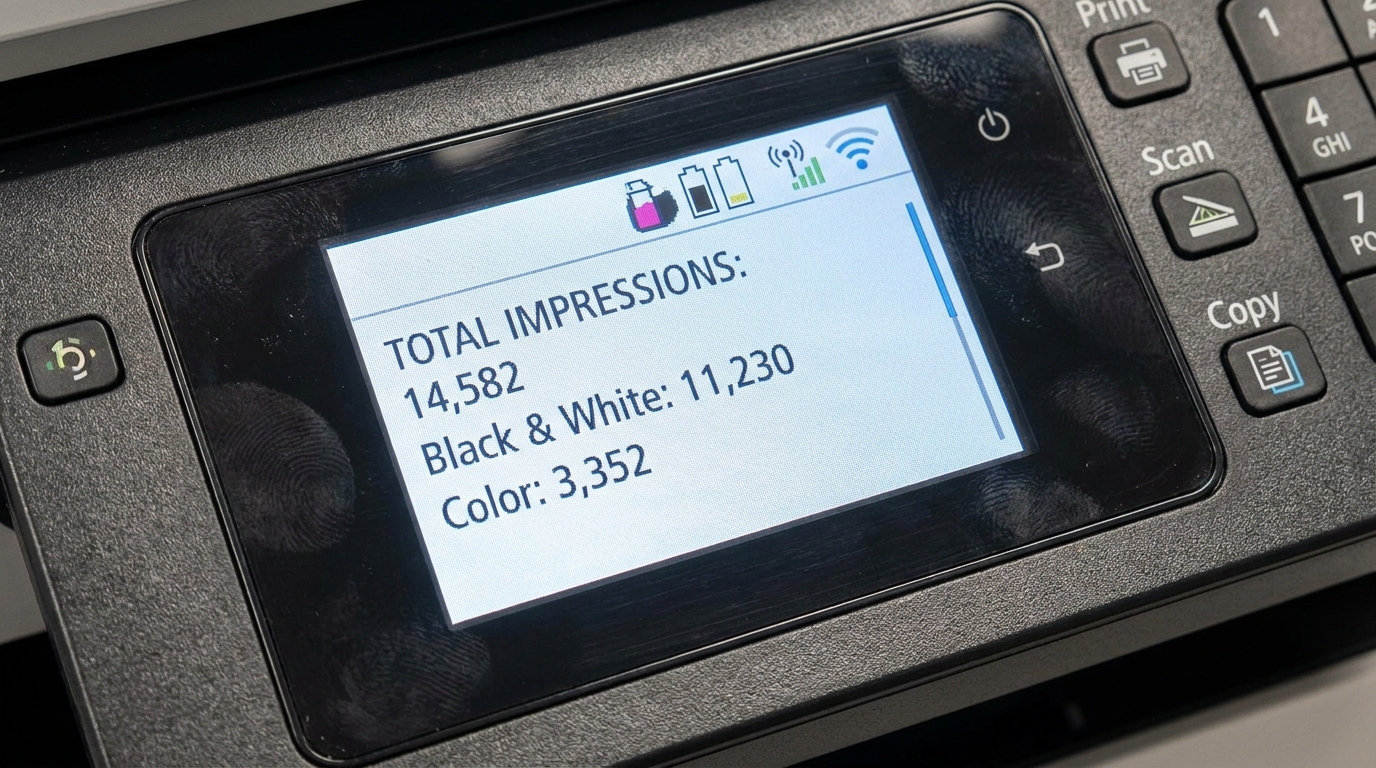
What Exactly is a "Click"?
In the managed print industry, a "click" is simply one printed or copied page. When you sign a maintenance contract—often called a Managed Print Service (MPS) or Cost Per Copy (CPC) agreement—you agree to pay a set rate for every page that comes out of the machine.
What Does a Click Charge Cover?
- Consumables: All toner or ink cartridges (excluding paper).
- Replacement Parts: Drums, fusers, transfer belts, and rollers.
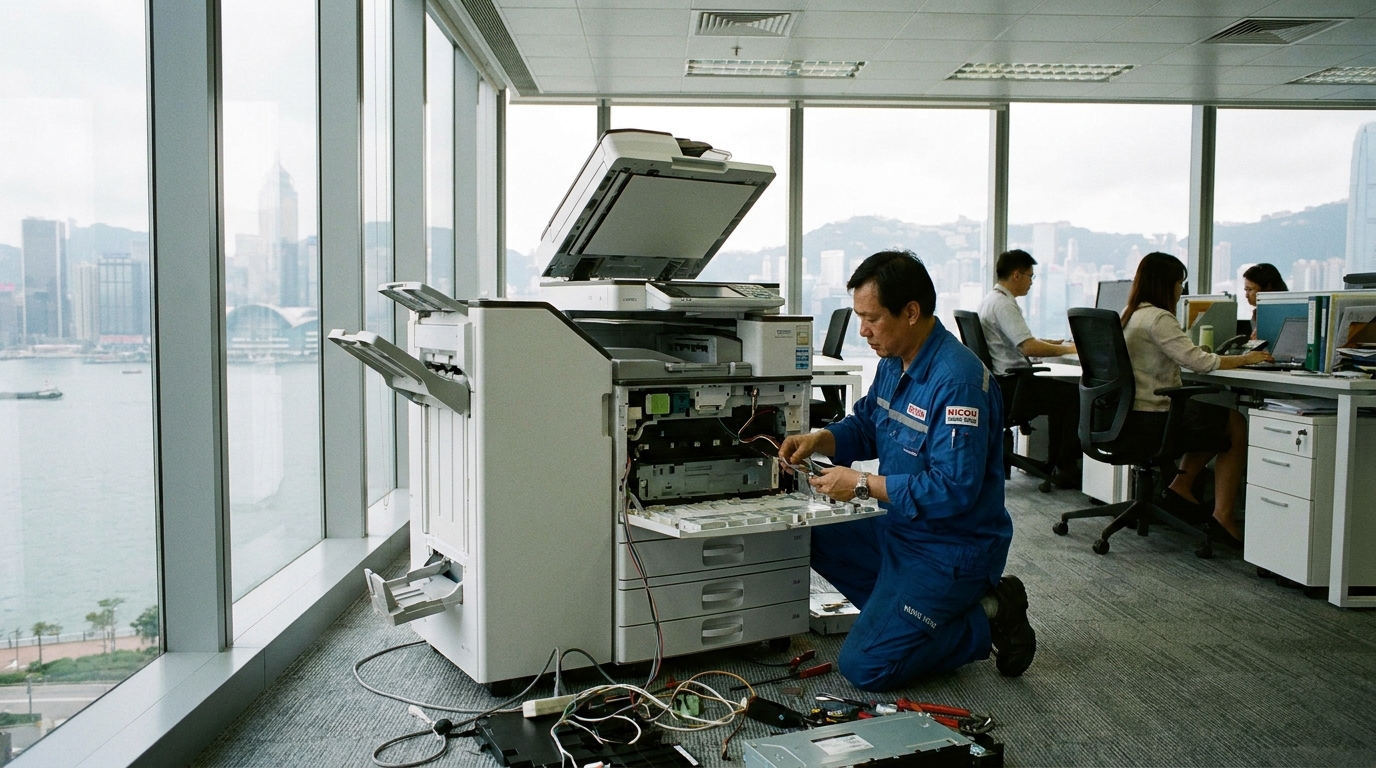
- Labor & Maintenance: Routine servicing and emergency repairs.
- The Hong Kong Standard SLA: The critical 4-hour on-site response time expected by busy HK offices.
The Billing Breakdown: Mono vs. Color
Not all clicks are created equal. The most significant price difference lies between monochrome (black and white) and color printing. Because color printing requires four separate toners (Cyan, Magenta, Yellow, and Black) and more complex internal mechanics, color clicks are significantly more expensive.
| Print Type | Estimated HKD Cost Per Click | Best For |
|---|---|---|
| Black & White (Mono) | HK$ 0.05 – HK$ 0.12 | Invoices, internal memos, standard forms |
| Color | HK$ 0.40 – HK$ 1.20 | Client presentations, marketing materials |
*Note: Rates vary based on your monthly volume commitment and the specific brand/model.
3 Hidden Factors Influencing Your Click Rate
When comparing quotes from different vendors, pay close attention to the fine print. Several factors can drastically alter your actual monthly bill.
1. A3 vs. A4 Billing
In many Hong Kong offices, A3 printing is essential for floor plans or design proofs. However, how is an A3 page billed? Some brands treat an A3 print as a single click, while others (depending on the contract terms for brands like Ricoh or Canon) may bill an A3 page as two A4 clicks. Always clarify this before signing.
2. Brand Technologies
The technology inside the machine dictates the click cost. For instance, Kyocera is famous for its long-life ceramic drums, which often allows vendors to offer lower mono click charges. Meanwhile, Epson's enterprise inkjet technology uses cold-print processes that can significantly reduce color click costs compared to traditional lasers. High-end graphic machines from FujiFilm, Xerox, or Konica Minolta might have slightly higher color click rates, but they deliver unmatched color accuracy and finishing.
3. The 5% Coverage Rule
Click charges are generally calculated based on an industry standard of 5% page coverage (equivalent to a standard text email). If your business routinely prints full-page, heavy-color graphics, your vendor may include a clause to audit your toner usage and adjust your click rate accordingly.
Right-Sizing Your Fleet for Hong Kong Offices
Hong Kong offices face unique challenges: tight floor space, 220V power requirements, and high humidity that can wreak havoc on paper and toner, causing jams. To optimize your click charges, you need the right mix of machines.
Instead of forcing all staff to use one massive centralized A3 copier, consider a hybrid approach. Keep a robust A3 floor-standing unit (like a Toshiba or Sharp) in the main area for heavy lifting, and deploy compact A4 desktop printers (like Brother, HP, or Pantum) for individual departments like HR or Finance to handle quick, low-cost mono prints.
Actionable Checklist: How to Lower Your Monthly Click Bill
-
Force Black & White Defaults: Configure your print drivers so that all documents default to monochrome. Users should have to manually select color when they truly need it.
-
Implement Pull Printing: Use ID cards or PIN codes to release print jobs. This eliminates the 15-20% of print jobs that are sent to the copier but abandoned and thrown away.
-
Scan More, Print Less: Modern MFPs have excellent "Scan-to-Email" and "Scan-to-Cloud" functions. Scanning is entirely free and incurs zero click charges.
-
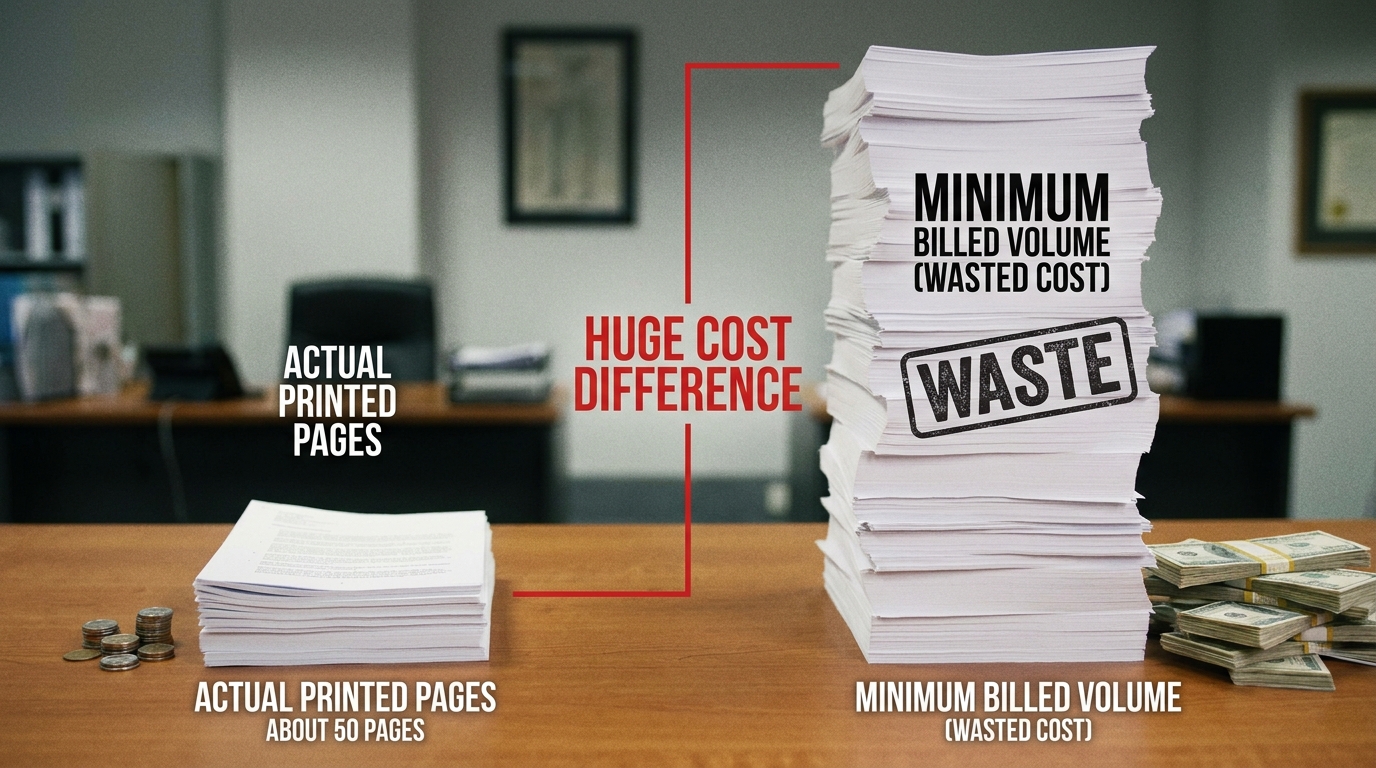
Review Minimum Volumes: Ensure your contract's "base volume" (the minimum clicks you pay for whether you use them or not) accurately reflects your current post-pandemic office reality. Don't pay for ghost clicks!
By understanding the mechanics of click charges and implementing smart print policies, Hong Kong businesses can transform their office printing from an unpredictable expense into a tightly managed, cost-effective utility.
Need Expert Advice?
Our consultants can help you find the perfect printing solution for your office.
📞 +85221164877 · King Copier · Operated by Techieasy Limited