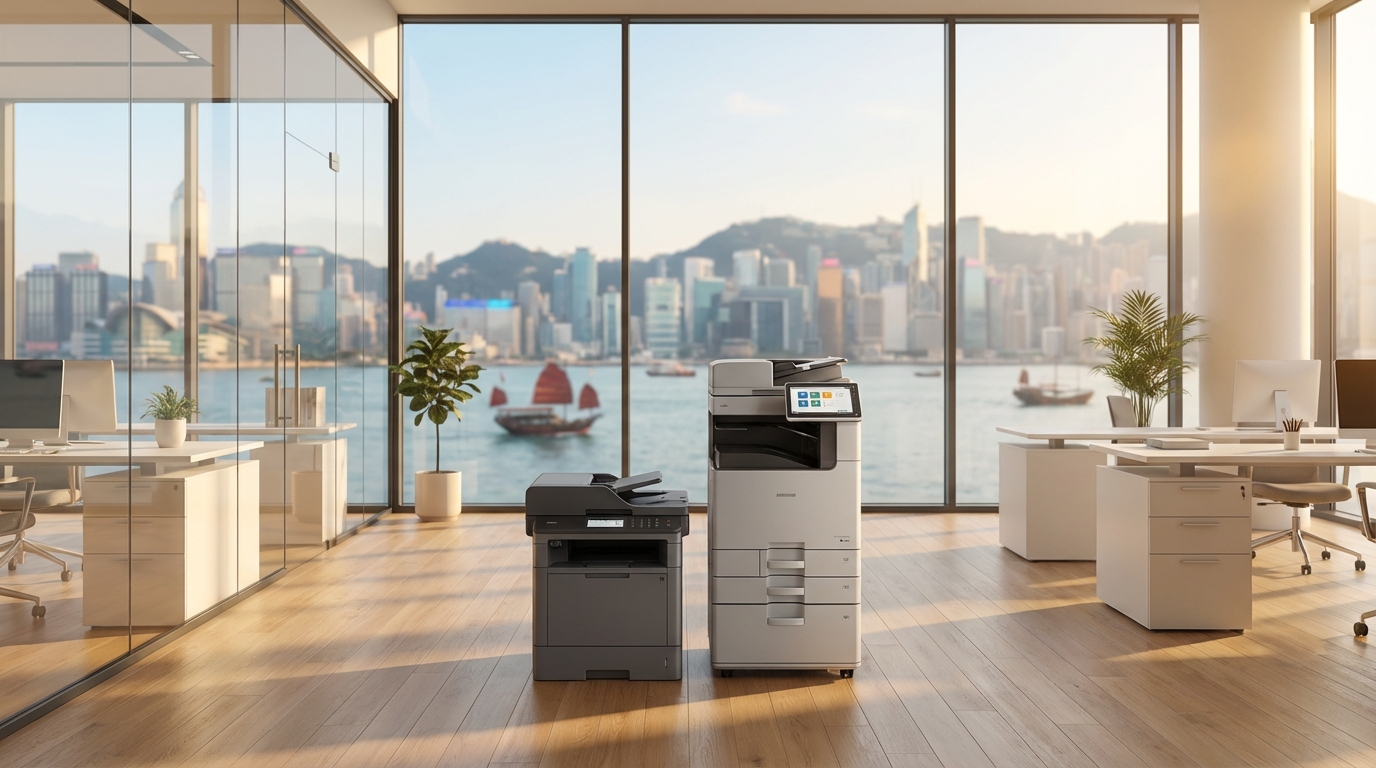
Kyocera vs Konica Minolta: Which Copier Brand is Better for Hong Kong SMEs?
For Small and Medium Enterprises (SMEs) in Hong Kong, choosing the right multifunction printer (MFP) or copier is a critical operational decision. Office space is at a premium, budgets are tight, and downtime can severely impact productivity. When browsing the market, two heavyweight Japanese brands consistently emerge as top contenders: Kyocera and Konica Minolta.
Both brands offer robust A3 and A4 solutions, but they engineer their machines with fundamentally different philosophies. Whether you are running a logistics firm in Kwun Tong or a creative agency in Central, understanding the strengths of Kyocera's TASKalfa series versus Konica Minolta's Bizhub series will help you make the most cost-effective choice.
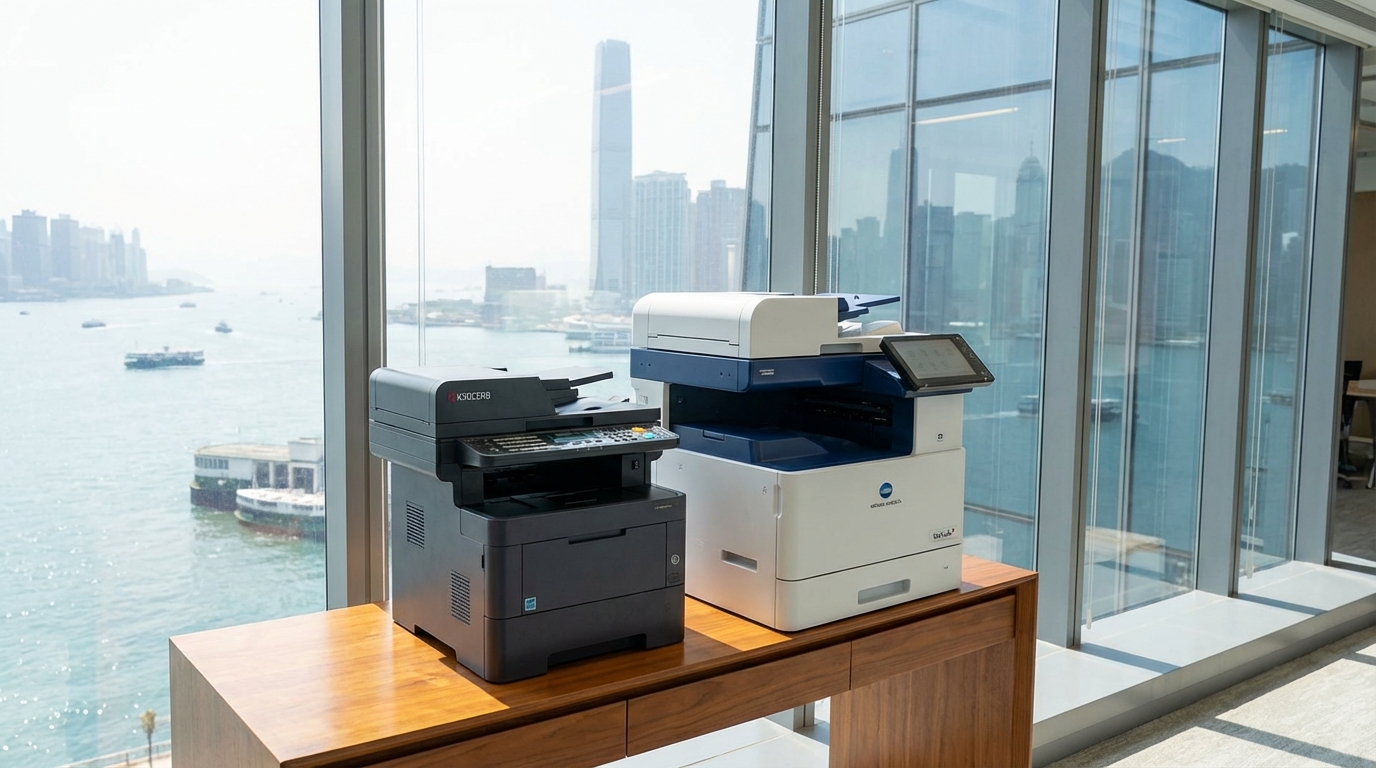
Kyocera: The Champion of Durability and Low Running Costs
Kyocera has built its reputation on an engineering marvel known as ECOSYS technology. Unlike traditional copiers that require frequent replacement of multiple imaging components, Kyocera machines utilize ultra-durable ceramic drums. This means the toner is usually the only consumable that needs regular replacing.
Key Strengths for SMEs:
- Unbeatable Cost-Per-Page: Because the drum units last for hundreds of thousands of prints, the long-term running costs are incredibly low. If your business prints high volumes of text-heavy documents (like invoices, legal contracts, or shipping manifests), Kyocera can save you hundreds of HKD every month.
- High Reliability: Fewer moving parts and long-life components mean fewer paper jams and fewer service calls.
- Eco-Friendly: Less consumable waste makes Kyocera an excellent choice for companies focusing on ESG (Environmental, Social, and Governance) goals.
Konica Minolta: The Master of Color Quality and User Experience
Konica Minolta's Bizhub series (particularly the newer i-Series) is designed around the modern, smart-office concept. They focus heavily on user experience, seamless IT integration, and exceptional color reproduction.
Key Strengths for SMEs:
- Vibrant Color Reproduction: Utilizing their proprietary Simitri HD polymerized toner, Konica Minolta machines produce crisp, vivid colors and fine details. This is ideal for marketing firms, architectural practices, and design studios.
- Intuitive Touchscreen Interface: The control panels operate exactly like a modern smartphone or tablet. You can customize apps, drag and drop icons, and easily set up scan-to-cloud workflows (Google Drive, SharePoint, Dropbox).
- Advanced Security: Konica Minolta offers robust built-in security features, making it highly suitable for HR departments or financial service firms that handle sensitive client data.
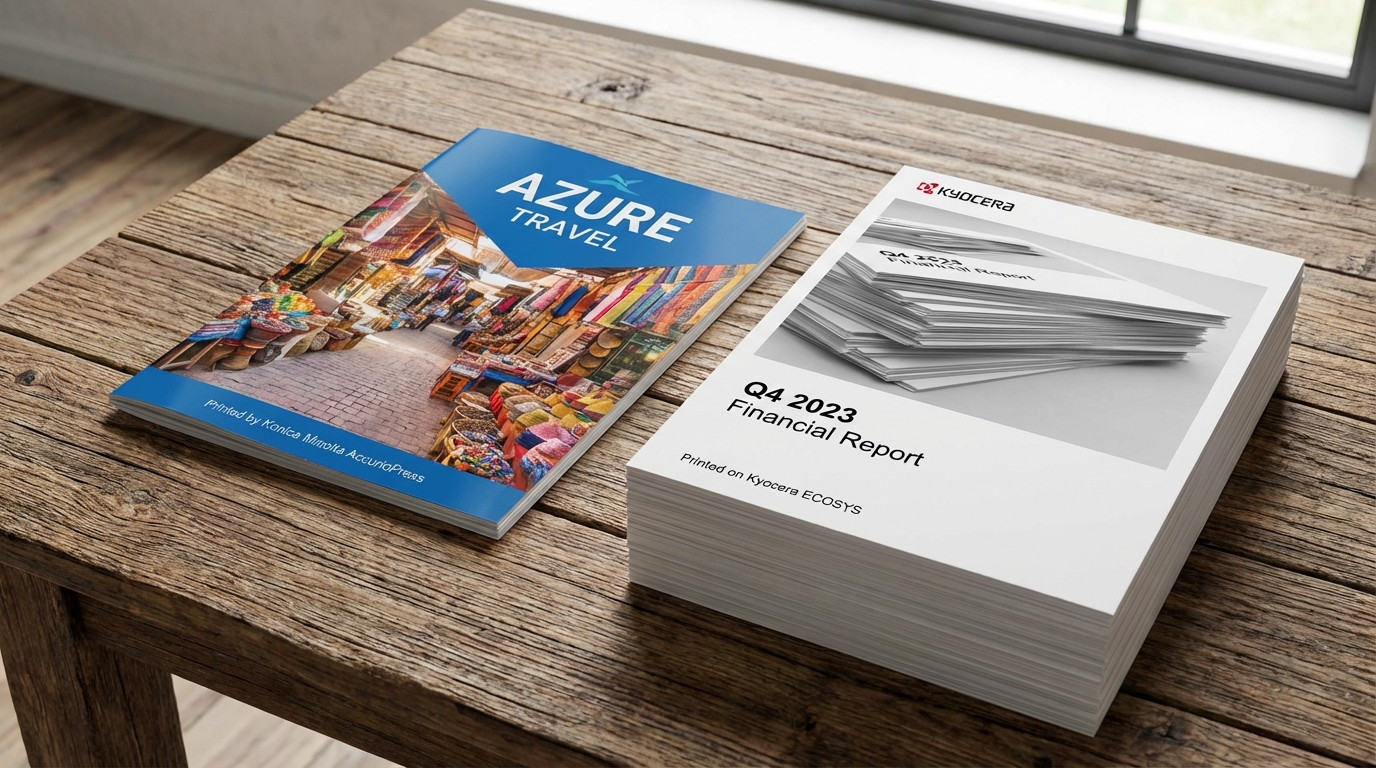
Direct Comparison: Which Should You Choose?
| Feature | Kyocera (TASKalfa / ECOSYS) | Konica Minolta (Bizhub) |
|---|---|---|
| Best For | High-volume B&W, text documents | High-quality color, presentations |
| Running Costs | Excellent (Very Low) | Good (Standard market rate) |
| User Interface | Functional and straightforward | Premium, tablet-like experience |
| Estimated Monthly Lease (HKD)* | $350 - $700 (Entry A3 Color) | $450 - $850 (Entry A3 Color) |
*Prices are estimates for standard 36 to 60-month lease terms in Hong Kong and vary based on print volume quotas and specific configurations.
Hong Kong-Specific Considerations
When leasing a copier in Hong Kong, specifications on a brochure only tell half the story. Here are local factors you must consider:
- Space and Lift Access: Hong Kong offices are notoriously tight. Before ordering a floor-standing A3 unit from either brand, measure your office doorways, the designated corner, and crucially, the building's lift doors. Both brands offer compact finishers (staplers) that fit inside the machine's footprint to save space.
- The 90% Humidity Problem: Spring in Hong Kong brings extreme humidity, causing paper to curl and jam. Both Kyocera's robust paper feed rollers and Konica Minolta's specialized toners handle damp environments well. However, we always recommend keeping your A4 paper in sealed reams until needed, regardless of the brand you choose.
- Standard 220V Power: Both brands' HK models are optimized for local 220V power. Ensure you plug the machine directly into a wall socket, not a shared extension board, to prevent power fluctuations during heavy print runs.
- Service Level Agreements (SLA): In fast-paced districts like Tsim Sha Tsui or Quarry Bay, you should expect a standard 4-hour response time for on-site repairs. Both Kyocera and Konica Minolta have excellent, well-staffed technical teams in Hong Kong to meet these SLAs.
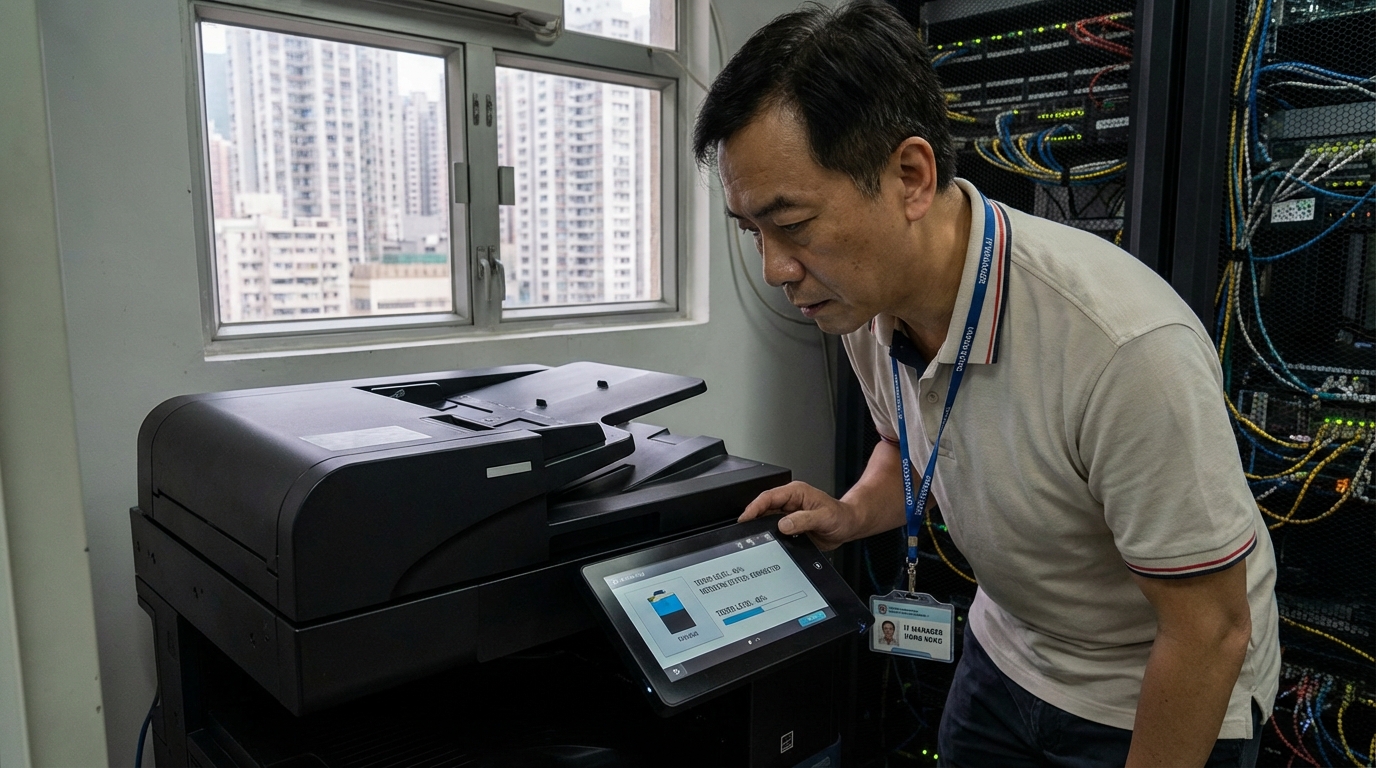
SME Decision Checklist
Still unsure? Use this quick checklist to finalize your decision:
Choose Kyocera if you:
- ✓ Print more than 5,000 pages a month, mostly in black and white.
- ✓ Prioritize the absolute lowest total cost of ownership.
- ✓ Want a workhorse machine that rarely requires drum replacements.
Choose Konica Minolta if you:
- ✓ Frequently print client-facing presentations, brochures, or design proofs.
- ✓ Have a young, tech-savvy team that prefers smartphone-style touchscreens.
- ✓ Need advanced integration with cloud storage and digital document workflows.
Final Verdict
There is no definitive "better" brand—only the best brand for your specific SME needs. If your business model revolves around heavy paperwork, logistics, or administration, Kyocera is an undeniable powerhouse that will protect your bottom line. Conversely, if your business relies on visual impact, modern IT workflows, and impressing clients with stunning color prints, Konica Minolta justifies its slightly higher running costs through superior output and user experience.
Need Expert Advice?
Our consultants can help you find the perfect printing solution for your office.
📞 +85221164877 · King Copier · Operated by Techieasy Limited